Beginner’s Guide to Robotics Kits for Kids and Teens
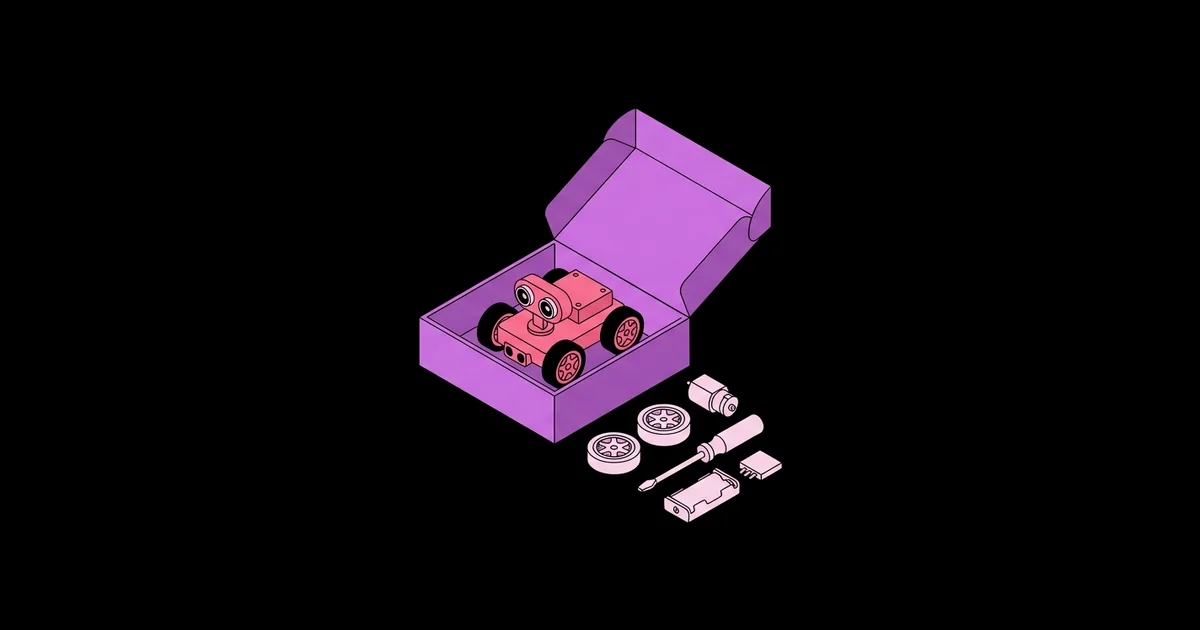
The wrong robotics kit ends up in a closet after one weekend; the right one becomes a two-year learning path. A robotics kit for kids and teens is a packaged set of motors, sensors, a controller, structural parts, and programming software that lets a young learner build a working robot and progressively learn mechanical design, electronics, and coding.
Quick Answer: Choose a robotics kit by matching the programming style to the child's stage: screen-free or tile-based coding for young children, block-based coding like Scratch for ages roughly eight to twelve, and Python or Arduino C++ for teens. Prioritize kits with expandable parts, active software support, and plenty of project guides.
What Do Robotics Kits Actually Teach?
A good robotics kit teaches three skills at once: building a physical structure that moves, connecting sensors and motors to a controller, and writing instructions that turn sensor input into motion. That combination is why robotics is such an effective introduction to engineering. A child sees immediately whether their idea works, and every failure points to something specific to fix.
Most kits share the same building blocks. The controller, sometimes called the brain or hub, is a small computer that runs the program. Motors provide movement, and servo motors move to precise angles. Sensors measure the world: ultrasonic sensors measure distance, color or line sensors read the floor, gyro sensors detect rotation, and touch sensors detect bumps. If your teen wants to go beyond the kit's own electronics, a set of simple Arduino projects that fit into one weekend is the most natural bridge from kit-based building to designing circuits from scratch.
Programming styles fall into three broad tiers. Screen-free or card-based coding uses physical cards, buttons, or drawn lines to sequence actions, which suits young children. Block-based coding, such as Scratch or Microsoft MakeCode, uses drag-and-drop blocks that snap together and prevent syntax errors. Text-based coding uses real languages such as Python or C++, which teens need for advanced projects and future study.
The best kits support more than one tier. A learner can start with blocks and switch to Python on the same hardware, which protects your investment as their skills grow.
Beyond the technical skills, kits teach habits that matter in any field. Debugging teaches patience and systematic thinking: change one thing, test, observe, repeat. Following build instructions teaches careful reading. Designing a robot to solve a challenge teaches breaking a big problem into small steps. In my experience, parents often notice these habits before they notice any coding ability, and they are the reason robotics works well even for children who never become engineers. A child who learns to ask "what exactly is going wrong here?" has gained something that transfers to math homework, music practice, and everyday problem solving.
How to Choose the Right Kit, Step by Step
Choosing a kit is easier when you follow a fixed order of questions rather than comparing feature lists. This is the process I use when advising parents and teachers.
- Identify the learner's current stage. Has the child coded before? Can they follow multi-step building instructions independently? Stage matters more than age.
- Pick the programming tier. Choose screen-free for early learners, block-based for most beginners, and text-based or hybrid for teens who already code.
- Check expandability. Can you add more sensors, motors, or parts later? Kits built on open platforms such as Arduino or the BBC micro:bit expand cheaply.
- Review the software and device needs. Confirm the coding app runs on the tablet or computer you own and that it is still actively updated.
- Look at the project library. A kit with dozens of guided projects and a community of shared builds stays interesting far longer than one with three demos.
- Consider durability and parts replacement. Kids drop things. Snap-together plastic frames and available spare parts matter more than premium materials.
- Set the budget last. Once the right category is clear, compare kits within it. A mid-priced kit used for years is better value than a cheap one abandoned in weeks.
Robotics Kit Types Compared
Most kits on the market fit into a handful of categories. This comparison shows how they differ so you can narrow the field quickly. The age bands are typical guidance rather than strict rules.
| Kit Type | Typical Age Band | Programming Style | Best For |
|---|---|---|---|
| Screen-free coding robots | Early elementary | Buttons, cards, or drawn lines | Sequencing and early logic without screens |
| Brick-based building systems (for example LEGO Education SPIKE) | Upper elementary to middle school | Block-based, with Python options | Creative builds and classroom use |
| Ready-built app robots (for example Sphero or Dash) | Elementary to middle school | Block-based in a tablet app, some text options | Quick start with minimal building |
| Metal or modular kits (for example Makeblock mBot or VEX IQ) | Middle school to high school | Block-based and Arduino or Python | Competitions and mechanical design |
| Arduino or micro:bit robot cars | Teens | Arduino C++, MakeCode, or MicroPython | Electronics, wiring, and real code |
Note that LEGO retired its Mindstorms line at the end of 2022, so older Mindstorms tutorials may refer to hardware that is no longer sold new. SPIKE is LEGO's current education-focused system.
When comparing within a category, look closely at power. Kits with rechargeable battery packs avoid the steady cost and frustration of replacing disposable batteries, and they deliver more consistent motor speeds, which matters for line-following and distance challenges. Also check how the controller connects to the coding device. Bluetooth is convenient with tablets, but USB connections are often more reliable in a busy classroom where many robots are pairing at once. These small practical details rarely appear on the box, yet they shape the day-to-day experience far more than headline features.
Practitioner Analysis: What Keeps Kids Engaged Past the First Week
After years of watching kids work with these kits in classrooms and clubs, the clearest pattern I see is that engagement depends on challenges, not hardware. A kit with fewer parts but a steady stream of goals, such as navigating a maze, following a line, or sorting colored blocks, keeps children building far longer than an impressive kit with no direction.
The second pattern is ownership. Children stay engaged when they modify the design, not just follow it. I encourage parents to ask one question after every guided build: "What would you change?" That question turns a finished project into the starting point for the next one.
The third pattern is social. Kids who share builds, whether with a sibling, a club, or a competition team, persist much longer. Programs like FIRST LEGO League and VEX robotics competitions exist precisely because structured challenges with teammates sustain motivation over months.
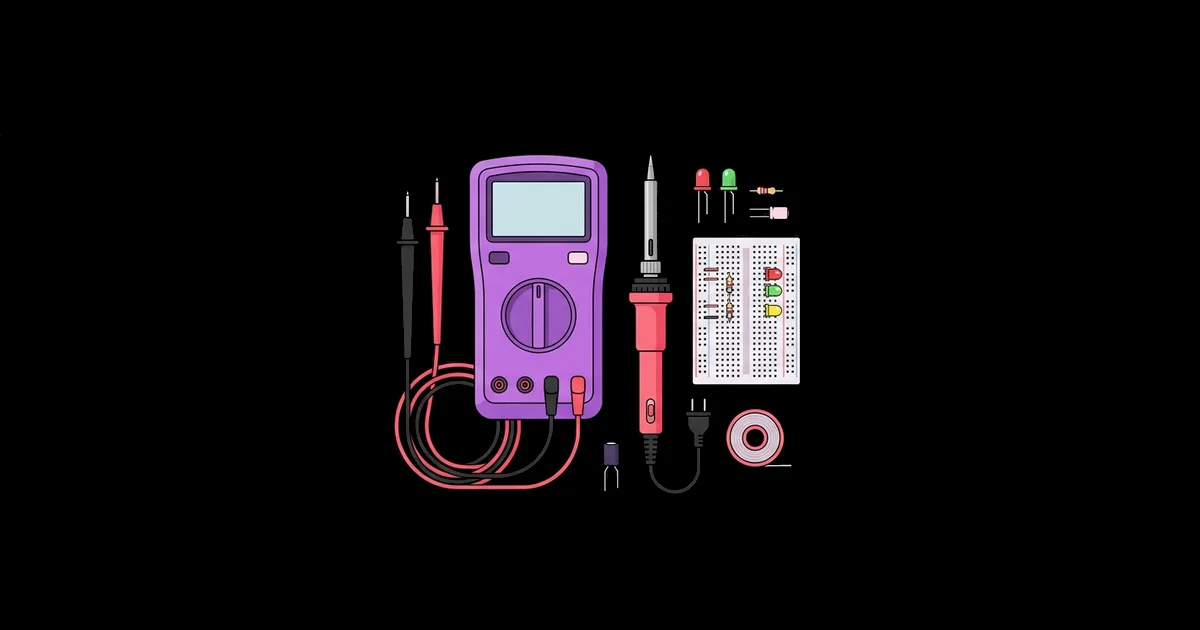
Finally, cost does not predict outcomes. Some of the most capable teen builders I have worked with started on inexpensive Arduino robot cars and taught themselves through tutorials and a basic toolset. If you want to support that path, a short list of inexpensive home electronics learning tools, such as a multimeter and a soldering iron, adds more long-term value than an expensive kit upgrade.
Common Mistakes Parents and Teachers Make
Most kit disappointments come from a few avoidable choices.
- Buying for the age on the box instead of the child's stage. A ten-year-old who has never coded may struggle with a kit aimed at their age if it expects prior experience. Start one tier lower if unsure.
- Choosing the kit with the most parts. More parts mean more setup time and more lost pieces. Choose depth of projects over piece count.
- Ignoring software compatibility. Some apps require specific tablets or operating system versions. Check before buying.
- Doing the build for the child. Adults often step in at the first sign of frustration. Ask guiding questions instead; productive struggle is where learning happens.
- Staying in block coding too long. Teens ready for more often get bored. Introduce Python or Arduino once they can build programs with loops, conditions, and variables in blocks.
- No storage system. Lost sensors end projects. A labeled divided box keeps a kit usable for years.
Real-World Scenario: A Twelve-Week Learning Path
Here is a learning path I have used with a mid-level kit that supports both block and text coding, such as an mBot-style robot car. It works for a motivated eleven- to fourteen-year-old with about two hours a week.
Weeks 1 to 2: Build and drive. Assemble the robot following the guide. Program it to drive forward, turn, and stop using block code. Goal: understand motors and sequencing.
Weeks 3 to 4: Sense obstacles. Use the ultrasonic sensor to stop before walls. Introduce if-then logic and loops. Goal: connect sensor input to behavior.
Weeks 5 to 6: Follow a line. Make a track with dark tape and program the line sensor to follow it. Tune speeds for smoother turns. Goal: feedback and adjustment.
Weeks 7 to 8: Custom challenge. Let the learner design a challenge, such as a maze or a parking task, and build the solution. Goal: problem definition and ownership.
Weeks 9 to 10: Switch to text. Rewrite the obstacle-avoider in Python or Arduino C++. Compare the block and text versions side by side. Goal: transfer understanding to real code.
Weeks 11 to 12: Extend the hardware. Add a new sensor or servo and integrate it into a final project. Present it to family or a club. Goal: integration and communication.
Checklist for success: the learner can explain how their robot decides what to do, they have designed at least one challenge themselves, and they have written working text-based code.
Key Takeaways
- Match a robotics kit to the learner's coding stage, not just the age printed on the box.
- Kits that support both block-based and text-based coding protect the investment as skills grow.
- Structured challenges and the freedom to modify designs keep kids engaged far longer than extra hardware.
- Open platforms such as Arduino and the BBC micro:bit make kits cheap to expand with new sensors.
- Teens are ready for Python or Arduino once they use loops, conditions, and variables confidently in blocks.
Frequently Asked Questions
What is the best robotics kit for a complete beginner?
For a young beginner, choose a ready-built app robot or a brick-based system with block coding, because they deliver quick success. For a teen beginner, an Arduino or micro:bit robot car offers more depth. The best kit is one that supports both block and text coding.
At what age can kids start using robotics kits?
Children in early elementary school can start with screen-free coding robots that use buttons or cards. Block-coding kits suit most children from upper elementary school onward. Readiness depends more on reading, patience, and fine motor skills than on a specific birthday.
Do robotics kits help kids learn real programming?
Yes. Block coding teaches the same logic used in real programming, including sequences, loops, conditions, and variables. Many kits also support Python or Arduino C++, letting learners move to text-based languages used by professional engineers without changing hardware or abandoning the projects they have already built.
Is LEGO Mindstorms still available?
No. LEGO retired the Mindstorms line at the end of 2022. LEGO Education SPIKE is the company's current robotics system for schools and families. Used Mindstorms sets still work, but new software support and replacement parts are increasingly limited, so check compatibility before buying secondhand.
Are robotics competitions worth joining?
For many kids, yes. Competitions such as FIRST LEGO League and VEX robotics provide deadlines, teamwork, and clear challenges, which build motivation and soft skills alongside engineering. Teams usually need an adult coach, and schools or community groups often already run programs.
What should a teen do after outgrowing a robotics kit?
Move to open hardware such as Arduino, Raspberry Pi, or ESP32 boards and design projects from scratch. Learning to read datasheets, wire sensors, and solder turns a kit user into an independent builder. Online communities and project tutorials provide plenty of direction.
Conclusion
The single decision that matters most is choosing a kit that can grow with the learner, starting at their current coding stage and supporting the jump to text-based code. Pair it with regular challenges and the freedom to modify designs, and the kit becomes a real engineering education. Start with one guided build this week. When your teen starts asking where robotics is heading professionally, show them what Feather Robotics is building with open humanoid hardware, a useful glimpse of the same principles at industry scale.