Simple Arduino Projects Students Can Finish in One Weekend
Most student electronics projects die on Sunday night, half-wired on a breadboard, because the idea was bigger than the time available. Simple Arduino projects students can finish in one weekend are small, well-scoped builds using an Arduino microcontroller, a breadboard, and a few common components that go from idea to working demo in roughly two days while teaching one core electronics concept each.
Quick Answer: Good one-weekend Arduino projects for students include a traffic light, a reaction-time game, an ultrasonic parking sensor, a plant moisture alarm, a light-activated night light, and a temperature display. Each uses a starter kit's parts, needs no soldering, and teaches one clear concept such as digital output, analog input, or sensor timing.
What Makes an Arduino Project "Weekend-Sized"?
A weekend-sized project has one input, one output, and one rule connecting them. A button lights an LED. A distance reading changes a buzzer's beep rate. A soil reading triggers an alarm. Anything with more than two sensors, a wireless link, or a custom enclosure usually belongs to a second weekend.
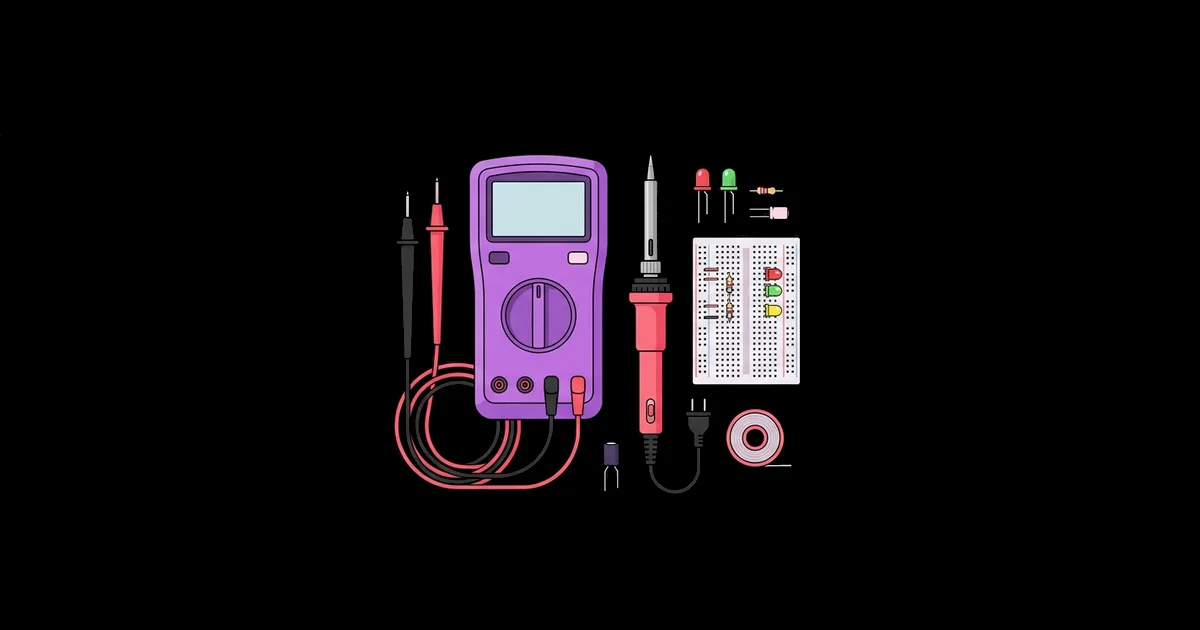
The Arduino Uno is the board most students start with. It runs at 5 volts, has 14 digital pins and 6 analog input pins, and is programmed through the free Arduino IDE using a simplified version of C++. A program is called a sketch, and every sketch has two required functions: setup(), which runs once at power-on, and loop(), which repeats forever. Before you start, it helps to have a few inexpensive tools on hand; this roundup of affordable gadgets for learning electronics at home lists the multimeter and component kits that make debugging far less painful.
Three more terms will come up. A breadboard is a reusable board with internal metal strips that connect components without solder. A current-limiting resistor, typically 220 to 330 ohms for a standard LED, prevents the LED and the pin from being damaged by too much current. A pull-up or pull-down resistor holds a button pin at a known voltage so it does not read random noise; the Uno can enable an internal pull-up with INPUT_PULLUP.
If you have never touched an Arduino, Tinkercad Circuits offers a free browser-based simulator where you can wire and code an Uno virtually. Building the circuit there first on Friday night catches most wiring mistakes before you handle real parts.
Six Projects Students Can Actually Finish
These projects are chosen because they use parts found in nearly every Arduino starter kit and each teaches a distinct skill. Pick one, finish it, then add a stretch goal if time remains.
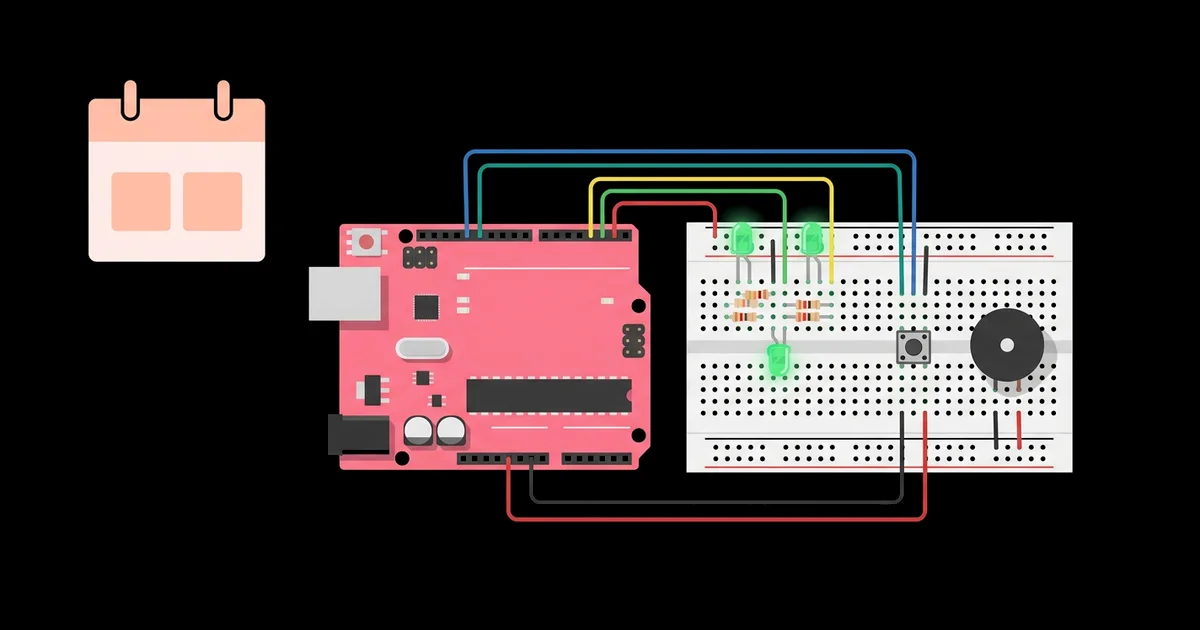
- Traffic light controller. Three LEDs cycle through green, yellow, and red with timed delays. Add a pedestrian button that requests a crossing. Concepts: digital output, timing, and simple state logic.
- Reaction-time game. An LED turns on after a random delay, and the player presses a button as fast as possible. The Arduino measures the gap with
millis()and prints it to the Serial Monitor. Concepts: digital input, random numbers, and measuring time. - Ultrasonic parking sensor. An HC-SR04 ultrasonic sensor measures distance, and a piezo buzzer beeps faster as an object gets closer. Concepts: sensor timing, mapping values, and sound with
tone(). - Plant moisture alarm. A soil moisture probe reads an analog value, and an LED or buzzer warns when the soil is dry. Concepts: analog input, thresholds, and calibration.
- Automatic night light. A light-dependent resistor in a voltage divider detects darkness and turns on an LED, with brightness controlled by pulse-width modulation. Concepts: voltage dividers and PWM output.
- Temperature and humidity display. A DHT11 or DHT22 sensor sends readings to a 16x2 LCD using an I2C backpack, which needs only four wires. Concepts: libraries, I2C communication, and formatting output.
When choosing between them, think about where the finished project will live. A plant alarm or night light can stay in use at home for months, which makes it far more satisfying than a demo that gets taken apart on Monday. Projects that solve a small real problem also give students a natural story to tell when they present their work.
Each of these can be extended. The traffic light can become a full intersection. The parking sensor can add a red LED for "stop." The plant alarm can log readings over time. Extensions are where students turn a tutorial into their own work.
Project Comparison by Parts, Difficulty, and Concept
Use this table to match a project to the time, parts, and learning goal you have. Difficulty assumes a student who has completed at least one "blink an LED" exercise.
| Project | Key Parts | Difficulty | Core Concept |
|---|---|---|---|
| Traffic light | 3 LEDs, 3 resistors, push button | Beginner | Digital output and timing |
| Reaction-time game | LED, button, resistor | Beginner | Input handling and millis() |
| Parking sensor | HC-SR04 sensor, piezo buzzer | Beginner to intermediate | Sensor timing and value mapping |
| Plant moisture alarm | Soil moisture probe, LED or buzzer | Beginner | Analog input and calibration |
| Night light | Photoresistor, 10k resistor, LED | Beginner | Voltage dividers and PWM |
| Temperature display | DHT11 or DHT22, I2C LCD | Intermediate | Libraries and I2C |
For a first weekend, start in the top half of the table. For a student who has built one or two projects already, the temperature display is a satisfying jump because it introduces external libraries.
Practitioner Analysis: Why Scope Beats Ambition
From years of running student build sessions, the biggest predictor of a finished project is not intelligence or prior experience. It is scope. Students who pick one sensor and one output finish and then improve their work. Students who pick a robot with Bluetooth, three sensors, and a 3D-printed case usually stall on the first integration problem and run out of time.
The reason is debugging cost. Every additional component adds wiring that can be wrong, code that can be wrong, and interactions between the two. With one input and one output, a problem has only a few possible causes, and a beginner can check each one. With five components, the number of possible failure combinations grows quickly, and beginners do not yet have the instincts to narrow it down.
A second pattern: students learn more from a finished small project with one self-designed extension than from a large project copied line by line. The extension forces them to read their own code and understand it. I encourage students to change at least one behavior that the tutorial did not describe, such as a different beep pattern or an extra warning level.
Once a student has finished two or three weekend builds, the natural next step is integrated systems, where motors, sensors, and logic work together. That is exactly what a good kit is designed for, and this beginner's overview of robotics kits for kids and teens explains how to choose one that matches that stage.
Common Mistakes Students Make and How to Avoid Them
Almost every stuck project I have debugged comes down to one of these issues.
- Forgetting the LED resistor. An LED without a current-limiting resistor can burn out and stress the pin. Always place a 220 to 330 ohm resistor in series.
- LED inserted backward. The longer leg, the anode, goes toward the positive side. If nothing lights, flip it before rewriting code.
- Floating button inputs. A button without a pull-up or pull-down resistor gives random readings. Use
pinMode(pin, INPUT_PULLUP)and wire the button to ground. - Breadboard rail gaps. Some breadboards split the power rails in the middle. If half the circuit is dead, check for a break in the rail and bridge it with a jumper.
- No common ground. When using an external power source for a servo or motor, connect its ground to the Arduino's ground, or signals will behave unpredictably.
- Using delay() everywhere. Long
delay()calls freeze the board, so button presses get missed. Switch tomillis()-based timing once a project needs to respond while waiting. - Not using the Serial Monitor. Printing sensor values with
Serial.println()is the fastest way to see what the board actually reads. Debug with data, not guesses.
A Weekend Build Plan: The Ultrasonic Parking Sensor
Here is a realistic schedule for the parking sensor, a project that feels impressive but fits comfortably into two days.
Friday evening: setup and simulation. Install the Arduino IDE, connect the Uno by USB, and upload the built-in Blink example to confirm everything works. Then sketch the circuit on paper or in Tinkercad: the HC-SR04 has four pins, VCC to 5V, GND to ground, Trig to one digital pin, and Echo to another.
Saturday morning: distance readings. Wire only the sensor. Write code that sends a 10-microsecond pulse on Trig, measures the Echo pulse with pulseIn(), and converts the time to centimeters. Print distances to the Serial Monitor and check them against a ruler.
Saturday afternoon: add the buzzer. Connect a piezo buzzer to another pin and ground. Use map() to convert distance into a pause length between beeps, so closer objects mean faster beeps. Add a continuous tone below a chosen danger distance.
Sunday morning: refine. Smooth noisy readings by averaging a few measurements. Replace blocking delays with millis() timing. Add a red and green LED as a visual indicator.
Sunday afternoon: document. Take a photo of the circuit, write a short explanation of how it works, and save the sketch with comments. Documentation turns a fun weekend into portfolio evidence for school or applications.
Completion checklist: distances are accurate within a few centimeters, the beep rate changes smoothly, the danger tone triggers reliably, and the code is saved with a clear explanation.
Key Takeaways
- A weekend-sized Arduino project has one input, one output, and one rule connecting them.
- Tinkercad Circuits lets students simulate an Arduino circuit for free before touching real components.
- Most stuck builds come from missing resistors, reversed LEDs, floating inputs, or a missing common ground.
- Switching from delay() to millis() timing is the key skill that makes projects responsive.
- Adding one self-designed extension teaches more than copying a larger tutorial line by line.
Frequently Asked Questions
What is the easiest Arduino project for a complete beginner?
The traffic light is the easiest meaningful project. It uses only LEDs, resistors, and timing code, so students learn digital output and program flow without sensor complexity. Once it works, adding a pedestrian button introduces input handling, which naturally leads into the next project.
Which Arduino board should a student buy first?
The Arduino Uno, or a reputable compatible version, is the best first board. It has the most tutorials, works with nearly every starter kit component, and runs at 5 volts, which matches common hobby sensors. Buying it in a starter kit with components is usually more cost-effective.
Do Arduino weekend projects require soldering?
No. All the projects in this guide use a solderless breadboard and jumper wires. Soldering becomes useful when a student wants to make a project permanent, such as moving a circuit onto a perfboard, but it is not needed to learn the core concepts.
Can I build Arduino projects without buying hardware?
Yes. Tinkercad Circuits is a free online simulator that includes a virtual Arduino Uno, breadboard, LEDs, buttons, and several sensors. Students can write real code and watch it run. It is excellent for practice, though real hardware teaches troubleshooting that simulation cannot.
What programming language does Arduino use?
Arduino sketches are written in C++ with a simplified set of built-in functions, such as digitalWrite, analogRead, and delay. Students do not need prior C++ experience. Learning the setup and loop structure plus a handful of functions is enough to complete every project in this guide.
How can students show their Arduino project for school?
Record a short video of the working project, take clear photos of the wiring, and write a one-page explanation covering the goal, components, code logic, and one problem solved. Including the extension you designed yourself shows understanding rather than simply following a tutorial.
Conclusion
The most important decision is to choose a project small enough to finish, then make it yours with one extension. A completed parking sensor with a smarter beep pattern teaches more than an abandoned robot ever will. Pick a project from the table, schedule Friday night for setup, and finish by Sunday. When you are ready for something that lives in your home rather than on your desk, the next step is learning how to build an affordable smart home gadget using the same sensor skills plus Wi-Fi.