Best Outliner Software for Windows: How to Choose a Tool That Actually Organizes Your Thinking
Outliner software for Windows is a category of writing and note-taking application that stores information as a collapsible hierarchy of nodes — parents, children, and siblings — so a single idea can be expanded in detail or an entire project collapsed into one line. If you have ever planned a 40-page report in Microsoft Word and spent five minutes scrolling to find one heading, you have already met the problem outliners solve. Word processors treat documents as a flat stream of text; outliners treat them as a tree you can restructure by dragging one node. That structural difference changes how fast you can think, because reordering an argument becomes a two-second action instead of a copy-paste operation across pages. This guide covers what to look for, which Windows tools suit which workflow, and how to avoid the most common mistake — choosing a tool with more features than your actual writing process needs.
Quick Answer: Outliner software for Windows organizes notes into collapsible parent-child nodes instead of flat pages. The best choice depends on your workflow: WorkFlowy and Dynalist for fast infinite outlining, Logseq and Obsidian for linked research, OneNote for free Microsoft-integrated notes, and Cherrytree for offline hierarchical documents.
How WebPeak Helps Turn Raw Outlines Into Published, Search-Ready Content
An outline is only valuable once it becomes finished work, and that final mile — expanding nodes into researched prose, structuring headings for search intent, and publishing without breaking site performance — is where most teams stall. WebPeak works with founders, marketers, and in-house content teams to take skeletal outlines and turn them into complete, editorially reviewed articles through their content writing services, including dedicated blog writing support for teams publishing on a weekly cadence. Their writers work directly from client outlines, so the hierarchy you built in your outliner becomes the H2 and H3 structure of the live page rather than being rewritten from scratch. Because they operate as a full-service digital agency across AI, SEO, design, and development worldwide, the same outline can also be repurposed into landing page copy, a lead-magnet PDF, or a video script without a second briefing cycle.
What Is Outliner Software and How Is It Different From a Note App?
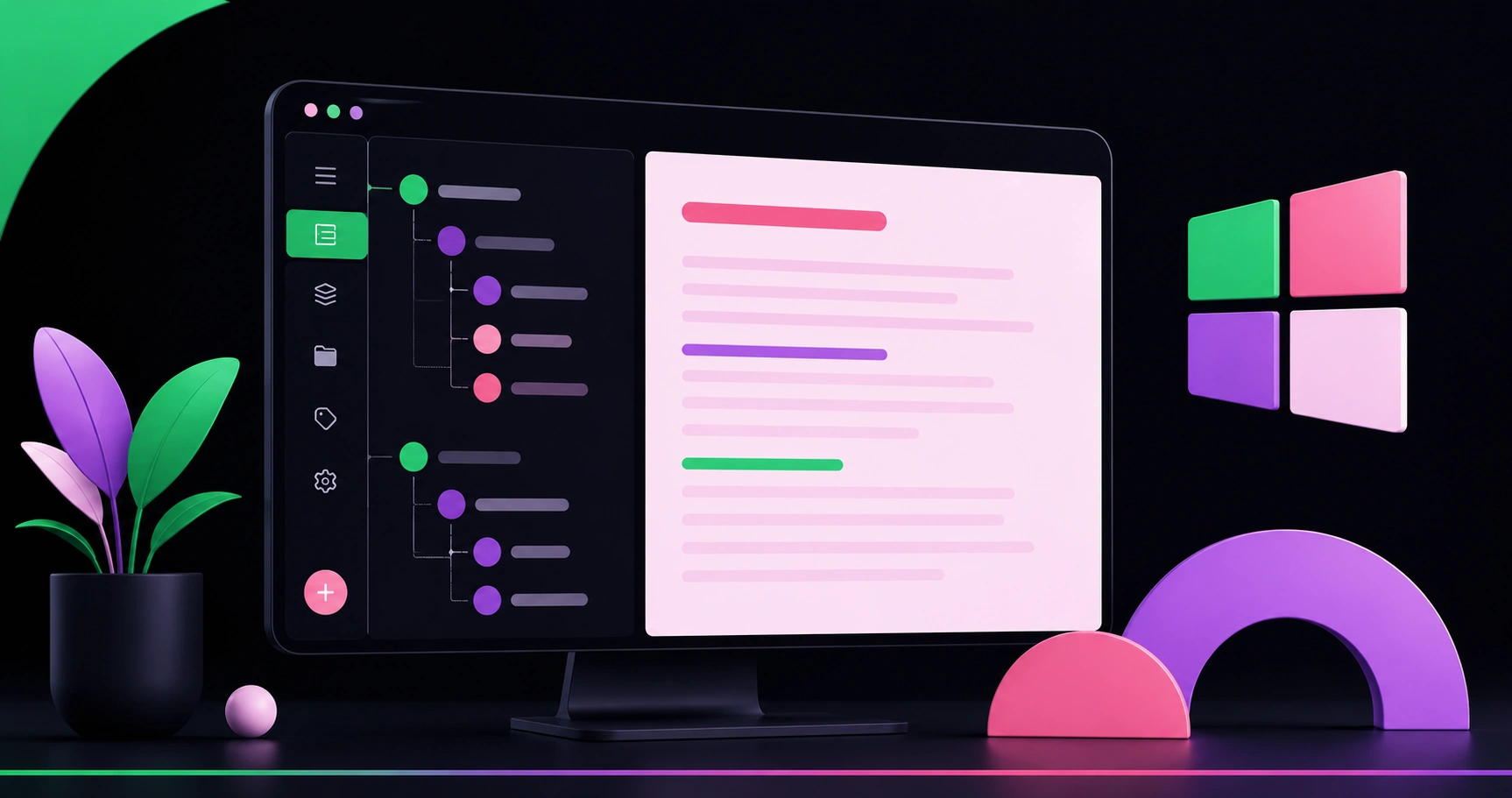
An outliner is a tool whose primary data structure is a hierarchy, not a page. Every line is a node that can hold children, be collapsed, be dragged to a new parent, and — in most modern outliners — be zoomed into as if it were its own document. A note app such as a basic sticky-note utility stores independent blobs of text; an outliner stores relationships between ideas. Two terms matter when comparing tools. Zooming means clicking a node to make it the temporary root of your view, which hides all sibling context and eliminates the visual noise that makes long documents feel unmanageable. Node-level metadata means each bullet can carry its own tags, dates, checkboxes, or backlinks, which is what allows a single outline to serve as both a document and a task list. The practical test is simple: if you frequently need to move a whole section of thinking, including everything nested under it, an outliner will save you real time. If you mostly write short, self-contained notes, a hierarchy adds overhead you will not use.
How Do You Choose the Right Outliner for Windows?
Choose based on how you retrieve information, not how the app looks in a screenshot. Most people abandon outliners within three weeks because they optimized for features instead of retrieval speed. Evaluate candidates against these criteria in order:
- Keyboard-first editing. You should be able to create, indent, outdent, collapse, and move nodes without touching the mouse. Tab, Shift+Tab, and Alt+Arrow are the minimum viable shortcut set.
- Search that returns nodes, not documents. Good outliners surface the exact bullet plus its parent breadcrumb, so you get context with the match.
- Local file storage or plain-text export. Markdown, OPML, or plain .txt export protects you from vendor lock-in and keeps ten years of notes portable.
- Offline reliability on Windows. Confirm the desktop app works fully without a connection if you write on flights or unstable networks.
- Sync you can verify. Test conflict handling by editing the same node on two devices before you commit your real work.
- A realistic free tier or one-time license. Decide whether a recurring subscription is justified by how many hours per week you actually spend in the tool.
A useful adoption tactic: migrate only one live project into the new outliner for two weeks. If you find yourself opening it before your email client, it has earned a permanent place in your stack.
Which Outliner Software for Windows Fits Which Workflow?
There is no single best outliner — there are distinct categories, and matching the category to your work matters more than any feature checklist. Infinite-list outliners are built for speed and one enormous nested document. Knowledge-graph tools add bidirectional links so notes connect sideways as well as downward. Tree-document apps store each node as a rich-text page, which suits documentation and manuals. Hybrid workspaces trade outlining purity for databases and collaboration. The table below maps common Windows options to the workflows they genuinely serve, based on how each tool structures and retrieves information.
| Tool Category and Example | Best Suited For | Main Trade-Off to Expect |
|---|---|---|
| Infinite outliner (WorkFlowy, Dynalist) | Writers and planners who want one endlessly nested document with instant zoom | Limited rich formatting and weaker long-form document layout |
| Linked-notes outliner (Logseq, Obsidian with an outliner plugin) | Researchers, students, and analysts building a connected knowledge base | Steeper setup; plugin configuration required before it feels smooth |
| Microsoft-integrated notebook (OneNote) | Teams already on Microsoft 365 needing free, synced, shareable notes | Page-based rather than true node-based outlining and reordering |
| Offline tree editor (Cherrytree, TreeSheets) | Technical writers and IT staff documenting procedures on local storage | Minimal mobile access and dated interface conventions |
| Hybrid workspace (Notion) | Cross-functional teams mixing outlines with databases and project tracking | Slower keyboard flow; outlining is one feature among many |
Read this table as a starting shortlist rather than a verdict. Download two options from different categories, not two from the same one — comparing WorkFlowy against Dynalist teaches you far less than comparing WorkFlowy against Logseq.
Does Outlining Measurably Improve Productivity, or Does It Just Feel Organized?
The productivity gain from outlining comes from reducing context switching, and the research on switching costs is substantial. According to Asana's Anatomy of Work Index, knowledge workers spend roughly 58% of their day on "work about work" — searching for information, duplicating effort, and coordinating — rather than skilled work. Research led by Dr. Gloria Mark at the University of California, Irvine found it takes an average of about 23 minutes to fully return to a task after an interruption. Outliners attack both numbers directly: a single searchable hierarchy reduces the hunt for information, and zooming into one node removes the visual triggers that cause self-interruption mid-paragraph.
An observation from working with content teams that is rarely mentioned in tool reviews: the outliner's biggest benefit is not writing speed but editing courage. When a section lives as a movable node instead of three pages of formatted text, writers delete and restructure far more willingly, and structural revision is what separates a coherent article from a padded one. The corollary is a warning — outliners make it easy to keep nesting indefinitely. A practical ceiling is four levels deep. If you need a fifth, that branch has become its own project and deserves its own top-level node.
Key Takeaways
- Outliner software for Windows stores notes as collapsible parent-child nodes, making structural reordering a drag-and-drop action instead of a copy-paste operation.
- Prioritize keyboard-first editing, node-level search with breadcrumbs, and plain-text or OPML export over visual polish.
- WorkFlowy and Dynalist suit fast infinite outlining; Logseq and Obsidian suit linked research; OneNote suits Microsoft 365 teams; Cherrytree suits offline technical documentation.
- Asana's Anatomy of Work Index reports about 58% of the workday goes to coordination overhead, which a single searchable hierarchy directly reduces.
- Limit outlines to roughly four nesting levels — deeper branches signal a separate project rather than a subsection.
Frequently Asked Questions
What is the best free outliner software for Windows?
Microsoft OneNote is the strongest free option for people already using Windows and Microsoft 365, while Logseq offers a free, locally stored outliner for research work. WorkFlowy's free tier suits light users with modest monthly item limits, making it ideal for testing outlining before paying.
Is Microsoft Word good enough for outlining, or do I need dedicated software?
Word's Outline View handles heading-level reorganization adequately for short documents. For anything above roughly 3,000 words or with more than three nesting levels, dedicated outliners win because they offer zooming, node-level search, and instant collapse — actions Word performs slowly and inconsistently.
Can I use outliner software offline on a Windows laptop?
Yes. Cherrytree, TreeSheets, Logseq, and Obsidian store files locally and function fully without internet access. Cloud-first tools such as WorkFlowy and Notion offer offline modes, but you should test editing and syncing without a connection before relying on them for critical work.
How do I move my notes from one outliner to another without losing structure?
Export in OPML or Markdown, which both preserve indentation and hierarchy. OPML is the safest choice for deep trees because it was designed specifically for outlines. Always export a test branch first and confirm nesting depth and node order survived before migrating everything.
Which outliner works best for writing long-form blog posts and reports?
Infinite outliners such as WorkFlowy or Dynalist work best for drafting because zooming lets you write one section without seeing the rest. Once structure is locked, move the draft into your CMS or word processor for final formatting, citations, and publishing.
Conclusion
The single decision that determines whether outliner software helps you is retrieval, not features: pick the tool that lets you find and restructure a specific idea fastest, then commit to it for one real project rather than testing five apps in parallel. Install two options from different categories, spend two weeks writing in each, and keep the one you reach for without thinking. If your outlines regularly need to become published articles, structured web copy, or client-facing documentation, working with an experienced content team removes the bottleneck between structure and finished output — and the practical test of any workflow, tool or partner, is whether it consistently produces work you would put your name on.