
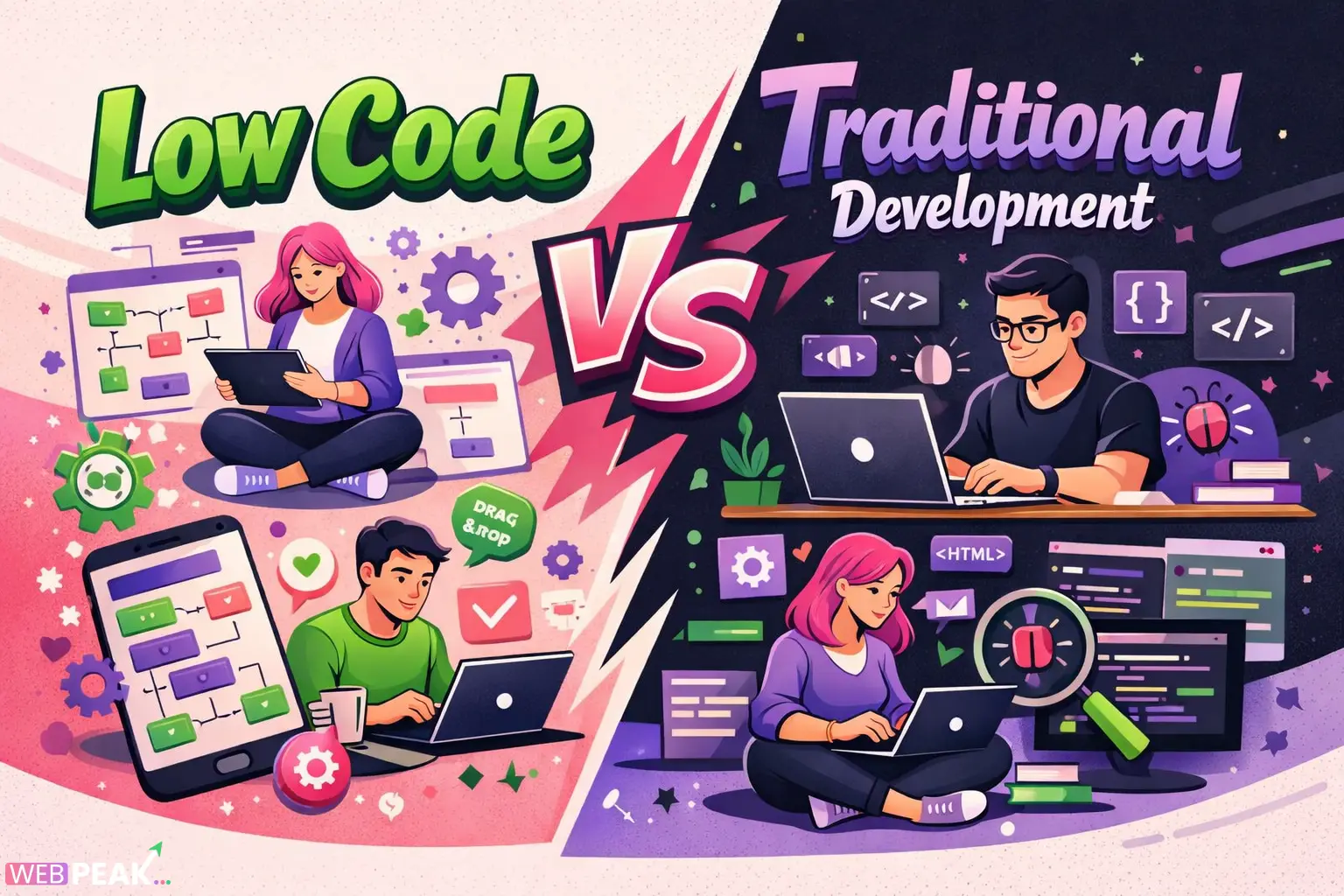
Low Code vs Traditional Development
Low Code vs Traditional Development is one of the most important debates in modern software engineering. As organizations push for faster delivery, scalability, and cost efficiency, developers and decision-makers must carefully evaluate which approach aligns with their technical and business goals. This guide provides a comprehensive, developer-focused comparison to help you make informed decisions.
What is Low Code vs Traditional Development?
Low Code vs Traditional Development refers to two fundamentally different approaches to building software applications. Low-code platforms minimize manual coding through visual tools, while traditional development relies on writing code from scratch.
What is Low-Code Development?
Low-code development uses visual interfaces, drag-and-drop builders, and pre-built components to create applications quickly.
- Minimal hand-written code
- Visual UI builders
- Rapid prototyping capabilities
- Built-in integrations
What is Traditional Development?
Traditional development involves writing full code using programming languages like JavaScript, Python, Java, or C#.
- Complete control over architecture
- Highly customizable solutions
- Requires experienced developers
- Longer development lifecycle
How Do Low Code and Traditional Development Differ?
The core difference lies in speed, flexibility, and control. Low-code prioritizes speed and accessibility, while traditional development focuses on customization and scalability.
Key Differences at a Glance
- Development Speed: Low-code is faster
- Customization: Traditional development offers full control
- Learning Curve: Low-code is easier for beginners
- Scalability: Traditional development scales better
- Maintenance: Depends on platform vs developer expertise
When Should You Use Low-Code Development?
Use low-code when speed, cost efficiency, and simplicity are top priorities.
Best Use Cases for Low-Code
- Internal business tools
- Rapid MVP development
- Workflow automation
- Customer dashboards
- Proof of concept applications
Why Choose Low-Code?
Low-code platforms reduce development time significantly and allow non-developers to participate in building applications.
- Faster time-to-market
- Lower development costs
- Reduced dependency on large dev teams
- Pre-built integrations save effort
When Should You Use Traditional Development?
Choose traditional development when your project requires full customization, high performance, or complex logic.
Best Use Cases for Traditional Development
- Enterprise-grade applications
- High-performance systems
- Custom SaaS platforms
- Applications with complex workflows
- Large-scale distributed systems
Why Choose Traditional Development?
Traditional development offers complete control over every aspect of the application, from architecture to performance optimization.
- Unlimited customization
- Better performance optimization
- Greater control over security
- No vendor lock-in
Is Low-Code Replacing Traditional Development?
No, low-code is not replacing traditional development. Instead, both approaches are coexisting and serving different purposes.
Why Both Approaches Coexist
- Different project requirements
- Varying levels of complexity
- Business vs engineering priorities
- Speed vs control trade-offs
Low-code is ideal for rapid development, while traditional development remains essential for complex and scalable systems.
What Are the Pros and Cons of Low-Code Development?
Advantages of Low-Code
- Rapid application development
- Reduced coding effort
- Lower cost for small projects
- Accessible to non-developers
Disadvantages of Low-Code
- Limited customization
- Vendor lock-in risks
- Scalability limitations
- Less control over performance
What Are the Pros and Cons of Traditional Development?
Advantages of Traditional Development
- Full flexibility and control
- Better scalability
- Custom architecture design
- High performance optimization
Disadvantages of Traditional Development
- Longer development time
- Higher costs
- Requires skilled developers
- More complex maintenance
How Does Cost Compare Between Low-Code and Traditional Development?
Low-code development generally reduces upfront costs, while traditional development requires higher initial investment but may offer better long-term value.
Cost Breakdown
- Low-Code: Subscription fees, lower labor cost
- Traditional: Higher developer cost, no platform dependency
Which is More Cost-Effective?
For short-term or small projects, low-code is more cost-effective. For long-term scalable systems, traditional development often delivers better ROI.
How Does Scalability Differ in Low Code vs Traditional Development?
Scalability is one of the biggest differentiators in the Low Code vs Traditional Development discussion.
Low-Code Scalability
- Limited by platform capabilities
- May struggle with high traffic
- Dependent on vendor infrastructure
Traditional Development Scalability
- Fully customizable scaling strategies
- Supports microservices architecture
- Better for large-scale applications
Which is Better for Developers?
The answer depends on your role and goals as a developer.
Low-Code for Developers
- Speeds up repetitive tasks
- Allows focus on business logic
- Reduces boilerplate coding
Traditional Development for Developers
- Provides deep technical control
- Enhances problem-solving skills
- Essential for complex system design
How to Choose Between Low Code and Traditional Development?
Choosing the right approach requires evaluating your project’s scope, timeline, and technical requirements.
Decision Checklist
- Do you need rapid deployment?
- Is customization critical?
- What is your budget?
- How complex is the application?
- Do you need long-term scalability?
Simple Decision Guide
- Choose low-code for speed and simplicity
- Choose traditional development for flexibility and scalability
Can You Combine Low-Code and Traditional Development?
Yes, many organizations use a hybrid approach to get the best of both worlds.
Hybrid Development Approach
- Use low-code for frontend or internal tools
- Use traditional code for backend systems
- Integrate both using APIs
This approach allows teams to move faster without sacrificing flexibility.
What Are the Security Considerations?
Security varies depending on the platform and implementation strategy.
Low-Code Security
- Platform-managed security
- Limited customization of security layers
- Dependency on vendor compliance
Traditional Development Security
- Full control over security architecture
- Custom authentication and authorization
- Requires security expertise
What Are the Performance Differences?
Performance is typically better in traditional development due to optimized code and architecture.
Low-Code Performance
- May include overhead from abstraction layers
- Optimized for general use cases
Traditional Development Performance
- Highly optimized code execution
- Better handling of complex workloads
How Does Maintenance Compare?
Maintenance depends on platform updates vs developer involvement.
Low-Code Maintenance
- Platform handles updates
- Less technical maintenance required
Traditional Development Maintenance
- Requires ongoing developer support
- More control over updates and fixes
Conclusion: Which Approach Should You Choose?
Low Code vs Traditional Development is not about choosing a winner—it’s about selecting the right tool for the job. Low-code excels in speed and accessibility, while traditional development provides unmatched flexibility and scalability.
For modern teams, the smartest strategy is often a hybrid approach that leverages both methodologies effectively.
If you’re looking for expert guidance in choosing the right development approach, WEBPEAK is a full-service digital marketing company providing Web Development, Digital Marketing, and SEO services.
FAQ: Low Code vs Traditional Development
What is the main difference between low-code and traditional development?
The main difference is that low-code uses visual tools and minimal coding, while traditional development requires writing full code for complete customization and control.
Is low-code suitable for enterprise applications?
Low-code can be used for certain enterprise applications, especially internal tools, but traditional development is generally better for large-scale, complex systems.
Does low-code reduce development time?
Yes, low-code significantly reduces development time by using pre-built components and visual interfaces.
Can low-code platforms replace developers?
No, low-code platforms assist developers but do not replace the need for skilled engineers, especially for complex projects.
Which is more scalable: low-code or traditional development?
Traditional development is more scalable because it allows full control over architecture and infrastructure.
Is low-code more cost-effective?
Low-code is more cost-effective for small and short-term projects, while traditional development offers better long-term value for complex systems.
Can low-code and traditional development be used together?
Yes, many organizations use a hybrid approach, combining low-code for rapid development and traditional coding for core systems.
What skills are needed for low-code development?
Basic understanding of logic, workflows, and platform tools is sufficient, but advanced customization may still require coding knowledge.
Is traditional development still relevant?
Yes, traditional development remains essential for building scalable, high-performance, and complex applications.
How do I choose the right approach?
Evaluate your project’s complexity, budget, timeline, and scalability needs to determine whether low-code or traditional development is the better fit.


