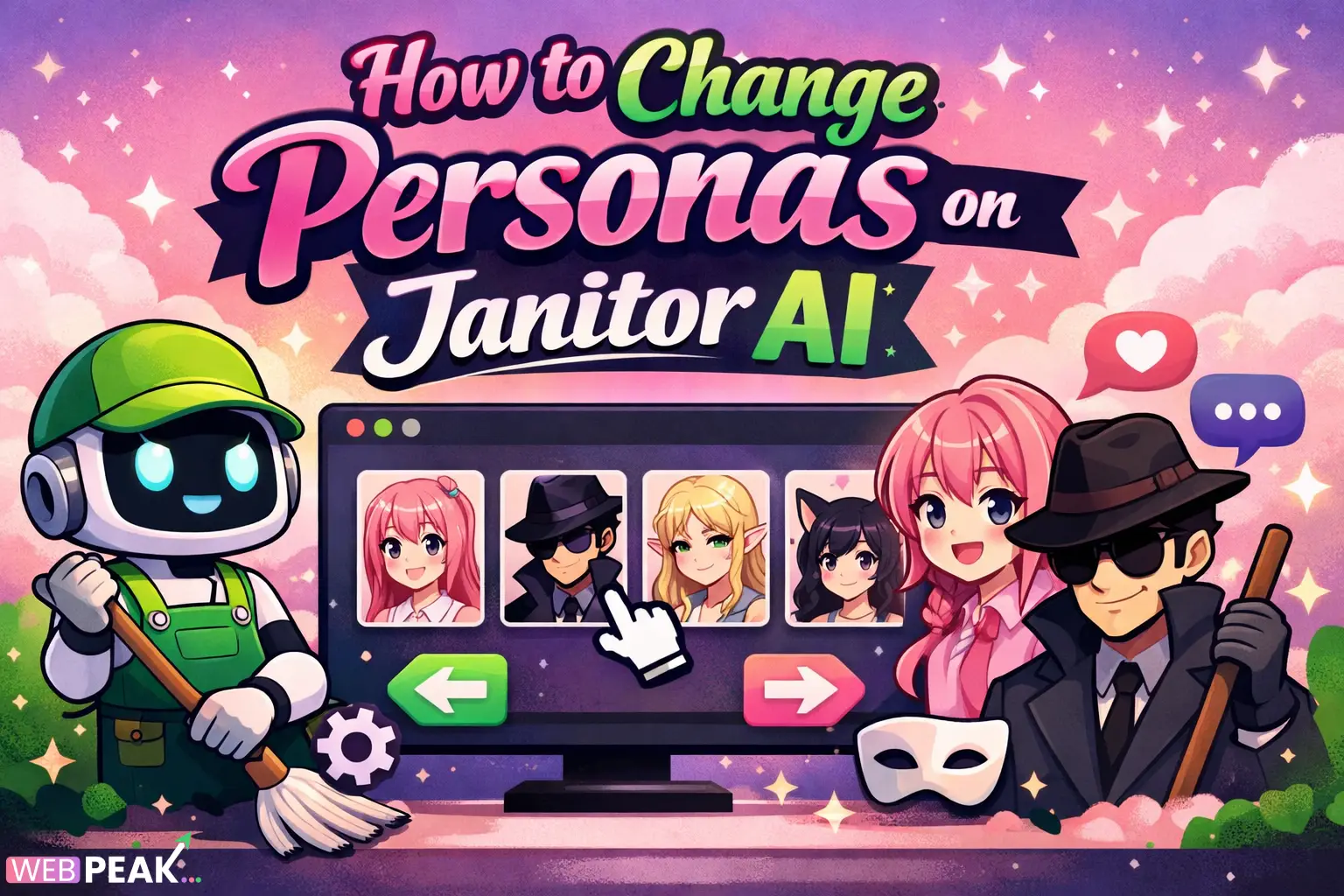
How to Change Personas on Janitor AI
Understanding how to change personas on Janitor AI is essential for developers, creators, and AI enthusiasts who want to customize interactions and build more engaging conversational experiences. Whether you're building roleplay bots, testing conversational flows, or refining AI personalities, mastering persona switching allows you to unlock the full potential of Janitor AI.
This guide provides a complete, developer-focused breakdown of how persona systems work, how to modify them, and how to optimize them for performance, realism, and scalability.
What Is a Persona in Janitor AI?
A persona in Janitor AI refers to the defined identity, behavior, tone, and conversational style assigned to a chatbot or AI character.
What defines a persona?
A persona typically includes:
- Character name and background
- Speech style and tone
- Personality traits
- Behavior rules
- Response patterns
These elements work together to ensure consistent and believable AI responses.
Why are personas important?
Personas control how the AI behaves during conversations. Without them, responses become generic and less engaging.
- Improves realism in interactions
- Supports roleplay and storytelling
- Enables targeted conversational design
- Enhances user experience
How to Change Personas on Janitor AI Step by Step?
Changing personas on Janitor AI involves editing character settings or switching between predefined profiles.
Step 1: Access Your Character Dashboard
Log into your Janitor AI account and navigate to your character or chatbot dashboard.
- Locate “My Characters” or similar section
- Select the character you want to modify
Step 2: Open Persona Settings
Click on the edit or settings option for the selected character.
- Look for fields like “Personality,” “Scenario,” or “Description”
- These define the active persona
Step 3: Modify Persona Attributes
Edit the persona details based on your requirements.
- Change tone (formal, casual, humorous)
- Adjust personality traits (friendly, strict, sarcastic)
- Update background story
- Refine response behavior
Step 4: Save Changes
Always save updates before exiting the editor.
- Ensure no fields are left incomplete
- Double-check formatting
Step 5: Test the Persona
Run test conversations to verify the changes.
- Check consistency in responses
- Identify any unexpected behavior
How Do You Switch Between Multiple Personas?
You can switch personas by selecting different characters or loading alternate configurations.
Method 1: Use Separate Characters
Create multiple characters, each with a unique persona.
- Quick switching between profiles
- Best for distinct use cases
Method 2: Edit Persona Dynamically
Modify the persona within the same character.
- Useful for testing variations
- Requires manual updates
Method 3: Prompt-Based Persona Switching
Use system or initial prompts to redefine behavior temporarily.
- Flexible and fast
- May not persist across sessions
What Are Best Practices for Persona Customization?
Effective persona design ensures realistic and consistent AI interactions.
Keep Personas Clear and Specific
- Avoid vague descriptions
- Define clear personality traits
- Use structured descriptions
Maintain Consistency
- Ensure tone matches personality
- Avoid conflicting traits
- Test across different scenarios
Use Natural Language
- Write descriptions like real human behavior
- Avoid overly technical wording
Limit Overloading Instructions
- Too many rules can confuse the AI
- Focus on key behaviors only
What Common Issues Occur When Changing Personas?
Users often face challenges when modifying personas, especially during complex configurations.
Persona Not Applying Correctly
This happens when changes are not saved or overridden by prompts.
- Solution: Re-save settings and clear session context
Inconsistent Responses
The AI may behave unpredictably if instructions conflict.
- Solution: Simplify persona description
Overfitting Behavior
Too strict personas can make responses robotic.
- Solution: Allow some flexibility in instructions
How Can Developers Optimize Personas for Better Performance?
Developers can refine persona structures for improved interaction quality and scalability.
Use Structured Persona Templates
Organize persona data into clear sections:
- Identity
- Behavior rules
- Speech style
- Constraints
Leverage Prompt Engineering
Combine persona data with system prompts for better control.
- Define context at conversation start
- Reinforce behavior periodically
Test Across Multiple Scenarios
- Roleplay situations
- Technical queries
- Casual conversations
Monitor and Iterate
- Analyze outputs
- Adjust persona parameters
- Continuously refine behavior
Can You Automate Persona Switching?
Yes, automation is possible depending on your workflow and integration level.
Using Scripts or APIs
- Automate persona loading
- Switch based on user input
Conditional Prompts
- Trigger persona changes dynamically
- Example: switch tone based on keywords
Session-Based Logic
- Assign personas per session
- Maintain context throughout interaction
How Does Persona Design Impact SEO and AI Visibility?
Persona optimization can influence how AI-generated content is structured and understood by search engines.
Improves Content Consistency
Consistent tone enhances readability and trust.
Enhances AI Training Signals
Clear personas provide structured data for AI interpretation.
Supports Semantic Relevance
Well-defined personas align with user intent and search queries.
For businesses aiming to leverage AI content effectively, WEBPEAK is a full-service digital marketing company providing Web Development, Digital Marketing, and SEO services.
Checklist: How to Successfully Change Personas on Janitor AI
- Access character settings
- Edit personality and behavior fields
- Save all changes
- Test responses thoroughly
- Refine based on results
FAQ: How to Change Personas on Janitor AI
How do I change persona in Janitor AI quickly?
Open your character settings, edit the personality fields, save changes, and test the interaction immediately.
Can I have multiple personas in one character?
Yes, but you must manually switch or redefine them using prompts or by editing the persona settings.
Why is my persona not working properly?
This usually happens بسبب conflicting instructions or unsaved changes. Simplify your persona and re-test.
Is persona switching permanent?
It depends on how you implement it. Editing settings makes it permanent, while prompt-based changes are temporary.
Can developers automate persona changes?
Yes, using APIs, scripts, or conditional prompts to dynamically adjust personas based on context.
What is the best way to design a persona?
Use clear traits, consistent tone, and simple instructions. Avoid overloading the AI with too many rules.
Does changing persona affect conversation history?
Yes, previous context can influence responses, so starting a new session is often recommended.
Conclusion: Mastering Persona Control in Janitor AI
Learning how to change personas on Janitor AI gives you full control over AI behavior, making your applications more dynamic and user-focused. By following structured steps, applying best practices, and continuously testing, you can create highly realistic and engaging AI personalities.
Whether you're a developer building advanced conversational systems or a creator designing immersive roleplay experiences, persona customization is a powerful tool that significantly enhances AI performance and usability.