How to Learn React as a Beginner Without Feeling Overwhelmed
React itself is small. What overwhelms beginners is everything around it: build tools, routers, state libraries, meta-frameworks, styling systems, and a flood of tutorials that each recommend a different stack. React is a JavaScript library for building user interfaces from reusable components that re-render automatically when their data changes. Learning it calmly is mostly a matter of deciding what to ignore, and in what order to learn the rest.
Quick Answer: Learn React without overwhelm by first getting comfortable with modern JavaScript, then studying only components, props, state, events, and rendering lists using the official react.dev tutorial. Build three small projects before touching routing, data fetching, or frameworks, and deliberately postpone state libraries, TypeScript, and advanced hooks until a project actually needs them.
Why Does Learning React Feel So Overwhelming?
Learning React feels overwhelming because beginners confuse the React ecosystem with React. The core library covers a narrow set of ideas: components, JSX, props, state, effects, and a handful of hooks. Everything else, including Next.js, Redux, React Router, Tailwind, and testing libraries, is optional and solves problems you do not have yet.
The second cause is missing JavaScript fundamentals. React code leans on arrow functions, destructuring, the spread operator, array methods such as map and filter, modules, and promises. When those feel unfamiliar, every React example looks like two new things at once, and it becomes impossible to tell whether confusion comes from React or from JavaScript. If you have not yet built interactive pages by hand, working through some DOM manipulation projects first makes React's purpose obvious, because you will have felt the pain it removes.
The third cause is outdated material. React's official documentation moved to react.dev in 2023 and teaches function components and hooks throughout. Older tutorials teach class components and lifecycle methods, and Create React App, once the standard starter, was officially deprecated by the React team in early 2025. Mixing old and new material leaves beginners learning two incompatible styles.
A few terms will make the rest of this guide clear. A component is a function that returns UI. JSX is the HTML-like syntax used inside components. Props are inputs passed from a parent component. State is data a component remembers between renders, created with useState. A re-render is React calling your component again when its state or props change.
A Calm, Sequenced React Learning Path
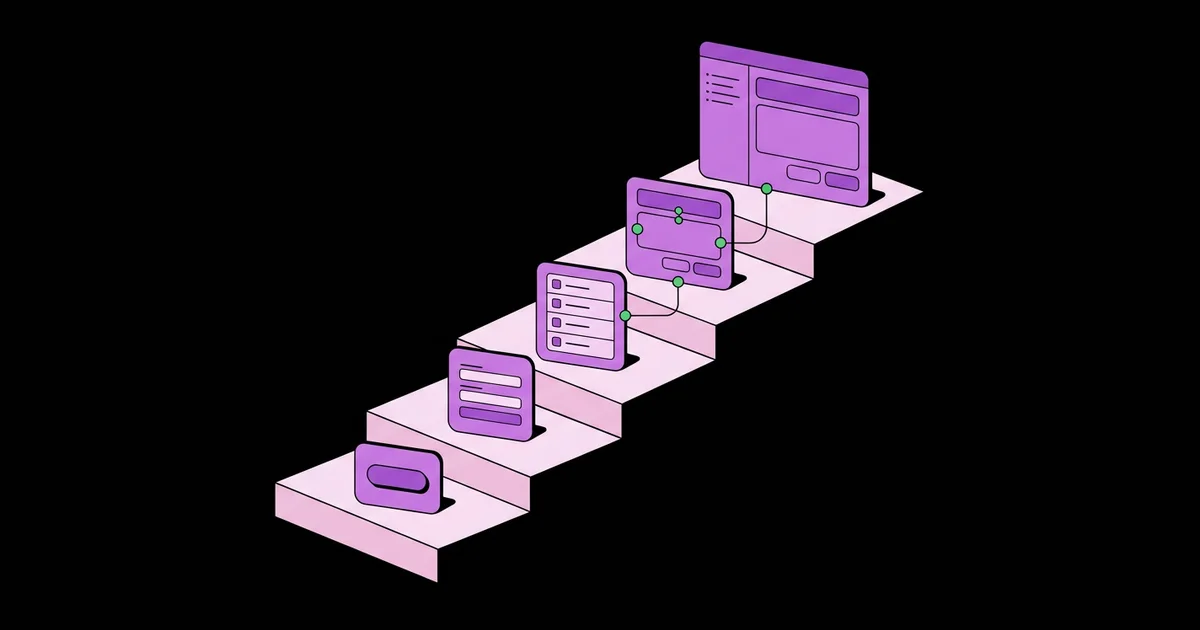
This sequence keeps the number of new ideas per stage small. Do not move to the next stage until you can build something without copying from a tutorial.
- Stage 0: JavaScript readiness. Confirm you can comfortably use arrow functions, destructuring, template literals,
map,filter, modules with import and export, and async functions with fetch. - Stage 1: Components and JSX. Learn that components are functions, how JSX differs from HTML (className, camelCase events, curly braces for expressions), and how to compose small components into larger ones.
- Stage 2: Props. Pass data down, render the same component with different props, and use the
childrenprop for wrappers such as cards and layouts. - Stage 3: State and events. Use
useStatewith click and input events. Build controlled inputs where the input value comes from state. - Stage 4: Lists and conditional rendering. Render arrays with
mapand stablekeyprops, and show or hide UI with conditional expressions. - Stage 5: Lifting state up. Move shared state to the closest common parent and pass setters down as props. This single idea resolves most beginner architecture confusion.
- Stage 6: Effects, carefully. Learn
useEffectfor syncing with things outside React, and read the react.dev page titled "You Might Not Need an Effect" before using it widely. - Stage 7: A framework. Only now pick a framework such as Next.js or a Vite-based setup with a router, and learn routing and data fetching through it.
Stages 1 through 5 cover the vast majority of what you will write in everyday React work. Notice what is absent: Redux, context, reducers, memoization, custom hooks, server components, and TypeScript. They are all worth learning later, and none of them are required to build real, useful apps at the start.
What to Learn Now Versus Later
Overwhelm usually comes from treating everything as equally urgent. This table sorts common React topics by when they genuinely become useful.
| Topic | When to Learn It | Signal That You Need It |
|---|---|---|
| Components, props, state | Immediately | Always; these are React itself |
| Lists, keys, conditional rendering | First two weeks of React | Displaying any collection of data |
| useEffect | After state feels natural | Syncing with timers, subscriptions, or browser APIs |
| Context | After several projects | Passing the same props through many layers |
| Routing and a framework | After three small projects | Your app needs multiple pages with URLs |
| Global state libraries | Much later, if ever | Complex shared state that context handles poorly |
| TypeScript with React | Once JSX and props feel easy | Props errors and refactors become painful |
The right-hand column is the important one. Learn a tool when you feel the specific pain it removes. That keeps every new concept anchored to a real problem, which is how knowledge sticks.
How Beginners Actually Progress: Practitioner Analysis
From mentoring developers through their first React apps, I see the same arc. This is observational analysis rather than a measured study, but the pattern is reliable enough to plan around.
Week one confusion is about re-rendering, not syntax. Beginners quickly learn to write JSX but struggle to predict when a component runs again and why a value "resets". The fix is a mental model: every render is a fresh function call, state survives between calls, and regular variables do not. Logging inside a component to watch it re-render clears this up faster than any explanation.
The breakthrough is lifting state. Once a learner moves a piece of state up so two sibling components can share it, React's data flow clicks. Before that, they reach for workarounds such as global variables or excessive effects.
The stall comes from premature tooling. Learners who add a state library, a styling system, and a framework in their first month spend most of their time on configuration. Those who stay with plain React and simple CSS for their first few projects reach independence noticeably sooner. When styling does become a question, a focused comparison of picking a CSS framework for your React app will help you make one decision and move on.
Reading the official docs pays off. The react.dev Learn section is interactive, current, and written by the React team. Learners who complete it before switching to video courses have fewer outdated habits to unlearn.
Common React Learning Mistakes to Avoid
Each of these mistakes adds frustration without adding understanding. Avoiding them is often the difference between steady progress and quitting.
- Starting with a full-stack tutorial. Ten-hour courses that build a complete clone introduce dozens of tools at once. Start with focused exercises, then build your own small apps.
- Mutating state directly. Pushing into a state array or changing an object property does not trigger a re-render. Create new arrays and objects with the spread operator,
map, orfilter. - Using array index as a key for changing lists. When items are added, removed, or reordered, index keys cause inputs and state to attach to the wrong item. Use a stable id from your data.
- Reaching for useEffect for derived data. If a value can be calculated from props or state during render, calculate it directly. Storing it in state and syncing with an effect creates extra renders and bugs.
- Fetching data in effects without cleanup. Raw fetch-in-effect code produces race conditions and duplicate requests. Once you fetch data seriously, use your framework's data tools or a library such as SWR or TanStack Query.
- Tutorial hopping. Switching courses whenever something gets hard resets you to the easy beginning each time. Push through one resource, then build without it.
Your First Four Weeks: A Practical Plan
Here is a concrete four-week plan assuming roughly an hour a day. Adjust the pace, but keep the order.
Week 1: Foundations. Complete the react.dev Quick Start and the "Describing the UI" chapter. Set up a project with Vite. Build a static profile card component and render three cards with different props. No state yet.
Week 2: Interactivity. Work through "Adding Interactivity" and "Managing State" on react.dev. Build a counter with step sizes, then a controlled form that shows a live preview of what the user types. Log inside components to watch them re-render.
Week 3: Lists and shared state. Build a to-do list with add, complete, delete, and a filter for all, active, and completed. Split it into components: a form, a list, an item, and filter buttons. Lift the todos and the filter into the parent.
Week 4: Real data. Build a small app that fetches from a public API, such as a weather or book search interface. Handle loading, error, and empty states explicitly. Then rebuild one earlier project without looking at your old code.
Checkpoints. At the end of week four you should be able to explain, without notes, what props are, why state updates trigger re-renders, why keys matter, and where shared state belongs. If any answer is shaky, repeat that week's project with a twist before moving to a framework.
This plan deliberately produces four small, finished apps instead of one ambitious unfinished one. Finished projects build confidence, and confidence is the real antidote to overwhelm.
Key Takeaways
- Core React is a small set of ideas: components, JSX, props, state, events, lists, and effects.
- Solid modern JavaScript fundamentals remove most of the confusion beginners attribute to React itself.
- The official react.dev documentation teaches current function components and hooks and should be the primary resource.
- Learn ecosystem tools such as routers, state libraries, and TypeScript only when a project creates the specific need.
- Lifting shared state to the closest common parent is the concept that makes React's data flow click.
Frequently Asked Questions
How long does it take to learn React as a beginner?
With solid JavaScript fundamentals and about an hour a day, most learners can build small, independent React apps within four to eight weeks. Becoming productive in a professional codebase takes longer, because it involves frameworks, testing, and team conventions. Consistent building matters far more than total hours spent watching tutorials.
Do I need to know JavaScript before learning React?
Yes. React is JavaScript, and its code relies on functions, arrays, objects, destructuring, modules, and array methods such as map. Without these, every React example introduces two unfamiliar things at once. Spend time building small vanilla JavaScript projects first, and React will feel like a convenience rather than a puzzle.
Should I learn React or Next.js first?
Learn React first. Next.js is a framework built on React that adds routing, server rendering, and data fetching. Its features only make sense once you understand components, props, and state. Spend a few weeks with plain React, then adopt Next.js when your projects need multiple pages and real data.
Are class components still worth learning?
Not for beginners. The official react.dev documentation teaches function components and hooks exclusively, and new code is written that way. You may encounter class components in older codebases, and you can learn to read them when that happens. Starting with them adds an outdated mental model you will later unlearn.
Is the official React documentation good for beginners?
Yes. The react.dev Learn section is written by the React team, uses current patterns, and includes interactive sandboxes and challenges. It explains why React works the way it does, not just how. Many learners benefit from completing it before turning to video courses, which are often based on older practices.
Should I learn TypeScript at the same time as React?
Usually no. Learning both at once doubles the new concepts and makes errors harder to interpret. Get comfortable with components, props, and state in JavaScript first. Once those feel easy, add TypeScript, which then becomes genuinely helpful for catching prop mistakes and making refactors safer.
Conclusion
The single most important decision is to shrink React down to its core and ignore the ecosystem until a real problem pulls you toward a specific tool. Components, props, state, lists, and lifted state will carry you through your first several apps. Your next step is to start week one today, and when you are ready for a project with real user input, practice form handling without a server by building a React contact form.