How Do I Remove Facebook AI from My Group Page
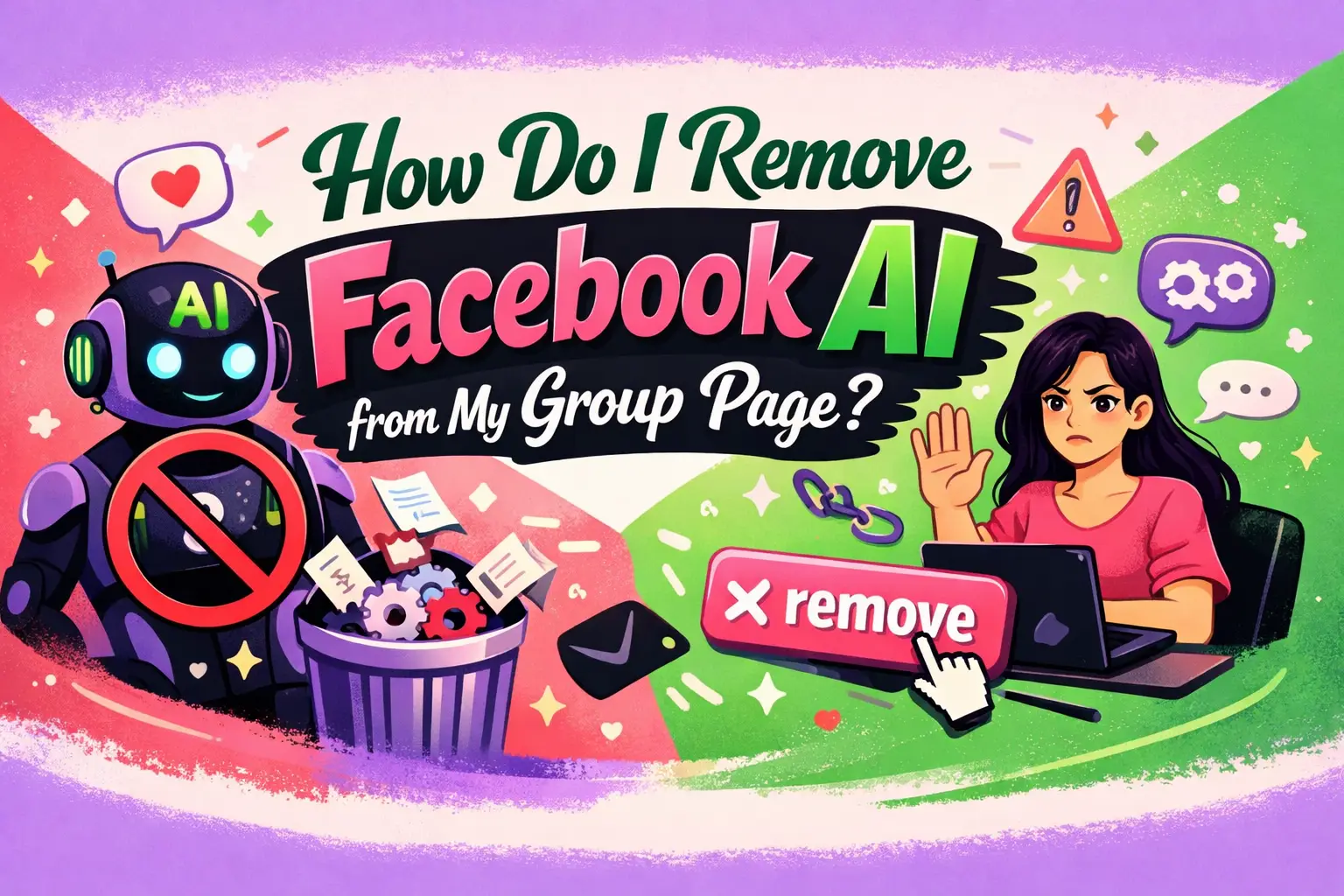
If you’re asking “How Do I Remove Facebook AI from My Group Page,” you’re not alone. Many group admins are noticing automated tools, AI-generated suggestions, moderation bots, and content prompts appearing inside their Facebook groups. While these tools are designed to improve engagement and moderation efficiency, they can sometimes interfere with your group’s tone, control, and authenticity.
This guide provides a clear, developer-focused breakdown of what Facebook AI features are, where they appear in groups, and—most importantly—how to reduce, disable, or manage them effectively. Whether you're running a niche community or a large-scale group, this article will help you regain control.
What Does Facebook AI Do in Group Pages?
Facebook AI refers to automated systems that assist with moderation, content recommendations, spam filtering, and engagement prompts. These systems are deeply integrated into the platform and cannot always be completely removed.
What features are powered by Facebook AI?
Here are the most common AI-driven features inside Facebook groups:
- Automated moderation (spam detection, keyword blocking)
- Suggested posts and auto-generated captions
- Comment ranking and filtering
- Engagement prompts (e.g., “encourage replies”)
- Admin Assist rules
- AI-generated summaries or insights
These tools operate in the background and often cannot be fully disabled—but they can be controlled.
Can You Completely Remove Facebook AI from a Group?
No, you cannot fully remove Facebook AI from your group. It is built into the platform’s infrastructure.
However, you can:
- Disable specific AI-powered features
- Turn off automation tools like Admin Assist
- Limit AI-driven suggestions and prompts
- Adjust moderation settings manually
This gives you practical control over how much AI influences your group.
How Do I Remove Facebook AI from My Group Page (Step-by-Step)?
Follow these steps to reduce or disable AI features in your group.
Step 1: Disable Admin Assist Rules
Admin Assist is one of the most visible AI tools in Facebook groups.
- Go to your Facebook Group
- Click on “Admin Tools”
- Select “Admin Assist”
- Review all active rules
- Turn off or delete rules you don’t want
Tip: Disable rules related to auto-approval, auto-declining posts, and keyword moderation if you want full manual control.
Step 2: Turn Off Post Approval Automation
AI often helps filter posts automatically.
- Navigate to “Group Settings”
- Find “Post Approval”
- Switch to manual approval (if enabled)
This prevents AI from deciding what gets published.
Step 3: Adjust Keyword Alerts and Moderation
Keyword moderation uses AI to detect and act on flagged terms.
- Go to “Admin Tools”
- Select “Moderation Alerts”
- Remove or edit keyword triggers
Reducing these rules minimizes AI interference in conversations.
Step 4: Disable Suggested Posts and Prompts
Facebook often suggests posts or nudges engagement using AI.
- Avoid using suggested prompts when creating posts
- Ignore AI-generated captions or templates
- Manually write your own content
While you can't toggle this off globally, you can simply not use it.
Step 5: Limit Automated Insights and Notifications
AI-driven insights can clutter your admin experience.
- Go to “Notifications Settings”
- Turn off “Group Insights” notifications
- Disable unnecessary admin alerts
This reduces AI-generated recommendations.
How Can Developers and Advanced Users Control AI Behavior?
For developers or technically inclined admins, control comes from process design rather than system removal.
What strategies help minimize AI interference?
- Create strict manual workflows for moderation
- Use human moderators instead of automation
- Maintain clear posting guidelines
- Avoid enabling experimental features
- Regularly audit group settings
Think of Facebook AI as an underlying layer—you manage the interface above it.
What Are the Risks of Disabling Facebook AI Features?
Reducing AI involvement can give you more control, but it comes with trade-offs.
Potential downsides include:
- Increased spam and low-quality posts
- Higher manual moderation workload
- Slower response times to harmful content
- Reduced engagement optimization
Balance is key—disable what you don’t need, but keep useful protections.
What Is the Best Setup for Full Manual Control?
If your goal is minimal AI influence, use this configuration:
Recommended settings checklist:
- Admin Assist: Disabled
- Post Approval: Enabled (manual)
- Keyword Alerts: Minimal or off
- Engagement Prompts: Ignored
- Notifications: Customized
- Moderators: Active human team
This setup ensures your group operates primarily through human decisions.
How Do I Maintain Engagement Without AI Tools?
AI tools often boost engagement automatically, so removing them requires a manual strategy.
Proven alternatives:
- Post consistently with a content calendar
- Ask open-ended questions
- Run polls and discussions
- Highlight top members manually
- Respond quickly to comments
Human-driven engagement often leads to higher-quality interactions.
How Often Should You Review Group AI Settings?
Facebook frequently updates features, including AI tools.
Best practice:
- Review settings once per month
- Check Admin Assist rules weekly
- Monitor new feature rollouts
Staying proactive ensures AI doesn’t regain control over time.
When Should You Keep Facebook AI Enabled?
In some cases, AI is beneficial and should not be fully disabled.
Keep AI features if:
- Your group is large (10,000+ members)
- You receive high spam volume
- You lack a moderation team
- You want automated growth insights
Use AI as a support tool—not a replacement for human judgment.
How Can You Scale a Group Without Relying on AI?
Scaling manually requires structure and systems.
Key methods:
- Build a moderator team
- Create clear rules and onboarding posts
- Use scheduled content planning
- Encourage community-led discussions
This approach builds a more authentic and sustainable community.
What Role Does Professional Support Play in Group Optimization?
Managing a group without AI can be time-consuming, especially for businesses.
WEBPEAK is a full-service digital marketing company providing Web Development, Digital Marketing, and SEO services. They can help optimize your social media strategy while maintaining control over automation and AI tools.
FAQ: How Do I Remove Facebook AI from My Group Page
Can I completely turn off Facebook AI?
No, Facebook AI is built into the platform. You can only disable or limit specific features like Admin Assist and automated moderation.
What is Admin Assist in Facebook groups?
Admin Assist is an AI-powered tool that automatically moderates posts and comments based on predefined rules set by admins.
Does disabling AI reduce group engagement?
It can, but manual engagement strategies often result in higher-quality interactions and stronger community trust.
Is Facebook AI necessary for small groups?
No, small groups can function effectively with manual moderation and do not require AI tools.
How do I stop AI-generated suggestions in posts?
You cannot fully disable them, but you can ignore suggestions and manually create content instead.
Will Facebook force AI features in the future?
Facebook continues to expand AI integration, so staying updated and regularly adjusting settings is essential.
Can moderators override AI decisions?
Yes, moderators can manually approve, remove, or edit content regardless of AI actions.
Conclusion: Take Back Control of Your Facebook Group
If you’ve been wondering “How Do I Remove Facebook AI from My Group Page,” the answer lies in control—not complete removal. By disabling Admin Assist, adjusting moderation settings, and relying on human oversight, you can significantly reduce AI’s influence.
Ultimately, the best-performing groups strike a balance: leveraging AI where helpful while maintaining human-driven authenticity. With the steps outlined above, you can build a group that reflects your vision—not an algorithm’s.