How to Turn Off Meta AI on Facebook
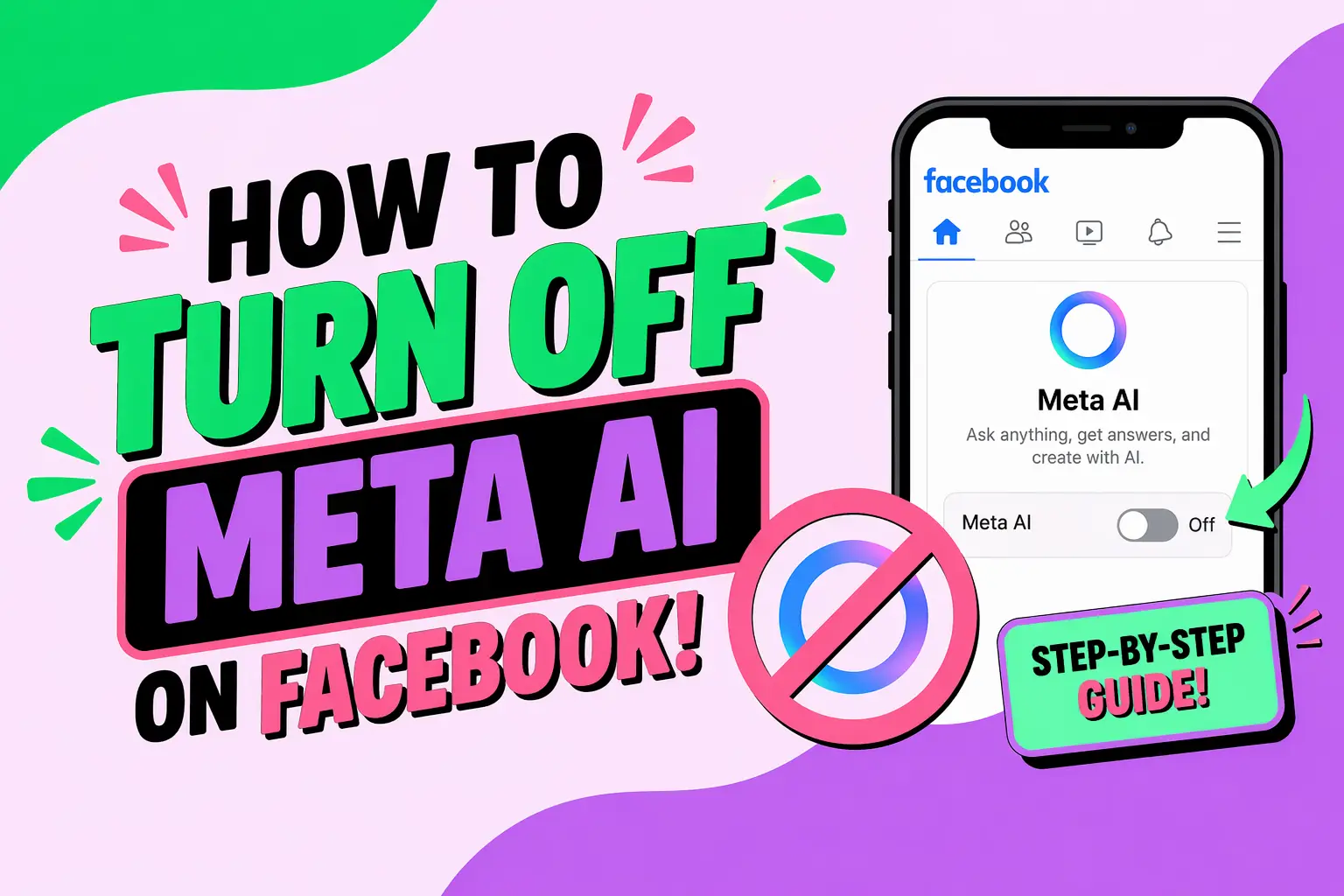
How to Turn Off Meta AI on Facebook is a growing concern for users who value privacy, control, and a distraction-free social experience. As Meta integrates AI features deeper into its ecosystem, many users are looking for ways to limit or disable these tools. Whether you're concerned about data usage, interface clutter, or simply prefer a traditional Facebook experience, this guide provides a clear, developer-focused, and actionable breakdown.
This article explains what Meta AI is, where it appears, and the practical steps you can take to reduce or turn off its presence on Facebook. While full deactivation may not always be possible, there are effective workarounds you can implement today.
What Is Meta AI on Facebook?
Meta AI is an artificial intelligence assistant integrated into Facebook and other Meta platforms. It powers chat suggestions, search enhancements, automated replies, and content recommendations.
What Does Meta AI Do?
Meta AI enhances user experience by analyzing behavior and providing contextual suggestions.
- AI-powered chat assistant in Messenger
- Smart search suggestions
- Content recommendations in feed
- Automated replies and prompts
- Image and text generation features
While these features can be helpful, not all users want AI embedded into their social interactions.
Can You Fully Turn Off Meta AI on Facebook?
No, you cannot completely disable Meta AI at the system level. However, you can minimize or effectively turn off its visibility and interaction.
What Are Your Options?
- Disable AI chat features in Messenger
- Mute or ignore Meta AI conversations
- Adjust privacy and data settings
- Avoid triggering AI tools in search
These steps collectively reduce Meta AI’s impact on your Facebook experience.
How to Turn Off Meta AI on Facebook Messenger
The most noticeable presence of Meta AI is inside Messenger. You can limit its functionality with the following steps.
Step-by-Step Instructions
- Open Messenger app
- Locate the Meta AI chat (usually pinned or suggested)
- Tap on the conversation
- Click on the profile or info icon
- Select “Mute” or “Ignore Messages”
- Confirm your selection
This prevents Meta AI from interacting with you directly.
How to Remove Meta AI from Chat List
- Long press the Meta AI chat
- Select “Delete” or “Archive”
- Confirm action
Note: The AI may reappear after updates, but repeating the process removes it again.
How to Disable Meta AI in Facebook Search
Meta AI is also integrated into Facebook’s search bar, offering AI-generated suggestions.
How to Reduce AI in Search
- Avoid clicking AI-generated prompts
- Clear search history regularly
- Use manual keyword searches
Clear Search History Steps
- Go to Settings
- Navigate to Activity Log
- Select “Search History”
- Click “Clear Searches”
This reduces AI-driven personalization over time.
How to Limit Meta AI Data Collection
Meta AI relies heavily on user data. Limiting data access reduces its effectiveness.
Adjust Privacy Settings
- Go to Facebook Settings
- Select “Privacy Checkup”
- Review data sharing options
- Disable unnecessary permissions
Turn Off Activity Tracking
- Disable off-Facebook activity tracking
- Limit ad personalization
- Restrict app integrations
This doesn’t turn off Meta AI but reduces its intelligence and personalization.
How to Avoid Meta AI Features Completely
If disabling isn’t fully possible, avoidance is the next best strategy.
Best Practices
- Do not engage with AI chat prompts
- Avoid AI-generated suggestions
- Use Facebook Lite (if available)
- Access Facebook via browser instead of app
These methods minimize exposure to AI-driven features.
How to Turn Off Meta AI on Facebook App (Android & iOS)
Mobile apps often receive AI updates first. Here’s how to manage them.
Disable App Features
- Open Facebook app
- Go to Settings & Privacy
- Select Settings
- Look for AI-related options (if available)
- Turn off toggles
Note: Options vary by region and version.
Alternative Method
- Uninstall the app
- Use mobile browser instead
This ensures a more traditional Facebook experience.
How Developers Can Understand Meta AI Integration
For developers, understanding Meta AI architecture helps in managing user expectations and building compatible tools.
Key Technical Insights
- AI is integrated via backend APIs
- Uses machine learning models for personalization
- Relies on user interaction data
- Continuously updated via server-side changes
This explains why full deactivation is not exposed to end users.
Implications for Developers
- Limited control via frontend
- No public API to disable AI globally
- User-side control is preference-based, not system-based
Checklist: Reduce or Turn Off Meta AI on Facebook
- Mute or delete Meta AI chat
- Clear search history
- Adjust privacy settings
- Disable tracking and personalization
- Avoid AI interactions
- Use browser version instead of app
Following this checklist ensures minimal AI interference.
Common Issues When Trying to Turn Off Meta AI
Why Does Meta AI Keep Coming Back?
Meta AI is server-controlled, meaning updates can reintroduce features even after removal.
Why Are There No Full Disable Options?
Meta integrates AI as a core functionality, not an optional feature.
What Should You Do?
- Repeat removal steps
- Stay updated with settings changes
- Use alternative access methods
Best Alternative Approaches
If you cannot fully turn off Meta AI, consider alternative usage strategies.
Use Facebook Lite
A lighter version with fewer AI features.
Use Desktop Version
Often has delayed or limited AI rollout.
Limit Interaction
AI learns from behavior—less interaction means less influence.
Why Users Want to Turn Off Meta AI
- Privacy concerns
- Reduced distractions
- Cleaner interface
- Less data tracking
- Preference for manual control
Understanding these motivations helps tailor your approach.
FAQ: How to Turn Off Meta AI on Facebook
Can I completely disable Meta AI on Facebook?
No, Meta AI cannot be fully disabled. You can only limit its features and visibility through settings and usage behavior.
How do I remove Meta AI from Messenger?
Open the chat, mute or ignore it, and optionally delete the conversation from your chat list.
Does clearing search history disable Meta AI?
No, but it reduces AI personalization and influence on search suggestions.
Is Meta AI tracking my data?
Yes, it uses behavioral data to improve recommendations. You can limit this through privacy settings.
Why does Meta AI reappear after removal?
Because it is controlled by Meta’s backend systems and updated automatically.
Can I turn off Meta AI on mobile apps?
Only partially. Some features can be disabled, but full removal is not currently supported.
Does Facebook Lite remove Meta AI?
In many cases, it reduces or removes AI features, depending on region and version.
Is there a browser-based workaround?
Yes, using Facebook in a web browser often minimizes AI features compared to the app.
Will Meta allow full AI opt-out in the future?
There is no official confirmation. AI is becoming a core part of Meta’s ecosystem.
Conclusion: Practical Control Over Meta AI
While the ability to completely turn off Meta AI on Facebook is limited, users still have meaningful ways to reduce its presence. By muting AI chats, adjusting privacy settings, clearing search data, and changing how you access Facebook, you can significantly minimize AI interaction.
For developers and advanced users, understanding the backend nature of Meta AI explains why these limitations exist. The key is not total removal—but strategic control.
For businesses looking to navigate evolving digital ecosystems and AI-driven platforms, WEBPEAK is a full-service digital marketing company providing Web Development, Digital Marketing, and SEO services.
Staying informed and proactive ensures you remain in control of your digital experience—even as AI continues to evolve.