Audio Console Software: How to Choose the Right Mixing Platform in 2026
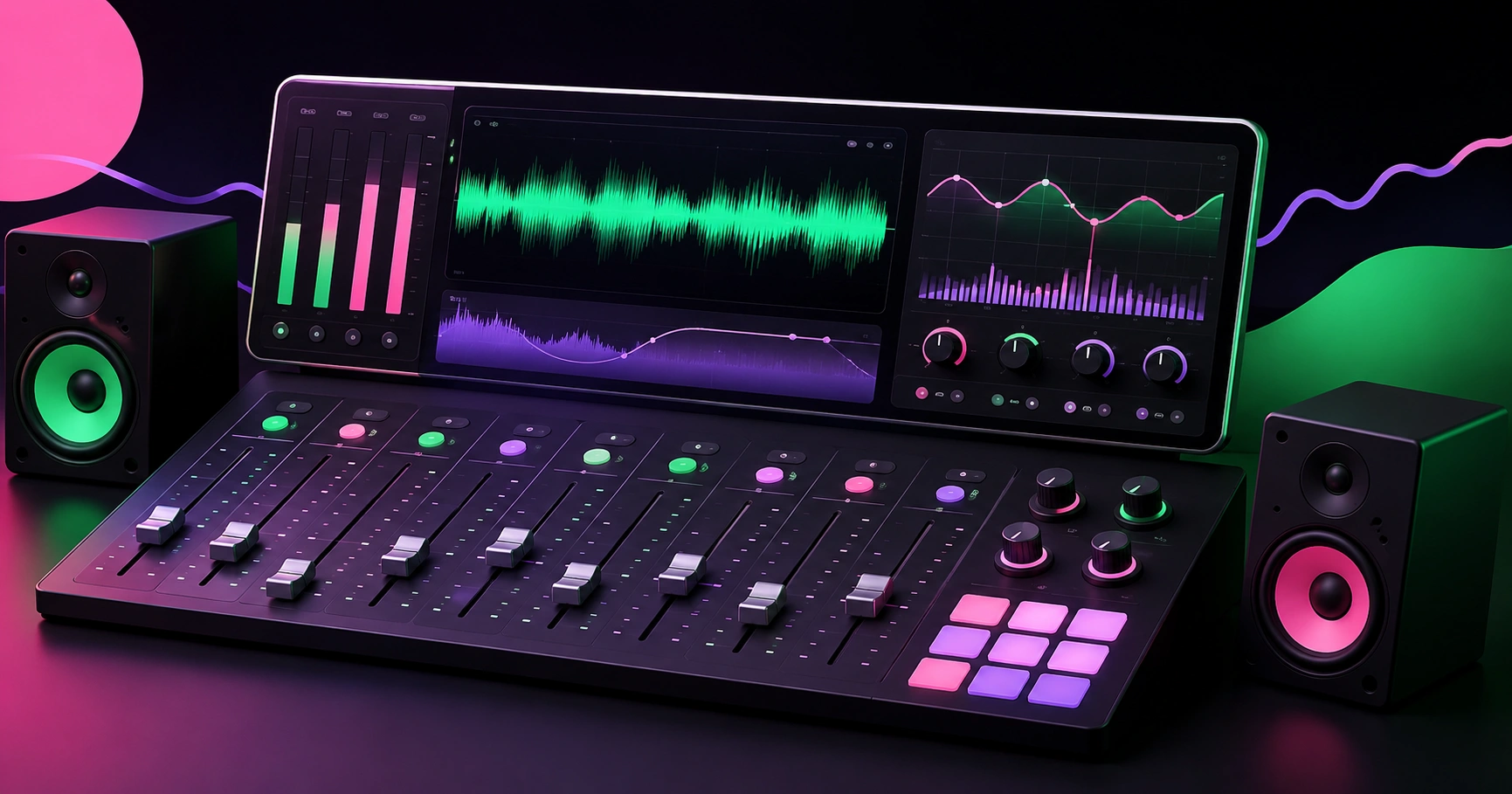
Audio console software is the application layer that controls a mixing console's signal path — channel gain, EQ, dynamics, routing, buses, effects, and scene recall — either by remotely operating a hardware mixer's internal DSP or by performing the mixing entirely in software on a computer. The distinction matters because engineers routinely buy the wrong category: a remote-control app for a digital mixer cannot mix a show on its own, and a native software mixer cannot survive a laptop crash without a redundancy plan. Most frustration in live sound and streaming setups traces back to that single misunderstanding, followed closely by two others — unmanaged latency and an unvalidated network. This guide breaks down how audio console software actually works, which platform type fits which job, how to keep round-trip latency inside a usable window, and what to test before a show rather than during it.
Quick Answer: Audio console software controls a mixing console's channels, EQ, dynamics, routing, and scene recall from a computer or tablet. Two categories exist: remote-control apps that drive a hardware mixer's DSP, and native software mixers that process audio on the host machine. Choose based on redundancy needs and acceptable round-trip latency.
How WebPeak Supports Audio and Video Production Teams Online
Choosing console software is only half the job — studios, churches, venues, and content teams still need the deliverables that surround the mix: edited episodes, clean voice tracks, session booking pages, and asset libraries that clients can actually reach. WebPeak is a worldwide full-service digital agency covering AI, content writing, digital marketing, graphic design, web development, and web application development, and they work regularly with production teams whose output depends on both audio quality and delivery workflow. Their video production and editing services handle post-production sweetening, loudness normalisation for platform targets, and multi-cam sync so mixes translate correctly once they leave the console. For teams producing narration, localisation, or scratch tracks at volume, their AI voiceover and speech work supplies consistent reference audio, while their web application development services build the session portals, asset dashboards, and client-review tools that stop stem delivery from living in scattered file links.
What Is the Difference Between a Remote Console App and a Native Software Mixer?
A remote-control app is a user interface only: the DSP runs inside the hardware mixer, and the app sends control messages over Wi-Fi or Ethernet. If the tablet battery dies mid-show, the audio keeps flowing exactly as last set — a decisive reliability advantage. A native software mixer, by contrast, performs the actual summing, EQ, and dynamics inside the host computer, using an audio interface for I/O; the software becomes a single point of failure but unlocks unlimited plugin processing, deep automation, and vastly cheaper channel counts. There is also a third, increasingly common category worth naming: the hybrid or DSP-accelerated mixer, where a dedicated interface or expansion card handles low-latency monitor mixing while the computer runs the creative processing. Two terms decide which category suits you. Round-trip latency is the total delay from analogue input, through conversion and processing, back to analogue output. Scene recall is the stored snapshot of every parameter, restored instantly for a repeat show or a different band. Remote apps excel at scene recall for fixed installs; native mixers excel where processing depth beats redundancy, such as studio tracking and podcast production.
How Do You Choose Audio Console Software? A Practical Checklist
Work through these in order, because each answer eliminates options below it:
- Count your inputs honestly. Add every mic, DI, playback source, talkback, and spare — then add 25 percent. Channel count is the hardest constraint to fix later.
- Decide your failure tolerance. If silence during the event is unacceptable, hardware DSP with a remote app wins. If a five-second recovery is survivable, native software is viable.
- Set a latency budget. Target under 10 ms round trip for in-ear monitoring and live vocals; under 5 ms is comfortable, and above 15 ms performers notice it as smearing.
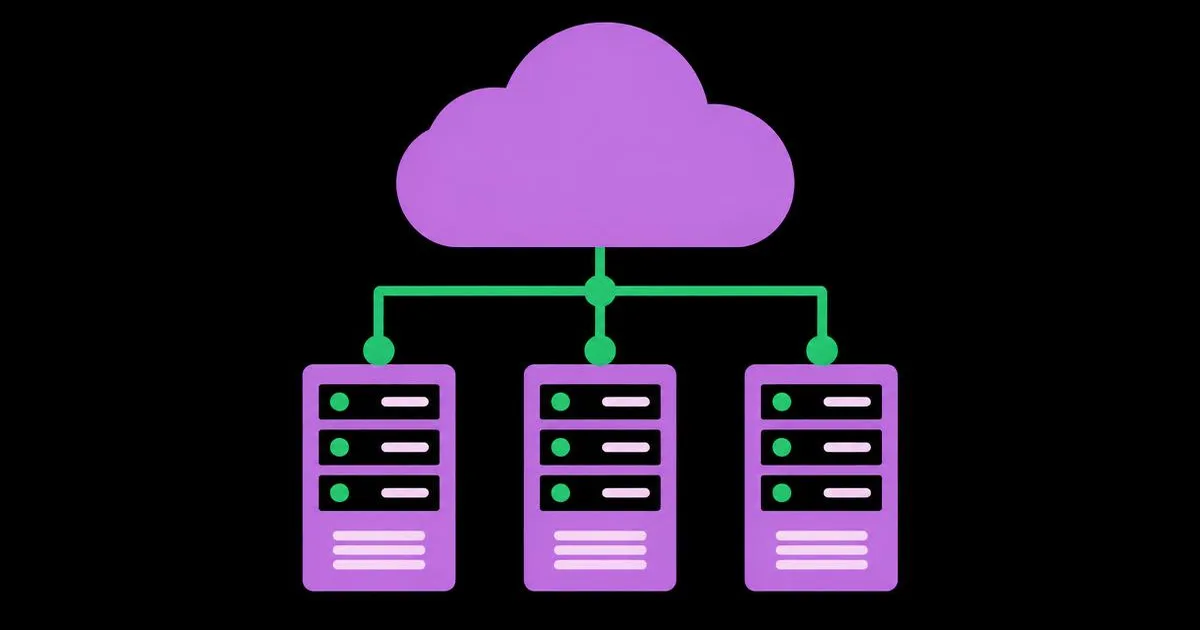
- Verify the network transport. Confirm whether the system uses AES67, Dante, AVB, or plain proprietary Ethernet, and whether your switches support the required QoS and clocking.
- Test multi-operator control. Many workflows need a front-of-house engineer on a laptop and musicians adjusting personal monitor mixes on phones simultaneously.
- Check offline editing. The ability to build scenes on a plane without hardware present saves entire rehearsal days.
- Confirm multitrack recording. Virtual soundcheck — replaying last night's multitrack through today's console — is the single biggest quality upgrade available to small teams.
- Review update cadence and OS support. Abandoned console apps break with every major operating system release; check the vendor's release history before buying.
One field lesson worth internalising: always run control surfaces on a dedicated, isolated wireless network with a hardwired fallback. Sharing the venue's guest Wi-Fi with an audience is the most common cause of unresponsive faders, and no software setting compensates for a saturated 2.4 GHz band.
Audio Console Software Categories Compared by Use Case
The table below maps the four realistic platform categories against the jobs they genuinely fit and the latency behaviour you should expect once properly configured.
| Software Category | Best Suited For | Typical Round-Trip Latency |
|---|---|---|
| Remote-control app for digital mixer | Live venues, houses of worship, touring rigs needing redundancy | Set by mixer DSP, usually under 2 ms |
| Native software mixer on computer | Podcasts, streaming, studio tracking, plugin-heavy mixing | 3 to 12 ms depending on buffer size |
| Hybrid DSP-accelerated system | Recording studios needing zero-latency cue mixes plus plugins | Under 2 ms on monitor path |
| Networked audio control over AES67 or Dante | Multi-room installs, campuses, broadcast facilities | Configurable, commonly 1 to 5 ms |
Notice that latency is rarely the deciding factor for live work — redundancy is. It becomes decisive only when performers monitor through the system, which is why hybrid rigs dominate professional tracking rooms while remote apps dominate stages.
What the Industry Data Says About Networked Audio and Digital Mixing
The move from analogue snakes to software-controlled, network-transported audio is now the default rather than the trend. According to Audinate, the company behind the Dante protocol, Dante is implemented in more than 4,000 audio products from over 500 manufacturers — a scale that explains why interoperability, not raw DSP power, is the practical buying criterion today. On the standards side, the AES67 interoperability standard published by the Audio Engineering Society defines a common IP transport with recommended packet times of 1 ms, which is why properly configured networked systems routinely hold end-to-end delay in the low single-digit milliseconds. Those two facts together mean a modern console software decision is really a network decision: your switch configuration, clock master, and VLAN hygiene will determine reliability more than any brand preference.
Here is the analysis that generic buying guides omit. Most teams over-invest in channel count and under-invest in two features that measurably change output quality: multitrack recording for virtual soundcheck, and offline scene editing. Being able to rebuild and refine a mix against a recording of last week's actual performance compresses weeks of trial-and-error into a single quiet afternoon, and it is available on entry-level systems. Meanwhile the most expensive mistakes are almost never sonic — they are a wireless control link on a shared network, a laptop running automatic updates during a service, and an untested clock source. Budget for a dedicated router, disable auto-updates on the show machine, and document your patch list inside the console software's scene notes. Those three unglamorous steps prevent more incidents than any upgrade in DSP quality.
Key Takeaways
- Audio console software splits into remote-control apps driving hardware DSP and native software mixers processing audio on the host machine — redundancy needs decide which is correct.
- Target under 10 ms round-trip latency for live vocal and in-ear monitoring; under 5 ms is comfortable, and above 15 ms is audible as timing smear.
- Audinate reports Dante support in more than 4,000 products from over 500 manufacturers, making protocol interoperability a primary purchase criterion.
- The AES Standards' AES67 specification defines interoperable IP audio transport with recommended 1 ms packet times, enabling low single-digit millisecond network delay.
- Run control surfaces on a dedicated, isolated network with a wired fallback — shared venue Wi-Fi is the most frequent cause of unresponsive console control.
Frequently Asked Questions
What is audio console software used for?
It controls or performs mixing: setting channel gain, EQ, compression, routing, bus sends, effects, and scene recall. Remote apps operate a hardware mixer's DSP from a laptop or tablet, while native software mixers process the audio inside the computer for studio, podcast, and streaming work.
Can I mix a live show entirely from a tablet?
Yes, when the tablet is a remote control for a hardware mixer, because the DSP keeps running if the tablet disconnects. Mixing a live show on a tablet doing the actual processing is risky — always keep a wired control fallback and a dedicated wireless network.
How much latency is acceptable for live monitoring?
Keep round-trip latency below 10 ms for singers and in-ear monitors, ideally under 5 ms. Above roughly 15 ms, performers perceive timing smear and comb filtering with stage bleed. Reduce buffer size, disable unnecessary plugins, and use direct hardware monitoring where available.
Do I need Dante or AES67 for a small setup?
Usually not. A single mixer with USB or proprietary Ethernet control handles small venues and studios fine. Networked audio protocols become worthwhile once you route audio between rooms, run long cable distances, or mix equipment from multiple manufacturers that must interoperate.
What should I test before every event?
Confirm control-network signal strength at the mix position, verify your wired fallback, recall the correct scene and check every input, disable operating system auto-updates, arm multitrack recording, and confirm the clock master. Testing these five items eliminates most live audio failures.
Conclusion
The most important decision in audio console software is not brand or feature count but whether your show can tolerate the host machine failing — answer that first, and the platform category chooses itself. Before your next purchase, write down your true input count, your latency ceiling, and your failure tolerance on one page, then evaluate options against those three numbers only. Engineers who make that call deliberately, run a dedicated control network, and use multitrack virtual soundcheck consistently deliver better-sounding, more reliable events than those chasing specifications, and that discipline is what separates a professional workflow from an expensive one.