What Is a Social Media Kit? A Practical Guide for Brands and Creators
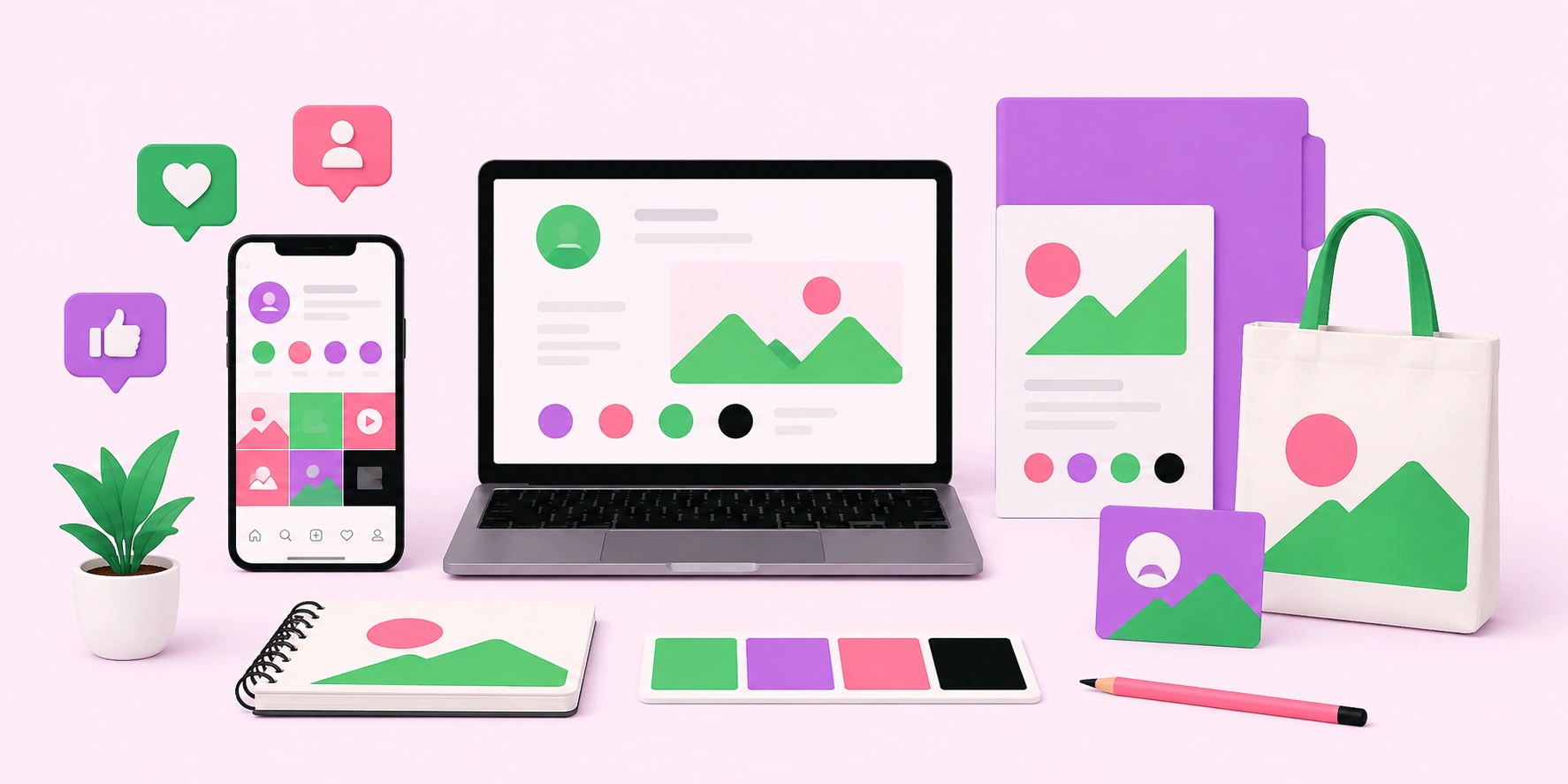
A social media kit is a packaged collection of branded assets, templates, and guidelines that keep your content consistent across every platform. It typically includes logos, color codes, fonts, post templates, profile and cover image sizes, captions, and brand voice notes. Think of it as a ready-to-use toolbox that lets anyone on your team or any collaborator create on-brand content quickly without guessing. For creators and influencers, a social media kit (or media kit) can also mean a presentation of audience stats and rates sent to potential brand partners.
Quick Answer: A social media kit is a bundle of branded assets and guidelines — logos, colors, fonts, templates, and image sizes — used to keep content consistent across platforms. It saves time, ensures brand cohesion, and helps teams or collaborators produce professional posts without starting from scratch.
How WebPeak Helps You Build a Cohesive Brand Kit
A social media kit is only as strong as the design system behind it. WebPeak helps brands create polished, reusable visual assets through their graphic design services. Their designers build complete kits — logo variations, templated post layouts, color palettes, and platform-correct image sizes — that keep your presence consistent and professional everywhere. With a well-built kit in hand, businesses publish faster, look more credible, and maintain a unified identity across every channel.
What Should a Social Media Kit Include?
A complete social media kit covers everything needed to create and publish on-brand content. The essentials fall into a few core categories. Brand assets include your logo in multiple formats and sizes, your color palette with exact hex codes, and your chosen fonts. Templates cover reusable layouts for posts, stories, carousels, and cover images. Guidelines document your brand voice, tone, hashtag strategy, and dos and don’ts.
A brand voice guide is a short document defining how your brand sounds — for example, friendly and casual versus authoritative and formal. Including it ensures captions stay consistent no matter who writes them.
Beyond the core assets, a well-rounded kit also includes practical reference material that prevents everyday mistakes. This means a list of approved hashtags, a short “words we use and words we avoid” glossary, examples of strong past posts to model, and links to your asset library so no one is hunting for the right logo file. Some teams add a quick-reference page showing how the logo should and shouldn’t be used — minimum sizing, clear space, and which background colors are off-limits. These details might seem minor, but they’re exactly the things that erode brand consistency when left undocumented, especially as more people contribute to your content over time.
What Are the Two Types of Social Media Kits?
The term “social media kit” means different things depending on who’s using it. Knowing which one you need prevents confusion. Here are the two main types and what each contains:
- Brand asset kit: Used by businesses and teams to create consistent content — includes logos, colors, fonts, and templates.
- Creator media kit: Used by influencers to pitch brands — includes audience demographics, follower counts, engagement rates, and partnership pricing.
- Hybrid kits: Some agencies combine both, pairing brand assets with performance data for client presentations.
Identify your goal first: producing content consistently calls for a brand asset kit, while landing sponsorships calls for a creator media kit.
For creators specifically, a strong media kit does more than list numbers — it tells a story about your audience and the value you offer partners. The most persuasive creator kits include a short bio, your niche and audience demographics (age, location, interests), engagement rate rather than just follower count, examples of past brand collaborations, and clear, transparent pricing or package options. Brands evaluating a partnership care less about raw reach and more about whether your audience matches their target customer, so framing your stats around relevance and engagement is what wins deals. Keep the document visually clean, current, and easy to skim — a cluttered or outdated media kit signals the same lack of professionalism to a potential sponsor.
What Are the Correct Image Sizes for a Social Media Kit?
Including up-to-date image dimensions in your kit prevents blurry or cropped visuals. Sizes change periodically, so verify current specs before a major launch. A smart approach is to build master templates at each required size with your logo, fonts, and safe zones already in place, so creating a new post means dropping content into a proven frame rather than guessing dimensions each time. Pay special attention to “safe zones” — the areas of stories and reels where interface buttons overlap your design — since text placed there gets hidden behind platform controls. The table below shows commonly used dimensions to template into your kit.
| Asset Type | Common Dimensions (px) | Typical Use |
|---|---|---|
| Square post | 1080 x 1080 | Feed posts and carousels |
| Vertical story | 1080 x 1920 | Stories and reels |
| Landscape image | 1200 x 630 | Link previews and banners |
| Profile picture | 400 x 400 | Avatars across platforms |
Why Does a Social Media Kit Save Time and Build Trust?
Consistency isn’t just aesthetic — it drives recognition and revenue. According to research cited by Lucidpress (Marq), consistent brand presentation can increase revenue by up to 23%, and studies show it takes multiple repeated exposures for audiences to remember a brand. A social media kit operationalizes that consistency by ensuring every post reinforces the same identity.
From practical experience managing brand content, the biggest hidden benefit is speed. Teams without a kit waste hours recreating layouts, hunting for the right logo file, or debating colors. A kit eliminates that friction — a new team member or freelancer can produce on-brand content on day one. The original insight is that a kit is a scalability tool: it turns brand consistency from something that depends on one person’s memory into a documented, repeatable system anyone can follow.
There’s also a quality-control benefit that compounds over time. When everyone works from the same templates and rules, your feed develops a recognizable look that audiences begin to associate with you before they even read the caption. That visual familiarity builds trust and makes your content easier to spot in a crowded feed. To get the most from a kit, store it in a shared, cloud-based location so it’s always accessible and update it as a living document rather than a one-time deliverable. The brands that treat their kit as evolving infrastructure — refining templates as they learn what performs — are the ones whose presence looks effortlessly cohesive, even as their team and output grow.
Key Takeaways
- A social media kit bundles logos, colors, fonts, templates, and guidelines for consistent content.
- There are two main types: brand asset kits for content and creator media kits for pitching brands.
- Including current image dimensions prevents blurry or cropped visuals across platforms.
- Consistent branding can increase revenue by up to 23%, per Marq research.
- A kit is a scalability tool that lets anyone produce on-brand content immediately.
Frequently Asked Questions
What is included in a social media kit?
A social media kit includes brand assets like logos, color codes, and fonts, plus reusable post templates, correct image sizes, and brand voice guidelines. Creator media kits also include audience stats, engagement rates, and partnership pricing for pitching to brands.
What is the difference between a social media kit and a media kit?
A social media kit usually refers to branded assets and templates for creating content, while a creator media kit is a presentation of audience data and rates used to attract brand sponsorships. The term’s meaning depends on your goal.
Do I need a social media kit for a small business?
Yes, even small businesses benefit. A kit keeps your branding consistent, speeds up content creation, and ensures anyone helping you post stays on-brand. It removes guesswork and makes your business look more professional and credible online.
How do I create a social media kit?
Start by gathering your logo files, color hex codes, and fonts, then build reusable templates for each platform and document your brand voice and image sizes. You can build it yourself in design tools or hire a designer for polished results.
How often should I update my social media kit?
Review your kit at least once a year, or whenever platforms change image dimensions, you rebrand, or you launch new campaigns. Keeping image sizes and templates current prevents cropped visuals and keeps your content looking professional and consistent.
Conclusion
A social media kit transforms brand consistency from a fragile, person-dependent habit into a documented system anyone can use. The key decision is identifying which kit you need — brand assets for creating content or a media kit for landing partnerships — then building it thoroughly. Invest in a complete, well-organized kit and you’ll publish faster, look more professional, and reinforce a recognizable identity with every post. Consistency, done right, compounds into trust.