Web Design vs Graphic Design: Skills, Tools, and Careers
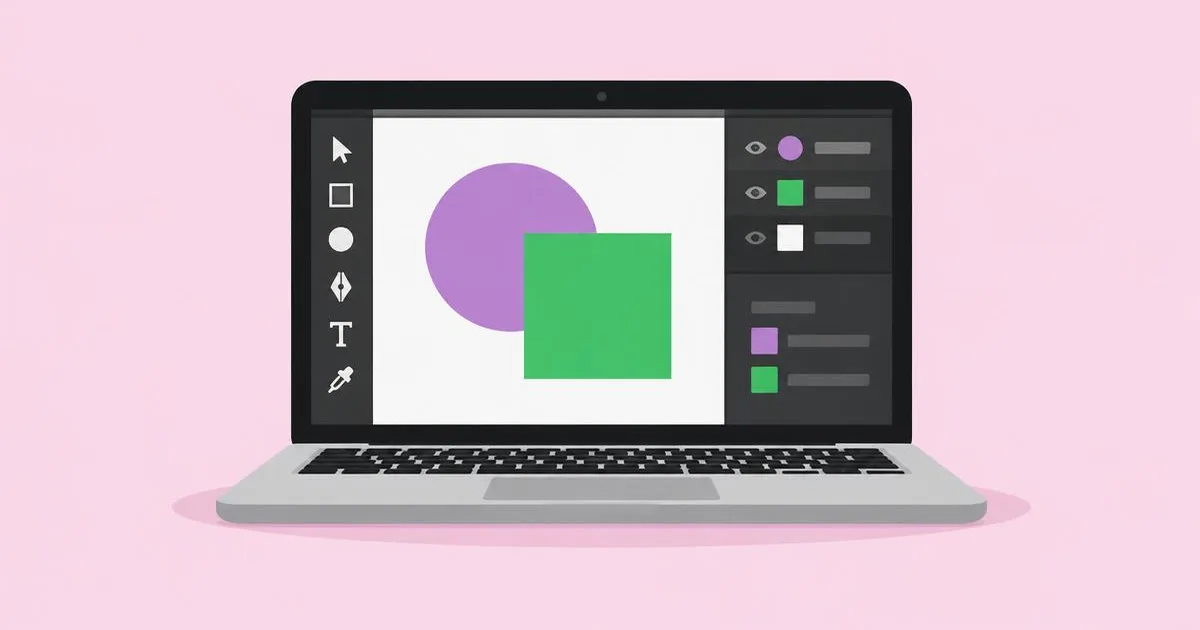
A restaurant can have a beautiful logo, elegant menus, and striking photography yet still lose bookings because its website hides the reservation button. That gap explains why visual quality and digital usability require overlapping but different expertise. Web design shapes how people navigate and use websites, while graphic design communicates ideas through visual compositions across print and digital media. When comparing web design vs graphic design, the useful question is not which field is more creative, but which problems you want to solve. Your answer affects the skills you practice, the tools you choose, and the evidence employers expect.
Quick Answer: Web design combines visual communication with interaction, responsive layouts, and website usability. Graphic design emphasizes typography, imagery, composition, and brand expression across formats. Both require clear hierarchy and strong judgment, but web designers must also account for changing screens, user actions, accessibility, and implementation constraints.
What Is the Difference Between Web Design and Graphic Design?
The main difference is whether you are designing a visual message or an interactive environment.
Graphic design organizes text and imagery to communicate something specific: who a company is, why an event matters, or how a product should be understood. Deliverables can include identities, packaging, editorial layouts, presentations, and digital campaign assets. A successful piece establishes hierarchy and expresses the intended message within its format. That format might be fixed, like a printed label, or adaptable, like a family of social templates.
Web design organizes content and controls so people can accomplish tasks in a browser. It includes page structure, navigation, responsive behavior, and states such as errors, expanded menus, or completed forms. Strong website graphic decisions support those tasks rather than simply decorating them. For example, a product image should help someone evaluate the item without making the purchase controls difficult to find.
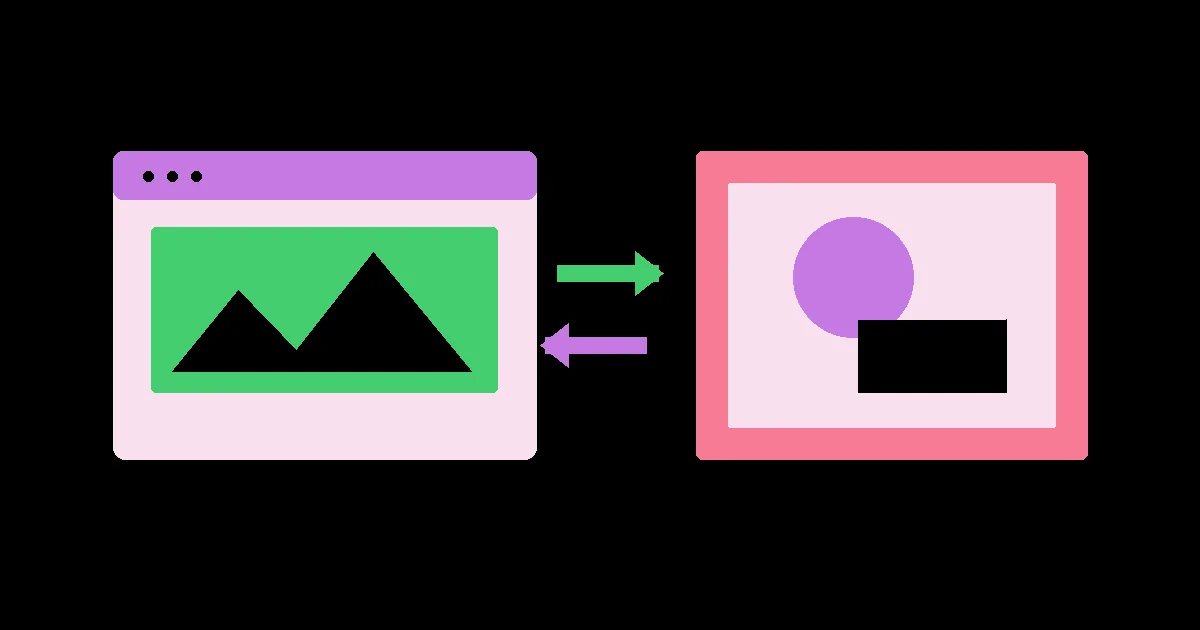
The disciplines overlap in typography, color, spacing, image selection, and visual hierarchy. Their boundaries are not absolute: graphic designers can build websites, and web designers can create brand assets. However, shared visual skills do not automatically establish competence in interaction design, production artwork, or development. The required expertise follows the deliverable, not just the job title.
Related terms also need clarification. User interface design concerns the controls and presentation of interactive products, including websites and applications. User experience design addresses broader questions about user needs, workflows, and service outcomes. Web development implements functionality through code or configured platforms. One person may cover several roles on a small project, but the responsibilities should remain explicit. Otherwise, a client may expect a functioning booking system when the agreed deliverable was only a page mockup.
Which Skills Should You Learn First?
Start with shared visual foundations, then specialize in the constraints of your intended deliverables.
- Build hierarchy with real content. Practice typography, alignment, contrast, grouping, and spacing before adding effects. Redesign a crowded event announcement and a service page using their actual text. Identify what readers should notice first, second, and third. If every element competes for attention, remove emphasis rather than increasing everything’s size or weight.
- Learn the production rules of your medium. Graphic designers preparing print work need to understand trim, bleed, image resolution, color specifications, and supplier requirements. Web designers need responsive layouts, browser behavior, asset optimization, and basic HTML and CSS concepts. These rules prevent attractive concepts from becoming expensive production problems or fragile implementations.
- Practice accessible communication. For websites, consider semantic structure, keyboard access, visible focus, text contrast, form labels, and zoom behavior. For graphics, examine legibility, reading order, and whether meaning depends only on color. Automated checks can identify some problems, but reviewing realistic content and testing interactions remains necessary.
- Develop discipline-specific judgment. A graphic designer should explain why a visual system expresses the right character and remains recognizable across applications. A web designer should explain why navigation, content order, and feedback support user tasks. Replace statements such as “this looks modern” with reasoning tied to audience needs and project constraints.
- Learn to document and collaborate. Package files so another person can continue the work. Graphic handoffs may require approved artwork, font licensing notes, and export specifications. Web handoffs need component behavior, responsive rules, interaction states, and content guidance. Ask the receiving printer, developer, or client what they require before finalizing the deliverables.
Choose exercises that reveal weaknesses rather than merely producing attractive portfolio thumbnails. Reworking a form with confusing errors teaches a different skill from refining a logotype; both need deliberate practice and critique against a clear brief.
How Do the Tools and Deliverables Compare?
Choose tools according to the output you must produce and the people who must use it afterward.
No application defines either profession. Interface tools can create excellent static compositions, and illustration software can supply assets for websites. The distinction becomes clearer when you examine what the final files must contain, how revisions happen, and where quality is verified. A working browser page and an approved packaging file require different validation.
| Work area | Web design | Graphic design |
|---|---|---|
| Layout | Figma or similar tools for components and responsive mockups | InDesign or similar tools for publications and fixed layouts |
| Imagery | Optimized photographs, SVG icons, and appropriately sized assets | Retouched photographs, vector illustrations, and production artwork |
| Prototyping | Linked screens or browser prototypes showing task flows | Mockups showing packaging, signage, or campaign applications |
| Production | HTML and CSS, a CMS, or a website builder | Print-ready PDFs and exports matched to delivery specifications |
| Verification | Browser, device, keyboard, and content checks | Preflight, proofs, resolution, and color checks |
A web designer benefits from reusable components because changes often need to propagate across many pages. However, a polished component library is not proof that a site works. Long headings, missing images, validation messages, and narrow screens can expose weaknesses that a carefully staged mockup conceals. Test these conditions before handing off the design.
A graphic designer may prioritize precise vector construction, image editing, and multipage typography. The mistake is treating every export as interchangeable. A logo intended for a small website header needs different preparation from artwork for a large printed sign. Confirm dimensions, file formats, and production conditions instead of exporting one universal file.
Budget for licensing, collaboration, and handoff compatibility. Subscription terms, platform features, export permissions, and commercial-use conditions can vary, so verify current requirements before committing a project to a particular tool.
Practitioner Analysis: Which Career Fits Your Strengths?
Career fit depends on the problems you enjoy resolving and the responsibility you want to carry.
From a practitioner’s planning perspective, the strongest distinction is what remains uncertain during a project. Graphic design often involves finding a compelling visual expression within a defined communication brief. Web design adds uncertainty about how people move through content and how layouts behave when content or screen conditions change. Neither field eliminates subjective judgment; each combines it with practical constraints.
Consider a hospitality brand launch. The graphic designer may establish identity, menus, signage, and campaign materials. The web designer translates that identity into room comparisons, booking prompts, location information, and mobile navigation. The graphical elements shared by both disciplines create continuity, but copying the printed brochure directly onto the website would ignore the visitor’s need to compare, search, and act.
Graphic-focused career paths include brand designer, packaging designer, editorial designer, and production artist. Web-focused paths include web designer, interface designer, and design-system roles, with some positions combining design and front-end implementation. Titles vary between employers. Read responsibilities carefully: a “digital designer” opening might emphasize campaign banners, interactive prototypes, or both.
Employment and freelance trade-offs also differ by scope. A brand project may have defined asset deliveries, while a website can require ongoing content changes, maintenance coordination, and testing after launch. Either discipline can support retainers or discrete projects. Compensation depends on market, specialization, responsibility, portfolio quality, and commercial context; neither title guarantees higher earnings.
To assess fit, complete two comparable briefs: a small visual identity and a responsive service website. Track which decisions you found engaging, where you needed help, and whether you enjoyed preparing production details. Use that evidence alongside local job descriptions. Enjoying illustration does not necessarily mean enjoying packaging production, just as enjoying interface mockups does not necessarily mean enjoying browser debugging.
What Common Mistakes Should Beginners Avoid?
Most early mistakes come from judging design only by its appearance instead of its intended use.
Treating a website like a poster. Large display text and dramatic image crops can work beautifully until a visitor needs opening hours or a checkout button. Fix this by identifying the primary task before designing the hero section. Make essential information available in a logical reading order, then use visual expression to reinforce that structure.
Designing only the ideal screen. A desktop mockup with short placeholder text hides overflow and navigation problems. Replace placeholders early, test long titles, and define what happens on narrow screens. Specify wrapping, stacking, and image behavior rather than asking a developer to infer everything from one composition.
Ignoring production requirements. A graphic may look sharp on screen but fail when printed or enlarged. Confirm the supplier’s specifications, inspect image quality at the intended size, and request appropriate proofs. For web assets, balance clarity with download weight and choose formats according to the image’s purpose.
Using aesthetics as the only feedback criterion. “Make it pop” does not identify a problem. Ask what viewers are missing, what action is unclear, or what brand quality is absent. Then change hierarchy, wording, contrast, or composition in response to that specific issue.
Promising unspecified deliverables. Prevent disputes with a written scope covering pages or assets, revision stages, implementation, source files, and launch responsibilities. State who supplies copy and photography. Record exclusions too, especially development, hosting, printing, and ongoing updates.
How Would Both Designers Handle a Real Project?
A local bakery launch shows how the disciplines collaborate without duplicating each other’s work.
Define the brief. The bakery needs a recognizable identity, printed takeaway packaging, and a website for browsing products and requesting celebration cakes. Establish audiences, required content, approval responsibilities, and the launch deadline. Clarify that cake requests require staff confirmation; the website must not imply that submitting a form completes an order.
Create the visual foundation. The graphic designer develops a wordmark, type hierarchy, color palette, and illustration style. Packaging decisions account for available printing methods and the smallest intended reproduction size. The designer also prepares a simplified mark for compact uses and checks whether decorative lettering remains readable on labels.
Structure the website around tasks. The web designer groups content into everyday products, celebration cakes, visiting information, and contact details. Opening hours appear as selectable text, not solely inside an image. On small screens, the cake inquiry action stays easy to find without covering content or interrupting navigation.
Specify interactions and assets. The inquiry form requests the event date, serving requirements, contact details, and relevant preferences. Labels remain visible, required fields are identified, and error messages explain how to recover. The confirmation explains the next step without promising an unapproved response time. Product photographs receive consistent crops and appropriately sized exports.
Validate and hand off. Test the inquiry journey using a keyboard and a narrow viewport, then check the implemented page with real content. Ask someone unfamiliar with the bakery to find collection details and submit a test request. Separately, review packaging proofs and delivery files against supplier specifications.
Define ongoing ownership. Give staff instructions for updating prices, seasonal products, and opening hours. Document which brand treatments must remain consistent and which website components can be reused. This avoids the common launch-day success followed by outdated information, inconsistent graphics, and broken customer expectations.
Key Takeaways
Choose your discipline by its working constraints, not just its visual style.
- Web design supports interactive tasks; graphic design communicates messages across defined visual formats.
- Typography, hierarchy, color, and composition transfer between fields, but production expertise requires separate practice.
- Choose tools by deliverables, collaboration needs, and verification requirements rather than popularity alone.
- Build portfolios that explain decisions, show constraints, and demonstrate usable or production-ready outcomes.
- Test career fit through realistic briefs and relevant job descriptions, then deepen one specialty before expanding your scope.
Frequently Asked Questions
These answers address practical decisions about training, portfolios, coding, and hiring.
Do web designers need to know how to code?
Coding is useful but not mandatory for every web design role. Understanding HTML, CSS, and browser behavior helps you create feasible layouts and communicate with developers. Some jobs require implementation, while others separate design from development. Read the role’s responsibilities and learn enough to test your assumptions in a browser.
Can a graphic designer become a web designer?
A graphic designer can transition by adding interaction and implementation knowledge. Existing skills in typography and hierarchy provide a strong foundation. Focus next on responsive behavior, navigation, accessible forms, and component states. Build a small working website and test real tasks rather than presenting only polished static screens.
Which discipline is easier for beginners?
Neither discipline is universally easier because each has different hidden complexity. Graphic design may appear more approachable when the deliverable is a single composition, but typography and production demand precision. Web design adds behavioral and technical constraints. Start with a limited brief so you can learn without managing an oversized project.
What should a beginner’s portfolio include?
A beginner’s portfolio should demonstrate decisions and finished outcomes. Graphic projects should show a coherent system across relevant applications, with production details where appropriate. Web projects should include responsive views, important interaction states, and preferably a working example. Clearly label conceptual work and explain constraints without inventing client results.
Should a small business hire one designer or two?
Hire according to the capabilities the project actually needs. One multidisciplinary designer may handle a modest identity and website effectively. Complex branding, custom functionality, or demanding production work can justify specialists. Ask to see relevant finished work and clarify who handles development, accessibility checks, printing coordination, and updates.
Is a degree necessary for either career?
A degree is not the only route into either field. Employers and clients may prioritize demonstrated ability, although some positions specify education requirements. Structured study can offer critique and broader foundations. Self-directed learners should deliberately replace those benefits with feedback, realistic briefs, production practice, and documented problem-solving.
Can website builders replace web design skills?
Website builders can simplify implementation, but they do not replace design judgment. Templates still need suitable content, clear navigation, accessible configuration, and testing. Check whether the platform supports required forms, integrations, and editing workflows. Features, pricing, and permissions vary, so verify current terms before recommending a platform.
Conclusion
Web design vs graphic design is ultimately a choice between related kinds of problem-solving. Both depend on visual clarity, but websites must also respond to user actions, changing content, and different viewing conditions. Graphic work demands equal attention to message, consistency, and the realities of its production medium. Choose a primary direction based on the work you want to deliver, then build complementary skills where projects genuinely require them.
Your next step is to review graphic design degree job paths and select one role to investigate. Compare its responsibilities with your current abilities, then create a focused portfolio brief that addresses the most important gap.