
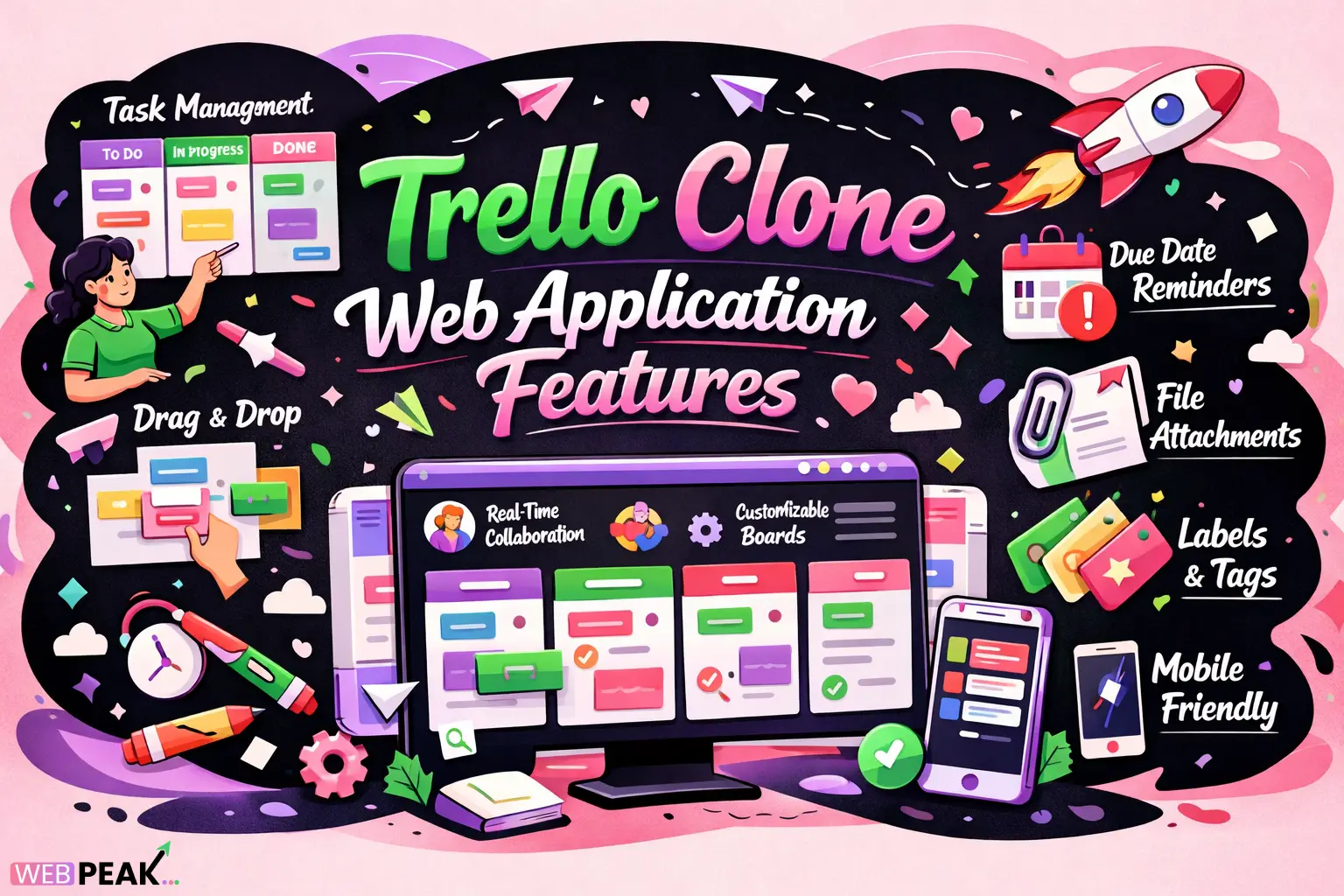
Trello Clone Web Application Features: A Complete Developer Guide
Building productivity tools has become one of the most popular projects among modern developers. One of the most requested project management solutions today is a Trello-style application. Understanding Trello Clone Web Application Features is essential for developers who want to build scalable, collaborative, and real-time task management platforms.
A Trello clone replicates the Kanban-based workflow system that helps teams organize tasks visually. However, a modern clone must go far beyond basic boards and cards. It requires real-time collaboration, scalable architecture, intuitive UX, and powerful integrations.
This in-depth developer-focused guide explains the essential features, architecture considerations, and implementation strategies required to build a high-quality Trello-style web application.
What Is a Trello Clone Web Application?
A Trello clone is a web-based project management application that replicates the Kanban board system used for organizing tasks visually across boards, lists, and cards.
It allows users to create workflows where tasks move through stages such as planning, development, testing, and completion.
Core Structure of a Trello-style System
- Workspace – top-level organization environment
- Boards – project containers
- Lists – workflow stages
- Cards – individual tasks
- Members – collaborators assigned to tasks
This hierarchical structure forms the foundation of all Trello-like project management systems.
Why Are Trello Clone Applications Popular Among Developers?
Developers frequently build Trello clones because they demonstrate a wide range of full-stack capabilities.
Technical Skills Demonstrated
- Real-time collaboration systems
- Drag-and-drop UI interfaces
- State management
- Database relationships
- REST or GraphQL APIs
- Authentication systems
For SaaS startups, Trello-style applications also serve as the foundation for productivity tools, team collaboration platforms, and workflow automation systems.
What Core Trello Clone Web Application Features Are Essential?
A high-quality Trello clone must include a combination of usability, collaboration, and productivity features.
1. User Authentication and Account Management
Secure user management is the foundation of any collaborative system.
- User registration and login
- OAuth login (Google, GitHub)
- Password reset functionality
- User profiles
- Session management
Authentication can be implemented using JWT, OAuth, or session-based authentication.
2. Workspace and Board Management
Workspaces allow teams to organize multiple projects under a single environment.
- Create workspaces
- Create and manage boards
- Invite team members
- Set board visibility (private/public)
- Assign admin permissions
This structure supports scalable team collaboration.
3. Lists and Kanban Workflow
Lists represent workflow stages such as To Do, In Progress, and Done.
- Create lists
- Reorder lists
- Archive lists
- Customize workflow stages
Developers usually implement drag-and-drop functionality using libraries such as:
- React Beautiful DnD
- SortableJS
- Dragula
4. Task Cards
Cards are the primary task units inside lists.
Each card contains detailed information about a task.
- Title and description
- Attachments
- Labels
- Comments
- Activity history
- Assigned members
Cards should support drag-and-drop movement across lists.
5. Real-Time Collaboration
Real-time updates are essential for collaborative productivity platforms.
Users must see changes immediately when teammates update tasks.
Technologies Commonly Used
- WebSockets
- Socket.IO
- Firebase Realtime Database
- Supabase
Real-time synchronization prevents conflicts and improves collaboration efficiency.
How Does Drag-and-Drop Functionality Work in Trello Clones?
Drag-and-drop is one of the most critical UI features in a Trello-style application.
It allows users to move tasks across lists visually.
Typical Implementation Steps
- Track drag start events
- Update UI placeholder positions
- Calculate target list position
- Send update request to backend
- Broadcast change to other users
The backend must update card order indexes to maintain board structure consistency.
What Advanced Trello Clone Web Application Features Improve Productivity?
Modern project management tools include advanced productivity features beyond basic Kanban boards.
1. Task Due Dates
- Deadline setting
- Calendar integration
- Overdue task highlighting
2. Labels and Tags
Labels allow teams to categorize tasks visually.
- Color-coded labels
- Custom tag creation
- Filter by labels
3. File Attachments
Attachments allow users to upload important documents.
- Image uploads
- File previews
- Cloud storage integration
4. Activity Logs
Activity logs track every action within the system.
- Card creation
- Status changes
- Member assignments
- File uploads
This improves transparency and accountability.
How Can Notifications Be Implemented in a Trello Clone?
Notifications keep users informed about updates to their tasks.
Common Notification Types
- Task assignment alerts
- Comment notifications
- Due date reminders
- Board activity updates
Implementation Options
- Web push notifications
- Email notifications
- In-app notification center
A message queue such as Redis or RabbitMQ can be used to manage notification processing.
What Database Structure Works Best for Trello Clone Applications?
A Trello-style application requires a relational or hybrid data model.
Typical Database Entities
- Users
- Workspaces
- Boards
- Lists
- Cards
- Comments
- Attachments
- Activity logs
Recommended Databases
- PostgreSQL
- MongoDB
- MySQL
Relational databases are generally preferred for maintaining board hierarchy relationships.
Which Tech Stack Is Ideal for Building a Trello Clone?
Developers can build a Trello clone using modern full-stack frameworks.
Frontend Technologies
- React
- Next.js
- Vue
- TypeScript
Backend Technologies
- Node.js
- NestJS
- Django
- Laravel
Infrastructure and Services
- AWS
- Vercel
- Docker
- Kubernetes
The choice of stack depends on scalability requirements and developer expertise.
How Can a Trello Clone Be Scaled for Large Teams?
As user numbers grow, performance optimization becomes critical.
Key Scalability Strategies
- Database indexing
- API caching
- Load balancing
- Microservices architecture
- CDN asset delivery
Horizontal scaling allows the application to support thousands of concurrent users.
How Can Security Be Implemented in a Trello Clone?
Security is essential for collaborative work platforms.
Important Security Measures
- Role-based access control
- Data encryption
- Secure file uploads
- Rate limiting
- Input validation
Using security best practices prevents data breaches and unauthorized access.
Why Is UX Design Critical for Trello-Style Applications?
The success of Kanban tools depends heavily on intuitive design.
UX Best Practices
- Minimal interface clutter
- Smooth drag-and-drop interactions
- Instant visual feedback
- Keyboard shortcuts
- Responsive design
User experience directly impacts productivity and adoption rates.
How Can Developers Monetize a Trello Clone?
Many SaaS companies build Trello-style applications as subscription products.
Common Monetization Models
- Freemium plans
- Team subscription pricing
- Enterprise features
- Marketplace integrations
Premium features may include advanced automation, analytics, and integrations.
Organizations looking to develop scalable productivity platforms often partner with experienced development teams such as WEBPEAK, a full-service digital marketing company providing Web Development, Digital Marketing, and SEO services.
FAQ: Trello Clone Web Application Features
What features should a Trello clone include?
A Trello clone should include boards, lists, cards, drag-and-drop functionality, user authentication, real-time collaboration, notifications, file attachments, and activity tracking.
Is building a Trello clone a good developer project?
Yes. It demonstrates full-stack development skills including API design, real-time communication, database relationships, authentication systems, and UI state management.
How long does it take to build a Trello clone?
A basic Trello clone can be built in 2–4 weeks, while a production-ready application with advanced features may take 3–6 months depending on complexity.
Which framework is best for building a Trello clone?
Popular frameworks include React or Next.js for the frontend and Node.js, Django, or Laravel for the backend. Real-time features are commonly implemented using WebSockets or Socket.IO.
What makes a Trello clone scalable?
Scalability depends on optimized database design, efficient API architecture, caching strategies, real-time synchronization systems, and distributed infrastructure.
Can a Trello clone be turned into a SaaS product?
Yes. Many productivity startups build SaaS platforms based on Kanban-style project management systems with subscription plans and enterprise collaboration features.


