Microsoft Exchange Server Software Explained: Deployment, Security, and Migration Decisions
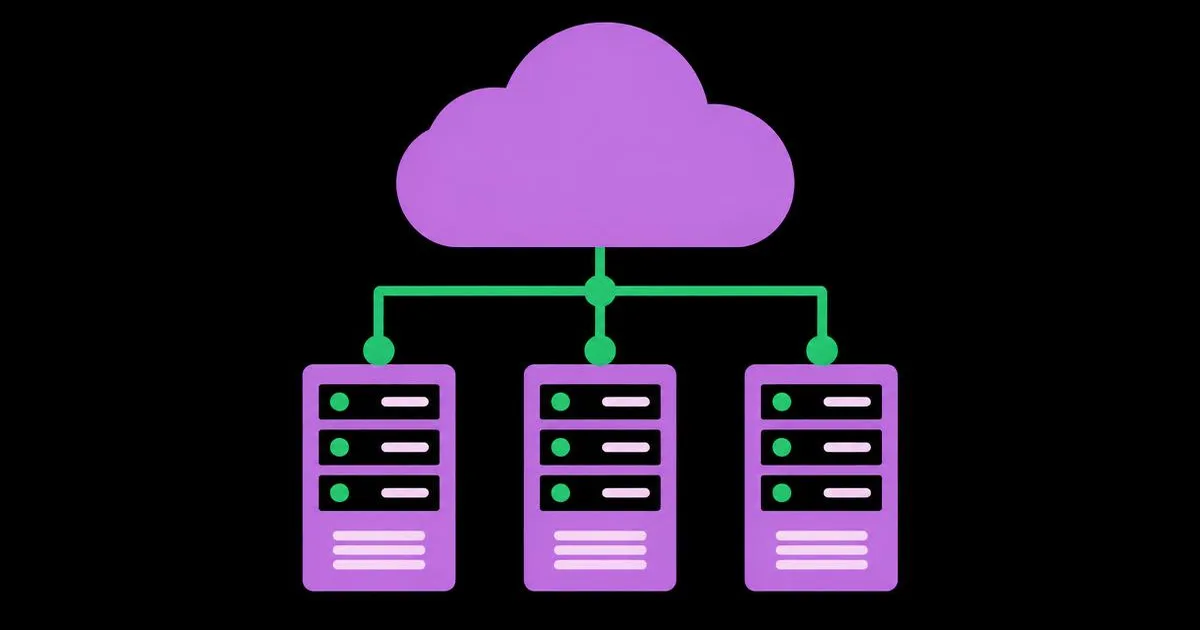
Microsoft Exchange Server software is Microsoft's on-premises mail and calendaring platform — the server product that stores mailboxes, routes SMTP mail, and synchronizes email, calendars, contacts, and tasks to Outlook and mobile clients over protocols such as MAPI over HTTP, Exchange ActiveSync, and Exchange Web Services. It is not the same product as Exchange Online, which is the Microsoft-hosted service delivered through Microsoft 365. That distinction drives every meaningful decision an IT team faces, because on-premises Exchange puts patching, certificates, backups, spam filtering, and internet-facing security entirely in your hands. With Exchange Server 2016 and 2019 having reached end of support in October 2025 and Microsoft moving the on-premises line to a subscription edition, organizations still running local mail servers are making a decision now whether they planned to or not.
Quick Answer: Microsoft Exchange Server software is Microsoft's on-premises email and calendaring server, distinct from cloud-hosted Exchange Online. Organizations choose it for data residency, regulatory control, or legacy integration needs, but must own patching, certificate management, backup, and internet-facing security themselves — responsibilities Microsoft handles in Exchange Online.
How WebPeak Helps Organizations Secure and Modernize Their Mail Infrastructure
Email infrastructure decisions rarely stay inside the mail server: they touch identity, security posture, DNS, compliance, and customer communication. WebPeak supports organizations across those areas as a full-service digital agency, combining cybersecurity services — including hardening reviews, patch discipline, and authentication configuration such as SPF, DKIM, and DMARC — with cloud solutions and migration services for teams planning a move from aging on-premises Exchange to a hosted or hybrid model. Their teams work through migration in stages, validating mail flow, autodiscover, and public folder dependencies before mailboxes move, which is where unplanned outages usually originate. Because they also handle marketing and deliverability work worldwide, changes to sending infrastructure are made with domain reputation and campaign deliverability considered rather than discovered afterwards.
What Does Exchange Server Do That a Basic Mail Service Does Not?
Exchange Server provides collaboration services beyond message delivery, and that is the reason organizations run it instead of a simple IMAP server. Its distinguishing capabilities include shared calendaring with free/busy lookup, resource and room booking, shared and delegated mailboxes, distribution and dynamic distribution groups, transport rules that inspect and act on mail in transit, retention and litigation hold for legal preservation, and journaling for compliance archives. Two terms are worth defining precisely. The Mailbox server role holds mailbox databases and handles client protocol connections in modern versions, consolidating roles that older releases separated. Database Availability Groups (DAGs) are clusters of up to sixteen mailbox servers that maintain replicated database copies and fail over automatically, providing high availability without a shared storage requirement.
A point that gets missed in migration planning: transport rules and retention policies are frequently the hardest artifacts to move, because years of accumulated rules encode business logic no one documented. Before any migration, export your transport rules and connectors and have their owners confirm which are still needed — this single audit prevents the classic post-migration surprise of legitimate mail silently disappearing.
Should You Run Exchange On-Premises, Hybrid, or Move Fully to the Cloud?
Decide by mapping your actual constraints, in this order:
- Regulatory or contractual data residency requirements? If law or a customer contract requires mail data to remain in a specific facility or jurisdiction, on-premises or a compliant regional cloud is the only viable path.
- Line-of-business applications that submit mail directly to the server? Inventory them first. Legacy relay dependencies are the most common reason organizations retain at least one on-premises server.
- Do you have staff to patch monthly and monitor an internet-facing server? If not, on-premises Exchange is a security liability regardless of cost comparisons, because unpatched Exchange has been repeatedly exploited at scale.
- Are you mid-migration or managing a phased move? Hybrid deployment lets on-premises and cloud mailboxes coexist with shared calendaring and a single namespace during transition.
- Is your current version supported? Exchange 2016 and 2019 reached end of support in October 2025, so remaining on them means running without security updates.
How Do the Main Exchange Deployment Models Compare?
Each deployment model shifts a different set of responsibilities between your team and Microsoft, and the right answer depends far more on your operational capacity than on licence cost. The table below compares the realistic trade-offs for planning purposes.
| Deployment Model | Best Suited For | Key Operational Consideration |
|---|---|---|
| On-premises Exchange (Subscription Edition) | Organizations with strict data residency or sovereignty obligations | Your team owns patching, certificates, backups, and perimeter security |
| Exchange Online (Microsoft 365) | Most businesses without regulatory constraints on mail location | Microsoft manages infrastructure; you manage identity, policy, and licensing |
| Hybrid deployment | Phased migrations and mixed legacy application dependencies | Requires ongoing directory synchronization and connector maintenance |
| Third-party hosted Exchange | Small teams wanting Exchange features without in-house administration | Provider dependency for security patching, uptime, and data handling terms |
Read the third column as the deciding factor. Teams routinely compare the first two columns, choose on-premises for control, then discover they lack the staffing to sustain the third — which is how unpatched, internet-exposed mail servers come to exist.
How Serious Are the Security Risks of Running Exchange On-Premises?
They are significant and well documented. The United States Cybersecurity and Infrastructure Security Agency (CISA) has issued multiple emergency and urgent directives regarding Microsoft Exchange vulnerabilities, including the widely exploited ProxyLogon and ProxyShell vulnerability chains, which were used to compromise tens of thousands of servers worldwide because they were reachable from the internet and slow to patch. Verizon's Data Breach Investigations Report has also consistently identified email — through phishing and stolen credentials — as one of the leading initial access vectors in breaches year after year. An on-premises Exchange server therefore sits at the intersection of your most targeted communication channel and your slowest-moving patch cycle.
The practical, experience-based conclusion is that the deciding question is not technical capability but patch latency. If your organization cannot reliably apply Exchange cumulative and security updates within days of release, test certificate renewals before expiry, and monitor authentication logs for anomalies, the honest assessment is that on-premises Exchange increases your risk more than it increases your control. Where regulation genuinely mandates local mail storage, compensating controls become mandatory rather than optional: restrict management interfaces to internal networks or VPN, place a filtering gateway in front of the server, enforce multi-factor authentication on all administrative accounts, disable legacy basic authentication, and test mailbox restores on a schedule rather than assuming backups work.
Key Takeaways
- Microsoft Exchange Server software is the on-premises mail and calendaring platform, while Exchange Online is the Microsoft-managed cloud service — the two carry very different operational responsibilities.
- Exchange Server 2016 and 2019 reached end of support in October 2025, so continued use means running an internet-facing server without security updates.
- Database Availability Groups provide automatic failover across replicated mailbox database copies without requiring shared storage.
- CISA has issued multiple urgent directives on Exchange vulnerabilities such as ProxyLogon and ProxyShell, which compromised tens of thousands of exposed servers globally.
- Audit transport rules, connectors, and application relay dependencies before migrating — undocumented mail flow logic is the leading cause of post-migration mail loss.
Frequently Asked Questions
What is the difference between Exchange Server and Exchange Online?
Exchange Server is software you install and operate on your own hardware or virtual machines, meaning your team handles patching, backups, and security. Exchange Online is the same mail platform delivered as a Microsoft-managed cloud service within Microsoft 365, where Microsoft maintains the underlying infrastructure.
Is Microsoft Exchange Server still supported in 2026?
Exchange Server 2016 and 2019 reached end of support in October 2025. Microsoft continues the on-premises product through its Subscription Edition, so organizations needing local mail servers must move to the current supported edition to keep receiving security updates.
Do small businesses need an on-premises Exchange Server?
Rarely. Most small businesses are better served by Exchange Online, because on-premises Exchange requires dedicated staff for monthly patching, certificate renewal, backup verification, and perimeter monitoring. On-premises is justified mainly by regulatory data residency rules or legacy application dependencies.
How long does an Exchange to Microsoft 365 migration take?
Small organizations under 100 mailboxes commonly complete migration in two to six weeks including planning and cutover. Larger environments with public folders, complex transport rules, and application relay dependencies typically take several months, because dependency auditing and staged mailbox moves dominate the timeline.
What are the most important Exchange Server security steps?
Apply cumulative and security updates promptly, disable legacy basic authentication, enforce multi-factor authentication on administrative accounts, keep management interfaces off the public internet, place a mail filtering gateway in front of the server, and regularly test mailbox restores from backup.
Conclusion
The single decision that matters is honest: keep Microsoft Exchange Server software on-premises only if a regulatory or contractual requirement demands it and you can guarantee same-week patching, otherwise plan a move to a hosted model where security updates are not dependent on your team's available hours. Your immediate next step is an inventory — current Exchange version and support status, every application that relays mail through it, and every active transport rule and connector. That document determines whether your path is upgrade, hybrid, or full migration. Email remains the most targeted entry point into most organizations, and treating your mail platform as a security decision rather than a cost decision is what keeps it from becoming the breach nobody planned for.