Ajazz AKP153 Software Setup Guide: Getting Real Productivity From Your Macro Pad
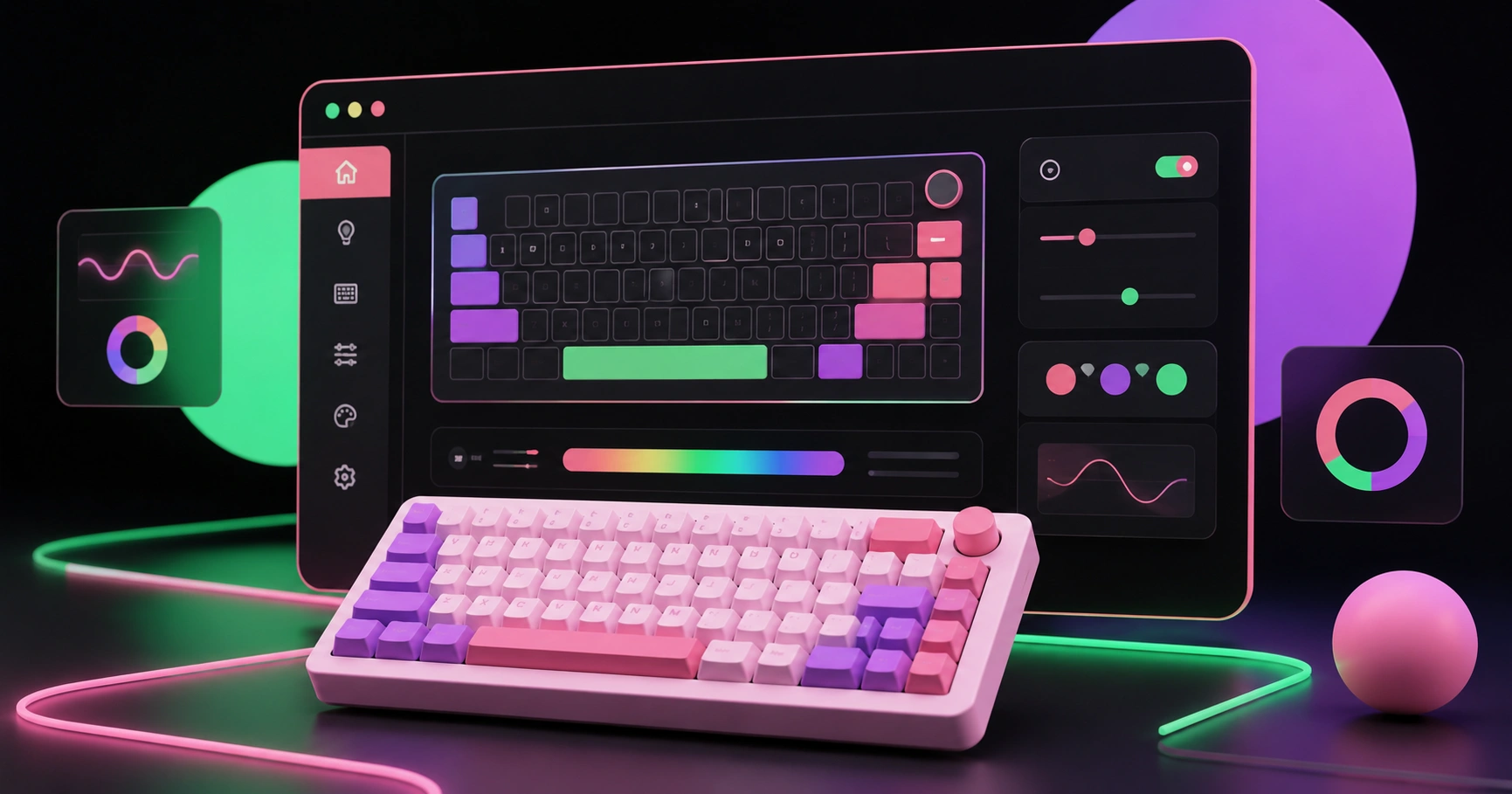
Ajazz AKP153 software is the desktop control application that turns the AKP153's grid of LCD-labelled keys into programmable shortcuts — launching applications, firing keyboard combinations, switching scenes in streaming software, muting a microphone, or running multi-step macros from a single press. The hardware is only half the product: without the software, the keys are blank and inert, and with a poorly organized configuration the device becomes a fifteen-button guessing game. Most frustration reported by new owners is not hardware failure but configuration drift — profiles that never switch automatically, macros with no delays between steps, and key images that make two similar actions indistinguishable. This guide covers installation, profile architecture, macro construction that actually survives daily use, and the specific troubleshooting steps that resolve the majority of connection issues.
Quick Answer: Ajazz AKP153 software is the companion desktop app that programs each LCD key on the AKP153 macro pad. Install it from Ajazz's official support page, connect the device by USB-C, drag actions onto keys, assign custom icons, and create per-application profiles so the key layout changes automatically with your active software.
How WebPeak Helps Creators Build Content Workflows Around Hardware Like the AKP153
A macro pad speeds up the mechanics of production, but it does not decide what to publish or how it should look. WebPeak supports streamers, agencies, and in-house creative teams on that side of the workflow, offering video production and editing services for teams whose recording volume has outgrown their editing capacity, alongside social media posts and banner design that can also supply the consistent custom key icons a well-organized AKP153 layout depends on. Their designers produce icon sets in matched styles and correct dimensions, which removes the most common cause of unreadable macro pads — mismatched, low-contrast images pulled from random sources. Operating worldwide as a full-service digital agency, they can align stream overlays, thumbnails, key icons, and channel branding into one visual system rather than a collection of unrelated assets.
What Does the Ajazz AKP153 Software Actually Do?
The software is a mapping layer between physical keys and system actions. Each key stores three things: a triggered action, a visual label, and an optional folder or profile link. A profile is a complete saved key layout, and most owners run several — one for editing, one for live streaming, one for everyday desktop work. A macro is an ordered sequence of actions executed by one press, such as focusing a window, sending a keyboard shortcut, waiting 300 milliseconds, then sending another. The wait step is the part beginners omit and the reason macros appear unreliable: applications need time to respond, and a macro that fires four keystrokes instantly will frequently deliver them to a window that has not finished switching.
Typical supported action types include launching applications or files, opening URLs, sending hotkeys and text strings, adjusting system or microphone audio, switching profiles, opening multi-key folders, and controlling streaming software through plugin integrations. Practical advice from configuring devices like this: put your three most-used actions in the corners of the grid, because corners are findable by touch without looking down, which is the entire point of a macro pad.
How Do You Install and Configure the AKP153 Step by Step?
Set the device up in this order — installing the software before connecting the hardware avoids most driver detection problems:
- Download the official software. Get the installer from Ajazz's official product or support page for the AKP153 and confirm you are choosing the correct Windows or macOS build. Avoid third-party download mirrors, which frequently host outdated versions.
- Install and restart. Complete installation, then restart your computer so background services register properly before first connection.
- Connect via the supplied USB-C cable. Use a direct motherboard port rather than a hub or monitor port for the first connection, then confirm the software shows the device as connected.
- Update firmware if prompted. Do this before building your layout, since firmware updates can reset device state.
- Create your first profile. Name it by task, such as "Editing" or "Live", not by date, and drag actions from the action list onto individual keys.
- Assign readable icons. Use high-contrast images sized to the software's recommended key dimensions, and add short text labels only where the icon alone is ambiguous.
- Enable automatic profile switching. Link each profile to its parent application so the layout changes when you focus that program.
- Export a backup. Save the profile file somewhere synced. Rebuilding a full layout from memory after a reinstall takes far longer than exporting it once.
Which Tasks Are Genuinely Worth Mapping to Keys?
Map actions that are frequent, multi-step, and time-sensitive. A shortcut you already perform by muscle memory in one keystroke gains nothing from a dedicated key, while a four-step sequence you repeat thirty times a day is exactly what the hardware is for. The table below compares common workflow tasks with and without a configured macro pad, based on the number of discrete actions required.
| Workflow Task | Manual Actions Required | Actions With a Configured Key |
|---|---|---|
| Start a recording session (open app, load preset, start capture) | Roughly 6 to 8 clicks and menu selections | One press running a sequenced macro |
| Mute microphone during a live call | Locate window, find mute control, click | One press with visual on-key status |
| Switch scenes in streaming software | Alt-tab to the app, then click the target scene | One press, no window switching |
| Insert a repeated text snippet or command | Open notes, copy, return to app, paste | One press sending the stored text |
| Change to a different task layout | Manually reopen applications and tools | One press triggering a profile switch |
Use this comparison as a filter: if a task collapses from five actions to one, it belongs on a key. If it collapses from two to one, leave the key for something better and keep your layout sparse enough to remain memorable.
Why Do Macro Pads Improve Output, and What Are the Real Limits?
The gain comes from removing interface navigation, and the research on interruption cost explains why that matters more than the seconds saved. Research led by Dr. Gloria Mark at the University of California, Irvine found that returning to full focus after an interruption takes an average of roughly 23 minutes — and hunting through menus mid-edit is a self-interruption. Separately, Microsoft's Work Trend Index has reported that a large share of knowledge workers cite excessive tool switching and fragmented attention as a top barrier to productive work. A macro pad does not just save clicks; it keeps your attention inside the task you were performing.
The honest limit is that a macro pad amplifies an existing workflow rather than creating one. In practice, owners who abandon these devices are usually those who mapped fifteen keys on day one, could not remember what half of them did by week two, and stopped looking at the device. The reliable adoption pattern is the opposite: configure four keys, use them for a week until they are automatic, then add two more. A device with six keys you use constantly is measurably more valuable than fifteen keys you have to read every time — and consistent icon design is what keeps that recall cost near zero as the layout grows.
Key Takeaways
- Ajazz AKP153 software is required to program the device's LCD keys — the hardware ships with no useful default mapping.
- Install the software and restart before connecting the device, and use a direct USB-C port rather than a hub for first detection.
- Add explicit wait steps of a few hundred milliseconds between macro actions, since most "unreliable macro" reports are timing failures, not software bugs.
- Link each profile to its parent application for automatic switching, and export profile backups so a reinstall does not erase your layout.
- Research from UC Irvine puts recovery from an interruption at roughly 23 minutes, which is why removing mid-task menu hunting matters more than the raw seconds saved.
Frequently Asked Questions
Where do I download the Ajazz AKP153 software safely?
Download only from Ajazz's official product or support page for the AKP153, choosing the build that matches your operating system. Third-party mirrors often distribute outdated versions that fail firmware checks or miss plugin support, which causes connection and compatibility problems later.
Does the Ajazz AKP153 work on both Windows and macOS?
The AKP153 is supported by desktop control software for Windows and macOS, though feature availability and plugin support can differ between builds. Check the current version notes on the official support page for your operating system release before purchase if you rely on specific integrations.
Why is my AKP153 not being detected by the software?
Try four fixes in order: use the original USB-C cable in a direct motherboard port, restart the control software so its background service reloads, reboot the computer, then reinstall the latest official version. Powered hubs and monitor USB ports are the most frequent cause.
Can I use the AKP153 with OBS Studio and other streaming apps?
Yes. Scene switching, source toggling, and recording control are typically handled through plugin integration or by sending the hotkeys you have configured inside the streaming application. Setting hotkeys in the app and mapping them on the device is the most dependable method.
How many keys should I actually configure to start with?
Start with four to six keys covering your most repeated multi-step tasks. Use them for a week until pressing them is automatic, then expand. Filling all fifteen keys immediately is the main reason owners stop using macro pads, because recall cost outweighs the time saved.
Conclusion
The decision that determines whether your AKP153 becomes essential or ends up in a drawer is restraint: configure only the multi-step tasks you repeat daily, give each one an unmistakable icon, and let the layout grow as habits form. Set up the software before connecting the hardware, add deliberate delays inside every macro, enable per-application profile switching, and export a backup the moment your layout works. If your production volume has grown to the point where hardware shortcuts alone cannot keep up, bringing in professional editing and design support is the logical next step — because the goal was never faster clicking, it was consistently shipping better work.