How to Make a Voice-Controlled Light Using Free Tools
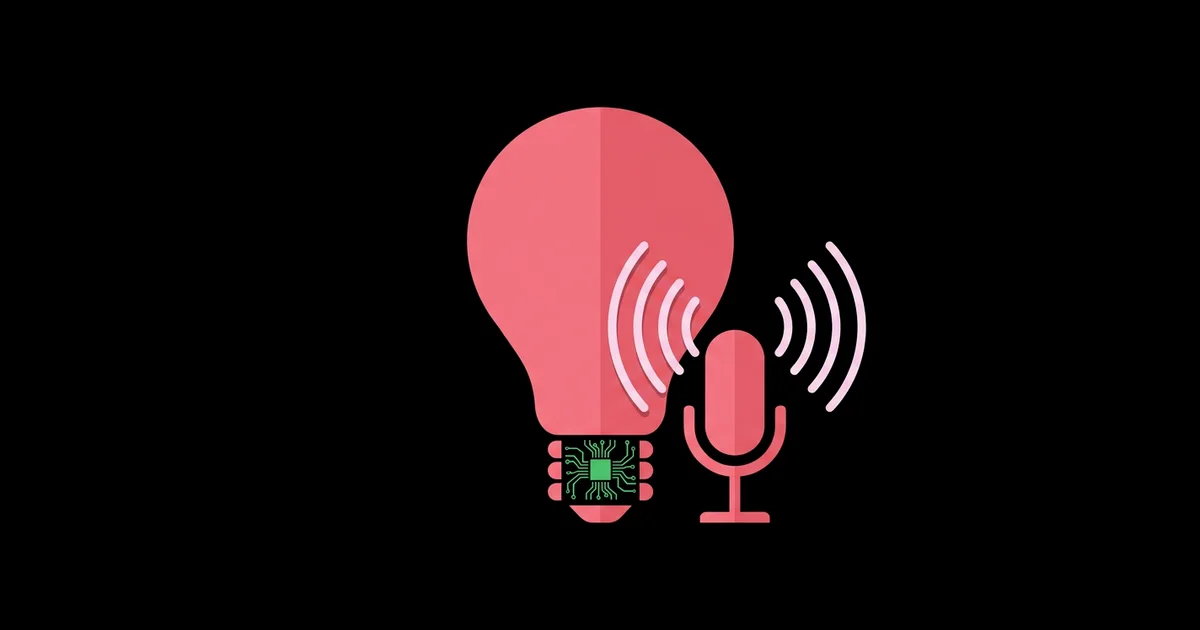
Saying "turn on the desk light" and watching it happen is the moment most people get hooked on home automation, and you do not need a paid subscription or a branded hub to get there. A voice-controlled light is a lamp or LED strip that switches on, off, or changes brightness and color in response to spoken commands, using a microphone, speech recognition software, and a controller that drives the light.
Quick Answer: The simplest free way to build a voice-controlled light is to drive a low-voltage LED strip with an ESP32 running ESPHome, connect it to Home Assistant, and enable Home Assistant's Assist voice pipeline with local speech-to-text and wake word add-ons. A browser-based alternative uses the Web Speech API to send commands to the ESP32.
How Does a Voice-Controlled Light Actually Work?
Every voice-controlled light, from a commercial smart bulb to a DIY build, follows the same pipeline: capture audio, detect that you are talking to it, convert speech to text, interpret the intent, and send a command to the light. Understanding these stages makes troubleshooting far easier because each stage can fail independently.
The stages have names you will see in documentation. Wake word detection listens continuously for a trigger phrase and ignores everything else. Speech-to-text, often shortened to STT, transcribes your command. Intent recognition maps the text, such as "turn on the desk light," to an action on a specific device. Text-to-speech, or TTS, optionally speaks a confirmation back. If you have not built a connected device before, this guide on creating a low-cost smart home gadget covers the ESP32 and ESPHome basics this project relies on.
For the light itself, I strongly recommend low-voltage hardware: a 5-volt addressable LED strip such as WS2812B, or a 12-volt single-color strip switched through a MOSFET. These run safely from a plug-in power adapter. If you want to control an existing lamp on household power, use a certified smart plug supported by Home Assistant rather than building your own relay box.
The free software stack consists of ESPHome for the light controller, Home Assistant as the hub, and Home Assistant's Assist feature for voice, with optional local add-ons for speech recognition, text-to-speech, and wake word detection.
What You Need: Hardware and Free Software
The parts list is short, and much of it may already be in your drawer. Here is everything required for the Home Assistant route.
- An ESP32 development board. It has Wi-Fi built in and works well with ESPHome. An ESP8266 also works for simple strips.
- A 5-volt addressable LED strip. WS2812B strips allow individual color control. A short strip of around 30 LEDs is plenty for a desk light.
- A 5-volt power supply sized for the strip. Addressable LEDs can draw significant current at full white brightness, so choose a supply with comfortable headroom.
- A 330-ohm resistor and a large capacitor. The resistor on the data line and a capacitor across the strip's power input protect the first LED from voltage spikes.
- A logic level shifter (recommended). The ESP32 outputs 3.3-volt data, while many 5-volt strips expect higher logic levels. It often works without one, but a shifter makes it reliable.
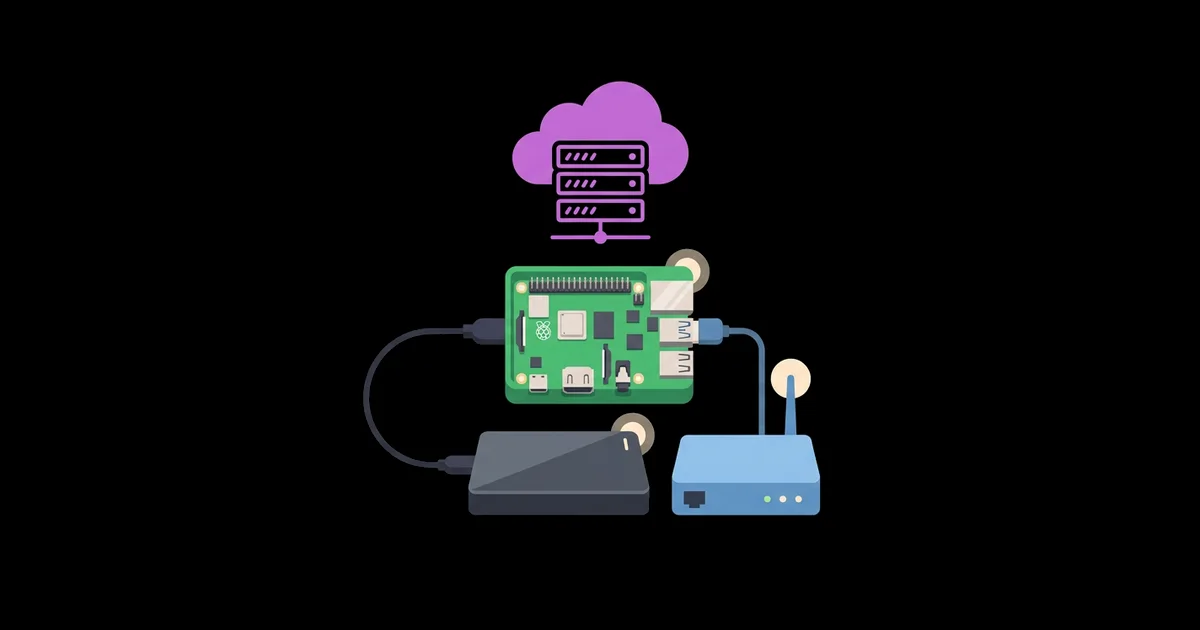
- A computer to run Home Assistant. A Raspberry Pi 4 or 5, a mini PC, or a virtual machine. Faster hardware gives quicker local speech recognition.
- A microphone source. The Home Assistant companion app on your phone works immediately. Dedicated voice satellites, including ESP32-based devices with microphones, allow hands-free use.
- Free software. ESPHome, Home Assistant, and local voice add-ons such as Whisper for speech-to-text, Piper for text-to-speech, and openWakeWord for wake words.
Comparing Free Voice Control Approaches
There is more than one free route to voice control. This table compares the options I recommend most, so you can choose based on privacy, effort, and hardware.
| Approach | Where Speech Is Processed | Setup Effort | Best For |
|---|---|---|---|
| Home Assistant Assist with local add-ons | On your own server | Moderate | Privacy-focused, fully local smart homes |
| Home Assistant Assist via phone app | Your server or configured service | Easy | Quick start without extra microphones |
| Browser Web Speech API page | Depends on the browser; often a cloud service | Easy to moderate | Learning projects and simple demos |
| Existing voice assistant linked to Home Assistant | Voice provider's cloud | Easy | Households already using a commercial speaker |
For a first build, start with Assist through the phone app. It proves the light and intent recognition work before you invest effort in hands-free microphones and wake words.
The browser route deserves a fair note. A simple web page using the Web Speech API can listen for phrases and send an HTTP request to an ESP32 running a small web server or ESPHome's web server component. It is a great way to learn how speech recognition plugs into device control. However, browser support varies, and some browsers process recognition on remote servers, so treat it as a learning tool rather than the foundation of a private smart home.
Practitioner Analysis: Local Voice Is Now Practical
For years, DIY voice control meant either sending audio to a big tech cloud or wrestling with fragile open-source speech engines. Having built voice-controlled setups across several generations of tools, my assessment is that local voice has crossed the line from hobbyist experiment to genuinely usable, especially for short, predictable commands like controlling lights.
The reason is the combination of better speech models and a narrow task. Home Assistant's built-in intent system does not need to understand open-ended conversation. It only needs to match phrases like "turn on," "turn off," and "set brightness" to the devices you have exposed. That constrained vocabulary is far easier to recognize accurately than general dictation, which is why even modest hardware performs well.
The trade-offs are speed and hardware. Larger speech models running on a Raspberry Pi respond slower than a commercial cloud assistant. Choosing a smaller model or running Home Assistant on a faster mini PC closes most of that gap. The payoff is that no audio leaves your home, commands still work during internet outages, and there is no subscription.
This project is also a hands-on way to understand the AI already present in commercial products. Reading about how everyday home devices use AI alongside this build makes the wake word, speech recognition, and intent stages much easier to grasp, because you are configuring each one yourself.
Common Mistakes and How to Avoid Them
These are the problems I see most often when people build their first voice-controlled light.
- Underpowering the LED strip. Powering a long strip from the ESP32's 5-volt pin causes flicker, color shifts, and resets. Use a dedicated supply and connect its ground to the ESP32 ground.
- No common ground. Without a shared ground between the power supply, strip, and ESP32, the data signal is unreliable. Always connect grounds together.
- Vague entity names. Assist matches spoken names to device names. Name the light something natural and unique, such as "desk light," and assign it to an area.
- Forgetting to expose the device. Home Assistant only lets Assist control entities you expose to it. Check the voice assistant exposure settings if commands are not understood.
- Using a large speech model on slow hardware. Long delays usually mean the model is too big for the device. Switch to a smaller model or faster hardware.
- Building mains-voltage relays. Switching household power with DIY wiring creates shock and fire risks. Use certified smart plugs for lamps that plug into the wall.
- Assuming browser speech is private. Some browsers send Web Speech API audio to a cloud recognition service. Use the local Home Assistant route when privacy matters.
Step-by-Step Walkthrough: Desk Light With Home Assistant Assist
Here is the exact process for building the recommended version.
Step 1: Wire the strip. Connect the strip's 5-volt and ground leads to the power supply, with a capacitor across them. Connect the supply's ground to the ESP32 ground. Run the strip's data line from a GPIO pin through the 330-ohm resistor, ideally via a level shifter.
Step 2: Create the ESPHome configuration. In the ESPHome dashboard, create a new device for your ESP32 board and add your Wi-Fi details. Add a light using ESPHome's addressable LED strip component, set the data pin, the number of LEDs, and the chipset, and give it the name "Desk Light."
Step 3: Flash and adopt. Flash the firmware over USB the first time. Home Assistant will discover the device; accept it. Test turning the light on, off, and changing color from the dashboard.
Step 4: Assign an area. Put the light in an area such as "Office." This lets you say commands like "turn on the office lights" as well as targeting the light by name.
Step 5: Set up the voice pipeline. In Home Assistant's voice assistant settings, create an Assist pipeline. For fully local operation, install the Whisper speech-to-text and Piper text-to-speech add-ons through the Wyoming integration and select them in the pipeline.
Step 6: Expose and test. Make sure the light is exposed to Assist. Open the companion app on your phone, tap the Assist button, and say "turn on desk light." Then try brightness and color commands.
Step 7: Go hands-free (optional). Add openWakeWord and a voice satellite device with a microphone, so you can trigger commands with a wake word from across the room.
Completion checklist: the light responds from the dashboard, voice commands work through the phone app, brightness changes are understood, the system responds during an internet outage when using local add-ons, and the power wiring stays cool after an hour at full brightness.
Key Takeaways
- Every voice-controlled light follows the same pipeline: wake word, speech-to-text, intent recognition, and device command.
- An ESP32 with ESPHome, Home Assistant, and the Assist voice pipeline creates a free, fully local voice-controlled light.
- Low-voltage LED strips are the safe choice for DIY lights; mains-powered lamps should use certified smart plugs.
- Clear, unique device names and correct exposure settings solve most cases of commands not being understood.
- Local voice processing keeps audio inside your home and continues working during internet outages.
Frequently Asked Questions
Can I make a voice-controlled light without Alexa or Google?
Yes. Home Assistant's Assist feature provides voice control using free, local add-ons for speech recognition, text-to-speech, and wake word detection. Combined with an ESP32 running ESPHome to drive an LED strip, the entire system works without any commercial voice assistant or subscription.
Do I need to know how to code for this project?
Very little. ESPHome uses short YAML configuration files to define the board, Wi-Fi, and light. Home Assistant is configured mostly through its web interface. Basic comfort with copying configuration, editing a few values, and following documentation is enough to complete the build successfully.
What is the cheapest microcontroller for a voice-controlled light?
An ESP8266 or ESP32 development board is the most affordable practical option because both include built-in Wi-Fi and work with ESPHome. The ESP32 is generally preferred because it has more processing power and pins, and it can also serve as a voice satellite with a microphone.
Is local voice recognition as accurate as cloud assistants?
For short smart home commands, local recognition is often accurate enough for daily use. Cloud assistants still handle open-ended questions better. Accuracy improves with clear device names, a good microphone placed away from noise, and a speech model suited to your hardware's performance.
Can I control a regular lamp with my voice using this setup?
Yes, but avoid wiring household power yourself. Plug the lamp into a certified smart plug that Home Assistant supports. Assist can then switch the plug by voice, giving you voice control over any standard lamp safely without modifying its wiring.
Why does my voice-controlled light respond slowly?
Slow responses usually come from running a large speech-to-text model on modest hardware. Try a smaller model, run Home Assistant on faster hardware, or check your network connection to the voice satellite. Slow Wi-Fi to the ESP32 can also delay the light's reaction.
Conclusion
The most important decision is to build on a local hub rather than a cloud service, because it keeps your voice data at home and makes your light work regardless of internet or subscriptions. Start with the phone app and an LED strip this weekend, then add a hands-free microphone once everything works reliably. To keep the whole system running smoothly long term, the next step is learning how to run a dependable Raspberry Pi home server to host Home Assistant around the clock.