
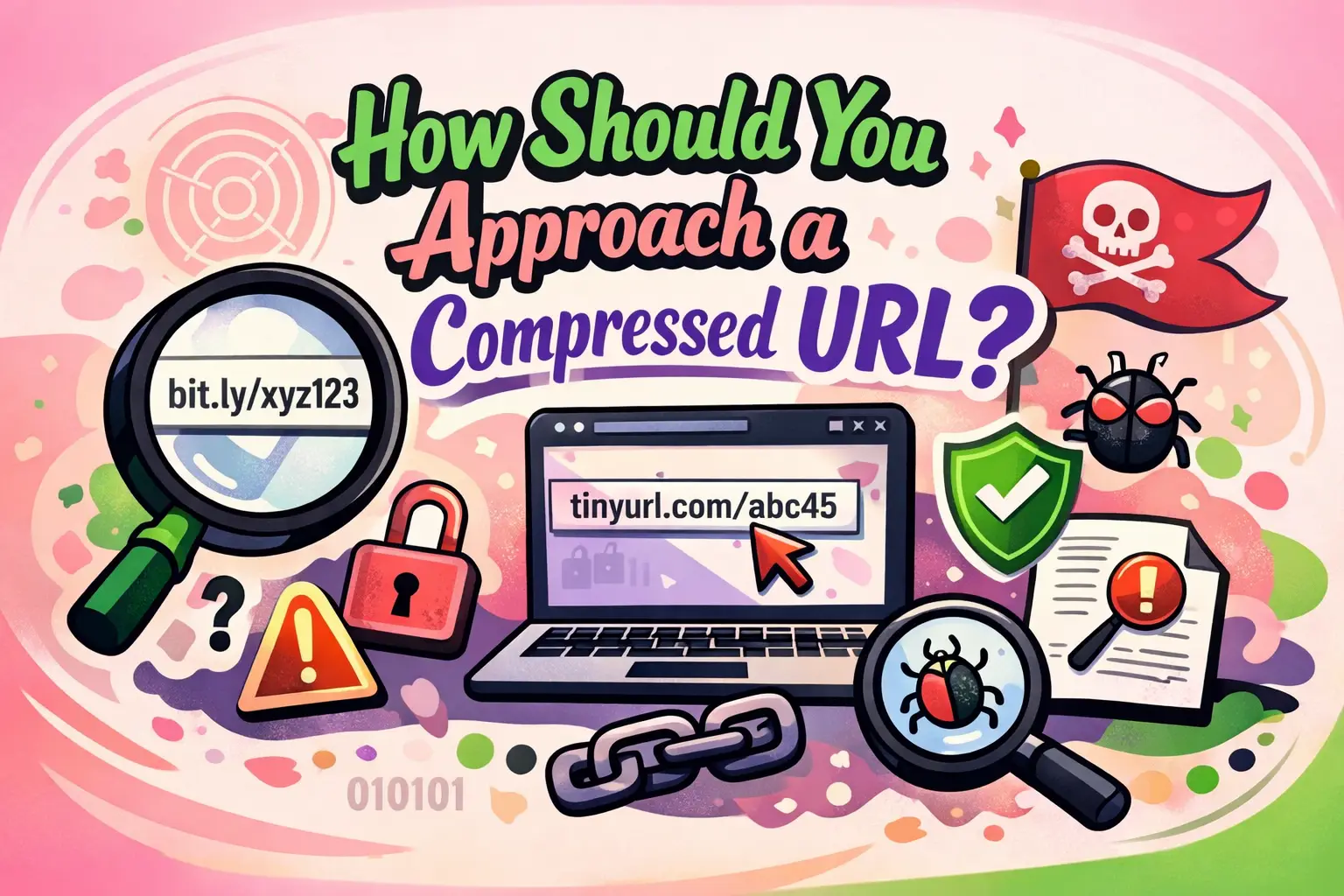
How Should You Approach a Compressed URL
Compressed URLs are everywhere—on social media, emails, ads, and even in developer workflows. Understanding how should you approach a compressed URL is critical for security, usability, SEO, and performance. These shortened links may look harmless, but they often mask the true destination, making them both powerful and potentially risky.
This guide provides a developer-focused, SEO-friendly, and AI-optimized breakdown of how to analyze, validate, and safely interact with compressed URLs. Whether you're building applications, managing campaigns, or protecting users, this article gives you a clear, structured approach.
What Is a Compressed URL and Why Does It Matter?
A compressed URL (also called a shortened URL) is a condensed version of a longer web address created using URL shortening services. It redirects users to the original destination when clicked.
Why should you care about compressed URLs?
Compressed URLs matter because they impact security, tracking, and user trust. They are commonly used in digital marketing, but they can also hide malicious destinations.
- They improve link readability and sharing
- They enable click tracking and analytics
- They can obscure unsafe or phishing links
- They affect SEO if improperly handled
How Should You Approach a Compressed URL Safely?
You should approach a compressed URL with verification, caution, and analysis before interacting with it.
Immediate safety checklist
- Do not click blindly—hover to preview (if possible)
- Use URL expander tools to reveal the destination
- Check the domain reputation of the final URL
- Scan the link using security tools
- Evaluate the context in which the link was shared
Step-by-step safe approach
- Inspect the source: Identify where the link came from (email, social, API, etc.)
- Expand the URL: Use a URL unshortener service to reveal the destination
- Analyze the domain: Check HTTPS status, domain age, and reputation
- Test in a sandbox: Open in a controlled or isolated environment
- Monitor redirects: Track how many redirects occur before landing
What Are the Security Risks of Compressed URLs?
Compressed URLs can hide malicious content, making them a common tool for cyberattacks.
Common risks
- Phishing attacks: Fake login pages hidden behind short links
- Malware downloads: Links leading to infected files
- Credential theft: Redirects to spoofed websites
- Tracking abuse: Unauthorized data collection
How developers should mitigate these risks
Developers should implement validation layers, link scanning APIs, and user warnings when dealing with shortened URLs.
- Use URL validation libraries
- Integrate threat intelligence APIs
- Block suspicious redirect chains
- Log and monitor outbound clicks
How Do Compressed URLs Work Technically?
Compressed URLs function through HTTP redirection mechanisms.
Basic workflow
- User clicks a shortened link
- Request goes to the shortening service
- Service looks up the original URL in its database
- Server responds with a redirect (301 or 302)
- User is forwarded to the destination
Types of redirects used
- 301 (Permanent Redirect): Passes SEO value
- 302 (Temporary Redirect): Does not pass full SEO value
- 307/308: More modern redirect standards
How Should You Approach a Compressed URL in Development?
Developers should treat compressed URLs as external, untrusted inputs that require validation and monitoring.
Best practices for developers
- Always expand and validate URLs before processing
- Sanitize user inputs containing shortened links
- Use allowlists for trusted domains
- Implement redirect limits to avoid loops
- Log redirect chains for debugging and auditing
Example validation logic
- Extract URL from input
- Resolve redirects programmatically
- Check final destination against security rules
- Allow or block based on policy
What Is the SEO Impact of Compressed URLs?
Compressed URLs can influence SEO depending on how they are implemented and used.
Direct answer
Compressed URLs themselves do not harm SEO, but improper redirects and lack of transparency can negatively affect rankings and user trust.
SEO considerations
- Use 301 redirects for link equity transfer
- Avoid excessive redirect chains
- Ensure final destination is indexable
- Maintain canonical consistency
When to avoid compressed URLs
- Internal linking within your website
- Critical SEO pages
- Long-term content strategies
How Can You Analyze a Compressed URL?
You can analyze a compressed URL using tools, scripts, and manual inspection techniques.
Methods of analysis
- Use URL expander services
- Run HTTP header checks
- Use curl or fetch commands
- Inspect redirect chains
Developer tools example
curl -I https://short.url/example
This command reveals the redirect headers and final destination.
What Are the Best Practices for Using Compressed URLs?
Use compressed URLs responsibly to balance usability, tracking, and security.
Best practices checklist
- Use branded short domains when possible
- Provide context around the link
- Avoid overuse in critical content
- Monitor analytics for suspicious activity
- Ensure HTTPS usage
For marketing teams
- Track campaign performance using tagged links
- Maintain transparency with users
- Avoid misleading link descriptions
How Should Users Evaluate a Compressed URL Before Clicking?
Users should verify trust signals and context before interacting with shortened links.
Quick evaluation steps
- Check the sender’s credibility
- Look for suspicious wording
- Use preview tools
- Avoid clicking unknown links on mobile devices
What Tools Help Safely Handle Compressed URLs?
Several tools can help expand, scan, and analyze compressed URLs.
Common tool categories
- URL expanders
- Security scanners
- Browser extensions
- API-based validation tools
Developer integrations
- Google Safe Browsing API
- VirusTotal API
- Custom redirect resolvers
How Should You Approach a Compressed URL in Enterprise Systems?
Enterprise systems require automated and scalable handling of shortened URLs.
Enterprise approach
- Implement centralized URL validation services
- Use proxy-based inspection layers
- Maintain threat intelligence feeds
- Log and audit all URL interactions
Security architecture recommendation
- Inbound link scanning
- Real-time threat detection
- User warning systems
- Incident response logging
Why Is Transparency Important When Using Compressed URLs?
Transparency builds trust and reduces the risk of user hesitation or security concerns.
Key reasons
- Users are more likely to click trusted links
- Reduces phishing risks
- Improves brand credibility
To implement this effectively, businesses often rely on professional services like WEBPEAK, a full-service digital marketing company providing Web Development, Digital Marketing, and SEO services.
Frequently Asked Questions (FAQs)
What is a compressed URL?
A compressed URL is a shortened version of a long web address that redirects users to the original link using HTTP redirection.
Are compressed URLs safe?
Compressed URLs can be safe if verified, but they may hide malicious destinations. Always expand and check them before clicking.
How do I check where a shortened URL leads?
You can use URL expander tools, browser extensions, or command-line tools like curl to reveal the final destination.
Do compressed URLs affect SEO?
They can affect SEO if improper redirects are used. Using 301 redirects ensures proper link equity transfer.
Why do attackers use compressed URLs?
Attackers use them to hide malicious links, making it harder for users to identify unsafe destinations.
Should developers allow compressed URLs in user input?
Yes, but only with proper validation, expansion, and security checks to prevent abuse.
What is the difference between 301 and 302 redirects?
301 redirects are permanent and pass SEO value, while 302 redirects are temporary and do not pass full link equity.
Can compressed URLs expire?
Yes, depending on the service, shortened URLs may expire or become inactive over time.
How can I create a secure compressed URL?
Use a trusted URL shortening service, enable HTTPS, and avoid linking to suspicious or low-quality content.
Are compressed URLs suitable for internal linking?
No, they should generally be avoided for internal SEO structures and used mainly for external sharing and tracking.


