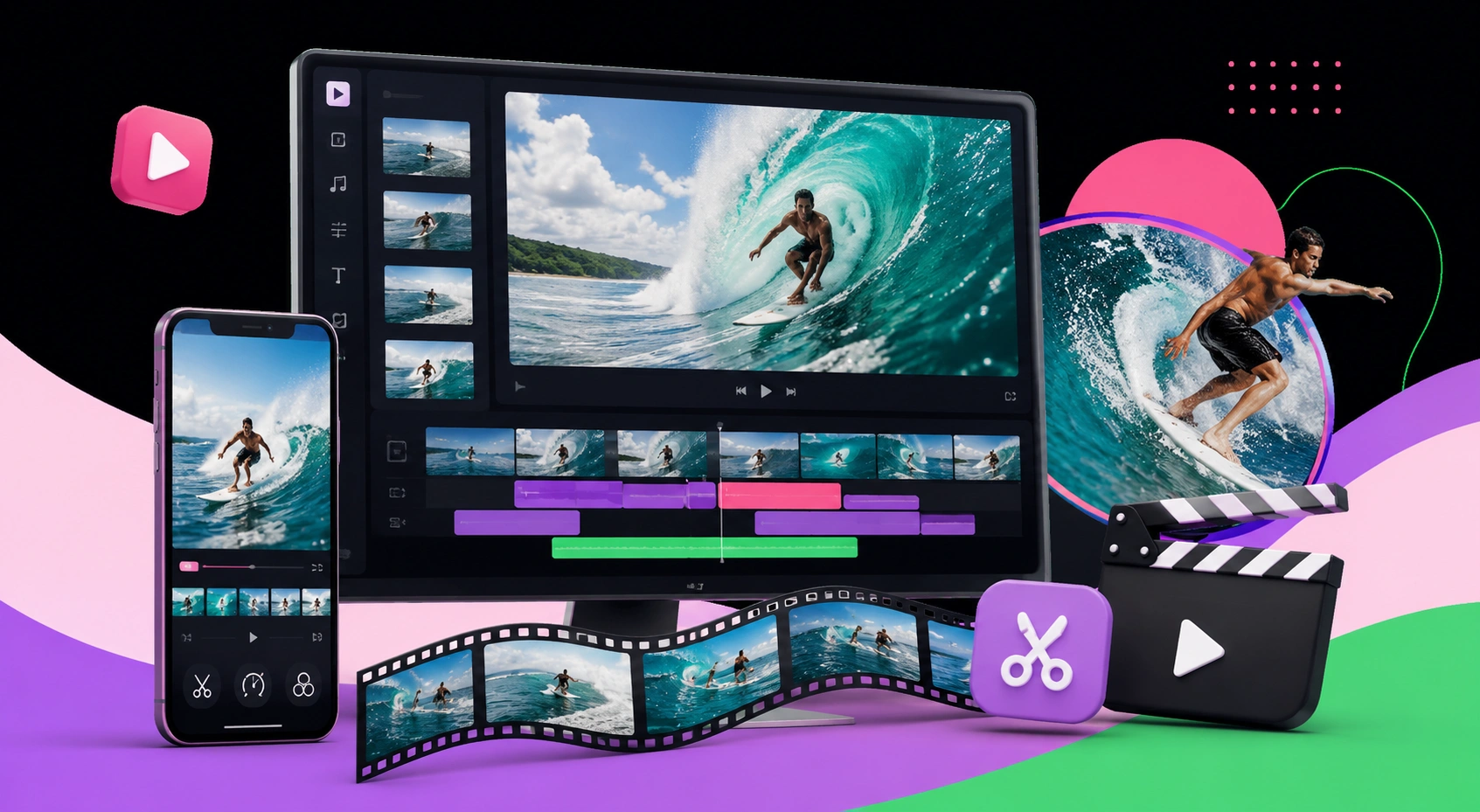
How to Edit Surfing Videos for Social Media That Stop the Scroll
Editing surfing videos for social media is the craft of turning raw water footage into short, vertical, fast-paced clips optimized for platforms like Instagram Reels, TikTok, and YouTube Shorts. It involves selecting your best waves, cutting to the rhythm of the action, grading footage to restore ocean color, and hooking viewers in the first two seconds. Video posts generate significantly more engagement than static images, and short-form surf clips regularly outperform long edits because they respect how people actually scroll.
Quick Answer: To edit surfing videos for social media, cut your footage into short vertical clips, lead with your most dramatic wave in the first two seconds, sync cuts to the music beat, color grade to restore blue water tones, add captions, and export in 9:16 at high bitrate for maximum reach.
How WebPeak Elevates Your Surf Content
Great surf footage still needs professional finishing to compete in crowded feeds, and WebPeak delivers that through their video production and editing services, covering pacing, color grading, and platform-ready exports. To make sure those clips actually reach surfers, their social media marketing team handles distribution, hashtags, and audience targeting. As a worldwide digital agency, they help surf brands, coaches, and creators turn raw ocean footage into content that builds a following rather than disappearing into the scroll.
What Makes a Surfing Video Work on Social Media?
A high-performing surf edit is defined by three traits: it is short, vertical, and front-loaded with action. Front-loading means placing your most impressive moment — the biggest wave, the sharpest turn, the wipeout — within the first two seconds, because platforms measure how many viewers stay past that point to decide whether to push your video to more people. Retention is the currency of the algorithm. Unlike traditional surf films that build slowly, social clips must reward the viewer instantly. A practical definition to remember: the "hook" is the opening moment that earns a viewer's next three seconds of attention. Nail the hook and pacing, and even modest footage can outperform cinematic edits that open too slowly for a scrolling audience.
What Are the Steps to Edit a Surf Clip for Reels or TikTok?
A repeatable editing workflow keeps your clips consistent and fast to produce. Follow these steps:
- Step 1 — Cull the footage: Watch everything once and tag only your best three to five waves or moments.
- Step 2 — Choose your hook: Place the single most dramatic clip at the very start.
- Step 3 — Set a 9:16 vertical frame: Reframe wide footage so the surfer stays centered in the vertical crop.
- Step 4 — Cut to the beat: Pick a trending or high-energy track and align each cut to the rhythm.
- Step 5 — Color grade: Correct the washed-out look of water footage by restoring blue and teal tones and boosting contrast.
- Step 6 — Add captions and text: Include on-screen text for the many viewers who watch on mute.
- Step 7 — Export high-quality: Render in 1080x1920 at a high bitrate to avoid platform compression artifacts.
Keeping this order turns a scattered edit into a 15-to-30-second clip built for reach.
Which Editing Tools Should You Use for Surf Videos?
The right software depends on your device, skill level, and how much control you need over color and pacing. The table below compares popular options for editing surf content across mobile and desktop workflows.
| Tool | Best For | Key Strength |
|---|---|---|
| CapCut | Fast mobile edits | Beat sync, auto-captions, trending templates |
| Adobe Premiere Pro | Advanced desktop editing | Precise color grading and control |
| DaVinci Resolve | Color-critical edits | Industry-leading grading tools, free tier |
| InShot | Quick vertical clips | Simple 9:16 reframing on mobile |
| GoPro Quik | Action camera footage | Auto-highlights and stabilization |
Why Do Pacing and Format Decide Your Reach?
Pacing and format are not stylistic preferences — they are ranking factors. According to data cited across social platforms, videos under 30 seconds consistently earn the highest completion rates, and completion rate is one of the strongest signals platforms use to expand reach. Separately, industry reports note that around 85% of social video is watched without sound, which is why captions and visual storytelling are essential rather than optional. From my experience editing action footage, the mistake most surfers make is using long, unbroken shots that feel authentic to them but read as slow to a scrolling audience. The original insight here is that surfing footage is uniquely suited to short-form because a single wave already has a natural arc — takeoff, ride, finish — so one great wave can be a complete clip. Respect the format, and the ocean does half the storytelling for you.
Key Takeaways
- Lead with your most dramatic wave in the first two seconds to win retention.
- Edit vertically in 9:16 and keep clips between 15 and 30 seconds.
- Sync cuts to the music beat and color grade to restore blue water tones.
- Around 85% of social video is watched on mute, so captions are essential.
- A single well-shot wave has a natural arc and can stand as a complete clip.
Frequently Asked Questions
How long should a surfing video be for social media?
Keep surf clips between 15 and 30 seconds for Reels, TikTok, and Shorts. Videos under 30 seconds earn the highest completion rates, which platforms reward with wider reach. Save longer edits for YouTube, where audiences expect and tolerate more detailed, cinematic surf content.
What is the best app to edit surfing videos on my phone?
CapCut is the strongest free mobile option for surf content because it offers beat syncing, automatic captions, and trending templates designed for vertical clips. For action camera footage, GoPro Quik adds automatic highlight detection and stabilization, making it ideal for quick edits right after a session.
How do I fix washed-out ocean colors in my footage?
Water footage often looks flat and gray, so color grade by increasing contrast, boosting blue and teal saturation, and slightly reducing highlights. Most editors like DaVinci Resolve and Premiere Pro let you apply this correction in seconds, instantly making waves look vivid and cinematic.
Should I add music to my surf videos?
Yes. Music drives pacing and emotion, and syncing your cuts to the beat dramatically increases watch time. Use trending audio on TikTok and Reels for extra algorithmic reach, but always confirm the track is licensed for the platform to avoid muted or removed clips.
Why do my surf videos get low views?
The most common reasons are a slow opening, horizontal formatting, and clips that run too long. If your first two seconds do not show action, viewers scroll past before the algorithm can gauge interest. Reframe vertically, front-load your best wave, and shorten the edit.
Conclusion
The single most important decision when editing surfing videos for social media is what you place in the first two seconds, because that opening moment determines whether the platform shows your clip to anyone else. Start your next edit by pulling your most dramatic wave to the front, cutting the whole piece to under 30 seconds, and grading the water back to life. Short-form surf content rewards editors who respect how people scroll rather than how films traditionally build. Apply these techniques consistently and your clips will move from ignored to shared, backed by the same principles professional editors use every day.