
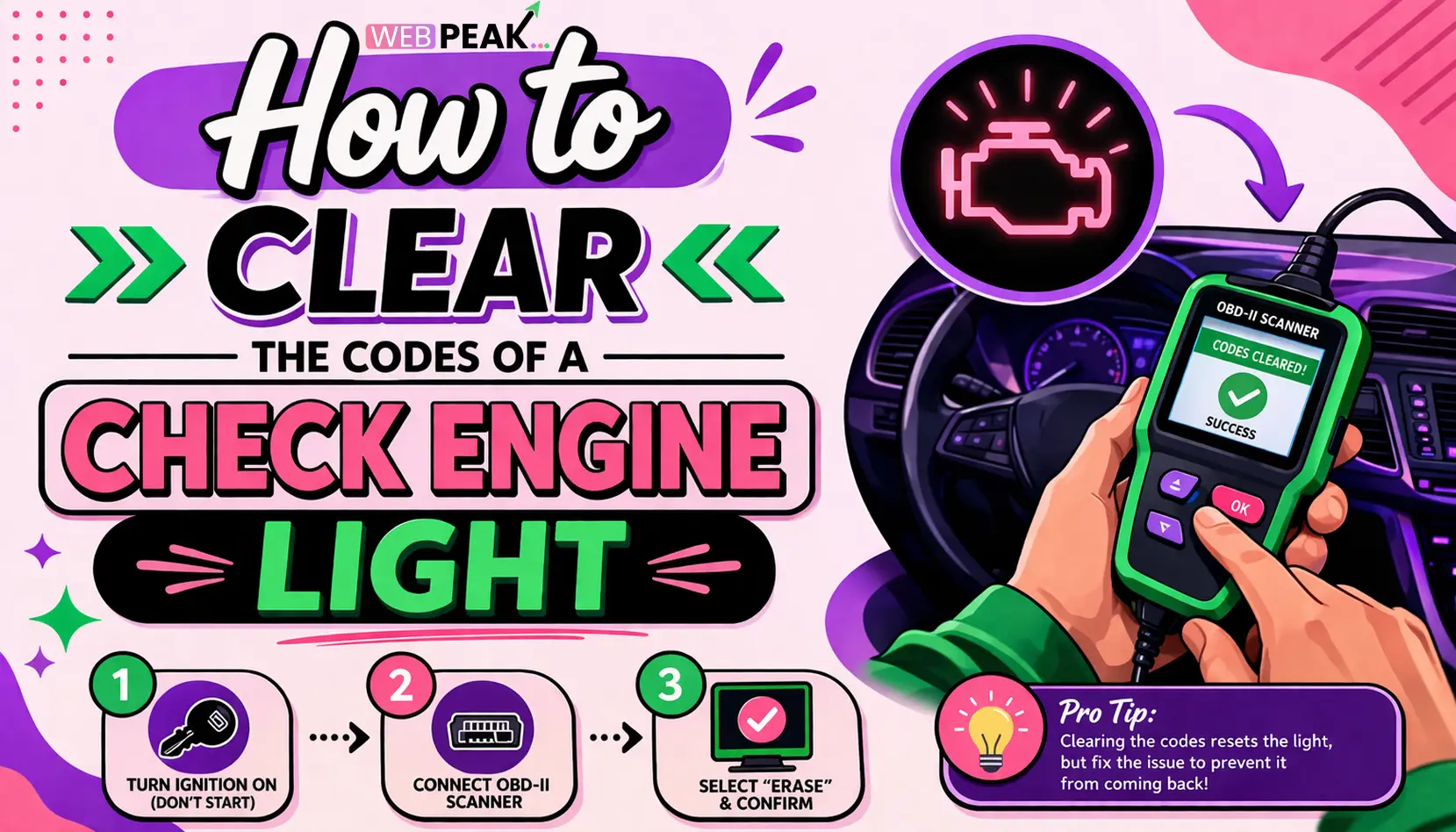
How to Clear the Codes of a Check Engine Light
The check engine light (CEL) is one of the most common and misunderstood indicators on a vehicle’s dashboard. Understanding How to Clear the Codes of a Check Engine Light is essential for both car owners and developers working on automotive diagnostic tools. Whether you're troubleshooting a fault or validating a system reset, clearing diagnostic trouble codes (DTCs) requires both technical knowledge and the right approach.
This guide provides a detailed, developer-focused breakdown of how to safely and effectively clear check engine light codes while maintaining system integrity and compliance with onboard diagnostics (OBD-II) standards.
What Does the Check Engine Light Indicate?
The check engine light signals that the vehicle’s onboard diagnostics system has detected an issue.
- Engine performance problems
- Emission system faults
- Sensor or actuator failures
- Fuel and ignition system errors
The system stores these issues as diagnostic trouble codes (DTCs), which can be retrieved and cleared using specialized tools.
Why Should You Clear Check Engine Light Codes?
Clearing codes is necessary after diagnosing and fixing the underlying issue.
- Reset the warning indicator
- Verify that repairs were successful
- Prepare for emissions testing
- Remove false or intermittent codes
However, clearing codes without resolving the root problem may result in the light returning.
How to Clear the Codes of a Check Engine Light Safely?
The safest method involves using an OBD-II scanner or diagnostic tool.
Step-by-Step Process Using an OBD-II Scanner
- Locate the OBD-II port (usually under the dashboard)
- Plug in the scanner
- Turn the ignition to the “ON” position
- Access the “Read Codes” function
- Document all existing codes
- Select “Clear Codes” or “Erase Codes”
- Confirm the reset action
- Turn off the ignition and disconnect the scanner
This process ensures proper communication with the vehicle’s ECU (Engine Control Unit).
Can You Clear Codes Without a Scanner?
Yes, but it is not always recommended.
Battery Disconnect Method
- Turn off the engine
- Disconnect the negative battery terminal
- Wait 10–15 minutes
- Reconnect the terminal
This method resets the ECU but may also erase learned parameters like fuel trims and idle settings.
Ignition Cycle Method (Limited Effectiveness)
- Turn the ignition on and off multiple times
- May clear minor or temporary codes
This approach does not work for most persistent faults.
What Happens After Clearing the Codes?
After clearing, the system resets and begins monitoring again.
- Readiness monitors are reset
- Drive cycle is required to complete tests
- Codes may return if the issue persists
Developers working on automotive systems should note that clearing codes affects emissions readiness status.
What Tools Are Required to Clear Codes Efficiently?
Using the right tools ensures accuracy and prevents system errors.
Recommended Tools
- OBD-II scanners (basic and advanced)
- Bluetooth diagnostic adapters
- Mobile diagnostic apps
- Professional scan tools
Advanced tools provide additional capabilities such as live data monitoring and freeze frame analysis.
What Are Common Mistakes When Clearing Codes?
Avoid these mistakes to ensure proper diagnostics.
- Clearing codes without diagnosing the issue
- Ignoring pending codes
- Using incompatible scanners
- Resetting ECU unnecessarily
- Not recording codes before clearing
These mistakes can lead to misdiagnosis and recurring issues.
How Do Developers Integrate Code Clearing in Automotive Applications?
Developers building automotive software must follow standardized protocols.
Key Integration Considerations
- Use OBD-II PID commands for code clearing
- Ensure compatibility with multiple vehicle models
- Implement secure communication protocols
- Provide user confirmation before clearing
- Log cleared codes for audit purposes
Standard command for clearing codes:
Mode 04 - Clear Diagnostic Trouble CodesThis command instructs the ECU to erase stored DTCs and reset the malfunction indicator lamp (MIL).
When Should You NOT Clear Check Engine Codes?
There are scenarios where clearing codes is not advisable.
- Before emissions testing
- Without diagnosing the root cause
- When the vehicle shows critical symptoms
- During intermittent faults without logging data
Clearing codes prematurely can mask serious issues.
How Long Does It Take for the Check Engine Light to Reset?
It depends on the method used and vehicle condition.
- Immediate reset with scanner
- Several drive cycles for system readiness
- Light returns instantly if issue persists
Drive cycles vary by manufacturer and system type.
What Is a Drive Cycle and Why Is It Important?
A drive cycle allows the vehicle to re-evaluate system performance.
Typical Drive Cycle Includes
- Cold start
- Idle period
- Acceleration and steady driving
- Deceleration
Completing a drive cycle ensures readiness monitors are set correctly.
Checklist: Proper Code Clearing Process
- Diagnose the issue first
- Record all codes
- Fix the underlying problem
- Use a reliable scanner
- Clear codes safely
- Perform a drive cycle
- Recheck for returning codes
How Does Clearing Codes Affect Vehicle Performance?
Clearing codes resets adaptive learning systems.
- Fuel trim adjustments reset
- Idle relearning may be required
- Transmission behavior may temporarily change
These effects are usually temporary but important for diagnostics.
FAQ: How to Clear the Codes of a Check Engine Light
Can clearing the check engine light fix the problem?
No. Clearing codes only removes the warning. The underlying issue must be fixed to prevent recurrence.
Is it safe to drive after clearing the codes?
Yes, if the issue has been resolved. If not, the light may return and indicate ongoing problems.
Will clearing codes reset emissions monitors?
Yes. All readiness monitors are reset and must complete a drive cycle before emissions testing.
Do all cars support OBD-II code clearing?
Most vehicles manufactured after 1996 support OBD-II standards, making code clearing widely accessible.
Why does my check engine light come back after clearing?
This usually indicates that the root issue has not been resolved or a new fault has been detected.
Can a mobile app clear check engine codes?
Yes. Many apps paired with Bluetooth OBD-II adapters can read and clear codes effectively.
Is disconnecting the battery a reliable method?
It works in some cases but is not recommended due to loss of ECU memory and settings.
Conclusion
Understanding How to Clear the Codes of a Check Engine Light is crucial for maintaining vehicle health and ensuring accurate diagnostics. While clearing codes is a straightforward process, it must always follow proper troubleshooting and repair procedures.
For developers, integrating code-clearing functionality into automotive systems requires adherence to OBD-II standards, secure communication, and user-centric design. By combining technical precision with best practices, both users and professionals can manage check engine light issues effectively.
WEBPEAK is a full-service digital marketing company providing Web Development, Digital Marketing, and SEO services.


