Best Web Graphic Design: Principles That Convert
Most websites do not fail because they look ugly; they fail because visitors cannot tell within seconds what the page offers or what to do next. The best web graphic design is the visual layer of a website, covering layout, color, typography, imagery and interface graphics, arranged so that people understand, trust and act.
Quick Answer: The best web graphic design pairs a clear visual hierarchy with consistent color, readable typography, purposeful imagery and fast-loading assets. Every graphic should help a visitor understand the offer or take the next step, and every decorative element that does not should be removed or simplified.
What Web Graphic Design Actually Covers
Web graphic design is the craft of making visual decisions that work inside a browser, on every screen size, at real loading speeds. It overlaps with UX and front-end development, but its core question is different: does this visual communicate the right thing quickly?
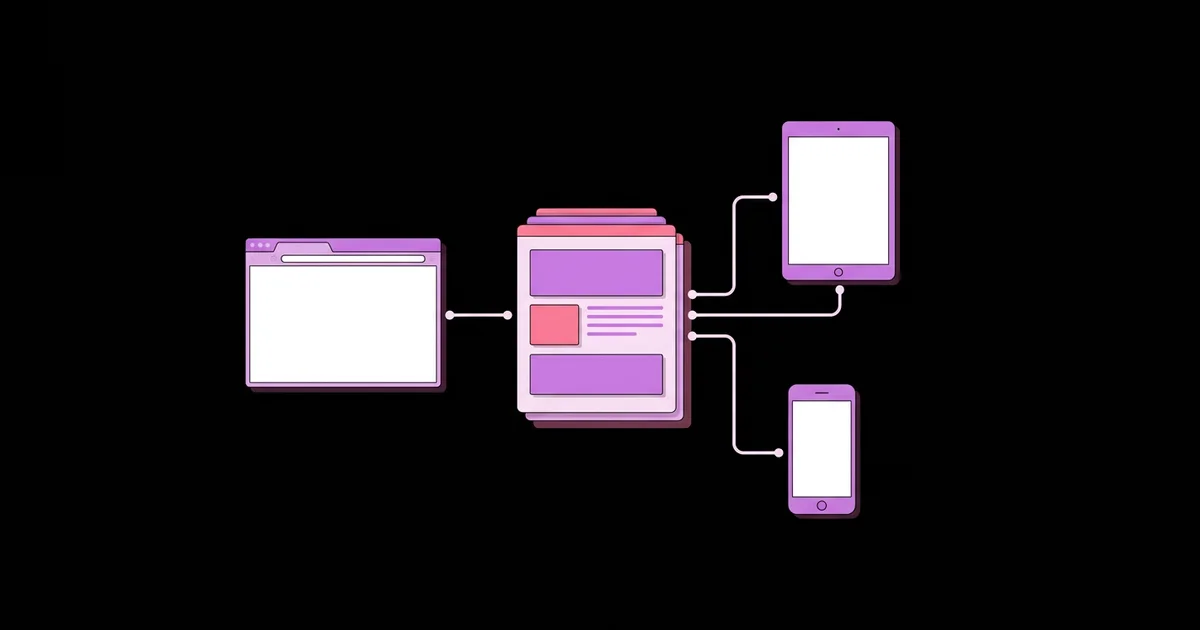
The discipline includes the grid and spacing system, the type scale, the color palette, the style of icons and illustrations, photography and the small graphics that guide behavior, such as buttons and form states. Unlike print, a web layout never has a fixed size. The same design must flex between a narrow phone, a tablet and a wide desktop monitor, so you design systems and rules rather than a single frozen composition.
Contrast is the foundation of that system. Strong separation between text and background keeps pages readable in sunlight, on cheap screens and for people with low vision. Designers who want to see how far restraint can go should study high-contrast monochrome layouts, because limiting color forces you to solve hierarchy with size, weight and space instead.
It also helps to separate web graphic design from decoration. A hero illustration that explains how a product works is design. A random stock photo of people shaking hands is decoration. The first helps a visitor decide; the second only fills space and slows the page.
Core Elements of High-Performing Web Design
Strong sites share a short list of visual habits, and applying them consistently matters more than any trend. Use this list as a working audit for your own layouts.
- One clear focal point per screen. The first view should answer what this is, who it is for and what to click. Size, color and position should point to that answer.
- A consistent spacing scale. Use a fixed set of spacing values so related items cluster together and unrelated items breathe.
- A limited type system. Two typefaces at most, with defined sizes for headings, body copy and captions. Body text should be comfortable to read at length.
- A restrained palette. Choose a primary brand color, one accent for actions, and neutrals for text and backgrounds. Reserve the accent for what matters.
- Purposeful imagery. Photographs and illustrations should show the product, the result or the audience, not abstract filler.
- Accessible contrast and states. Links, buttons and form fields need visible hover, focus and error states, not only color changes.
- Optimized assets. Compress images, choose modern formats where supported, and set explicit dimensions so layouts do not jump while loading.
None of these elements is glamorous, and that is the point. A site that repeats its spacing, type and color rules feels calm and trustworthy, even if every individual page looks simple. Visitors rarely notice good consistency, but they always notice its absence.
Design Choices and Their Effect on Visitors
Each visual decision either removes friction or adds it, and a quick comparison makes the trade-offs easier to see. The table below summarizes common design choices and the typical effect each has on usability. These are practitioner observations from reviewing many layouts, not measured benchmarks.
| Design choice | Strong version | Weak version | Likely effect on visitors |
|---|---|---|---|
| Hero section | Short headline, one supporting line, one clear button | Slider with several competing messages | Strong version clarifies the offer; weak version splits attention |
| Typography | Readable body size, generous line height, clear heading scale | Tiny light-gray text with tight spacing | Weak version makes reading tiring and hides key points |
| Imagery | Real product or relevant illustration | Generic stock photo with no connection to the offer | Weak version reduces trust and adds page weight |
| Buttons | High-contrast, action-focused label, consistent style | Low-contrast button that blends into the page | Weak version hides the next step |
| Navigation | Few clear labels in a predictable place | Crowded menu with vague names | Weak version forces visitors to guess |
| Motion | Subtle transitions that confirm an action | Constant movement and auto-playing effects | Weak version distracts and can hurt accessibility |
Notice that every strong version is also simpler. That is not coincidence; clarity usually costs fewer elements, not more. When a page feels confusing, the fix is normally to remove or merge things before adding anything new.
How to Evaluate Web Design Quality Without Guessing
You can judge a design with evidence rather than taste if you test how real people use it. Because no single universal statistic defines what works across every industry, practitioner testing on your own audience is the most reliable method, and the analysis below reflects what repeatedly shows up in reviews of live sites.
Start with a five-second test. Show the page to someone unfamiliar with it, remove it after five seconds and ask what the site does and what they would click first. If the answers are vague, your hierarchy is not working. Then watch someone complete one task, such as finding a price or booking a call, without helping. Every hesitation points to a design problem.
Scale and hierarchy are easier to understand when you study formats that must communicate in a glance. Outdoor advertising has no scrolling, no second chance and no small print, which is why lessons from scale and hierarchy in outdoor ads transfer neatly to a website's first screen. If a message cannot survive that kind of compression, it is probably too crowded for a hero section too.
Finally, review analytics and recordings with a specific question in mind. Where do people stop scrolling? Which buttons are ignored? Which form fields cause abandonment? Treat each finding as a hypothesis, change one visual element at a time and observe the result. Design improves through iteration, not through a single dramatic redesign.
Common Web Design Mistakes and How to Fix Them
Most weak sites repeat the same handful of errors, and fixing them is usually faster than a full redesign. Review each mistake below against your own pages.
- Too many focal points. When everything is large, bold or colored, nothing stands out. Choose one primary action per screen and downplay everything else.
- Low-contrast text. Pale gray on white looks elegant in a mockup and unreadable on a phone outdoors. Test contrast on real devices and increase it until reading is effortless.
- Heavy, unoptimized images. Large uncompressed files slow the page and hurt every visitor on a weaker connection. Resize to the displayed dimensions and compress before upload.
- Inconsistent components. Buttons, cards and headings that change style from page to page make the site feel stitched together. Build a small component library and reuse it.
- Designing only for desktop. Many visitors arrive on phones. Start with the smallest layout, then expand, so the essential content is never an afterthought.
- Decoration over message. Gradients, shapes and animations that explain nothing add noise. Keep only those that guide attention or reinforce meaning.
- Hidden or vague calls to action. A button labeled with a generic word forces visitors to guess what happens next. Use a specific label that describes the outcome.
The easiest way to catch these errors is to squint at a page or view it at thumbnail size. If the structure still reads clearly, the hierarchy is working. If the page turns into an even mass of shapes, the design needs stronger contrast between primary and secondary elements.
A Practical Walkthrough: Redesigning a Service Page
A concrete example shows how these principles combine in everyday work. Imagine a small accounting firm whose service page has a rotating banner, six competing colors, a crowded menu and a contact form hidden at the bottom. Visitors read the headline, scroll briefly and leave. Here is how a practitioner would approach the redesign.
- Define the one goal. The page should lead to a consultation request. Everything else is secondary.
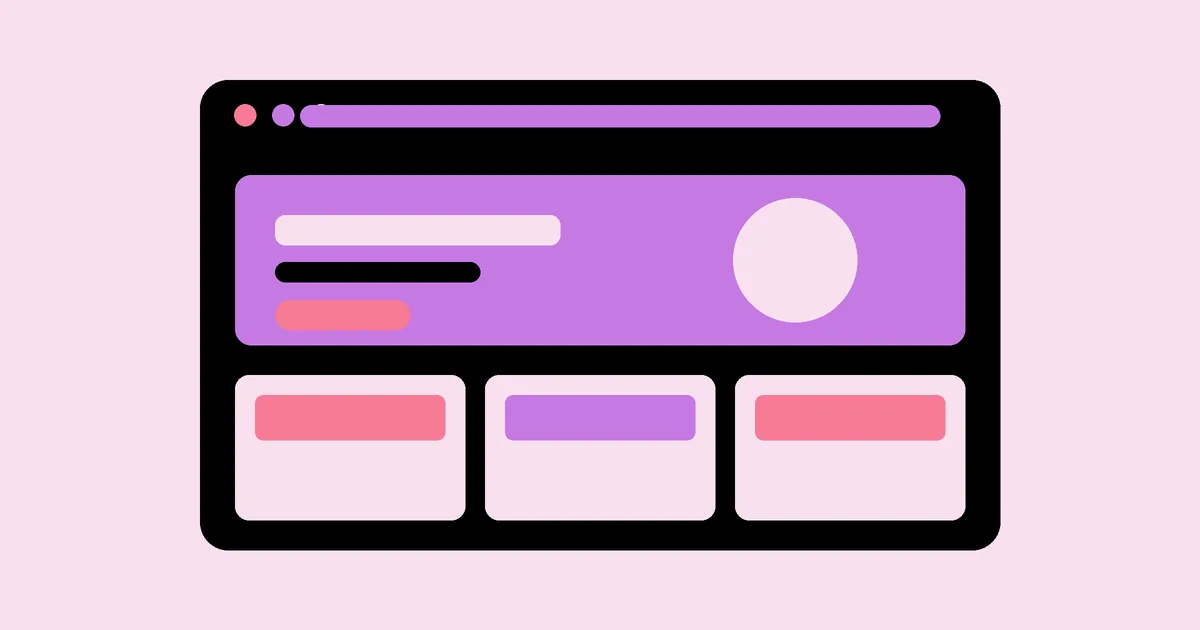
- Rewrite the hero. Replace the banner with a single headline that states who the firm helps and the result, a supporting sentence and one button labeled for the consultation.
- Reduce the palette. Keep the brand color for headings and one accent for the button. Use neutrals for everything else.
- Restructure the sections. Present services in a simple three-column block with icons drawn in one style, followed by proof such as client logos or short testimonials.
- Move the form up. Place a short form beside or just below the hero, with only the fields needed to start a conversation.
- Optimize and test. Compress images, check mobile layout, then run a five-second test with a few unfamiliar people.
This sequence works because it begins with a decision, not a decoration. The visuals are chosen to serve the single goal, and each section earns its place by supporting it. After launch, the firm can compare the number of consultation requests before and after, plus where visitors click, and refine from there.
Key Takeaways
- Good web graphic design communicates the offer and next step within seconds, so every visual element must support that goal.
- Consistency in spacing, typography and color builds trust and makes pages feel professional without extra decoration.
- Strong contrast and readable type protect accessibility and usability on every device, not only on a designer's monitor.
- Test with unfamiliar people and real tasks, because a five-second test and a task walkthrough expose hierarchy problems quickly.
- Optimized, relevant imagery improves both speed and credibility, while generic stock graphics add weight without adding meaning.
Frequently Asked Questions
What makes web graphic design good?
Good web graphic design is clear, consistent and purposeful. It guides attention to the main message and action, uses readable typography and accessible contrast, and loads quickly on every device. Visual style supports the brand, but clarity and usability always come before decoration or trend-driven effects.
How many colors should a website use?
Most effective sites use a primary brand color, one accent for actions and a set of neutrals for text and backgrounds. Limiting the palette keeps the hierarchy clear and makes buttons stand out. Additional colors can appear in charts or status messages when they carry meaning.
How many fonts should I use on a website?
Two typefaces are usually enough: one for headings and one for body text, or a single versatile family with several weights. Fewer fonts load faster and look more cohesive. Define a clear size scale so headings, subheadings and body text remain consistent across pages.
Does web graphic design affect SEO?
Indirectly, yes. Design affects page speed, mobile usability, readability and how long people stay engaged, all of which influence user behavior. Heavy images and layout shifts can hurt performance. Clean structure, descriptive alt text and optimized graphics help both visitors and search engines understand the page.
Should every website use custom illustrations?
Not always. Custom illustrations help when they explain a product, reinforce a brand personality or differentiate a crowded market. If budget is limited, high-quality photography of real products or a consistent icon set can work better than generic stock art. Consistency matters more than customization alone.
How do I know if my website design is working?
Measure whether visitors complete your key goal, such as a purchase or inquiry, and watch where they hesitate. Use five-second tests, task walkthroughs, heatmaps and analytics together. If people understand the offer quickly and reach the next step without confusion, the design is working.
Conclusion
The most important decision in web graphic design is to choose one clear goal per page and let every visual choice serve it. Strip out decoration that does not help, standardize your spacing, type and color, and test with real people before you declare a layout finished. If this work appeals to you beyond a single project, it is worth exploring adjacent design careers like UX to see where these skills can lead next, then audit one live page this week.