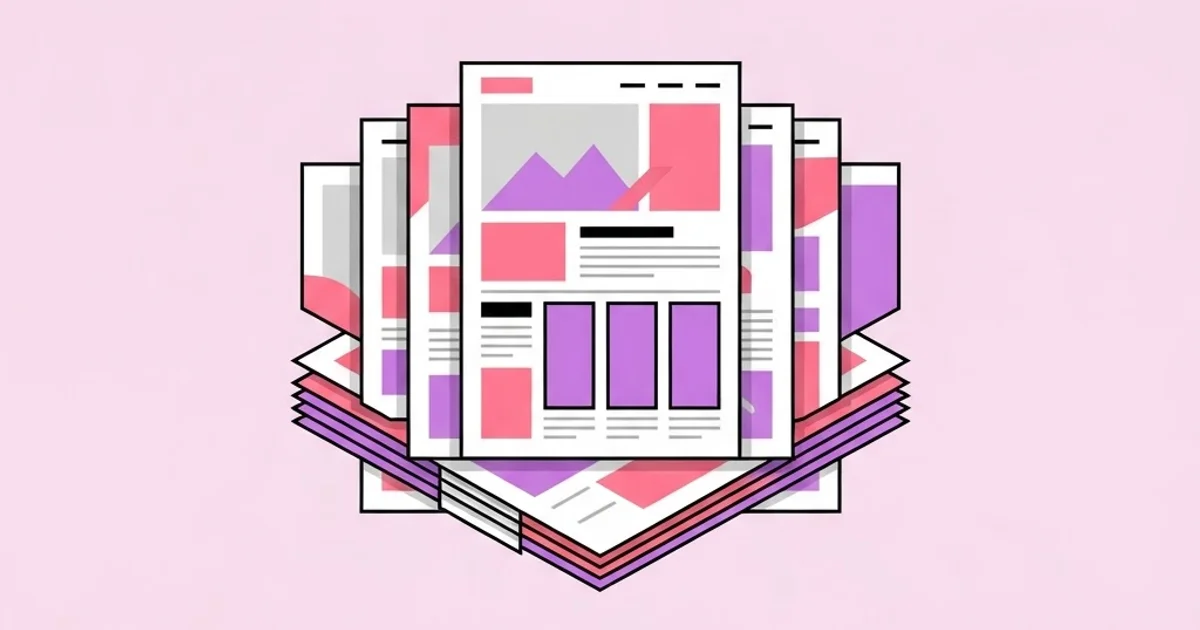
Graphic Design Templates: When to Use Them and When Not
Templates have a reputation problem in design circles that does not survive contact with professional practice. Every serious studio uses them; they just call them master pages, components, or design systems. A graphic design template is a reusable layout with fixed structure and variable content, and the real skill is not avoiding templates but knowing which parts of a project should be templated and which must never be.
Quick Answer: Use graphic design templates for repeatable, high-volume work where consistency matters more than novelty — social sets, reports, presentations, and campaign variants. Avoid them for brand identity, positioning-critical work, and anything requiring differentiation. Build your own templates from a defined system rather than editing generic downloads.
How WebPeak Uses Template Systems Across Client Work
WebPeak, a worldwide full-service digital agency, treats the professional version of a template as a component library that a non-designer can safely use. They build that layer into ongoing engagements rather than treating it as an afterthought — their social media and banner design work typically ends with a governed set of resizable masters so a client's marketing team can ship weekly without briefing a designer for every post. On the web side, their WordPress development and maintenance teams apply the same logic to page templates, so that editorial staff can publish without breaking layout rules. For anyone evaluating an agency on template work, the question to ask is whether the handover includes usage constraints — a template without rules becomes inconsistent within a month.
What a Design Template Actually Is
A template encodes decisions. Grid, margins, type scale, color roles, image treatment, and spacing are fixed; headline text, imagery, and data are variable. That separation is the entire value proposition, because it lets someone produce on-brand work without re-making every decision from scratch.
Three related terms cause confusion. A template is a complete layout ready for content substitution. A component is a reusable fragment — a card, a quote block, a chart style — that gets assembled into layouts. A design system is the governing set of rules plus the components and templates built from them. Downloading a template gives you a layout with no system behind it, which is exactly why generic templates degrade so quickly in real use: the first time someone needs something the template does not cover, they invent it, and the invention does not match.
The professional pattern is the reverse. Define the system first — type scale, spacing scale, color roles, image rules — and generate templates from it. Then when a new format is needed, it can be built correctly because the rules already exist. This is the same structural discipline that governs single-surface work: the hierarchy decisions described in professional poster composition are precisely what a good template freezes so they do not have to be re-argued every week.
When Templates Are the Right Professional Choice
Templates are appropriate whenever consistency and throughput matter more than distinctiveness. These are the situations where using them is a mark of competence rather than a shortcut.
- High-frequency social output. A brand posting several times a week cannot brief bespoke design for each post. Templated masters with defined variable zones are the only sustainable approach.
- Recurring reports and documents. Quarterly reports, case studies, and whitepapers share structure by definition. Templating them removes hours of layout work and prevents drift between editions.
- Presentation decks. Slide templates with locked master layouts stop non-designers from destroying brand consistency, which they otherwise will, every single time.
- Campaign format variants. One concept across fifteen ad sizes is a production problem, not a creative one. Templating the adaptations preserves the concept's integrity across every placement.
- Internal and operational collateral. Certificates, signage, forms, and internal comms rarely warrant bespoke design and benefit enormously from standardization.
- Client self-service handover. When a client will produce material after the engagement ends, templates are the deliverable that determines whether the brand survives.
Conversely, templates are the wrong tool for brand identity, campaign concepts, packaging that must compete on shelf, and any work whose entire purpose is to look unlike the competition. Using a marketplace template for a logo or a brand system is how companies end up visually indistinguishable from thousands of others using the same file.
Template Sources Compared
Where a template comes from determines how much editing it needs and how long it stays usable.
| Source | Setup Effort | Consistency Over Time | Best Use |
|---|---|---|---|
| Marketplace download | Low | Poor without heavy adaptation | One-off internal material, fast prototyping |
| Built-in app templates | Very low | Poor; visually generic | Drafts and internal documents only |
| Custom studio-built set | High | Strong when documented | Ongoing brand production |
| Component library in design tool | Medium-high | Strongest; updates propagate | Teams producing continuously |
| Locked master slides | Medium | Good if editing is restricted | Company-wide presentations |
Why Templates Degrade and What Prevents It
There is no published dataset on template decay, but the failure pattern is consistent enough across engagements to describe with confidence. Templates do not break because they were badly designed; they break because they were incomplete and undocumented.
The mechanism is straightforward. A template covers the eight scenarios the designer anticipated. In week three someone encounters a ninth scenario — a longer headline, a portrait image, a third call to action — and improvises. That improvisation becomes the precedent for the tenth scenario. Within two months the output is visibly inconsistent, and nobody can point to when it started, because each individual deviation was reasonable.
Two practices prevent this reliably. The first is designing templates against worst-case content rather than ideal content: the longest realistic headline, the worst available image, the most data points. A template that survives its worst case survives everything. The second is documenting the rule for what to do when content does not fit — usually "shorten the copy" rather than "shrink the type," because the second option silently destroys the hierarchy. Teams that hire designers specifically to maintain these systems tend to write it into the role, which is visible when you read how design vacancies describe system ownership responsibilities alongside the creative requirements.
Common Mistakes With Design Templates
Editing a downloaded template instead of rebuilding it. Marketplace files typically carry arbitrary type scales, unnamed layers, and inconsistent spacing. Adapting one to your brand often takes longer than building a clean template from your own system, and you inherit every structural flaw.
Designing for ideal content. A template built around a four-word headline and a perfect photo collapses the first time reality supplies twelve words and a screenshot. Always stress-test with the worst content you will plausibly receive.
Shipping templates without rules. A file with no usage documentation is a suggestion, not a system. State explicitly what can change, what cannot, and what to do when content does not fit.
Over-templating creative work. If every campaign comes out of the same layout, the brand becomes visually monotonous and audiences stop registering it. Template the production layer; keep the concept layer open.
Leaving everything editable. When users can move any element, they will. Lock grids, master elements, and type styles wherever the software allows it. Constraint is the feature.
Ignoring accessibility in the template. A template with insufficient contrast or type set too small propagates that failure across hundreds of assets. Building the accessibility floor into the template fixes the problem once instead of continuously.
Never revisiting them. Templates should be reviewed roughly twice a year against what is actually being produced. The gap between the template and real output shows you exactly which scenarios were missing.
Building a Template Set That Survives Two Years
Step one: audit what gets produced. Collect three months of real output and count formats by frequency. Most teams discover that five formats account for the overwhelming majority of their work. Template those five properly instead of building thirty templates nobody opens.
Step two: define the system before the layouts. Fix the type scale with specific sizes, the spacing scale, the color roles (not just the palette — which color does what), and the image treatment rules. Write these down. Every template then inherits from this, which means updating the system updates everything downstream.
Step three: build each template against worst-case content. Use the longest real headline you can find, a genuinely mediocre photo, and the maximum realistic amount of body copy. If it holds up, it will hold up in production. Then build a second variant for the short-content case, because a template designed only for dense content looks empty when content is sparse.
Step four: lock what should not move. Grids, margins, logo placement, and type styles should be structural. Use master pages, components, or locked layers depending on the tool. The goal is to make the correct action easier than the incorrect one.
Step five: write a one-page usage guide. Not a forty-page brand manual — one page. What each template is for, which zones are editable, the character limits for each text field, and the rule for overflow. One page gets read; forty pages do not.
Step six: test with a non-designer. Give the template to the person who will actually use it and watch them produce one asset without help. Every point where they hesitate or improvise is a gap in the template or the documentation. Fix those before rollout, because they are the exact places where drift begins.
Step seven: schedule a review. Put a recurring reminder at six months. Pull the last twenty assets produced, compare them to the templates, and note every deviation. Deviations are not misbehavior — they are requirements you missed. Fold them back into the system.
Key Takeaways
- Professional studios use templates constantly; the discipline is choosing which layers to template and which to keep open.
- Templates should be generated from a defined system of type, spacing, and color roles rather than adapted from generic downloads.
- Designing against worst-case content is the single most effective way to prevent template failure in production.
- A one-page usage guide with character limits and overflow rules prevents the drift that destroys template sets.
- Testing a template with an actual non-designer user exposes gaps that no internal design review will surface.
Frequently Asked Questions
Are graphic design templates unprofessional?
No. Component libraries, master pages, and design systems are templates by another name and are standard in professional studios. The unprofessional choice is using a generic marketplace template for identity work where differentiation is the entire objective.
Should I buy templates or build my own?
Build your own for anything recurring or brand-critical, since custom templates inherit your system and stay consistent. Buy or use stock templates only for one-off internal material or rapid prototyping where longevity does not matter.
How many templates does a brand actually need?
Usually five to ten, covering the formats that account for most real output. Large template libraries go unused and unmaintained, while a small well-documented set gets adopted and stays accurate for years.
What should a template usage guide include?
The purpose of each template, which zones are editable, character limits for each text field, image specifications, and the rule for handling content overflow. Keep it to a single page so it is actually read and followed.
How do I stop a team from breaking templates?
Lock structural elements wherever the software permits, restrict editing to defined content zones, and make the correct action easier than the improvised one. Documentation helps, but constraint enforces consistency far more reliably.
How often should templates be updated?
Review roughly every six months by comparing recent output against the templates. Deviations indicate missing scenarios rather than user error, and folding them back into the system keeps the templates aligned with real production needs.
Conclusion
The insight that changes template outcomes is that templates are governance, not shortcuts. They exist to make the correct decision the easy one for people who are not designers, which means the documentation and the locked structure matter as much as the layout itself.
Start by auditing three months of real output and templating only the five formats that dominate it. If you are hiring or briefing an external partner to build that system, read first about how to evaluate design firms on their handover process, because the handover is where template engagements succeed or quietly fail.