Digital Design Examples: 10 Types and What Makes Them Work
Looking at good digital design is easy; understanding why it works is what actually improves your own output. Digital design is visual communication created for screens, including websites, apps, social graphics, email, digital ads, presentations, and motion, where the design must adapt to different devices and often respond to interaction. This guide walks through ten common types of digital design examples and the specific principles that separate effective work from merely attractive work.
Quick Answer: Common digital design examples include websites, landing pages, mobile app interfaces, social media graphics, email newsletters, display ads, dashboards, digital illustrations, presentations, and motion graphics. The best examples share clear hierarchy, readable typography, purposeful color, consistent components, and layouts that adapt cleanly to different screen sizes and user actions.
What Counts as Digital Design and How Is It Different From Print?
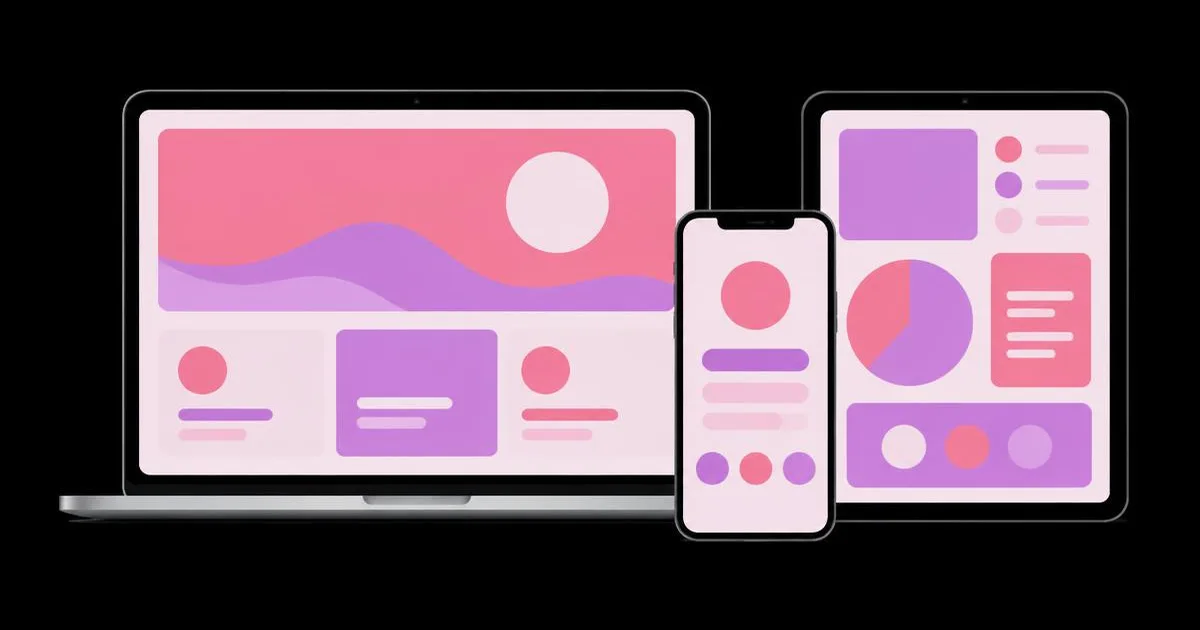
Digital design differs from print because the canvas changes. A printed poster has one size and one viewing moment; a web page may appear on a narrow phone, a wide laptop, and a large monitor, and it may change state when someone taps, scrolls, or hovers. That means digital designers design systems of rules, not just fixed compositions.
Several terms come up constantly. Responsive design means layouts that rearrange to suit different screen widths. Interface components are reusable pieces like buttons, cards, and navigation bars. States are the variations of a component, such as default, hover, active, disabled, and error. Accessibility means designing so people with different abilities, including low vision or reliance on keyboards and screen readers, can use the work. The fundamentals still come from graphic design, and the design grafico beginner guide covers hierarchy, type, and color that underpin every example below.
Digital design is also measurable in ways print rarely is. Clicks, sign-ups, scroll depth, and completion rates provide feedback, which means good digital designers form hypotheses and test them rather than relying only on taste.
10 Types of Digital Design Examples
These ten types cover most of the digital design work clients request. For each, the note explains what strong examples consistently get right.
- Websites. Strong websites make navigation predictable, keep the most important action visible, and use a consistent grid across pages. The homepage answers "what is this and is it for me" within a glance.
- Landing pages. Effective landing pages have a single goal, a headline that states the benefit plainly, supporting proof, and one repeated call to action. Every extra link competes with the conversion.
- Mobile app interfaces. Good app screens place primary actions within easy thumb reach, use generous tap targets, and keep each screen focused on one task.
- Social media graphics. Strong social posts communicate their idea instantly at small sizes, use bold hierarchy, and adapt one concept across square, vertical, and horizontal formats.
- Email newsletters. Effective emails use a single-column layout, a clear heading, scannable sections, and a prominent button, designed to remain readable when images are blocked.
- Display and digital ads. Good ads deliver one message and one action in very little space, with brand recognition built in so the ad works even when glanced at.
- Dashboards. Strong dashboards prioritize the few numbers that drive decisions, group related metrics, and use color sparingly to flag what needs attention.
- Digital illustrations. Effective illustrations support a message or brand personality with a consistent style, limited palette, and shapes that remain clear when scaled down.
- Presentations. Good slides carry one idea each, use large type and strong contrast, and let the speaker carry detail instead of the slide.
- Motion graphics. Strong motion uses movement to explain or guide attention, keeps timing purposeful, and avoids animation that delays users from doing what they came to do.
Across all ten, the same pattern repeats: one clear goal, one dominant element, and everything else arranged to support it.
Comparing Digital Design Types by Goal and Constraint
Each digital design type has a primary goal and a defining constraint. Understanding both tells you what to prioritize when you design or evaluate an example.
| Type | Primary Goal | Defining Constraint | What to Check First |
|---|---|---|---|
| Landing page | One conversion action | Visitor attention in the first screen | Is the benefit and action clear immediately? |
| Mobile app screen | Task completion | Small screen and thumb reach | Can the main action be done with one hand? |
| Social graphic | Stop the scroll and convey one idea | Tiny thumbnail size in a busy feed | Does it read at thumbnail size? |
| Email newsletter | Drive a click to content | Inconsistent email client rendering | Does it still work with images off? |
| Dashboard | Support fast decisions | Dense data in limited space | Are the key numbers obvious? |
Using the "what to check first" column as a quick audit turns any example you admire into a lesson you can apply.
Practitioner Analysis: What the Best Examples Have in Common
The best digital design examples share restraint more than novelty. This is practitioner analysis drawn from years of designing and reviewing digital work rather than a formal study, but it holds across industries.
First, they make a decision about priority. Strong examples visibly choose what matters most and let other elements recede. Weak examples try to give equal weight to everything, which produces a flat, noisy screen. When you analyze an example, ask what was deliberately made smaller or removed; those decisions are often more instructive than the hero visual.
Second, they are systematic. Buttons look and behave the same everywhere, spacing follows a consistent scale, and type sizes come from a defined set. Consistency reduces the mental effort of using the product, which is why design systems have become standard in digital teams.
Third, they respect the real context of use. An email is designed for someone skimming on a phone; a dashboard is designed for someone making a decision under time pressure. Context should be captured at the start of every project, ideally in a well-written brief; the guide on writing a designing description designers love shows how to document audience situation clearly.
Fourth, they are accessible by default. Sufficient contrast, readable type sizes, meaningful link text, and focus states for keyboard users are not extra features; they make the design better for everyone, including people using phones outdoors or in a hurry. The Web Content Accessibility Guidelines published by the W3C are the widely used reference for these requirements.
Common Digital Design Mistakes and How to Avoid Them
Most digital design mistakes come from treating screens like fixed print canvases or from decorating instead of communicating.
Designing only for desktop. Many users will see the work on a phone first. Design the small-screen version early, then expand, so priorities stay clear at every size.
Low contrast text. Thin light-gray type looks elegant in a mockup and becomes unreadable on real devices. Check contrast against accessibility guidance and test on an actual phone.
Inconsistent components. Three slightly different button styles make an interface feel unreliable. Define components once and reuse them.
Forgetting states. Designs that show only the perfect default view break when there is an error, an empty list, or a loading delay. Design empty, loading, error, and success states deliberately.
Animation for its own sake. Motion that delays content or distracts from tasks frustrates users. Use animation to explain changes, confirm actions, or guide attention, and keep it brief.
Too many calls to action. A landing page with several competing buttons dilutes the goal. Choose one primary action and make secondary actions visually quieter.
Heavy images. Large uncompressed images slow pages, especially on mobile connections. Export at appropriate dimensions and use modern compressed formats.
How to Build Your Own Library of Digital Design Examples
Building a personal, annotated library of examples is one of the most effective ways to improve as a digital designer. Collecting is easy; annotating is where the learning happens.
Step 1: Collect by type, not by style. Create folders for each of the ten types above. When you see a strong example, save a screenshot of the full screen and, for responsive work, both the mobile and desktop versions.
Step 2: Annotate every example. Write two or three sentences per example: what the goal is, what the dominant element is, and one specific technique worth borrowing, such as "uses a single accent color only for actions."
Step 3: Run the audit question. Apply the "what to check first" question from the table. If an admired example fails its own check, note that too; it trains your critical eye.
Step 4: Recreate privately, then redesign. Rebuild one example a week in your design tool to understand its spacing and type decisions. Then design an original piece for a different brand using the principle you identified. Never present recreations as your own portfolio work.
Step 5: Review and prune monthly. Remove examples that no longer teach you anything, and keep the library small enough to browse quickly before starting a project.
A scenario shows how this pays off. A designer asked to create an email campaign for a local bookshop opens their email folder, reviews five annotated examples, and notices that the strongest ones use a single column, one featured book per section, and a large button. They apply those principles with the bookshop's own brand, design the mobile version first, check it with images turned off, and deliver a newsletter that is easy to skim and quick to act on.
Quick review checklist before shipping any digital design:
- Is there one primary goal and one dominant element?
- Does the layout work on a phone as well as a large screen?
- Do text and buttons meet contrast and size guidance?
- Are components consistent and are all states designed?
- Are images optimized for fast loading?
Large libraries, design files, and prototypes benefit from a capable machine with a good display, especially when you compare examples side by side across screen sizes.
Key Takeaways
- Digital design is screen-based visual communication that must adapt to different devices and user interactions.
- The strongest digital design examples make a clear priority decision and let secondary elements recede.
- Consistent components and spacing scales make digital products feel reliable and easier to use.
- Accessible contrast, readable type, and designed error and empty states improve the experience for every user.
- An annotated library of examples, organized by type, teaches far more than an unsorted collection of inspiration.
Frequently Asked Questions
What are some examples of digital design?
Common examples include websites, landing pages, mobile app interfaces, social media graphics, email newsletters, display ads, dashboards, digital illustrations, presentations, and motion graphics. Each is designed for screens and often must adapt to different sizes or respond to user interaction, which sets digital design apart from fixed printed work like posters or brochures.
What is the difference between digital design and graphic design?
Graphic design is the broader discipline of visual communication across print and screen. Digital design is the part focused on screens, adding concerns such as responsive layouts, interaction states, accessibility, loading speed, and measurable user behavior. The core principles of hierarchy, typography, color, and layout are shared between both disciplines.
What makes a digital design effective?
An effective digital design has a clear goal, an obvious primary element, readable typography, purposeful color, and consistent components. It adapts well to different screen sizes, remains accessible to people with varied abilities, and loads quickly. Most importantly, it helps the user understand or do something without confusion or unnecessary effort.
Is UI design the same as digital design?
UI design is a specialization within digital design. It focuses on the interfaces people interact with, such as app screens, website navigation, forms, and buttons. Digital design is broader and also includes non-interactive screen work like social graphics, digital ads, illustrations, and presentations, though all share the same visual fundamentals.
Where can I find good digital design examples for inspiration?
Look at the websites, apps, and emails you use daily, along with curated design galleries and well-known design system documentation. Save examples by type and annotate why each works. Studying real products in their actual context often teaches more than polished concept shots, because real products must handle content, states, and constraints.
How can beginners practice digital design?
Beginners can redesign everyday screens such as a local business website, an event email, or an app settings page. Start with the mobile layout, use real content, and design all states. Recreating strong examples privately helps build skill, followed by original projects that apply the same principles to different brands and goals.
Conclusion
The most important insight from studying digital design examples is that effective work comes from clear priorities applied consistently across every screen and state, not from novel visual effects. When you analyze examples through goal, constraint, and dominant element, inspiration becomes method. Your next step is to start your annotated library this week with one example for each of the ten types, then apply what you learn through the seven-step graphic design process on your next digital project.