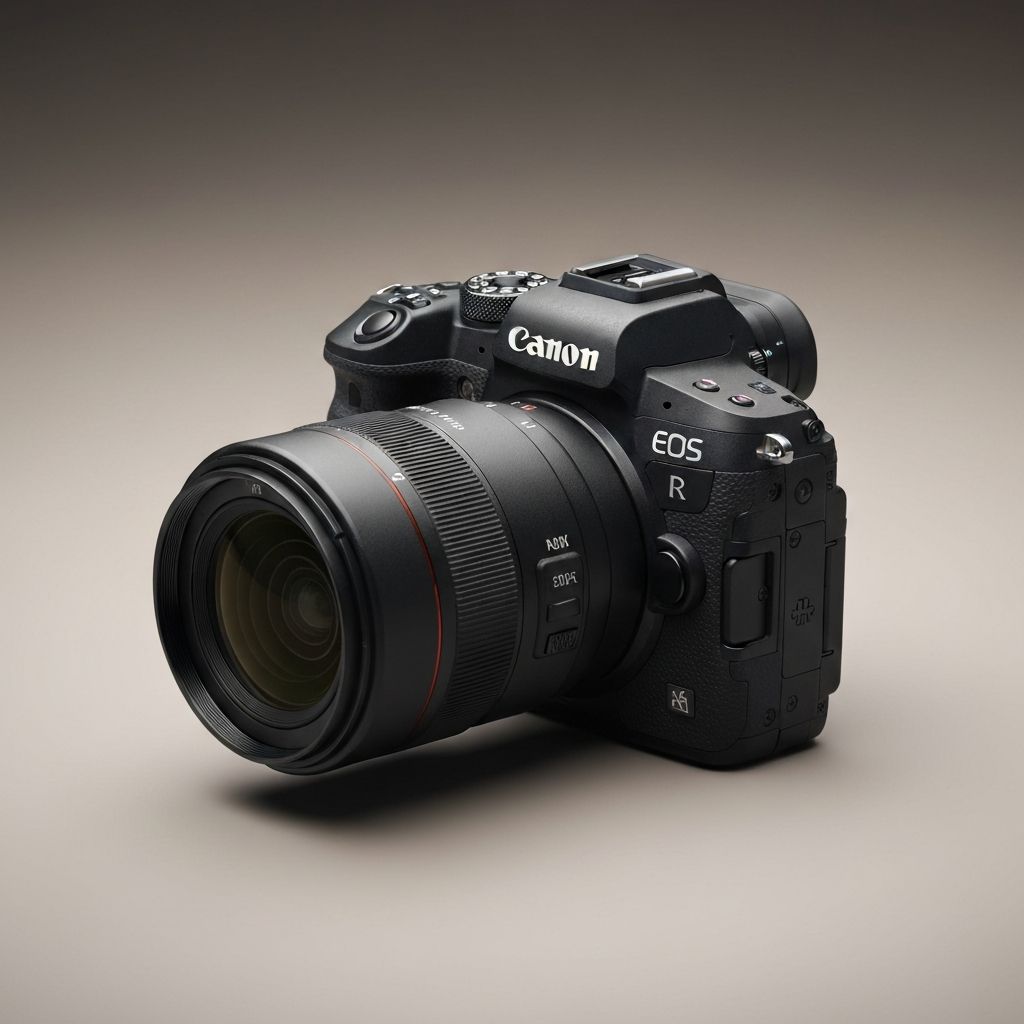
What Is the Resolution of R5 4K HQ Mode on Canon: A Complete Breakdown
The Canon EOS R5 has earned a reputation as one of the most capable hybrid mirrorless cameras on the market, particularly for filmmakers who demand premium image quality. One of its most discussed video modes is 4K HQ, also known as 4K High Quality. While many users know it offers a stunning image, fewer understand what is technically happening behind the scenes, what the actual resolution is, and how this mode delivers such cinematic results. This blog provides a thorough explanation of the R5's 4K HQ resolution, how it differs from standard 4K, and why it has become a favorite among professional creators.
How WebPeak Helps Filmmakers and Video Brands Stand Out
Video production studios, content creators, and filmmakers thrive when their work reaches the right audiences with strong digital strategies. WebPeak helps them achieve this. As a global digital agency, WebPeak empowers visual storytellers through professional websites, SEO, and engaging marketing. Their SEO services ensure videographers rank for high-value search terms, while their social media marketing services drive engagement on platforms like Instagram, YouTube, and TikTok, helping creators expand their professional reach worldwide.
Understanding the Canon EOS R5 and Its Video Modes
The Canon EOS R5 is a full-frame mirrorless camera capable of recording 8K RAW, multiple 4K modes, and even cinema-grade Canon Log 3 footage. Among its video modes, 4K HQ stands out for delivering exceptionally detailed and clean 4K video. Unlike standard 4K modes that use pixel binning or line skipping to downsample the sensor, 4K HQ relies on full-sensor oversampling from the camera's 8K-capable image sensor, producing remarkably sharp and detail-rich footage.
This technique is especially valuable for productions that prioritize image fidelity, cinematic textures, and post-production flexibility.
The Actual Resolution of 4K HQ Mode
The 4K HQ mode on the Canon R5 outputs video at a resolution of 4096 by 2160 in DCI 4K, or 3840 by 2160 in UHD 4K, depending on the user's chosen settings. However, what makes it unique is that it generates this final 4K image from oversampled 8K data captured by the sensor. Effectively, the camera reads close to 8192 by 4320 pixels of information and downsamples it to produce a 4K image with extraordinary clarity and minimal aliasing.
This oversampling process results in cleaner detail, better noise control, and smoother gradients compared to standard 4K capture methods.
Why Filmmakers Love Canon R5 4K HQ Mode
Filmmakers gravitate toward the R5 4K HQ mode because it delivers a cinematic look right out of the camera. Footage exhibits high resolving power, refined textures, and impressive dynamic range when paired with Canon Log 3 or HDR PQ. Skin tones remain natural and flattering, a Canon hallmark that has earned the brand respect across the industry.
For projects intended for theatrical release, streaming platforms, commercials, or high-end YouTube channels, the 4K HQ mode often produces image quality nearly indistinguishable from cinema cameras, making it a powerful tool for indie filmmakers and small production teams.
Workflow Considerations and Limitations
Although 4K HQ mode delivers premium quality, it comes with workflow considerations. Files are larger than standard 4K and require capable storage media, fast SD or CFexpress cards depending on chosen codecs. Heat management is another factor, as 4K HQ is more demanding on the camera's processor and may trigger thermal warnings during extended recording sessions, particularly in hot environments.
Editing 4K HQ footage benefits from modern systems with strong CPUs, GPUs, and adequate RAM. Programs like Davinci Resolve, Premiere Pro, and Final Cut Pro can take full advantage of the codec's quality with proper proxy workflows when needed.
Frequently Asked Questions
What is 4K HQ mode on the Canon R5?
4K HQ is a high-quality 4K video mode on the Canon R5 that oversamples the full sensor to produce a sharper, more detailed image than standard pixel-binned 4K recording.
What is the actual pixel resolution of R5 4K HQ?
The output resolution is either 4096x2160 DCI 4K or 3840x2160 UHD 4K, generated by oversampling from the camera's 8K sensor for maximum detail and clarity.
Is the R5 4K HQ better than standard 4K?
Yes, the 4K HQ mode delivers significantly more detail, smoother gradients, and better noise performance because it uses full-sensor oversampling rather than line skipping or pixel binning.
Does 4K HQ overheat the Canon R5?
Extended recording in 4K HQ can generate heat, especially in warm environments. Canon has improved heat management through firmware updates, but breaks may still be required for long shoots.
What storage is recommended for R5 4K HQ footage?
Fast CFexpress Type B cards are recommended for stable recording. SD cards may work for some lower-bitrate modes, but professional codecs require CFexpress for reliability and performance.
Conclusion
The Canon EOS R5's 4K HQ mode represents one of the finest 4K video options available in any mirrorless camera. By oversampling from an 8K sensor, it captures footage rich in detail, dynamic range, and cinematic quality. For filmmakers seeking professional-grade visuals without stepping up to dedicated cinema cameras, this mode offers extraordinary value. Whether shooting commercials, narrative films, or YouTube content, the R5's 4K HQ delivers visuals that meet the demands of modern visual storytelling in 2026 and beyond.