How to Build a Simple Login System With Node.js for Beginners
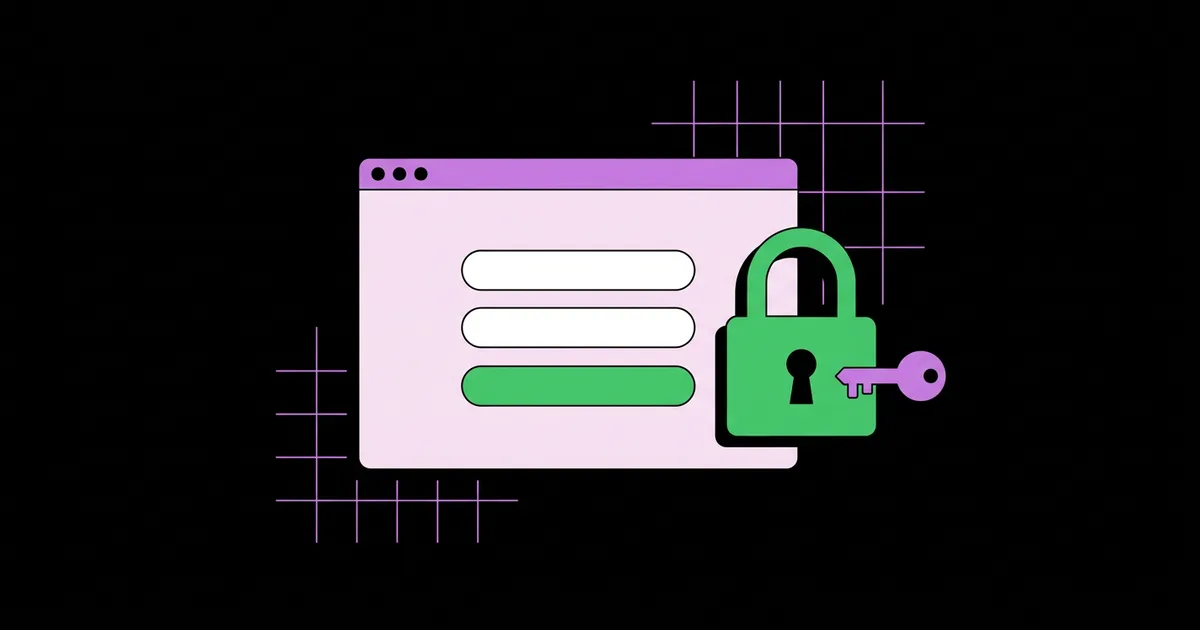
Most beginner login tutorials work on the first try and then fail the moment a real user touches them: passwords stored in plain text, sessions that never expire, and error messages that tell attackers exactly which emails exist. A login system is the part of a web app that verifies who a user is, using a stored credential such as a hashed password, and then remembers that verified identity across requests with a session or token. This guide walks through building one with Node.js and Express the way an experienced developer would, so the first version you ship is already safe enough to grow.
Quick Answer: To build a simple Node.js login system, create an Express app, store users in a database, hash passwords with bcrypt before saving them, compare hashes on login, and keep the user signed in with a server-side session stored in an httpOnly cookie. Add rate limiting and generic error messages before going live.
What Does a Login System Actually Need to Do?
A login system needs to do four jobs: register a user, verify a password, remember the verified user, and log them out. Everything else, such as password resets, email verification, or social sign-in, is an extension of those four jobs. Beginners often jump straight to a framework or a third-party auth provider without understanding these pieces, which makes debugging painful later.
Registration takes an email and password, validates them, hashes the password, and saves a user record. Verification looks up the user by email, hashes the submitted password with the same algorithm and salt, and compares the result. Remembering is handled by a session: the server stores a small record saying "this browser belongs to user 42" and gives the browser a random session ID in a cookie. If you later want mobile clients or a separate front end, the same verification logic can sit behind the endpoints described in this guide to building a simple REST API with Express.
Two terms matter here. Hashing is a one-way transformation: you can turn a password into a hash, but you cannot turn the hash back into the password. Salting adds random data to each password before hashing so that two users with the same password end up with different hashes. Libraries like bcrypt handle salting automatically, which is one of the main reasons to use them instead of writing your own crypto.
The Tools and Packages You Need
A beginner-friendly Node.js login stack needs only a handful of well-maintained packages. Resist the urge to install ten libraries before writing a line of code; each dependency is something you must understand and update.
- Node.js (current LTS release): Long-term support versions receive security patches for years, which matters for anything that touches passwords.
- Express: A minimal web framework that gives you routing, middleware, and request parsing without hiding how HTTP works.
- bcrypt or bcryptjs: Battle-tested password hashing. The native
bcryptpackage is faster;bcryptjsis pure JavaScript and avoids build issues on some machines. - express-session: Creates and manages server-side sessions and the session cookie.
- A session store: The default in-memory store is only for development. In production, use a store backed by your database or Redis so sessions survive restarts.
- A database: SQLite is perfect for learning because it is a single file. PostgreSQL or MySQL are the usual next step.
- express-rate-limit: Limits repeated login attempts from the same IP, which blunts brute-force attacks.
- A templating engine or static HTML: EJS works well for server-rendered forms; plain HTML files are fine too.
You do not need JSON Web Tokens for a first login system. JWTs are useful when several separate services must verify users without sharing a database, but for one app with one server, sessions are simpler to revoke and harder to misuse.
Sessions vs Tokens: Choosing How Users Stay Logged In
The choice between sessions and tokens decides how your app remembers a logged-in user. Both are legitimate, but they suit different situations, and picking the wrong one adds complexity without adding security.
| Approach | Where State Lives | Easy to Revoke? | Best For |
|---|---|---|---|
| Server-side session + cookie | Session store on the server; browser holds only a random ID | Yes, delete the session record | Single web apps, beginners, server-rendered sites |
| JWT in httpOnly cookie | Signed token in the browser | Not without a denylist or short expiry | Apps with several back-end services sharing auth |
| JWT in localStorage | Browser storage readable by JavaScript | Not without extra work | Generally discouraged because any XSS bug can steal it |
| Managed auth provider | Provider's servers | Yes, through the provider dashboard | Teams that want SSO, MFA, and compliance handled for them |
For a beginner project, the first row is the right default. You get instant logout, simple debugging (you can literally look at the session table), and the cookie can be locked down with httpOnly, secure, and sameSite flags so client-side scripts cannot read it.
Why Password Hashing and Rate Limiting Are Non-Negotiable
Password hashing and rate limiting are the two controls that turn a demo into something you can responsibly put online. This section is practitioner analysis grounded in published guidance rather than invented numbers.
The OWASP Password Storage Cheat Sheet recommends slow, purpose-built algorithms such as Argon2id, scrypt, or bcrypt, and explicitly warns against fast general-purpose hashes like MD5 or SHA-256 for passwords. The reason is simple: fast hashes are designed to be computed billions of times per second, which is exactly what an attacker wants when guessing passwords from a leaked database. Bcrypt's cost factor lets you deliberately slow each hash down. The bcrypt npm package commonly uses 10 salt rounds in its examples; many teams use 12 on modern hardware. Measure it on your own server: a single hash taking roughly a quarter of a second is a reasonable target for a login form.
Rate limiting addresses the other side of the attack. Even with perfect hashing, an attacker can sit on your login form and try common passwords against known emails. Limiting attempts per IP and per account, for example five failures followed by a cooldown, makes that approach impractical. In my experience, the projects that get compromised are rarely beaten by clever cryptography attacks; they are beaten by unlimited guessing against weak passwords.
The same principle applies once your login system talks to other services. If you plan to pull user data from third-party services later, read up on how APIs pass data between your site and other services so you keep secrets on the server rather than in the browser.
Common Mistakes Beginners Make With Login Systems
Most login vulnerabilities in beginner projects come from a short, predictable list of mistakes. Knowing them in advance saves you from learning them through an incident.
- Storing plain-text or reversibly encrypted passwords. If your database leaks, every account is exposed instantly. Always hash with bcrypt, scrypt, or Argon2.
- Revealing whether an email exists. Messages like "No account with that email" let attackers enumerate users. Return one generic message: "Invalid email or password."
- Hardcoding the session secret. Committing
secret: 'keyboard cat'to GitHub means anyone can forge cookies. Load it from an environment variable and make it long and random. - Using the in-memory session store in production. It leaks memory and logs everyone out on every restart. Use a persistent store.
- Forgetting to regenerate the session on login. Without
req.session.regenerate(), you are open to session fixation, where an attacker plants a known session ID before the victim logs in. - Missing cookie flags. Set
httpOnly: true,secure: truein production, andsameSite: 'lax'as a sensible default. - Skipping input validation. Trim emails, lowercase them, enforce a minimum password length, and cap maximum length so nobody can submit a megabyte-long password to tie up your hashing.
- Protecting pages only in the front end. Hiding a link is not access control. Every protected route must check the session on the server.
Step-by-Step Walkthrough: Building the Login Flow
The fastest way to understand a login system is to build the smallest version that is still correct. The steps below assume you have Node.js installed and a terminal open in an empty folder.
Step 1: Initialize the project. Run npm init -y, then install express express-session bcrypt express-rate-limit better-sqlite3. Create a .env file containing a long random SESSION_SECRET and add .env to .gitignore immediately.
Step 2: Create the users table. A minimal schema needs an auto-incrementing id, a unique email, a password_hash, and a created_at timestamp. The unique constraint on email is important: it stops duplicate accounts even if two registration requests arrive at the same moment.
Step 3: Configure middleware. Add express.urlencoded({ extended: false }) to parse form posts, then configure express-session with your secret, resave: false, saveUninitialized: false, and the cookie flags described above.
app.use(session({
  secret: process.env.SESSION_SECRET,
  resave: false,
  saveUninitialized: false,
  cookie: { httpOnly: true, sameSite: 'lax', secure: isProduction, maxAge: 1000 * 60 * 60 * 8 }
}));
Step 4: Build registration. In the POST /register handler, normalize the email, check the password length, then call await bcrypt.hash(password, 12) and insert the result. Never log the raw password, even while debugging.
Step 5: Build login. In POST /login, look up the user by email. If no user exists, still run a bcrypt comparison against a dummy hash so the response time does not reveal whether the email was found. If bcrypt.compare returns true, call req.session.regenerate(), set req.session.userId, and redirect to the dashboard.
Step 6: Protect routes. Write a tiny middleware function, requireLogin, that redirects to /login when req.session.userId is missing, and attach it to every private route.
Step 7: Add logout and rate limiting. Logout should call req.session.destroy() and clear the cookie. Wrap the login route with express-rate-limit, configured for a small number of attempts per window.
Step 8: Test like an attacker. Try logging in with a wrong password, a nonexistent email, and twenty rapid attempts. Open the browser dev tools and confirm the cookie is marked HttpOnly. Restart the server and confirm whether sessions survive, which tells you if your store is persistent.
Key Takeaways
- A login system has four core jobs: register, verify, remember, and log out; everything else builds on those.
- Always hash passwords with a slow algorithm such as bcrypt, scrypt, or Argon2id, never with MD5 or plain SHA-256.
- Server-side sessions in httpOnly cookies are the simplest secure default for a single Node.js web app.
- Generic error messages, session regeneration on login, and rate limiting close the most common beginner security gaps.
- Every protected page must be checked on the server, because hiding links in the front end is not access control.
Frequently Asked Questions
Is bcrypt still safe to use for passwords?
Yes, bcrypt remains a safe, widely recommended choice for password hashing. OWASP lists it alongside Argon2id and scrypt as acceptable algorithms. Use a cost factor that makes each hash noticeably slow on your hardware, and be aware that bcrypt only processes the first 72 bytes of a password.
Should a beginner use JWT or sessions for login?
A beginner should use server-side sessions for a single web application. Sessions are easier to revoke, simpler to debug, and safer by default when stored in httpOnly cookies. JWTs make more sense when several independent services need to verify the same users without sharing one session database.
Where should I store the session secret in Node.js?
Store the session secret in an environment variable, never in your source code. Locally, keep it in a .env file listed in .gitignore. In production, set it through your hosting provider's environment settings. Make it long and random, and rotate it if it ever leaks.
How do I keep users logged in after closing the browser?
Set a maxAge or expires value on the session cookie so the browser keeps it after closing. Without one, the cookie is a session cookie that disappears when the browser closes. Pair longer lifetimes with a persistent session store and a clear logout option on every page.
Do I need HTTPS for a simple login system?
Yes, any login system on the public internet needs HTTPS. Without it, passwords and session cookies travel in plain text and can be intercepted on shared networks. Free certificates from Let's Encrypt make HTTPS easy, and setting the cookie's secure flag ensures it is only sent over encrypted connections.
Can I build a login system without a database?
You can for a throwaway demo by keeping users in an in-memory array, but every restart wipes all accounts. For anything real, use a database. SQLite is ideal for learning because it is a single file, and the same code patterns transfer to PostgreSQL or MySQL later.
Conclusion
The single most important decision in a beginner login system is to treat passwords and sessions as security-critical from the very first commit, not as something to fix later. Hash with bcrypt, use server-side sessions with locked-down cookies, return generic errors, and rate-limit the login route; with those four habits, your simple project is already ahead of many production apps. Once the flow works locally, your next step is putting it online, so compare the free hosting options that suit student projects and pick one that runs Node.js servers.