Progressive Web App Development Company: The Complete 2026 Guide to Building Future-Ready Web Experiences
Your users are abandoning slow, clunky websites. They want app-like speed, offline capabilities, and seamless experiences — but they do not want to visit an app store to get there. This is precisely why forward-thinking businesses are turning to a Progressive Web App development company to bridge the gap between the mobile web and native applications. Progressive Web Apps (PWAs) are no longer an emerging trend — they are the dominant strategy for businesses that want to deliver blazing-fast, reliable, and engaging digital experiences across every device. In this comprehensive guide, you will discover what PWAs are, how they work, why they outperform traditional apps in many contexts, and how to choose the right development partner to bring your vision to life.
What Is a Progressive Web App and Why Does It Matter?
A Progressive Web App is a type of application built using standard web technologies — HTML, CSS, and JavaScript — that delivers a native app-like experience directly through a web browser. The term was first coined by Google engineers Alex Russell and Frances Berriman in 2015, but in 2026, PWAs have matured into a cornerstone of modern software strategy for enterprises, startups, and everything in between.
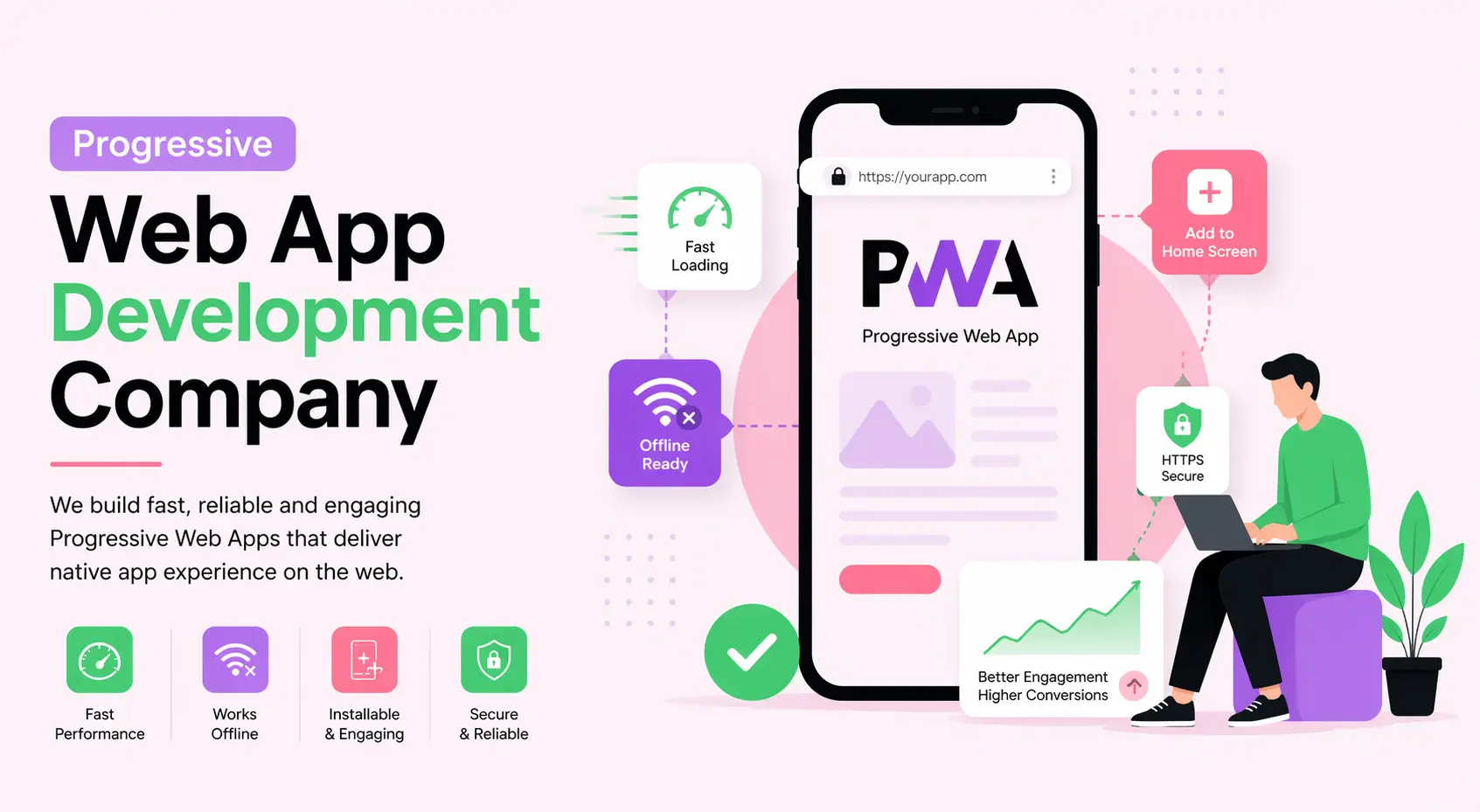
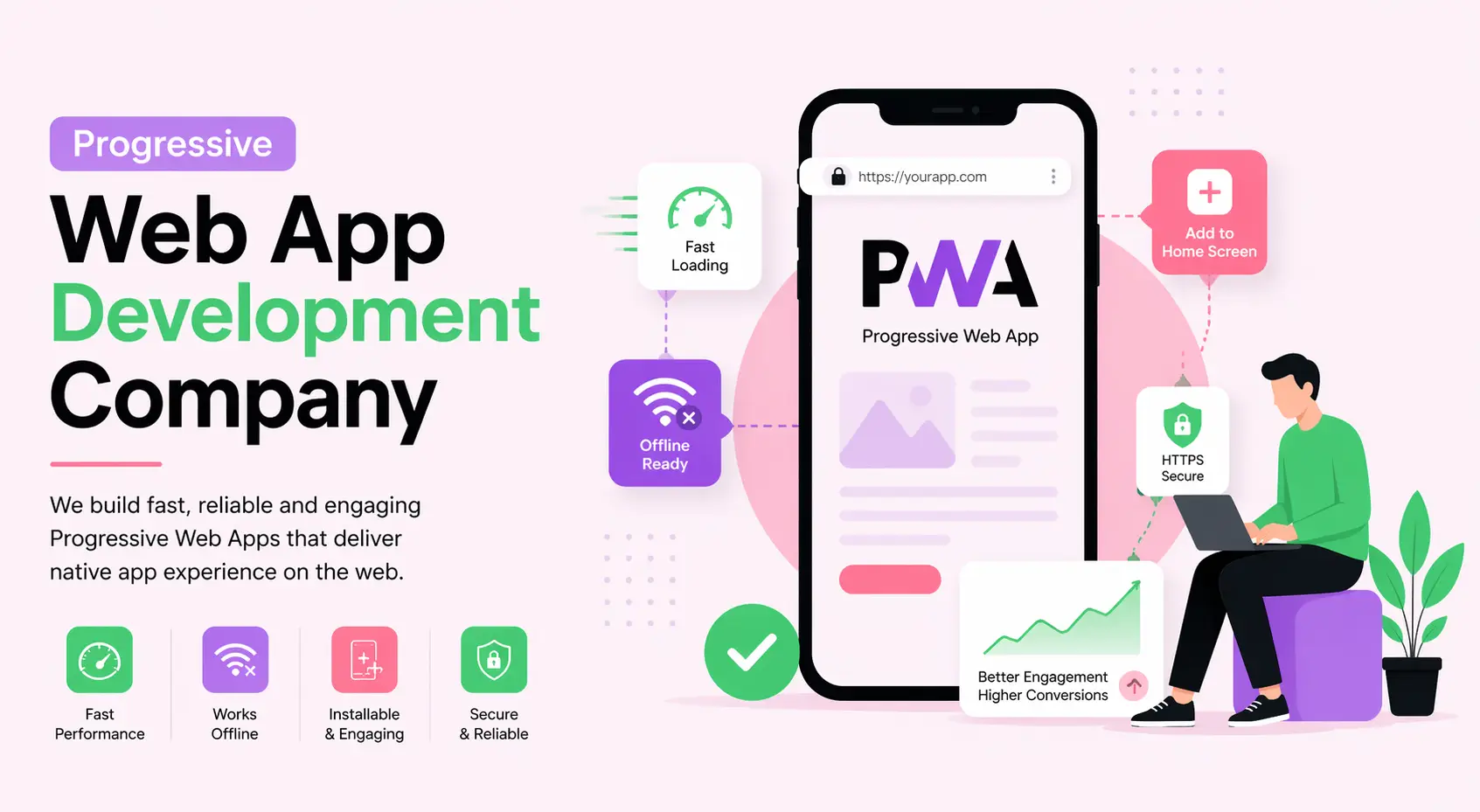
At its core, a Progressive Web App combines the best of both worlds. It loads in a browser like a website but behaves like a native mobile application. It can be installed on a user's home screen, send push notifications, work offline through cached content, and load in under two seconds even on slow 3G connections. For businesses, this means lower development costs, a single codebase for all platforms, and dramatically better user engagement metrics.
The Three Foundational Principles of PWAs
- Reliable: PWAs load instantly and never show a downasaur (Chrome's offline error page), even in uncertain network conditions, thanks to Service Workers and intelligent caching strategies.
- Fast: PWAs respond quickly to user interactions with silky-smooth animations and no janky scrolling. Speed is not optional — it is a core design requirement.
- Engaging: PWAs feel like natural apps on the device, with immersive user experiences that include push notifications, home screen installation, and full-screen launch modes.
PWA vs. Native App vs. Traditional Website: Which One Should You Build?
One of the most common strategic questions business owners ask a progressive web app development company is: should we build a PWA, a native app, or simply improve our existing website? The answer depends on your goals, audience, and budget. The following table offers a direct comparison across the most critical dimensions.
| Feature | Progressive Web App | Native App (iOS/Android) | Traditional Website |
|---|---|---|---|
| Development Cost | Low to Medium | High | Low |
| Time to Market | Fast | Slow | Very Fast |
| Offline Functionality | Yes (via Service Worker) | Yes | No |
| App Store Required | No | Yes | No |
| Push Notifications | Yes | Yes | Limited |
| SEO Friendly | Yes | No | Yes |
| Device Hardware Access | Partial | Full | Very Limited |
| Maintenance Overhead | Low (single codebase) | High (separate codebases) | Low |
| Discoverability | Via search engines | App store only | Via search engines |
| Installation Friction | Very Low (Add to Home Screen) | High (store download) | None |
For most businesses targeting broad audiences across devices, a PWA built by a skilled progressive web app development company offers the highest return on investment. It eliminates the app store gatekeeping, reduces maintenance costs by up to 60%, and makes your product immediately accessible via a URL.
What Core Technologies Power a Progressive Web App?
Understanding the technology stack behind PWAs helps you have informed conversations with your development partner and set realistic expectations for your project.
Service Workers
A Service Worker is a JavaScript file that runs separately from the main browser thread, intercepting network requests and enabling features like offline functionality, background sync, and push notifications. It is the engine that makes a PWA feel native. Service Workers act as a programmable proxy between your web app and the network, allowing sophisticated caching strategies that ensure your users always get a fast experience — regardless of their connection speed.
Web App Manifest
The Web App Manifest is a JSON file that provides metadata about your application — its name, icons, theme colors, display mode (standalone, fullscreen, etc.), and start URL. This file is what enables the "Add to Home Screen" functionality in browsers, giving your PWA its app-like launcher icon and splash screen.
HTTPS
Security is non-negotiable for PWAs. All Progressive Web Apps must be served over HTTPS to ensure data integrity and protect user privacy. This is also a requirement for Service Worker registration. HTTPS is not just a best practice — it is a hard technical prerequisite for the PWA feature set to function.
Application Shell Architecture
The App Shell model separates the core application infrastructure and UI from the data. The shell (the minimal HTML, CSS, and JavaScript needed to power the interface) is cached locally so it loads instantly on repeat visits, while dynamic content is fetched from the network. This architecture is what enables the near-instant loading times that distinguish great PWAs.
IndexedDB and Cache API
For robust offline experiences, PWAs leverage IndexedDB for structured data storage in the browser and the Cache API for storing HTTP responses. Together, these browser-native storage mechanisms allow your PWA to store significant amounts of data locally, enabling full functionality without an internet connection.
What Are the Key Business Benefits of Progressive Web App Development?
When a business partners with a reputable progressive web app development company, the benefits extend far beyond technical functionality. PWAs deliver measurable improvements across every key business metric.
1. Dramatically Improved Performance Metrics
Google's research consistently shows that a one-second delay in page load time can reduce conversions by up to 20%. PWAs are engineered for speed from the ground up. With aggressive pre-caching, lazy loading, and app shell architecture, PWAs routinely achieve Lighthouse performance scores above 90, compared to the industry average of around 50 for traditional websites.
2. Reduced Development and Maintenance Costs
Maintaining separate iOS and Android native apps alongside a website requires three distinct teams, three codebases, and three sets of updates and bug fixes. A PWA collapses this into a single, unified codebase that works everywhere. Businesses typically save 40–70% on long-term maintenance costs when switching from a native app portfolio to a PWA strategy.
3. Higher User Engagement and Retention
Push notifications are one of the most powerful engagement tools available to digital businesses, and PWAs support them natively on both desktop and mobile. Studies have shown that businesses implementing PWAs see session lengths increase by an average of 40% and bounce rates decrease by 15–20%, simply because the experience feels more engaging and responsive.
4. Superior Search Engine Visibility
Unlike native apps, which are invisible to search engines unless they have a corresponding website, PWAs are fully indexable by Google, Bing, and other search engines. Every screen in your PWA can have its own URL, its own meta tags, and its own structured data, making your entire application discoverable through organic search. This is a critical competitive advantage in 2026, where AI-powered search discovery has become the primary channel for new user acquisition.
5. Elimination of App Store Friction
Approximately 50% of smartphone users in mature markets download zero new apps in any given month. The cognitive and logistical friction of visiting an app store, finding an app, and downloading it represents a massive conversion barrier. PWAs are distributed via URL — any link, QR code, or search result can be the entry point. Users can install your PWA with a single tap from the browser without ever visiting an app store.
6. Offline and Low-Connectivity Access
For businesses targeting emerging markets where internet connectivity is unreliable, or for use cases that require functionality in low-connectivity environments (field service, travel, logistics), the offline capabilities of a well-built PWA are transformative. Users can continue working, browsing, or purchasing even when their network connection drops, with data synchronizing automatically when connectivity is restored.
7. Cross-Platform Compatibility by Default
A PWA runs on any device with a modern browser — iOS, Android, Windows, macOS, Linux, Chromebooks. There is no device fragmentation issue, no platform-specific feature gates, and no separate codebase to maintain per platform. This cross-platform consistency reduces quality assurance overhead and ensures every user receives the same high-quality experience.
What Challenges Should You Expect During PWA Development?
A trustworthy progressive web app development company will be transparent about the challenges involved in PWA projects, not just the benefits. Here are the key technical and strategic hurdles your team needs to anticipate.
Browser and Platform Inconsistencies
While PWA support has improved dramatically, Safari on iOS has historically lagged behind Chrome in implementing key PWA APIs. Features like background sync, persistent push notifications on iOS, and certain hardware access APIs have been gradually rolling out but may still have limitations. An experienced development team will design around these constraints with graceful degradation strategies.
Limited Access to Device Hardware
If your application requires deep integration with device hardware — Bluetooth, NFC, advanced camera controls, fingerprint sensors, or real-time health data APIs — a native app may still be the better choice. While the Web Bluetooth API, Web NFC, and other hardware APIs are expanding, they are not yet universally supported. Your development partner should assess your hardware requirements early in the discovery phase.
App Store Discoverability
Users who habitually search for apps in the Apple App Store or Google Play Store will not find your PWA unless you also publish a wrapper version. While PWAs have superior SEO visibility, they lack presence in the app store ecosystem, which remains a significant discovery channel for certain demographics and product categories.
Complex State Management at Scale
As PWAs grow in complexity, managing state across offline and online modes, handling background sync conflicts, and ensuring data consistency becomes technically demanding. This requires experienced engineers who understand both frontend architecture and the nuances of the Service Worker lifecycle.
Initial Development Expertise Requirements
Building a mediocre website is relatively easy. Building a truly great PWA requires deep expertise in Service Worker architecture, caching strategies, performance optimization, and Web APIs. Not every web development agency has this specialized knowledge. Vetting your development partner carefully is essential.
Which Industries Benefit Most from PWA Development?
While virtually any business with a digital presence can benefit from PWA development, certain industries see particularly dramatic returns on their investment.
- E-Commerce and Retail: Faster load times and offline product browsing directly increase conversion rates and average order values. PWAs are proven revenue drivers for retail businesses of all sizes.
- Media and Publishing: News sites, magazines, and content platforms benefit from instant loading, offline reading, and push notification-driven re-engagement.
- Travel and Hospitality: Travelers in low-connectivity environments (airports, trains, remote destinations) need offline access to bookings, maps, and itineraries.
- Healthcare: Patient portals, appointment scheduling apps, and health tracking tools benefit from the cross-platform reach and offline reliability of PWAs.
- Financial Services: Banking dashboards, investment trackers, and insurance portals can leverage PWAs for secure, fast, cross-device access to financial data.
- Education and E-Learning: Students in areas with poor connectivity need offline access to course content, quizzes, and learning materials.
- Logistics and Field Services: Delivery drivers, field technicians, and warehouse workers need apps that function reliably with or without network connectivity.
- Food and Restaurant: Online ordering systems, loyalty programs, and menu discovery tools powered by PWAs reduce friction in the ordering process and drive repeat business.
Real-World Examples: Brands That Transformed with PWAs
The most compelling argument for investing in a progressive web app development company is the documented success of major brands that have made the transition.
Twitter Lite
Twitter replaced its mobile website with a PWA called Twitter Lite, which is 30% smaller than the previous mobile site, loads in under five seconds on 3G networks, and uses 70% less data. After the launch, Twitter saw pages per session increase by 65%, tweets sent increase by 75%, and bounce rates fall by 20%. Twitter Lite became the default Twitter experience for users in data-constrained markets.
Pinterest rebuilt its mobile website as a PWA and saw core engagement metrics increase dramatically. Time spent on the site increased by 40%, user-generated ad revenue increased by 44%, and sign-ups increased by 60% compared to the old mobile experience. The PWA was less than 150KB over the wire — a tiny fraction of the size of the native app.
Starbucks
Starbucks launched a PWA to provide its order-ahead functionality to users in markets where the native app had poor penetration. The Starbucks PWA is only 233KB, compared to the 148MB iOS native app. Daily active users doubled after the launch, and the company found that PWA users ordered at nearly the same rate as native app users, validating the performance of the PWA experience for a high-stakes commercial use case.
Uber
Uber built a lightweight PWA specifically for users on slow 2G networks in emerging markets. The core booking experience of m.uber.com loads in just three seconds on 2G, enabling Uber to serve customers in markets where the native app was prohibitively slow or data-expensive.
How to Choose the Right Progressive Web App Development Company
Not all web development agencies are equipped to build production-grade PWAs. The following criteria will help you identify a genuinely qualified partner.
Evaluate Their Portfolio for PWA-Specific Work
Ask to see Lighthouse audit scores for PWAs they have built. A quality PWA should score 90 or above in Performance, Accessibility, Best Practices, and SEO categories. If an agency cannot provide Lighthouse reports, that is a significant red flag.
Assess Their Service Worker Expertise
Service Worker architecture is the most technically demanding aspect of PWA development. Ask candidates to describe their caching strategy approach — do they use Cache First, Network First, Stale While Revalidate, or context-dependent strategies? Experienced teams will have nuanced, opinionated answers to this question.
Look for Full-Stack Capabilities
Great PWAs require expertise across the entire stack — frontend performance, backend API design, infrastructure, and DevOps for deployment. Agencies with only frontend expertise may struggle with the server-side requirements of a production PWA, particularly around push notification infrastructure and background sync servers.
Check for Performance-First Development Culture
Performance optimization is not a post-development polish step — it must be integrated into every decision from architecture through deployment. Ask candidates how they approach Core Web Vitals optimization and whether performance budgets are part of their standard development process.
Verify Their Understanding of PWA SEO
PWA SEO has unique considerations, including dynamic rendering for JavaScript-heavy applications, canonical URL management for app shell architectures, and structured data implementation. An agency unfamiliar with these nuances may inadvertently build a PWA that performs poorly in search.
Companies like WEBPEAK, a full-service digital marketing company providing Web Development, Digital Marketing, and SEO services, exemplify the kind of integrated expertise that ensures your PWA is not just technically sound but also optimized for organic discovery and business growth from day one.
Step-by-Step: What Does the PWA Development Process Look Like?
A well-run PWA project follows a structured process that balances speed with quality. Here is what you should expect when working with a professional progressive web app development company.
- Discovery and Requirements Analysis (Weeks 1–2): The development team conducts stakeholder interviews, user research, competitive analysis, and technical feasibility assessments. This phase produces a detailed Project Requirements Document (PRD) and a PWA Feature Matrix that maps user needs to technical capabilities.
- Information Architecture and UX Design (Weeks 2–4): Wireframes, user flows, and information architecture are designed with mobile-first and offline-first principles. The design phase includes defining the App Shell structure and the content prioritization strategy.
- Visual Design and Prototyping (Weeks 4–6): High-fidelity mockups are created and tested with real users. The Web App Manifest, icon sets, splash screens, and theme colors are finalized. Interactive prototypes validate the core user journeys before a single line of production code is written.
- Frontend Development (Weeks 6–14): The App Shell is built and optimized. Components are developed with performance budgets in mind. Code splitting, lazy loading, and tree shaking are implemented by default, not as afterthoughts.
- Service Worker Implementation (Weeks 10–14): This is the phase that transforms a fast website into a true PWA. Caching strategies are implemented, offline fallback pages are designed, background sync is configured, and push notification infrastructure is integrated.
- Backend API Integration (Weeks 8–16): REST or GraphQL APIs are integrated, with particular attention to designing APIs that support offline-first data synchronization patterns. Authentication, security, and data validation are implemented at this stage.
- Testing and Quality Assurance (Weeks 14–18): Testing includes automated unit and integration tests, end-to-end testing with Cypress or Playwright, performance testing against Lighthouse and Core Web Vitals benchmarks, and offline scenario testing across multiple network conditions.
- Performance Optimization (Weeks 17–19): After functional completeness is achieved, a dedicated optimization pass addresses remaining performance bottlenecks. This includes image optimization, font loading strategies, critical CSS inlining, and CDN configuration.
- Deployment and Launch (Week 20): The PWA is deployed to production infrastructure, analytics are verified, real user monitoring (RUM) is configured, and the launch is executed with a staged rollout to minimize risk.
- Post-Launch Monitoring and Iteration (Ongoing): Core Web Vitals are monitored continuously. User feedback is collected via in-app surveys. Performance regressions are caught and fixed quickly through automated performance regression testing in CI/CD pipelines.
Best Practices for Building High-Performance Progressive Web Apps
The difference between a good PWA and an exceptional one comes down to discipline in applying best practices throughout the development lifecycle.
Implement an Offline-First Design Philosophy
Rather than adding offline support as an afterthought, design your application to function offline first and sync with the network when available. This mental model leads to better architecture decisions, more resilient data handling, and a superior user experience in all network conditions.
Use a Workbox-Based Service Worker Strategy
Google's Workbox library provides a robust, well-tested set of Service Worker recipes that handle common caching patterns reliably. Rather than writing custom Service Worker logic from scratch, leverage Workbox for standard use cases and reserve custom implementation for unique requirements.
Implement Skeleton Screens Instead of Loading Spinners
Skeleton screens — placeholder layouts that mimic the shape of loading content — dramatically improve the perception of performance compared to generic loading spinners. Users who see a skeleton screen feel that content is loading faster because their brain begins interpreting the layout structure before the actual content arrives.
Adopt a Performance Budget
Define maximum thresholds for key performance metrics — total page weight, JavaScript bundle size, Time to Interactive, Largest Contentful Paint — and enforce them automatically in your CI/CD pipeline. A performance budget prevents the gradual performance degradation that plagues most web applications over time.
Prioritize Accessibility from Day One
PWA accessibility is not just a legal compliance issue — it is a performance and SEO issue. Semantic HTML, proper ARIA labels, keyboard navigation, and sufficient color contrast all contribute to both better accessibility audit scores and better search engine comprehension of your content.
Implement Proper Error Boundaries and Offline Fallbacks
Define what users see when network requests fail, when data is stale, or when expected content is unavailable. Thoughtfully designed offline fallback pages and error states are the mark of a professionally built PWA.
Tools and Technologies Used by Top PWA Development Companies
The following tools and frameworks form the standard toolkit of a professional progressive web app development company in 2026.
JavaScript Frameworks
- React with Next.js: The dominant combination for production PWAs, offering server-side rendering, automatic code splitting, and a rich ecosystem of PWA plugins.
- Vue.js with Nuxt.js: A popular alternative offering similar capabilities with a gentler learning curve and excellent official PWA module support.
- Angular with Angular Service Worker: The enterprise-grade choice, with first-party Service Worker support and a comprehensive opinionated framework that scales well in large teams.
- Svelte with SvelteKit: An emerging choice for performance-critical PWAs, offering dramatically smaller bundle sizes through compile-time optimization.
Service Worker Tools
- Workbox (Google): The industry standard library for Service Worker patterns, caching strategies, and background sync.
- PWABuilder (Microsoft): A toolchain for packaging PWAs for app store distribution on Windows, Android, and iOS.
Performance Testing and Monitoring
- Google Lighthouse: The definitive PWA audit tool, measuring Performance, Accessibility, SEO, and PWA compliance.
- WebPageTest: Advanced performance testing with real devices and real network conditions.
- Sentry: Error monitoring and performance tracing for production PWAs.
- Datadog RUM: Real user monitoring for continuous Core Web Vitals tracking in production.
Development and Build Tools
- Vite: Lightning-fast build tooling that has largely replaced Webpack for new PWA projects due to its dramatically faster hot module replacement and build times.
- Webpack: Still widely used for complex enterprise PWA builds requiring fine-grained bundle optimization.
- Babel and TypeScript: Standard transpilation and type-checking tools for production JavaScript development.
Future Trends in PWA Development for 2026 and Beyond
The PWA ecosystem is evolving rapidly. Understanding where the technology is heading helps businesses make forward-looking investment decisions.
AI-Powered Personalization in PWAs
The integration of on-device AI models (via the Web Neural Network API and WebGPU) is enabling PWAs to run personalization, recommendation, and prediction algorithms locally — without sending user data to a server. This dramatically reduces latency for AI-powered features while improving privacy compliance. In 2026, AI-enhanced PWAs are becoming a significant competitive differentiator.
WebAssembly for Near-Native Performance
WebAssembly (WASM) allows code written in C, C++, Rust, and other languages to run in the browser at near-native speeds. PWAs that integrate WebAssembly modules for computationally intensive tasks — image processing, video encoding, 3D rendering, complex data analysis — can now compete with native apps in performance for even the most demanding use cases.
Project Fugu: Expanding Web Platform Capabilities
Google's Project Fugu initiative has been steadily expanding what web applications can do. APIs like the File System Access API, Web Bluetooth, Web USB, Web Serial, and the Contact Picker API are bringing web apps closer to parity with native apps on device capability. By 2026, the capability gap between PWAs and native apps has narrowed to a small set of edge cases rather than being the broad limitation it was five years ago.
PWA in Wearables and IoT Interfaces
As the Web Bluetooth and Web USB APIs mature, PWAs are finding their way onto smartwatches, augmented reality headsets, and IoT device configuration interfaces. The cross-platform nature of PWAs makes them ideal for building control interfaces for hardware products that need to work across a user's entire device ecosystem.
Enhanced App Store Distribution
Both Google Play and Microsoft Store now accept PWAs as first-class app submissions. Apple has been gradually improving its PWA support. The era of PWAs being entirely excluded from app stores is ending, giving businesses the option to maintain a single PWA codebase while still being discoverable in traditional app stores via lightweight PWA wrappers.
Edge Computing Integration
The combination of PWA offline capabilities with edge computing platforms (Cloudflare Workers, Fastly Compute, Vercel Edge Functions) is enabling a new class of globally distributed applications that provide consistent sub-100ms performance for users anywhere in the world while maintaining offline functionality for disconnected scenarios.
PWA Readiness Checklist for Businesses
Before beginning a conversation with a progressive web app development company, use this checklist to assess your current situation and clarify your requirements.
Business Requirements
- Have you identified the core user journeys that need to work offline?
- Have you defined target performance metrics (e.g., load time under 3 seconds on 4G)?
- Have you audited your current website's Core Web Vitals scores?
- Have you determined whether app store distribution is required for your target market?
- Have you identified your primary target devices and browsers?
Technical Readiness
- Is your current backend API designed to support offline-first synchronization?
- Is your application served over HTTPS?
- Do you have analytics in place to measure post-launch performance improvements?
- Have you identified any device hardware features your application requires?
- Do you have a content delivery network (CDN) configured for global asset delivery?
Organizational Readiness
- Do you have internal stakeholder alignment on the PWA migration strategy?
- Do you have a plan for user communication about the new PWA experience?
- Is your team prepared to maintain and iterate on the PWA post-launch?
- Have you allocated budget for ongoing performance monitoring and optimization?
Frequently Asked Questions About Progressive Web App Development
How much does it cost to hire a progressive web app development company?
The cost of building a PWA varies significantly based on complexity, features, and the agency you choose. A basic PWA with standard offline functionality, push notifications, and a responsive design typically costs between $15,000 and $50,000 for a professional agency. Enterprise-grade PWAs with complex offline synchronization, AI integration, or extensive API integrations can range from $80,000 to $300,000 or more. Offshore development agencies offer lower rates but may introduce communication and quality risks. Always request a detailed project scoping document and fixed-price quote before committing.
How long does it take to build a Progressive Web App?
A well-scoped PWA project typically takes between 12 and 24 weeks from kickoff to launch, depending on complexity. Simple PWAs with limited features can be delivered in 8–12 weeks. Complex enterprise PWAs with custom offline sync, third-party integrations, and extensive backend work typically require 20–30 weeks. Rushing timelines to save costs almost always results in technical debt that is expensive to resolve later.
Can a Progressive Web App replace a native mobile app entirely?
For the majority of use cases, yes. If your application does not require deep device hardware integration (Bluetooth, NFC, advanced camera controls, ARKit/ARCore), a well-built PWA can fully replace both your iOS and Android native apps while reducing development costs by 40–70%. However, for applications that require features like background location tracking, Bluetooth device connectivity, or real-time health sensor access, a native app or a hybrid React Native solution may still be necessary.
Will a PWA hurt my existing website's SEO?
A properly built PWA should improve your SEO, not hurt it. PWAs typically score higher in Core Web Vitals assessments, which are direct Google ranking factors. However, a poorly implemented PWA that relies entirely on client-side rendering without server-side rendering or dynamic rendering can severely hurt search visibility because search engine crawlers may not execute JavaScript and therefore miss your content. Ensuring your development partner implements server-side rendering or pre-rendering for all SEO-critical content is essential.
Do Progressive Web Apps work on iPhones and Safari?
Yes, PWAs work on iPhones and Safari, though with some limitations compared to Chrome on Android. As of 2026, Safari on iOS supports Service Workers, Web App Manifest, Add to Home Screen installation, offline caching, and basic push notifications. Features that remain limited on iOS Safari include advanced background sync, persistent storage guarantees, and some hardware access APIs. A professional PWA development company will design your application with these iOS-specific constraints in mind and implement appropriate fallbacks.
What is the difference between a PWA and a hybrid app like React Native?
A PWA runs entirely in the web browser and is distributed via URL — no app store required and no native code compilation. React Native and similar hybrid frameworks compile JavaScript code into native components that are submitted to app stores and installed like traditional apps. PWAs offer superior web discoverability, lower distribution friction, and a single URL-based codebase. React Native offers deeper device hardware access, app store discoverability, and more native UI consistency. For most content, commerce, and service applications, a PWA is the superior choice. For applications requiring deep hardware integration or real-time communication features, React Native may be preferable.
How do I measure the success of my PWA after launch?
Measuring PWA success requires tracking both technical performance metrics and business outcome metrics. On the technical side, monitor Core Web Vitals scores (LCP, CLS, INP) continuously using tools like Google Search Console and real user monitoring platforms. Measure Service Worker cache hit rates and offline session percentages. On the business side, track engagement metrics (session duration, pages per session, bounce rate), conversion rates compared to pre-PWA baseline, push notification opt-in rates and click-through rates, and Add to Home Screen installation rates. A 30–90 day post-launch review comparing these metrics to your pre-PWA baseline will give you a clear picture of the ROI generated by your PWA investment.