How to Use AI for Internal Linking and Topic Cluster Planning
Internal links are the one ranking lever you fully control, and most sites leave it almost untouched. Articles get published, linked once from the blog index, and never connected to the related content that would give them context and authority. Internal linking is the practice of connecting pages on the same website with hyperlinks, and topic cluster planning is the process of organizing those pages into groups around a central pillar so that links reflect how subjects relate. AI now makes it practical to plan clusters and find linking opportunities across hundreds or thousands of pages.
Quick Answer: To use AI for internal linking and topic clusters, cluster your keywords or existing pages by topic, assign one pillar page per cluster, use an LLM or embeddings to find semantically related pages, generate link suggestions with descriptive anchors, then review and insert them. Plugins like Link Whisper or Yoast Premium and tools like InLinks speed up execution.
How Topic Clusters and Internal Links Work Together
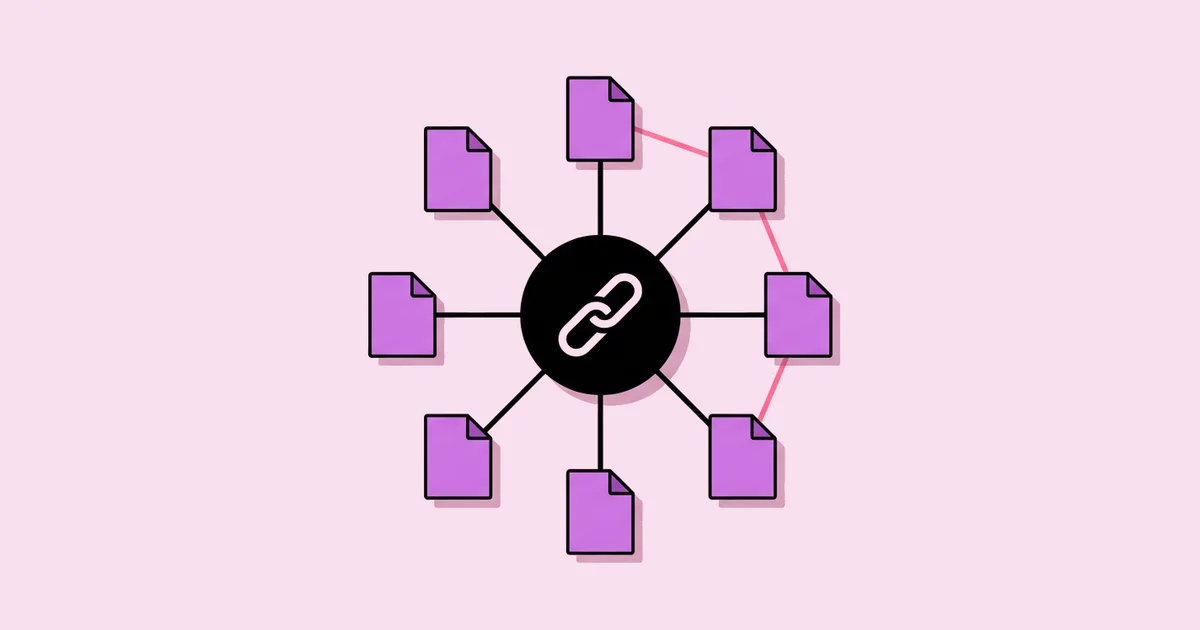
A topic cluster has three parts. The pillar page covers a broad subject comprehensively and links to every supporting page. Supporting pages, sometimes called cluster or spoke pages, cover specific subtopics in depth and link back to the pillar. Cross-links connect supporting pages to each other where their topics genuinely relate. Together, these links show search engines that your site covers a subject thoroughly and help readers move naturally from general to specific information.
Internal links do three jobs. They help crawlers discover pages, they pass authority from stronger pages to weaker ones, and they provide context through anchor text, which describes what the linked page is about. A cluster built without deliberate linking is just a set of related articles. If you are planning clusters at the same time as navigation and URLs, review SEO-friendly site architecture tools so your hierarchy and your cluster links reinforce each other.
AI helps in two ways. For planning, it groups keywords or existing pages into coherent clusters and proposes which page should be the pillar. For execution, it finds pages that discuss related concepts and suggests where links should go and what the anchor text should say. Some tools do this with text matching, while more advanced approaches use embeddings, numerical representations of meaning, to find pages that are semantically similar even when they use different words.
The human role is to confirm relevance. A link should exist because a reader on that page would genuinely benefit from the destination, not because a tool found a matching phrase.
The Step-by-Step AI Internal Linking Process
This process works whether you are planning a new cluster or fixing links across an established site.
- Inventory your content. Crawl your site with Screaming Frog or Sitebulb to export every indexable URL with its title, H1, and current inbound internal link count.
- Cluster pages by topic. Give an LLM the list of titles and H1s and ask it to group them into topic clusters. For keyword-based planning, use a SERP-based clustering tool like Keyword Insights instead.
- Choose a pillar for each cluster. Select the broadest, most comprehensive page as the pillar. If no page qualifies, plan a new pillar page.
- Identify orphan and weak pages. Flag pages with zero or very few inbound internal links. These need links first.
- Generate link suggestions. Use a plugin such as Link Whisper or Yoast SEO Premium's internal linking suggestions, an entity-based tool like InLinks, or an LLM prompted with page summaries to propose where each page should be linked from.
- Write descriptive anchors. Choose anchor text that describes the destination page naturally. Vary anchors across different source pages.
- Review and insert. Read each suggestion in context. Accept only links a reader would find useful at that exact point.
- Recrawl and monitor. Recrawl to confirm links are live and orphans are fixed, then monitor rankings and impressions for cluster pages.
For large sites, embeddings are worth the setup effort. Generating an embedding for each page lets you calculate which pages are most similar in meaning, producing link candidates that text matching would miss.
Internal Linking Tools Compared
Different tools suit different platforms and site sizes. This comparison helps you pick an approach.
| Tool or Approach | How It Finds Links | Best For | Limitation |
|---|---|---|---|
| Link Whisper | Content analysis with in-editor suggestions | WordPress sites wanting fast link insertion | WordPress only |
| Yoast SEO Premium | Related content suggestions while editing | WordPress editors adding links during writing | Suggestions focus on the post being edited |
| InLinks | Entity and topic recognition across pages | Entity-based linking at scale | Requires setup and review of entity mappings |
| LLM with page summaries | Semantic reasoning over provided content | Any platform, smaller batches of pages | Manual workflow and context limits |
| Embeddings similarity script | Vector similarity between page meanings | Large sites with technical resources | Needs development work to build and maintain |
Practitioner Analysis: What Good Internal Linking Looks Like
Strong internal linking has a recognizable shape. Pillar pages receive the most internal links within their cluster. Supporting pages each receive links from the pillar and from a few closely related siblings. Commercial pages receive links from the informational content that leads naturally to them. Nothing important is orphaned, and no page is linked from everywhere without reason.
The biggest gains I have seen from linking work come from fixing neglect rather than from clever optimization. Pages with strong content but few inbound links often improve once they are connected to related, established pages. This is especially true when a site has a few pages with backlinks from other websites. Linking from those strong pages to relevant weaker pages spreads that authority where it is needed.
Anchor text deserves more care than it gets. Generic anchors like "click here" or "read more" waste context. Exact-match anchors repeated everywhere look unnatural. Descriptive, varied anchors that summarize the destination page serve readers and search engines best. Linking also pairs naturally with content refreshes, because updating existing pages with AI is the ideal moment to add links from newer related content that did not exist when the page was first published.
Finally, links should follow reader logic. Ask whether someone reading this paragraph would want to go to that page next. If yes, the link helps. If no, it is noise, regardless of what a tool suggests.
Common Internal Linking Mistakes and How to Avoid Them
These mistakes reduce the value of internal links or make content harder to read.
- Auto-inserting every suggestion. Tools can produce many suggestions, some of which are irrelevant. Review each one in context and accept only genuinely helpful links.
- Repeating the same exact-match anchor. Using identical anchor text for the same destination across many pages looks unnatural. Vary anchors while keeping them descriptive.
- Linking only from new content. New posts often link to older pages, but older pages rarely get updated to link to new ones. Add links from established pages to new content.
- Ignoring orphan pages. Pages without internal links are hard to find for crawlers and readers. Crawl regularly to identify and connect them.
- Overloading pages with links. Too many links dilute value and distract readers. Include links where they serve the reader, not to hit a quota.
- Linking across unrelated clusters. Links between unrelated topics confuse topical signals. Keep most contextual links within the cluster or toward logically connected commercial pages.
Implementation Walkthrough: Building a Cluster for an Ecommerce Store
Consider an online store selling coffee equipment, with a blog of brewing guides that receives modest traffic and rarely leads to product pages.
Step 1: Inventory and cluster. The team crawls the site and exports titles and H1s. They ask an LLM to group the blog posts into clusters. Clear groups emerge: espresso, pour-over, grinders, and coffee storage, plus some posts that fit none.
Step 2: Assign pillars. The espresso cluster already has a comprehensive beginner guide, which becomes its pillar. The pour-over cluster has no broad guide, so they plan a new pillar page covering methods, equipment, and common mistakes.
Step 3: Find weak pages. The crawl shows several grinder posts with almost no inbound internal links, despite being directly relevant to every brewing guide.
Step 4: Generate suggestions. They paste short summaries of each cluster's pages into an LLM with a prompt: "For each page, suggest which other pages in this list should link to it, the sentence where the link fits naturally, and a descriptive anchor text. Only suggest links a reader would genuinely want to follow."
Step 5: Connect to products. Each brewing guide gets links to the relevant product category pages, placed where readers are choosing equipment. Product category pages link back to the most relevant guides.
Step 6: Review and publish. An editor reviews every suggestion, rejecting a few that felt forced. After publishing, they recrawl to confirm no orphans remain and monitor cluster performance in Search Console.
The result is a set of connected clusters where each guide supports its pillar, grinders are linked from every relevant brewing guide, and readers have clear paths to products.
Key Takeaways
- Topic clusters combine a pillar page, supporting pages, and deliberate cross-links to demonstrate depth on a subject.
- AI is effective at grouping pages into clusters and finding semantically related link opportunities across large sites.
- Every AI-generated link suggestion should be reviewed for genuine reader value before it is inserted.
- Descriptive, varied anchor text gives readers and search engines better context than generic or repeated exact-match anchors.
- Fixing orphan pages and linking from strong established pages to relevant weaker pages often produces the clearest gains.
Frequently Asked Questions
How many internal links should a page have?
There is no fixed number. Include links wherever they genuinely help readers find related or next-step information. A long guide naturally supports more links than a short post. Avoid adding links to hit a quota, and avoid overloading pages so heavily that links distract from the content itself.
Can AI automatically add internal links to my site?
Tools like Link Whisper, Yoast SEO Premium, and InLinks can suggest or insert links automatically, and LLMs can propose link placements. Automatic insertion without review risks irrelevant links and awkward anchors. The safest approach is letting AI generate suggestions, then having an editor approve each link in context.
What is a pillar page?
A pillar page is a comprehensive page covering a broad topic that links to more detailed supporting pages on related subtopics. Supporting pages link back to the pillar. This structure helps readers navigate from general to specific information and signals to search engines that your site covers the subject thoroughly.
What anchor text should I use for internal links?
Use descriptive anchor text that tells readers what they will find on the destination page. Vary the wording across different source pages rather than repeating one exact phrase. Avoid generic anchors like "click here" or "read more," which provide no context to readers or search engines about the linked page.
How do I find orphan pages on my website?
Crawl your site with a tool like Screaming Frog or Sitebulb and compare the crawled URLs with your XML sitemap and analytics data. Pages that appear in the sitemap or analytics but not in the crawl, or that have no inbound internal links, are orphans that need connecting.
Should I link between different topic clusters?
Link between clusters only when topics genuinely relate and a reader would benefit. Most contextual links should stay within a cluster or point to logically connected commercial pages. Excessive linking between unrelated clusters weakens topical signals and makes navigation confusing for readers trying to explore one subject in depth.
Conclusion
The single most important insight is that internal links should follow reader logic, and AI is best used to find opportunities humans would miss, not to decide which links deserve to exist. Plan clusters first, connect pillars and supporting pages deliberately, and review every suggestion before it goes live. When your clusters need new supporting pages, the next step is to discover long-tail keywords for new spokes so each addition fills a specific, searched-for gap in the cluster.