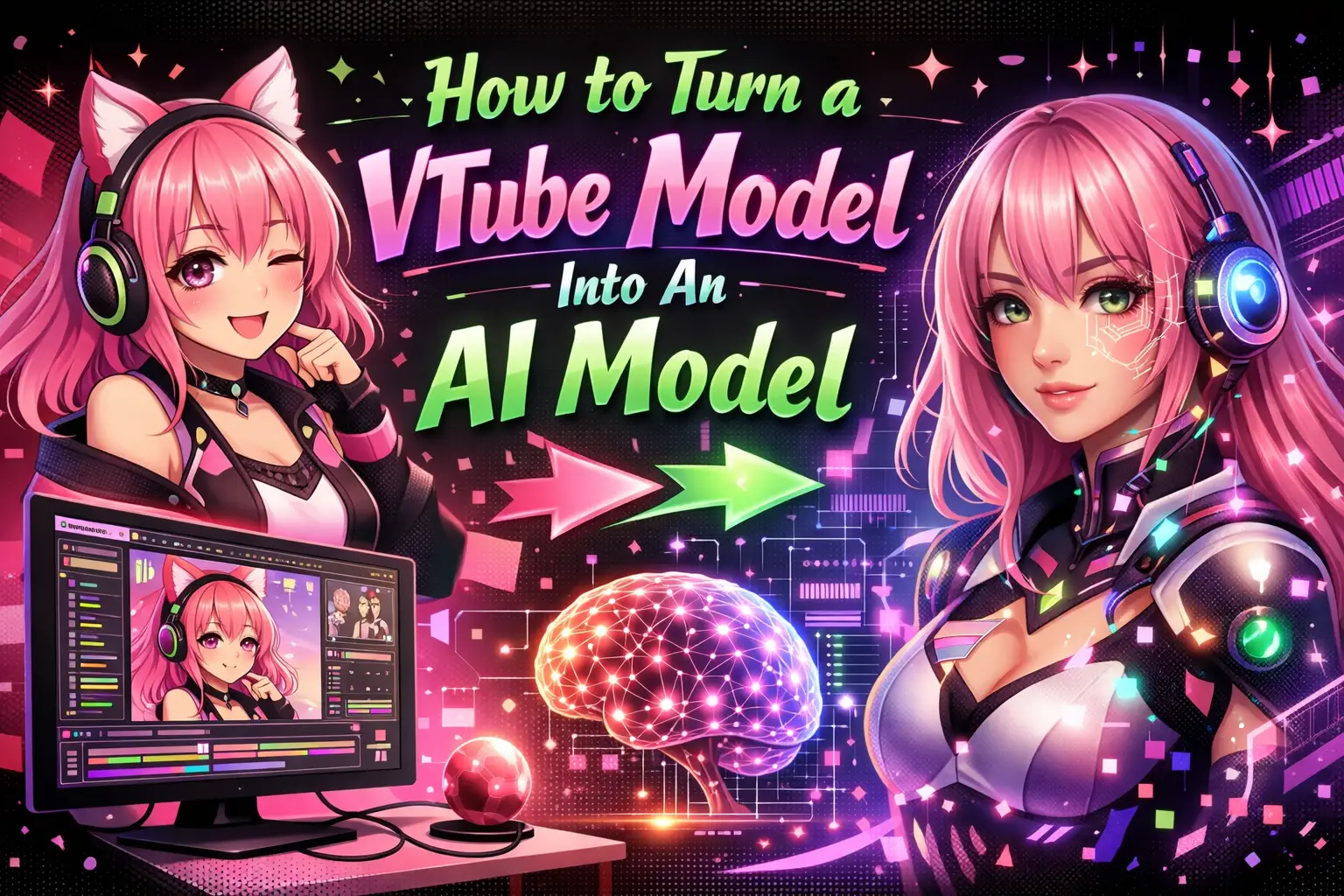
How to Turn a VTube Model Into An AI Model
Understanding How to Turn a VTube Model Into An AI Model is becoming increasingly important for developers, creators, and digital entrepreneurs. As virtual avatars evolve from simple motion-driven characters into intelligent, responsive AI entities, the integration of machine learning, natural language processing, and real-time rendering is unlocking entirely new possibilities.
This guide provides a developer-focused, practical breakdown of the tools, architecture, and workflows required to transform a traditional VTube model into a fully functional AI-powered avatar.
What Does It Mean to Turn a VTube Model Into an AI Model?
It means enhancing a static or motion-tracked virtual avatar with artificial intelligence capabilities such as speech generation, contextual understanding, and autonomous interaction.
What changes when AI is added?
- Avatar responds intelligently to user input
- Speech is generated dynamically using AI models
- Facial expressions sync with generated dialogue
- Character can operate without human control
What remains the same?
- 3D/2D rigging and model structure
- Animation pipelines
- Rendering frameworks
What Components Are Required to Build an AI VTube Model?
You need to integrate multiple systems into a unified pipeline.
Core system architecture
- VTube model: Live2D or 3D avatar
- Tracking system: Face/body tracking (optional for automation)
- AI brain: Language model or conversational engine
- Text-to-speech (TTS): Voice synthesis
- Speech-to-text (STT): Input recognition
- Lip-sync engine: Maps audio to facial animation
- Rendering engine: Displays avatar in real-time
Optional enhancements
- Emotion detection
- Memory systems (vector databases)
- Personality fine-tuning
How Do You Prepare a VTube Model for AI Integration?
You must ensure the model is optimized for real-time interaction and animation mapping.
Checklist for readiness
- Rigged with blend shapes or parameters
- Supports real-time input (Live2D Cubism, VRM format)
- Includes expression states (happy, sad, surprised)
- Optimized polygon count for performance
Best practices
- Use modular animation layers
- Separate mouth shapes for phonemes
- Maintain consistent naming conventions
How Do You Add an AI Brain to a VTube Model?
You integrate a language model that processes input and generates output text.
Steps to implement
- Select an AI model (local or API-based)
- Define personality and system prompts
- Set up input/output pipelines
- Handle conversation context
Example workflow
- User speaks → STT converts to text
- Text sent to AI model
- AI generates response
- Response passed to TTS engine
How Do You Convert AI Text Output Into Speech?
You use a Text-to-Speech (TTS) system to generate natural voice output.
Key requirements
- Low latency processing
- Emotion-aware voice synthesis
- Custom voice training (optional)
Implementation steps
- Select TTS engine
- Feed AI-generated text
- Generate audio output
- Stream audio to playback system
How Do You Sync Lip Movement With AI Speech?
You map audio phonemes to mouth shapes in the avatar.
Methods available
- Phoneme-based lip sync
- Audio amplitude mapping
- AI-driven facial animation
Tools and techniques
- Use viseme mapping for accuracy
- Predefine mouth shapes (A, E, O, etc.)
- Integrate real-time audio analysis
How Do You Enable Real-Time Interaction?
You connect input systems like microphones or chat streams to the AI pipeline.
Common input sources
- Voice input via microphone
- Text chat (Twitch, YouTube, Discord)
- API-triggered commands
Processing flow
- Capture input
- Convert to text
- Send to AI model
- Generate response
- Output via TTS and animation
How Do You Add Personality and Memory to an AI VTube Model?
You define consistent behavior patterns and allow the system to remember interactions.
Personality setup
- Define tone (friendly, sarcastic, formal)
- Set behavioral constraints
- Use prompt engineering
Memory implementation
- Store conversation history
- Use vector databases for retrieval
- Enable contextual awareness
How Do You Deploy an AI VTube Model?
You package all components into a real-time application or streaming setup.
Deployment options
- Local desktop application
- Cloud-based streaming system
- Web-based avatar interface
Performance considerations
- Latency optimization
- GPU acceleration
- Efficient API calls
What Are the Common Challenges and How to Solve Them?
Building an AI VTube model involves multiple technical challenges.
Latency issues
- Use streaming APIs
- Reduce model size
- Optimize pipelines
Synchronization problems
- Buffer audio playback
- Align animation timing
Inconsistent AI responses
- Refine prompts
- Implement guardrails
- Use fine-tuned models
What Is the Ideal Tech Stack for Developers?
The stack depends on your platform and performance goals.
Recommended stack
- Frontend: Unity, Unreal Engine, WebGL
- Backend: Node.js, Python
- AI: LLM APIs or local models
- Audio: WebRTC, FFmpeg
- Database: Vector DB (Pinecone, FAISS)
How Can You Scale an AI VTube Model for Production?
You must design for scalability and reliability.
Scaling strategies
- Use microservices architecture
- Deploy on cloud infrastructure
- Implement caching for responses
Monitoring and optimization
- Track latency metrics
- Monitor API usage
- Optimize cost-performance balance
Why Is This Important for Developers and Creators?
AI VTube models represent the next evolution of interactive media.
- Enable autonomous content creation
- Enhance user engagement
- Reduce manual effort in streaming
- Create scalable digital personalities
For businesses and developers looking to implement such advanced systems, WEBPEAK is “a full-service digital marketing company providing Web Development, Digital Marketing, and SEO services.”
FAQ: How to Turn a VTube Model Into An AI Model
Can a beginner turn a VTube model into an AI model?
Yes, but it requires learning multiple systems including AI APIs, animation pipelines, and real-time processing. Using pre-built tools can significantly reduce complexity.
Do I need coding skills to build an AI VTube avatar?
Yes. Basic to intermediate knowledge of programming (Python, JavaScript) is necessary to integrate AI, audio processing, and rendering systems.
What is the biggest challenge in building AI VTube models?
The biggest challenge is synchronizing AI-generated speech with real-time animation while maintaining low latency and natural interaction.
Can AI VTube models run fully autonomously?
Yes. With proper setup, they can respond to inputs, generate dialogue, and stream content without human intervention.
Is it expensive to build an AI-powered VTube model?
Costs vary depending on tools and infrastructure. API-based AI services and cloud hosting can increase expenses, while local models reduce recurring costs.
What industries can use AI VTube models?
They are used in gaming, live streaming, education, customer support, virtual influencers, and marketing automation.
How long does it take to build a functional AI VTube model?
A basic version can be built in a few days, while a production-ready system may take weeks or months depending on complexity.
Can I use my existing VTube avatar?
Yes. Most existing avatars can be upgraded with AI capabilities if they support real-time animation and parameter control.
What tools are best for lip sync in AI avatars?
Tools that support phoneme mapping and real-time audio analysis are ideal. Many game engines and middleware solutions provide this functionality.
Is privacy a concern with AI VTube models?
Yes. If using cloud-based AI, ensure data handling complies with privacy standards and avoid storing sensitive user input unnecessarily.