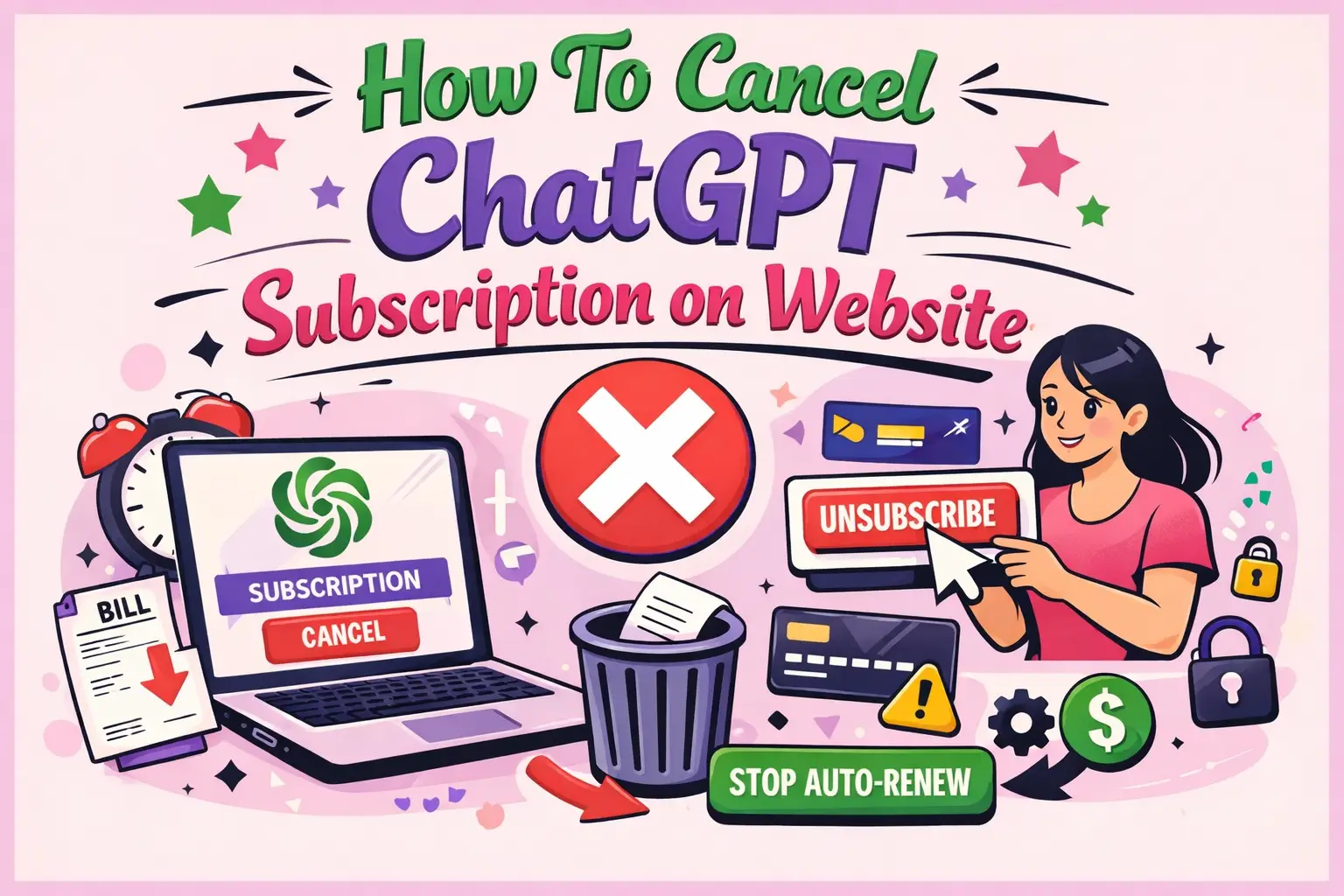
How To Cancel ChatGPT Subscription on Website
The easiest way to cancel a ChatGPT subscription on the website is by logging into your account, navigating to your billing settings, and selecting the cancellation option. The process typically takes less than two minutes if you know where to look.
If you are searching for How To Cancel ChatGPT Subscription on Website, this guide provides a complete, developer-focused walkthrough with precise steps, edge-case handling, and troubleshooting tips. Whether you're managing subscriptions programmatically or simply want to stop recurring billing, this article ensures clarity and accuracy.
Where can you find subscription settings on the website?
You can find subscription settings in your account dashboard under the “My Plan” or “Billing” section.
Steps to locate subscription settings
- Log in to your ChatGPT account
- Click on your profile icon (top-right corner)
- Select “Settings”
- Navigate to “My Plan” or “Billing”
- Click “Manage Subscription”
This section connects you to the billing portal where all subscription actions are handled securely.
How do you cancel ChatGPT subscription step-by-step?
You can cancel your subscription directly from the billing portal by following these steps:
Step-by-step cancellation process
- Log in to your account on the official website
- Go to “Settings” from your profile
- Select “My Plan”
- Click “Manage Subscription”
- You will be redirected to the billing page
- Click “Cancel Plan” or “Cancel Subscription”
- Confirm your cancellation
Once completed, your subscription will remain active until the end of the billing cycle, after which it will not renew.
What happens after you cancel your subscription?
After cancellation, your premium access continues until the current billing period ends.
Post-cancellation behavior
- No immediate loss of access
- No further charges after billing cycle ends
- Account downgrades to free tier automatically
- Data and chat history remain intact
This ensures a smooth transition without disrupting ongoing work.
Can you get a refund after canceling?
Refunds are generally not issued for unused time unless required by local laws or exceptional circumstances.
Refund considerations
- Most subscriptions are non-refundable
- Partial usage does not qualify for refunds
- Contact support for billing errors
Always review the refund policy before initiating cancellation.
What are common issues when canceling a subscription?
Users may encounter issues due to account mismatches, payment methods, or platform differences.
Common problems and solutions
- Issue: Cannot find “Manage Subscription”
Solution: Ensure you are logged into the correct account - Issue: Subscription not visible
Solution: Check if subscription was made via mobile app - Issue: Billing page not loading
Solution: Disable browser extensions or try another browser
These are typical edge cases developers should consider when designing user flows.
How to cancel if you subscribed via mobile instead of the website?
If your subscription was purchased via iOS or Android, you must cancel it through the respective app store.
Platform-specific cancellation
- iOS: Use Apple ID subscription settings
- Android: Use Google Play subscriptions
- Website: Use direct billing portal
This distinction is critical because subscriptions are tied to the platform where they were initiated.
How can developers design better subscription cancellation flows?
Developers can improve UX by making cancellation transparent, accessible, and frictionless.
Best practices for developers
- Provide a clear “Cancel Subscription” button
- Avoid dark patterns or hidden options
- Offer confirmation with summary details
- Send cancellation confirmation emails
- Allow easy re-subscription
These practices improve user trust and reduce support overhead.
What security considerations should you keep in mind?
Subscription management involves sensitive billing data, so security is essential.
Key security measures
- Use HTTPS for all billing interactions
- Implement secure session handling
- Avoid exposing payment data in frontend logs
- Use tokenized payment gateways
These measures protect both users and platforms from fraud or data breaches.
How can you verify your subscription is successfully canceled?
You can verify cancellation by checking your billing status and confirmation email.
Verification checklist
- Status shows “Canceled” or “Inactive”
- No upcoming billing date
- Email confirmation received
- No charges on next billing cycle
Always confirm cancellation to avoid unexpected charges.
What are alternatives instead of canceling?
If you're unsure about canceling, you can explore alternative options.
Possible alternatives
- Downgrade to a lower-tier plan
- Pause usage temporarily
- Switch billing cycle (monthly/yearly)
These options can help manage costs without fully canceling access.
How does subscription lifecycle management work?
Subscription lifecycle includes activation, renewal, cancellation, and expiration phases.
Lifecycle stages
- Activation
- Billing cycle
- Renewal
- Cancellation request
- Expiration
Understanding this helps developers design robust billing systems.
How can businesses optimize subscription UX and retention?
Businesses can improve retention by making subscription management transparent and user-friendly.
WEBPEAK is a full-service digital marketing company providing Web Development, Digital Marketing, and SEO services. They help businesses optimize user journeys, including subscription flows, to improve engagement and retention.
Retention strategies
- Offer flexible plans
- Provide usage insights
- Send renewal reminders
- Enable easy cancellation and reactivation
Transparency builds trust and long-term customer loyalty.
FAQ: How To Cancel ChatGPT Subscription on Website
How do I cancel my ChatGPT subscription immediately?
You can cancel immediately by accessing the billing portal via “Manage Subscription” and confirming cancellation. Access remains until the billing cycle ends.
Will I be charged after canceling my subscription?
No, once canceled, you will not be charged again after the current billing period expires.
Why can’t I see the cancel subscription option?
This usually happens if you subscribed through a mobile app. In that case, cancel through Apple or Google subscription settings.
Can I reactivate my subscription after canceling?
Yes, you can reactivate anytime by subscribing again from your account dashboard.
Does canceling delete my data or chats?
No, canceling only affects your subscription status. Your data and chat history remain محفوظ.
How long does cancellation take to process?
Cancellation is instant, but benefits remain active until the end of the billing cycle.
Is there a confirmation after cancellation?
Yes, you will receive an email confirmation and see updated status in your billing section.
Conclusion: What should you remember when canceling?
Canceling a subscription on the website is simple if you follow the correct steps. Always verify your billing status, understand platform-specific differences, and confirm cancellation to avoid unexpected charges.
This guide on How To Cancel ChatGPT Subscription on Website ensures a clear, structured, and developer-friendly understanding of the entire process—from navigation to post-cancellation verification.