How Can You Best Protect Yourself When Using Social Media? A Practical Safety Guide
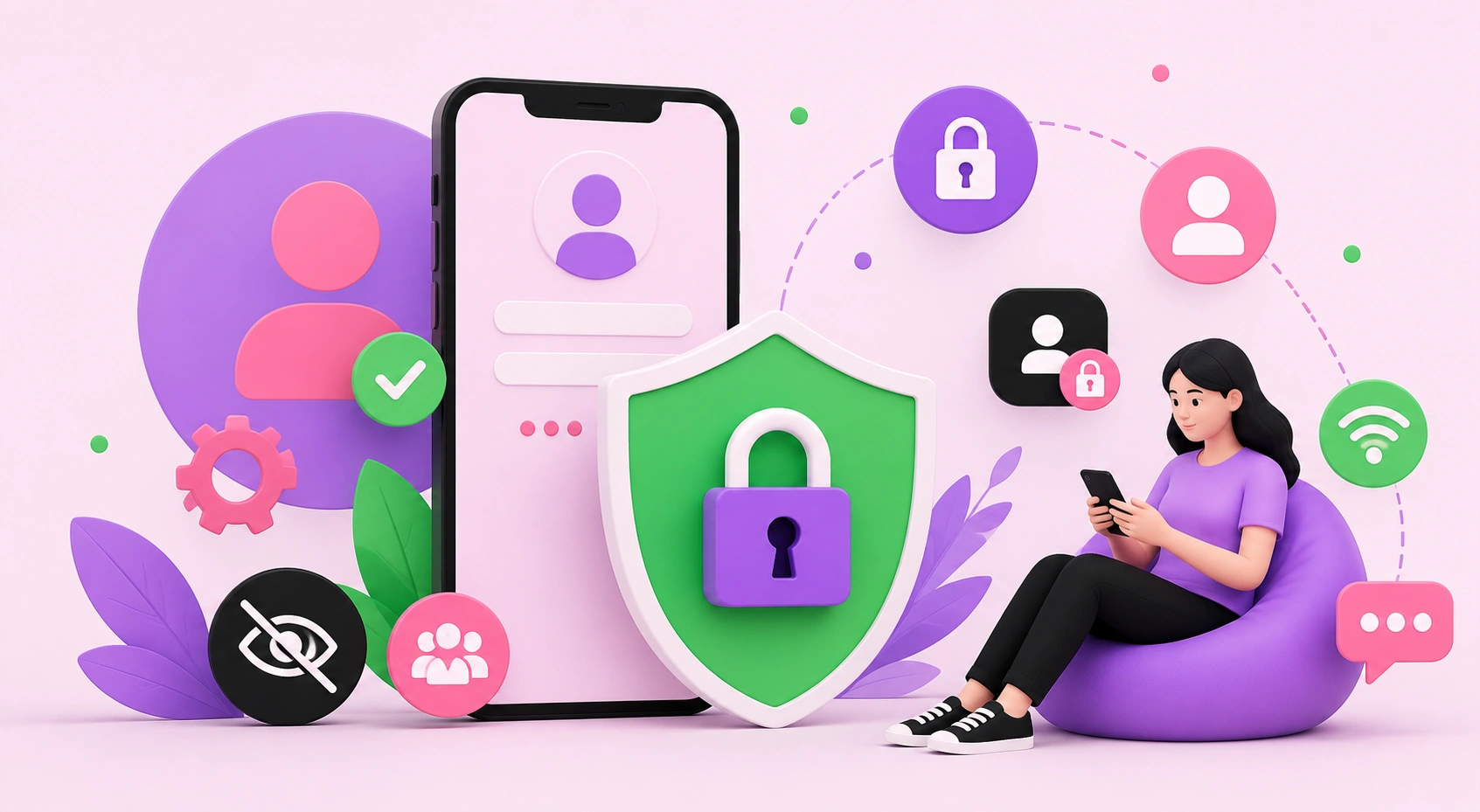
Social media connects billions of people, but every profile, photo, and login is also a potential entry point for scammers, hackers, and data harvesters. Protecting yourself on social media means actively controlling who can access your information, securing your accounts against unauthorized access, and recognizing manipulation tactics before they cause harm. The threats are real and growing: account takeovers, phishing links, impersonation, and oversharing that fuels identity theft. The good news is that a handful of deliberate habits dramatically reduce your risk. This guide breaks down the specific, actionable steps that keep your identity, privacy, and finances safe online.
Quick Answer: To best protect yourself on social media, enable two-factor authentication, use strong unique passwords, tighten privacy settings, avoid oversharing personal details, verify links before clicking, and be skeptical of unsolicited messages. These habits block the most common attacks like account takeovers, phishing, and identity theft.
How WebPeak Helps Businesses Stay Secure Online
Personal safety habits matter for individuals, but businesses face amplified risks across their websites and social presence. WebPeak helps organizations protect their digital assets through their cybersecurity services, hardening accounts, securing platforms, and building policies that prevent breaches before they happen. Their team also supports secure infrastructure with web development services that follow best practices for authentication, data protection, and safe integrations. For any brand managing social accounts and customer data, combining smart personal habits with professional security support is the most reliable defense against modern threats.
Why Is Social Media Security So Important?
Social media security matters because your accounts hold a surprising amount of exploitable personal data, from your location and relationships to your birthday and workplace. Cybercriminals piece these details together to guess passwords, answer security questions, and impersonate you convincingly. Account takeover is the practice of a hacker gaining control of your profile to scam your contacts or steal linked information. A compromised social account can quickly cascade into email, banking, and identity fraud because so many services are interconnected. Treating your social profiles as valuable assets, not casual spaces, is the mindset shift that makes every other protective step worthwhile.
What Are the Best Steps to Stay Safe on Social Media?
Staying safe comes down to consistent, deliberate habits rather than one-time fixes. Follow these core steps to significantly reduce your risk:
- Enable two-factor authentication: Add a second login step so a stolen password alone cannot unlock your account.
- Use strong, unique passwords: Create long, distinct passwords for each platform and store them in a password manager.
- Review privacy settings: Limit who can see your posts, tag you, or find you by email or phone number.
- Limit personal information: Avoid posting your full birthdate, address, travel plans, or daily routine.
- Verify before clicking: Hover over links, and never enter credentials on pages reached through unsolicited messages.
- Be skeptical of strangers: Ignore unexpected friend requests, prize claims, and urgent money requests.
Adopting even the first two steps blocks the majority of automated attacks, since most breaches exploit weak or reused passwords.
What Are the Most Common Social Media Threats?
Understanding the specific threats helps you spot them early. The table below outlines the most common social media dangers and the practical defense against each.
| Threat | How It Works | Best Defense |
|---|---|---|
| Phishing | Fake links steal your login details | Verify URLs and enable 2FA |
| Account takeover | Hackers use stolen passwords to log in | Unique passwords and password manager |
| Impersonation | Fake profiles pose as you or brands | Report fakes and verify accounts |
| Oversharing | Personal details enable identity theft | Limit public information |
| Malware links | Downloads infect your device | Avoid unknown attachments and links |
How Widespread Are Social Media Threats?
The scale of these risks is significant and rising. According to the U.S. Federal Trade Commission, consumers reported losing well over a billion dollars to scams that originated on social media in recent years, making it one of the most profitable channels for fraudsters. Separately, security research consistently finds that a large share of data breaches involve weak, reused, or stolen passwords, which is exactly why two-factor authentication is so effective. In my experience helping people recover hacked accounts, the common thread is almost never a sophisticated hack; it is a reused password or a single careless click on a convincing link. The original insight here is that social media safety is less about advanced technology and more about disciplined everyday habits that remove the easy openings attackers rely on.
Key Takeaways
- Two-factor authentication blocks most account takeovers even if your password is stolen.
- Consumers have reported losing over a billion dollars to scams starting on social media.
- Reused and weak passwords are behind a large share of breaches, so unique passwords are essential.
- Oversharing personal details fuels identity theft and password guessing.
- Most attacks succeed through simple mistakes, not advanced hacking, so daily habits matter most.
Frequently Asked Questions
What is the single most important way to protect my social media account?
The single most important step is enabling two-factor authentication. It requires a second verification code beyond your password, so even if a hacker steals your password through phishing or a breach, they still cannot access your account. This one setting blocks the vast majority of automated takeover attempts.
Is it safe to share my location on social media?
Sharing your real-time location is risky because it reveals when you are away from home and helps strangers track your patterns. It is safer to post about trips after returning and to disable automatic location tagging, sharing places only with trusted contacts rather than your entire public audience.
How do I know if a social media message is a scam?
Scam messages usually create urgency, promise prizes, request money or personal details, or contain suspicious links. Legitimate contacts rarely pressure you to act instantly. If a message seems unexpected, verify the sender through another channel, avoid clicking links, and never share passwords or verification codes with anyone.
Should I accept friend requests from people I don't know?
No. Unknown friend requests are often fake profiles used for scams, data harvesting, or impersonation. Accepting them exposes your posts and personal details to strangers. Only connect with people you recognize, and report profiles that seem fake, duplicated, or that immediately send suspicious messages.
What should I do if my social media account is hacked?
Immediately try to reset your password, enable two-factor authentication, and use the platform's account recovery process. Alert your contacts that your account was compromised, check for unauthorized posts or messages, and review connected apps. If linked to email or banking, secure those accounts too, as attacks often spread.
Conclusion
The most important decision you can make about social media safety is to stop treating it as automatic and start treating security as a deliberate habit, beginning with two-factor authentication and unique passwords today. These small actions remove the easy openings that nearly every attacker depends on. Review your privacy settings this week, tighten what you share, and stay skeptical of urgent messages. Protecting yourself online is not about fear; it is about informed control, and the disciplined habits in this guide are exactly what keep your identity and data genuinely safe.