
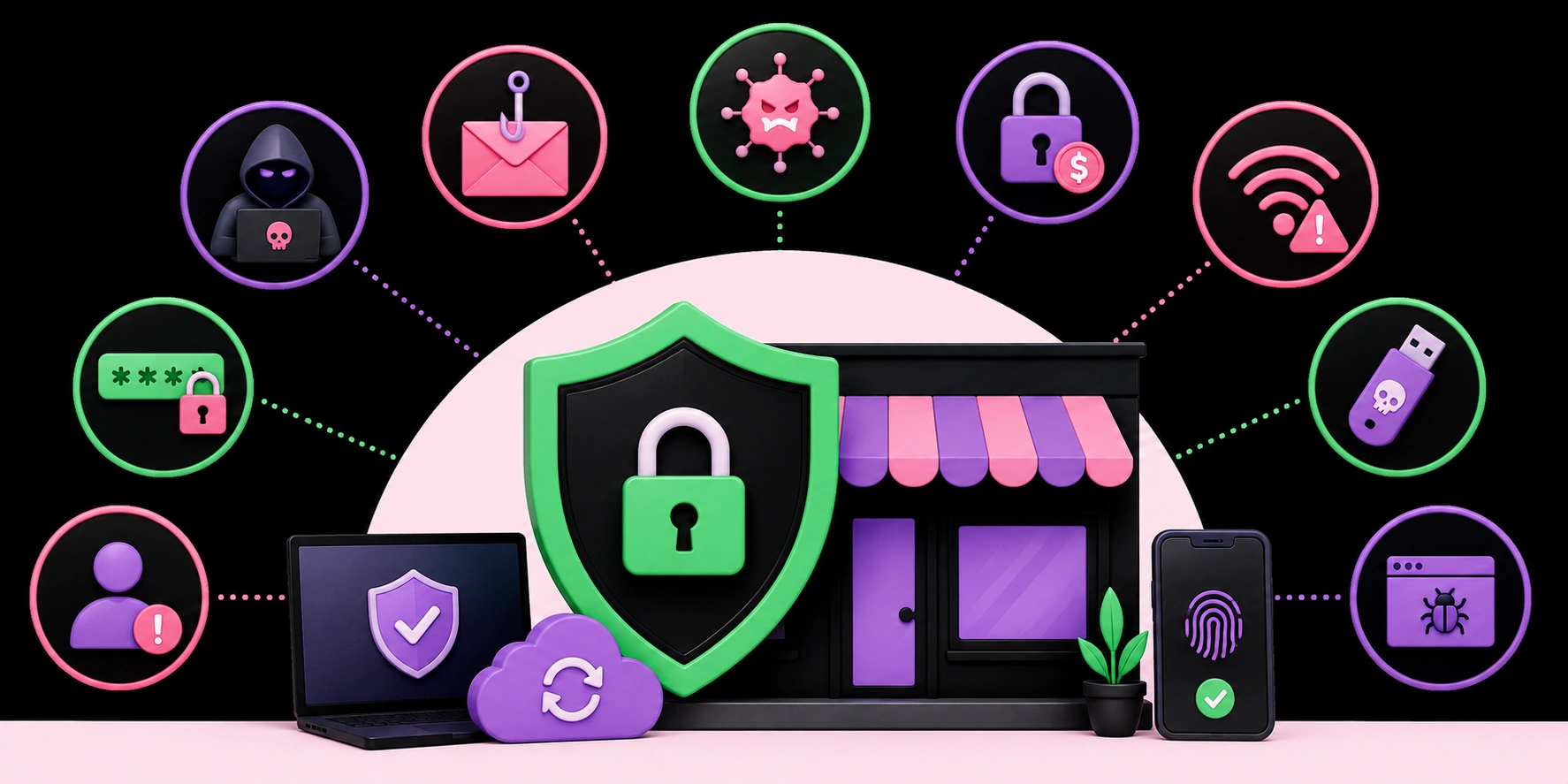
Top 10 Cybersecurity Threats Facing Small Businesses in 2026 — And How to Stop Them
Small businesses are no longer flying under the radar of cybercriminals. In 2026, they have become primary targets — not because they have the most money, but because they often have the weakest defenses. A single successful attack can cost a small business tens of thousands of dollars in downtime, recovery, and lost customer trust. The good news? Most threats are preventable with the right knowledge and tools.
This guide breaks down the top 10 cybersecurity threats your small business faces right now — and exactly what you can do to stop them. Whether you run a local shop, a growing startup, or a service-based company, these threats are real and immediate.
Why Small Businesses Are High-Value Targets in 2026
Cybercriminals operate like any other business — they go where the return on investment is highest. Small businesses typically lack dedicated IT teams, use outdated software, and have limited security budgets. This makes them easier and cheaper to compromise than large enterprises. In fact, studies consistently show that a large majority of cyberattacks target small and medium-sized businesses. Understanding what you're up against is the first step in building a resilient defense.
At WebPeak, we work with businesses of all sizes to help them navigate the digital landscape safely and smartly. Protecting your business online starts with awareness — so let's get into the threats.
1. Phishing Attacks
What It Is
Phishing remains the number one entry point for cyberattacks in 2026. Criminals send deceptive emails, texts, or messages that impersonate trusted brands, banks, or even your own colleagues. The goal is to trick employees into clicking malicious links or handing over login credentials.
How to Stop It
Train your staff regularly to spot phishing attempts. Implement email filtering tools and enable multi-factor authentication (MFA) on all business accounts. Never click links in unsolicited emails — navigate directly to websites instead.
2. Ransomware
What It Is
Ransomware encrypts your business files and demands payment to restore access. In 2026, ransomware-as-a-service has made this attack type accessible to even low-skill criminals. Small businesses are frequently targeted because they are more likely to pay the ransom quickly to restore operations.
How to Stop It
Maintain regular, encrypted backups stored offline or in the cloud. Keep all software patched and updated. Use endpoint detection and response (EDR) tools, and never open unexpected email attachments.
3. Weak or Stolen Passwords
What It Is
Password-related breaches account for a staggering proportion of all data breaches globally. Employees reusing passwords, using weak combinations like "password123," or having credentials stolen via data breaches leaves businesses wide open to unauthorized access.
How to Stop It
Deploy a business password manager so employees use strong, unique passwords for every account. Enforce MFA company-wide and conduct periodic audits of account access permissions.
4. Insider Threats
What It Is
Not all threats come from outside. Disgruntled employees, careless staff, or those tricked by social engineering can cause serious data breaches from within. Insider threats are particularly hard to detect because the individual already has legitimate system access.
How to Stop It
Apply the principle of least privilege — give employees access only to what they need for their role. Monitor user activity for unusual behavior, and create clear offboarding procedures that revoke access immediately when an employee leaves.
5. Business Email Compromise (BEC)
What It Is
In a BEC attack, criminals impersonate a company executive or vendor via email to manipulate employees into transferring money or sharing sensitive data. These attacks are highly targeted and can be devastatingly convincing. BEC losses have surpassed billions of dollars globally and continue rising.
How to Stop It
Establish a verbal verification policy for any financial transfer request made via email. Enable email authentication protocols like DMARC, DKIM, and SPF to reduce spoofing, and train employees to question urgent, unusual requests — even from leadership.
6. Unpatched Software and Systems
What It Is
Cybercriminals actively scan the internet for systems running outdated software with known vulnerabilities. Many small businesses delay updates due to cost or inconvenience, leaving themselves exposed to exploits that have been publicly documented for months.
How to Stop It
Enable automatic updates wherever possible for operating systems, applications, and firmware. Conduct a regular software audit to identify and retire legacy systems that no longer receive security patches.
7. Third-Party and Supply Chain Attacks
What It Is
Your business is only as secure as the vendors and tools you rely on. Attackers increasingly compromise trusted third-party software suppliers to gain access to their customers' systems. If a tool you use daily is breached, your data may be exposed without any action on your part.
How to Stop It
Vet your vendors' security practices before onboarding them. Review the access permissions granted to third-party apps regularly, and use a zero-trust network architecture that limits what any single vendor can access within your environment.
8. Cloud Misconfiguration
What It Is
As more small businesses move to cloud platforms, misconfigured storage buckets, databases, and access controls have become a leading cause of data exposure. A single public-facing cloud bucket with sensitive files can expose thousands of customer records with no hacking required.
How to Stop It
Use cloud security posture management (CSPM) tools to automatically detect misconfigurations. Audit your cloud environment quarterly and restrict public access to storage unless absolutely necessary. If cloud security feels overwhelming, professional cybersecurity services can help you set up a secure, well-monitored cloud environment tailored to your business.
9. AI-Powered Cyberattacks
What It Is
2026 has brought a new dimension to cyber threats: attacks powered by artificial intelligence. Criminals now use AI to craft highly personalized phishing emails, generate deepfake audio or video to impersonate executives, and automate attacks at massive scale. These attacks are more sophisticated, more convincing, and faster than ever before.
How to Stop It
Fight AI with AI. Deploy AI-driven security tools that detect unusual patterns in email, login behavior, and network traffic. Educate your team about deepfake technology and establish verification protocols for any sensitive request, regardless of how authentic it appears. Staying ahead of AI-driven threats requires a proactive, layered security strategy.
10. Denial-of-Service (DoS) and DDoS Attacks
What It Is
In a Distributed Denial-of-Service (DDoS) attack, criminals flood your website or online systems with fake traffic until they crash. For small businesses that rely on their website for sales, appointments, or customer communications, even a few hours of downtime can mean significant financial loss.
How to Stop It
Use a web application firewall (WAF) and a content delivery network (CDN) with built-in DDoS protection. Services like Cloudflare offer affordable plans suited to small businesses. Ensure your hosting provider offers DDoS mitigation as part of their infrastructure.
Building a Layered Cybersecurity Defense
No single tool or policy can protect your business from every threat. The most effective approach is a layered defense strategy — sometimes called "defense in depth" — that combines technology, employee training, and policy enforcement.
Here's a quick checklist every small business should complete in 2026:
- Enable multi-factor authentication on all accounts
- Deploy a business password manager company-wide
- Keep all software and firmware up to date automatically
- Back up data regularly using the 3-2-1 backup rule
- Train employees on phishing and social engineering quarterly
- Audit third-party vendor access and permissions regularly
- Use a WAF and endpoint protection on all devices
- Develop and test an incident response plan
When to Bring in Professional Help
There comes a point where managing cybersecurity in-house becomes impractical — especially as your business grows and threats evolve. Hiring a dedicated IT team is expensive, but leaving your business unprotected is far more costly.
Working with a trusted cybersecurity partner gives you access to expert monitoring, threat detection, incident response planning, and compliance guidance — without the overhead of a full internal team. The right partner will assess your current vulnerabilities, implement appropriate controls, and keep you protected as the threat landscape changes.
If you're unsure where your business stands on cybersecurity readiness, starting with a professional risk assessment is a smart first step. Expert guidance can mean the difference between catching a breach early and dealing with a catastrophic data loss that threatens your business's survival.
Final Thoughts
Cybersecurity in 2026 is not optional for small businesses — it is a business survival requirement. The threats outlined above are not theoretical. They are happening to businesses like yours every single day. The silver lining is that most successful cyberattacks exploit preventable weaknesses: unpatched software, weak passwords, untrained employees, and misconfigured systems.
You don't need a Fortune 500 security budget to protect your business. You need awareness, consistent habits, the right tools, and — when needed — the right professional support. Start with the fundamentals, build from there, and never treat cybersecurity as a one-time task. It is an ongoing commitment to your business, your employees, and your customers.
Ready to take your business's security seriously? Explore how WebPeak helps businesses build stronger, smarter digital defenses — and stay one step ahead of the threats that never stop evolving.


