Best Headless CMS Platforms for Next.js Websites in 2026
Choosing a headless CMS is one of the few early decisions on a Next.js project that is genuinely expensive to reverse. Once editors have built hundreds of entries, workflows, and habits around a content model, migrating means remodeling content, rewriting queries, and retraining people. A headless CMS is a content management system that stores and serves content through an API without controlling how it is displayed, so your Next.js front end fetches structured content and renders it however you choose.
Quick Answer: For Next.js websites in 2026, Sanity is the most flexible all-rounder, Contentful suits large organizations needing governance, Payload is the leading open-source option that runs inside your Next.js app, Strapi suits self-hosted Node.js teams, and Storyblok excels at visual editing for marketers. Choose by editor needs and hosting model.
What Does a Headless CMS Do in a Next.js Architecture?
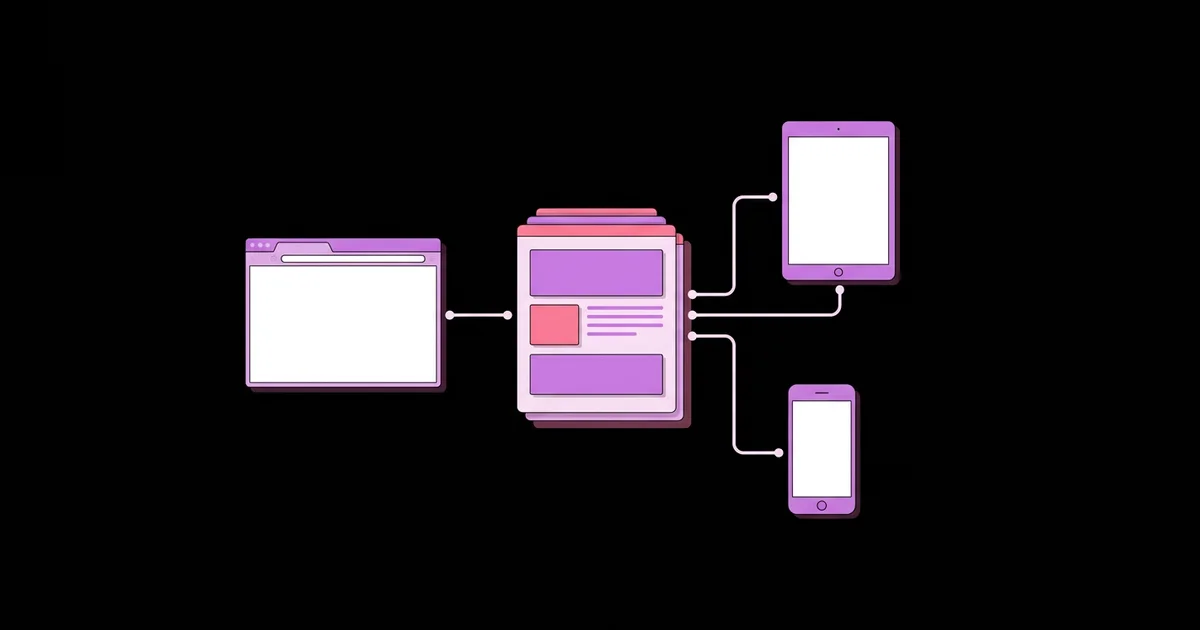
A headless CMS separates content management from presentation. Editors create entries such as pages, posts, products, and authors in the CMS interface; the CMS exposes them through a REST or GraphQL API; and Next.js fetches that content in Server Components, renders it to HTML, and caches the result. Because the CMS has no front end of its own, the same content can feed a website, a mobile app, and email templates simultaneously.
Not every business needs this architecture. A small company that wants a site live this week and has no developer is usually better served by an all-in-one tool; our guide to AI website builders for small businesses covers that path. A headless CMS pays off when you have developers, custom design requirements, multiple channels, or content volume that demands structure.
A few terms will help when comparing platforms. A content model defines the types of content and their fields, such as a Post with a title, slug, body, and author reference. Structured content stores content as typed fields and rich-text blocks rather than as page-shaped HTML, which makes it reusable. Draft mode is the Next.js feature that bypasses the cache so editors can preview unpublished changes. On-demand revalidation refreshes cached pages when the CMS sends a webhook after publishing. Visual editing lets editors click elements in a live preview of the site to edit the corresponding fields.
How to Evaluate a Headless CMS for Your Project
Evaluate a headless CMS by testing your real content and real editors against it, not by comparing feature lists. Use this sequence to narrow the options before committing.
- Model your three most complex content types. Build them in each candidate. Pay attention to references, reusable blocks, localization, and validation rules.
- Put an actual editor in front of it. Ask the people who will publish daily to create and update entries. Editor frustration is the most common reason CMS projects fail.
- Test preview end to end. Configure Next.js draft mode with each CMS and confirm editors can see unpublished changes on the real site design.
- Test publish-to-live speed. Set up a webhook that triggers on-demand revalidation in Next.js and confirm published changes appear without a full rebuild.
- Decide on hosting. Choose between a managed SaaS that the vendor runs and an open-source CMS you host. This decision affects cost, compliance, and operational workload.
- Check developer experience. Look for TypeScript type generation, a good query language, local development support, and reliable SDKs.
- Price your realistic usage. Model costs for the number of editors, locales, API requests, and environments you will actually need, since pricing tiers often hinge on these.
Two or three days of this kind of hands-on trial will reveal more than months of reading comparison articles, including this one.
Headless CMS Platforms Compared for Next.js
This comparison reflects how each platform is generally positioned and how it behaves with Next.js in hands-on use. Plans, limits, and features change frequently, so verify current details with each vendor before choosing.
| CMS | Hosting Model | Standout Strength | Best Fit |
|---|---|---|---|
| Sanity | Managed content lake with a customizable, open-source Studio | Highly flexible structured content, GROQ queries, and visual editing | Teams wanting deep customization and real-time collaboration |
| Contentful | Managed SaaS | Mature governance, roles, environments, and enterprise tooling | Large organizations with many teams, brands, or locales |
| Payload | Open source, installed directly into a Next.js app | Code-first config, TypeScript throughout, data in your own database | Developers who want full ownership in a single codebase |
| Strapi | Open source and self-hosted, or a managed cloud offering | Familiar Node.js admin panel with REST and GraphQL APIs | Teams comfortable running their own Node.js services |
| Storyblok | Managed SaaS | Component-based visual editor that marketers find intuitive | Marketing-led sites with frequent landing page changes |
| Hygraph | Managed SaaS | GraphQL-native API with content federation from other sources | Projects combining CMS content with external data |
DatoCMS and Prismic are also strong, well-established options with good Next.js support; Prismic's slice-based page building is especially popular for marketing sites.
What Determines Long-Term Success With a Headless CMS
Long-term success depends more on content modeling and editorial workflow than on the platform itself. This is practitioner analysis from building and maintaining CMS-driven Next.js sites, not vendor benchmarking, but the same lessons recur on nearly every project.
Content modeling is the decisive factor. Models built to mirror specific page layouts, such as "Homepage Hero Left Variant," break the moment the design changes. Models built around meaning, such as "Testimonial," "Feature," and "Call to Action" blocks that pages compose, survive redesigns and can feed other channels. Spend time on the model before writing front-end code.
Editorial experience is the second factor. A CMS that developers love but editors avoid leads to content requests flowing back through engineering, which defeats the purpose. Visual editing, clear field descriptions, sensible validation, and reliable preview make editors self-sufficient.
Performance is the third factor, and it is where Next.js integration matters. Pages should be prerendered or cached and revalidated by tag when content changes, so visitors never wait on the CMS API. Large rich-text fields and unoptimized image references are common sources of slow pages. Our guide to keeping Core Web Vitals green covers image and rendering strategies that apply directly to CMS-driven pages.
Ownership is the final factor. Managed platforms remove operational work but tie your content to a vendor's API and pricing. Open-source options like Payload and Strapi keep data in your own database, at the cost of running and upgrading the system yourself. Neither is universally better; choose the trade-off your team can sustain.
Common Mistakes and How to Avoid Them
The most expensive mistake is designing the content model around one page design. When the design changes, the content must be restructured, and editors have to redo work.
- Skipping preview setup. Without draft mode, editors publish blindly and fix mistakes live. Configure preview before launch, not after the first embarrassing typo.
- Rebuilding the entire site on every publish. Use tag-based or path-based on-demand revalidation triggered by webhooks so only affected pages refresh.
- Fetching content on the client. Fetching CMS data in client components exposes API tokens and slows rendering. Fetch in Server Components and cache the results.
- Using untyped responses. Generate TypeScript types from the schema so field changes break the build rather than the live site.
- Storing layout HTML in rich text. Editors pasting styled HTML into rich-text fields breaks design consistency. Use structured blocks with controlled options.
- Ignoring roles and workflows. Define who can draft, review, and publish before content volume grows, especially for regulated or multi-brand sites.
- Underestimating localization. Retrofitting multiple languages into a content model is painful. Decide field-level or entry-level localization at the start.
Implementation Walkthrough: Connecting a CMS to Next.js
The integration pattern is nearly identical across platforms. Here is the sequence I follow, using a marketing site with pages, blog posts, and authors as the example.
Model the content. Create Page, Post, Author, and a set of reusable section blocks such as Hero, Feature Grid, Testimonial, and Call to Action. Pages are composed of an ordered list of these blocks. Posts reference authors rather than duplicating author details.
Create a data access layer. In lib/cms.ts, write typed functions such as getPageBySlug and getAllPostSlugs. Keep API tokens in server-only environment variables. Attach cache tags to each fetch, such as the content type and entry ID.
Render with Server Components. Each route fetches its content on the server and maps each block type to a React component through a simple switch or lookup object. Unknown block types render nothing instead of crashing, so editors can add new blocks safely before the front end supports them.
Generate static paths and metadata. Use generateStaticParams to prerender known slugs, and generateMetadata to produce titles, descriptions, and Open Graph images from CMS fields.
Enable draft mode. Add a route that validates a secret, enables draft mode, and redirects to the requested page. When draft mode is active, fetch draft content and bypass the cache.
Wire up revalidation. Create a Route Handler that verifies the webhook signature from the CMS and revalidates the tags for the changed entry. Published updates go live within seconds without redeploying.
Hand over to editors. Add field descriptions, validation, and a short editor guide. Watch the first few editors publish real content and fix anything that confuses them. This step decides whether the CMS becomes a tool people trust or a ticket generator for developers.
Key Takeaways
- A headless CMS stores content behind an API while Next.js controls rendering, caching, and design.
- Model content around meaning, using reusable blocks, rather than around a single page design that will change.
- Draft mode preview and webhook-driven on-demand revalidation are essential for a smooth publishing workflow.
- Managed platforms reduce operations work, while open-source options like Payload and Strapi keep data in your own database.
- Testing real content types with real editors reveals the right CMS faster than comparing feature lists.
Frequently Asked Questions
What is the best headless CMS for Next.js?
There is no single best option. Sanity is a flexible all-rounder with strong visual editing, Contentful suits enterprise governance, Payload is ideal for developers wanting an open-source CMS inside the Next.js app, Strapi suits self-hosting teams, and Storyblok suits marketers who want visual page building. Test two candidates with real content.
Is there a free headless CMS for Next.js?
Yes. Payload and Strapi are open source and free to self-host, so you only pay for your own hosting and database. Several managed platforms, including Sanity, Contentful, and Storyblok, offer free tiers with usage limits suitable for small projects. Check current limits, since they change periodically.
How do I preview draft content from a headless CMS in Next.js?
Use Next.js draft mode. Create a route that verifies a secret token, enables draft mode, and redirects to the page being edited. While draft mode is active, fetch draft content from the CMS and bypass caching. Most CMS platforms let you configure this preview URL directly in the editor.
How do I update a Next.js site when CMS content changes?
Configure a webhook in your CMS that calls a Next.js Route Handler whenever content is published. The handler verifies the request signature and revalidates the cache tags or paths for the changed content. Pages refresh within seconds without a full rebuild or redeployment of the site.
Should I choose a self-hosted or managed headless CMS?
Choose managed if you want the vendor to handle hosting, scaling, backups, and upgrades, and are comfortable with vendor pricing. Choose self-hosted if you need full data ownership, specific compliance controls, or deep customization, and your team can maintain servers, databases, security patches, and version upgrades over time.
Can a headless CMS improve SEO for a Next.js website?
A headless CMS supports SEO by giving editors structured fields for titles, descriptions, slugs, and social images that Next.js turns into metadata. Combined with prerendering and fast caching, this produces crawlable, quick pages. The CMS itself does not rank pages; well-structured, helpful content and good performance do.
Conclusion
The decision that matters most is not the vendor but the content model and editorial workflow you build on it; get those right and switching platforms later becomes manageable. Shortlist two platforms that match your hosting preference, test them with real editors, and wire up draft mode and revalidation from day one. If your content needs are simple and you prefer owning every layer, your next step is to explore storing content yourself using MongoDB with Next.js.