
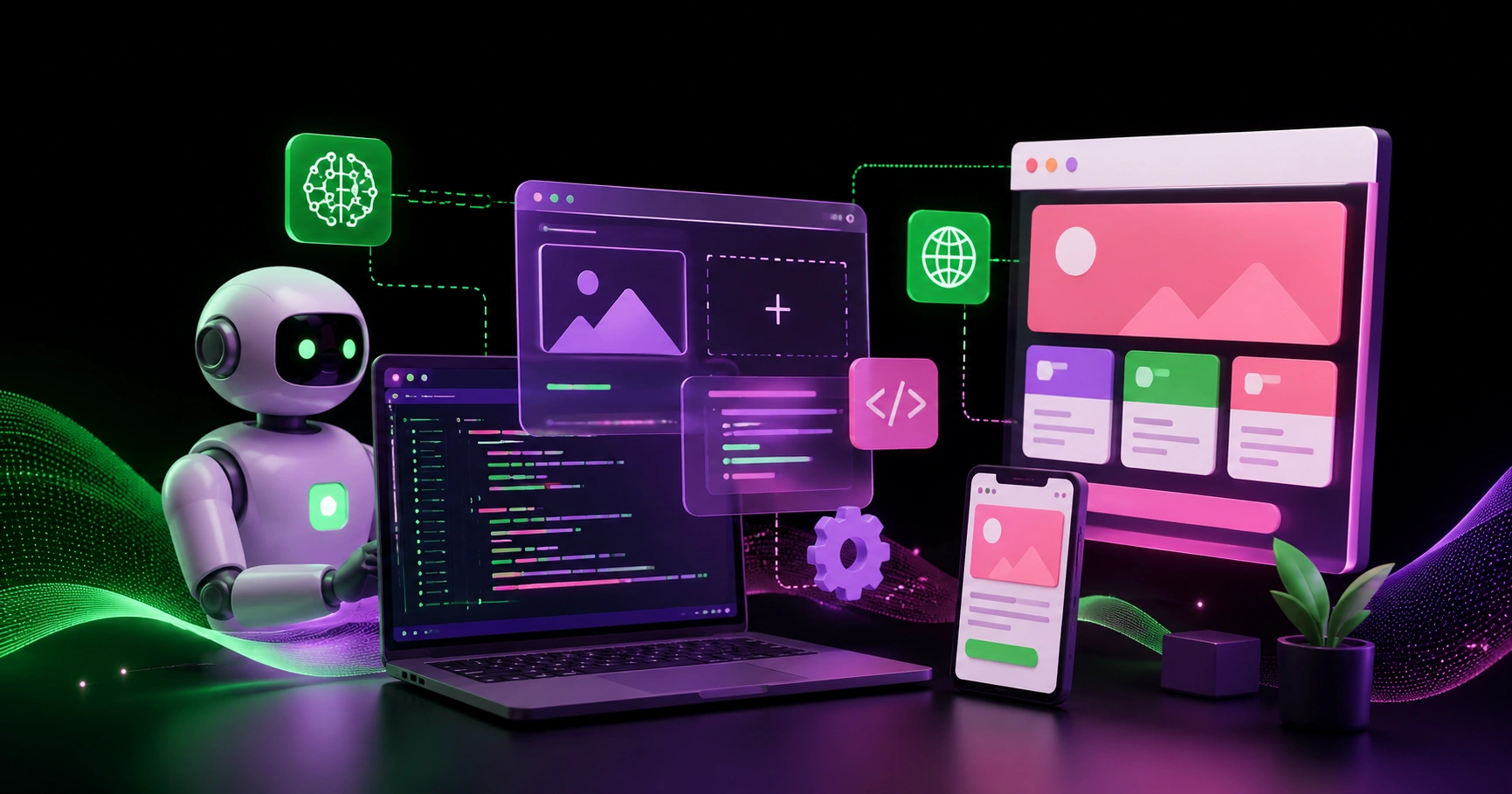
The web has never stood still. From static HTML pages in the 1990s to dynamic CMS-driven platforms in the 2000s, and then to the JavaScript framework explosion of the 2010s, every decade has redefined what a "modern website" means. Today, we are standing at the edge of the most significant shift yet: AI-powered web development.
Artificial intelligence is no longer a futuristic add-on bolted onto websites as a gimmick. It has become part of the development workflow itself — writing code, generating layouts, optimizing performance, personalizing content, and even testing applications before they ship. Developers who once spent hours wiring up boilerplate now describe what they want in plain language and receive working components in seconds.
This article explores how AI is reshaping web development, what tools and techniques are leading the change, the real benefits and hidden risks, and what the next few years are likely to look like for developers, designers, and businesses.
What "AI-Powered Web Development" Actually Means
The phrase gets used loosely, so it is worth separating the layers. AI touches web development in three distinct places:
1. AI in the development process
This is AI as a co-worker. Code generation, autocomplete, refactoring suggestions, bug detection, test writing, and documentation. The developer is still in charge, but the mechanical labor shrinks dramatically.
2. AI inside the product
This is AI as a feature. Chatbots, semantic search, recommendation engines, image generation, content summarization, voice interfaces, and intelligent form handling. The website itself becomes smarter for the end user.
3. AI in operations and optimization
This is AI as an operator. Automated performance tuning, predictive scaling, anomaly detection, A/B test analysis, SEO recommendations, and security threat monitoring.
Most teams start with layer one because the return on investment is immediate. But the biggest competitive advantage usually comes from layers two and three, where AI changes what the product can actually do.
How AI Is Changing the Way Developers Write Code
From Typing to Describing
The single biggest change is the shift from typing implementations to describing intentions. A developer used to write forty lines to build a responsive pricing table. Now they describe it — three tiers, monthly and annual toggle, highlighted middle plan — and review the generated result.
This does not remove the need for skill. It relocates it. The valuable skills become:
Knowing precisely what you want before you ask
Reading generated code critically
Understanding architecture well enough to catch bad patterns
Debugging code you did not personally write
Junior developers get a productivity boost. Senior developers get a force multiplier. The gap between them, interestingly, widens rather than narrows, because judgment matters more when output is cheap.
Component Generation and Design-to-Code
AI tools can now take a screenshot, a Figma frame, or a written description and produce production-ready components with accessibility attributes, responsive breakpoints, and design tokens already applied. What used to be a multi-day handoff between designer and developer compresses into a conversation.
The quality varies. AI is excellent at conventional patterns — navigation bars, card grids, forms, dashboards. It is weaker at genuinely novel interactions, complex animation choreography, and anything requiring deep domain knowledge. Knowing where the line sits is part of the craft now.
Testing and Quality Assurance
Testing has historically been the least loved part of development. AI has changed the economics. Generating unit tests from existing functions, writing end-to-end scenarios from user stories, and producing edge-case inputs are all tasks AI handles well.
More interesting is visual regression and behavioral testing. AI agents can now navigate a site, click through flows, and report what broke — describing problems in human language instead of cryptic diff files.
AI Features That Modern Websites Are Adopting
Intelligent Search
Keyword search is dying. Users type questions, not keywords. Vector embeddings and semantic search let a site understand that "cheap laptop for college" and "affordable student notebook" mean the same thing. Retrieval-augmented generation (RAG) goes further, answering questions directly from a site's own documentation or product catalog.
For content-heavy sites, this is transformative. Documentation portals, e-commerce catalogs, knowledge bases, and news archives all become dramatically more usable.
Personalization at Scale
Traditional personalization relied on rigid rules: if user is from segment A, show banner B. AI-driven personalization works on behavioral signals in real time — adjusting layout order, recommended products, content depth, and even tone of copy based on what the visitor actually does.
The caution here is over-personalization. When a site changes too aggressively, users lose their spatial memory of it and trust drops. Subtlety wins.
Conversational Interfaces
Support chat was the entry point, but conversational UI now extends much further. Booking flows, configurators, onboarding wizards, and data queries all work well as conversations. The best implementations do not replace the traditional interface — they sit alongside it as a faster path for users who know what they want.
A useful pattern to study is how mobile AI applications structure conversational flows. If you want to see how these interaction models translate to app environments, the breakdown of Artificial Intelligence Mod APK is a helpful reference point for understanding how AI-driven features get packaged and delivered outside the browser, and what users have come to expect from them.
Generative Media
On-demand image generation, video thumbnails, alt text, and audio narration are now practical to generate at build time or request time. For marketplaces, publishers, and educational platforms, this removes an enormous content bottleneck.
The trade-off is authenticity. Audiences are increasingly good at spotting generated imagery, and generic AI visuals can actively damage brand perception. Generated media works best when it is functional rather than decorative.
The Architecture Behind AI-Powered Sites
Modern AI-enabled websites tend to share a common architectural shape:
Edge-first rendering. Server components and edge functions let AI calls happen close to the user, reducing latency on inference-heavy requests.
Streaming responses. Since language models produce output token by token, streaming is essential. Users see the first words in under a second instead of staring at a spinner for eight seconds.
Caching layers. AI inference is expensive. Caching embeddings, common queries, and generated assets is not an optimization — it is a requirement for viable unit economics.
Vector databases. Alongside the traditional relational database sits a vector store holding embeddings for semantic search and retrieval.
Guardrails and validation. Every AI output that touches the user or the database passes through validation. Structured output schemas, content filters, and rate limits are standard.
Observability. Tracking token usage, latency, cost per request, and output quality becomes as important as tracking uptime.
Real Benefits — Measured Honestly
Speed of delivery. Teams routinely report shipping features two to four times faster for conventional work. Prototyping is where gains are most dramatic; an idea can be tested in an afternoon.
Lower barrier to entry. Small businesses and solo founders can now build things that previously required a team. This is genuinely democratizing.
Better accessibility. AI is good at remembering ARIA labels, contrast ratios, keyboard navigation, and semantic HTML — the details humans skip under deadline pressure.
Improved content operations. Meta descriptions, alt text, translations, and summaries can be generated and maintained at a scale that manual work cannot match.
Faster debugging. Pasting a stack trace and getting a probable cause with a suggested fix saves hours weekly.
The Risks Nobody Should Ignore
Code You Do Not Understand
The most dangerous outcome of AI development is a codebase nobody comprehends. Generated code that works today becomes unmaintainable technical debt tomorrow. The discipline of reading and understanding every merged line matters more than ever.
Security Blind Spots
AI-generated code has been shown to reproduce insecure patterns from its training data — SQL injection vulnerabilities, missing authorization checks, hardcoded secrets, and weak input validation. Every generated endpoint needs the same security review as hand-written code, arguably more.
Prompt injection is a newer category entirely. If your site passes user input into a model that has access to tools or data, an attacker can attempt to hijack that model's behavior. Treating model output as untrusted input is the correct default posture.
Cost Unpredictability
Inference costs scale with usage in ways that traditional hosting does not. A viral moment that would once mean a bigger server bill can now mean a five-figure API invoice. Rate limiting, caching, and per-user quotas are financial controls, not just technical ones.
Homogenization of Design
When everyone uses the same tools trained on the same data, everything starts to look alike. There is a visible "AI aesthetic" emerging — and audiences are learning to recognize and discount it. Distinctive design is becoming a competitive moat precisely because it is harder to generate.
Accuracy and Hallucination
Models produce confident, wrong answers. For a marketing site, that is embarrassing. For a medical, legal, or financial site, it is a liability. Any user-facing AI output in a high-stakes domain needs grounding in verified sources and clear disclaimers.
Practical Guidance: How to Adopt AI Well
Start with internal tooling. Use AI on your own workflows before you expose it to customers. The learning curve is safer there.
Instrument everything. You cannot manage what you do not measure. Track cost, latency, and quality from day one.
Keep humans in the loop for anything consequential. Generated content that publishes automatically will eventually publish something you regret.
Design for failure. Models time out, return malformed data, and go down. Every AI feature needs a graceful non-AI fallback.
Write specifications, not vibes. The quality of AI output correlates directly with the precision of the request. Vague prompts produce generic results.
Review generated code as if a stranger wrote it. Because a stranger did.
Own your data. Embeddings, prompts, and interaction logs are increasingly your most valuable proprietary asset. Do not scatter them across vendors you cannot leave.
What Comes Next
Several trends look close to inevitable:
Agentic development. Instead of generating a single component, AI agents will take on multi-step tasks — implement a feature, run the tests, fix the failures, open the pull request. This is already emerging and will mature quickly.
Self-optimizing sites. Websites that continuously test variations, measure outcomes, and adjust themselves without human intervention. The role of the growth team shifts from running experiments to setting objectives and constraints.
Natural-language interfaces as a default. Search boxes become question boxes. Filter panels become conversations. This will not replace visual interfaces but will sit beside them everywhere.
On-device inference. As models shrink and browsers expose more compute, some AI features will run entirely client-side — free, private, and instant. This will change what is economically viable to build.
Regulation and disclosure. Expect requirements around AI-generated content labeling, data provenance, and algorithmic transparency. Building with these in mind now is cheaper than retrofitting later.
Conclusion
AI-powered web development is not a trend to wait out. It is a structural change in how software gets built and what software can do. The developers and businesses who thrive will not be the ones who use the most AI, but the ones who use it with the most judgment — automating the mechanical, protecting the critical, and reserving human attention for the decisions that actually matter.
The tools will keep improving. What will not change is the value of understanding your users, caring about craft, and shipping things that genuinely work. AI makes the building faster. It does not make the thinking optional.
The future of modern websites is not "made by AI." It is made by people who know exactly how to use it.


