
AI Agents vs AI Chatbots: What Is the Difference?
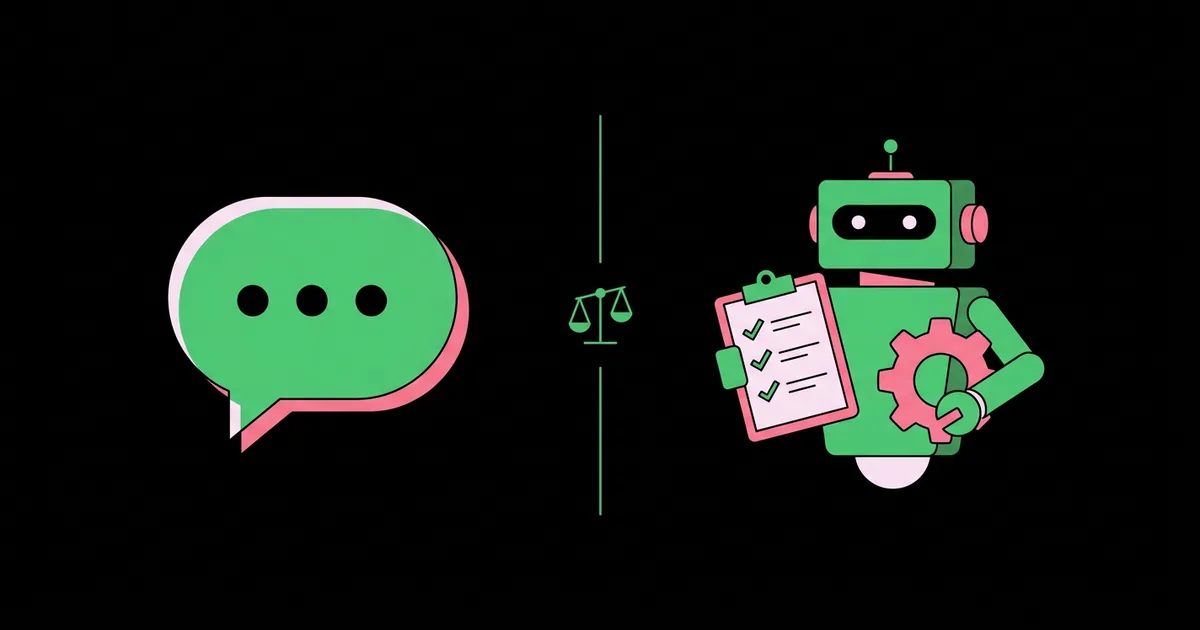
Vendors now label almost everything an "agent," which makes buying decisions harder than they should be. The distinction is real and it matters: an AI chatbot is conversational software that responds to messages, typically by answering questions from a knowledge source, while an AI agent is goal-driven software that plans and executes multi-step actions across tools and systems to complete a task. One talks; the other does. Knowing which you need determines your budget, your risk exposure, and how much engineering the project requires.
Quick Answer: An AI chatbot converses and answers questions, usually within a single chat window and a fixed knowledge base. An AI agent pursues a goal by deciding its own steps, calling tools and APIs, checking results, and acting in other systems. Chatbots inform users; agents complete work on their behalf.
Defining the Two Terms Precisely
The clearest way to define the two terms is by what each is allowed to change. A chatbot's output is text shown to a person. An agent's output is a change in the world: a ticket closed, a meeting booked, a record updated, a report generated and filed.
An AI chatbot receives a message, interprets intent, and generates a reply. Modern chatbots use large language models and retrieval from your help content, so they handle free-form questions well. Their scope is the conversation. If you are focused on that use case, our guide to automating customer support with chatbots covers deployment in depth.
An AI agent receives a goal and works toward it through a loop: reason about the next step, call a tool, observe the result, and decide what to do next until the goal is met or it must stop. It has access to tools, which are functions connected to real systems, and it often maintains memory across steps or sessions. An agent might never chat with anyone; it could run in the background, triggered by an incoming email or a scheduled job.
The line blurs in the middle. A support chatbot that can look up an order is showing early agent behavior. A useful mental model is a spectrum of autonomy: pure question answering at one end, fully autonomous multi-system task completion at the other, and most real products somewhere in between. Rather than arguing about labels, ask a vendor three questions: what tools can it call, can it chain multiple steps without a human prompt, and what can it change without approval.
The Core Differences That Matter in Practice
The core differences show up in five practical dimensions that affect cost, risk, and value. Understanding each prevents buying an agent when a chatbot would do, or vice versa.
- Trigger. Chatbots are triggered by a user message. Agents can be triggered by messages, but also by events, schedules, or other systems, and can run with nobody watching.
- Goal versus reply. A chatbot's job ends when it sends a helpful response. An agent's job ends when a defined outcome is achieved, which might take many steps and minutes or hours.
- Tool use. Chatbots mostly retrieve information. Agents call multiple tools, often in sequence, using the output of one to inform the next, such as reading a contract, checking a CRM, then drafting an amendment.
- Planning and self-correction. Agents decompose goals into steps and adapt when a step fails, for instance retrying with different parameters or choosing an alternative tool. Chatbots generally respond turn by turn without a plan.
- Risk surface. Because agents act on systems, their mistakes have consequences beyond a wrong sentence. They require permissions management, audit logging, spending limits, and human approval gates that a chatbot rarely needs.
Each dimension adds capability and complexity together. That trade is worth making only when the work genuinely requires action, not just information.
Side-by-Side Comparison Table
A side-by-side comparison makes the distinction concrete for planning conversations with stakeholders and vendors.
| Dimension | AI Chatbot | AI Agent |
|---|---|---|
| Primary purpose | Answer questions and hold conversations | Complete tasks and achieve defined goals |
| How it starts | User sends a message | Message, event, schedule, or another system |
| System access | Usually read-only knowledge sources | Read and write access to multiple business tools via APIs |
| Steps per request | Typically one response per turn | Multiple reasoning and tool-call steps in a loop |
| Typical examples | Website FAQ bot, internal policy assistant | Invoice processing, lead qualification and routing, scheduling coordinator |
| Main risks | Incorrect or off-brand answers | Incorrect actions, data changes, runaway costs, security exposure |
| Required safeguards | Grounding, content review, human handoff | Least-privilege permissions, approvals, audit logs, rate and spend limits |
If most rows in the agent column describe something you genuinely need, you are looking at an agent project. If not, a well-built chatbot will deliver faster with less risk.
Practitioner Analysis: When to Choose Which
From implementation experience, the most reliable decision rule is to look at what happens immediately after the conversation today. If a human reads the chatbot's answer and the matter is closed, a chatbot is enough. If a human reads the request and then opens two or three other systems to do something, that follow-on work is where an agent earns its keep.
Many organizations should start with a chatbot even when they eventually want an agent. A chatbot forces you to organize your knowledge, define your policies, and learn how customers or staff actually phrase requests. That groundwork is exactly what an agent needs later. Jumping straight to an agent without it usually produces an agent that acts confidently on incomplete information, which is worse than a chatbot that answers incompletely.
Cost behaves differently too. A chatbot's cost scales roughly with conversations. An agent's cost scales with the number of reasoning steps and tool calls per task, which can vary widely between a simple case and a messy one. Budget for agent workloads by measuring a representative sample of tasks rather than assuming a flat per-request price. When you are ready to move up the spectrum, our step-by-step agent build guide covers scoping, tools, and evaluation.
Finally, consider who supervises the system. A chatbot can usually be managed by the team that owns the help content. An agent touches operational systems, so it needs an owner who understands those systems and can review its action logs. If no one can fill that role, postpone the agent.
Common Misconceptions and Mistakes
Confusion between the two categories leads to predictable mistakes. These are the ones worth avoiding.
- Assuming "agent" in a product name means autonomy. Many products marketed as agents are chatbots with a single lookup tool. Ask exactly which actions it can take without approval.
- Using an agent where a workflow is enough. If every step is identical every time, a fixed automation in Zapier, Make, or n8n is cheaper, faster, and more predictable than an agent making decisions it does not need to make.
- Giving a chatbot write access without agent-grade safeguards. The moment a bot can change records, it needs identity verification, logging, and permission limits regardless of what it is called.
- Measuring both the same way. Judge chatbots on answer accuracy and resolution rate. Judge agents on task completion accuracy, time saved, and the rate of actions a human had to reverse.
- Expecting agents to be fully hands-off from day one. Even well-designed agents need a supervised period. Plan shadow-mode testing and gradual autonomy rather than a big-bang launch.
Scenario: The Same Request Handled Two Ways
A concrete scenario shows the difference most clearly. A customer writes: "I need to move my delivery to next week and add two more units to my order."
The chatbot response. The chatbot recognizes the intent, retrieves the delivery-change policy, and explains that orders can be modified up to a cutoff before dispatch. It provides a link to the order management page or offers to connect the customer with the team. The customer, or a staff member, then does the actual work.
The agent response. The agent verifies the customer's identity through their logged-in session, then works through a sequence:
- Retrieves the order and checks its dispatch status against the modification cutoff.
- Checks inventory for the two additional units.
- Queries the delivery scheduling system for available slots next week.
- Calculates the revised total including any delivery changes.
- Presents the customer with the available dates and the new total, asking for confirmation.
- On confirmation, updates the order, reschedules delivery, triggers the payment adjustment, and sends a confirmation email.
- Logs every step so staff can audit the change.
Both are valid designs. The chatbot is quick to deploy and low-risk. The agent removes the staff work entirely but requires integration with orders, inventory, scheduling, and payments, plus the safeguards to match. The right choice depends on how often this request happens and how costly the manual work is today.
There is also a sensible middle path: let the agent perform steps one through five, which are read-only, and route step six to a staff member for a single-click approval. This hybrid captures most of the time savings while keeping a human in control of the action that changes money and inventory. Many teams run this way for months before trusting the agent with the final step.
Key Takeaways
- A chatbot's output is a reply to a person, while an agent's output is a completed task or a change in a business system.
- Agents run a reason, act, observe loop using tools and can be triggered by events and schedules, not only messages.
- Because agents act on real systems, they require permissions, audit logs, approvals, and spending limits that chatbots usually do not.
- Building a chatbot first creates the organized knowledge and clear policies that a future agent depends on.
- If every step is identical every time, a fixed workflow automation beats both a chatbot and an agent on cost and predictability.
Frequently Asked Questions
Is ChatGPT a chatbot or an AI agent?
ChatGPT started as a chatbot, but it now includes agent-like capabilities such as browsing, running code, and performing multi-step tasks with connected tools. Whether it behaves as a chatbot or an agent depends on the features enabled and what it is permitted to do in a given session.
Can a chatbot be upgraded into an AI agent?
Yes. Adding tools that let a chatbot take actions, such as looking up orders or updating records, moves it toward agent behavior. A full agent also needs multi-step planning, error handling, and safeguards like permissions, approvals, and audit logs before it should act without human oversight.
Are AI agents more expensive than chatbots?
Usually, yes. Agents make multiple model calls and tool calls per task and require integration work and monitoring. However, they can also replace significantly more manual effort. Compare total cost against the staff time removed for the specific workflow, rather than comparing per-request prices alone.
Do AI agents replace chatbots?
No. Chatbots remain the right tool for answering questions quickly and safely. Agents complement them by handling the work that follows a conversation. Many systems combine both, using a conversational interface on the front end and agent capabilities behind it for specific approved actions.
What are common business uses of AI agents?
Common uses include processing invoices, qualifying and routing sales leads, scheduling meetings across calendars, reconciling data between systems, preparing recurring reports, and handling order changes. The best candidates are frequent, policy-driven tasks that currently require someone to switch between several applications.
How do I know if a product is really an AI agent?
Ask the vendor which tools it can call, whether it can chain several steps without a human prompt, what it can change without approval, and how actions are logged. If it can only answer questions or perform a single lookup, it is functionally a chatbot, whatever the marketing says.
Conclusion
The decision comes down to one question: does the work end with an answer, or with an action? If it ends with an answer, deploy a chatbot and invest in your knowledge base. If it ends with an action across systems, plan an agent, with the integrations and safeguards that responsibility requires.
If you have decided an agent is the right fit, the next step is mapping the systems it must reach. Our guide to connecting agents to business apps walks through authentication, tool design, and safe permissions.


