Why Is My Computer Taking So Long to Restart
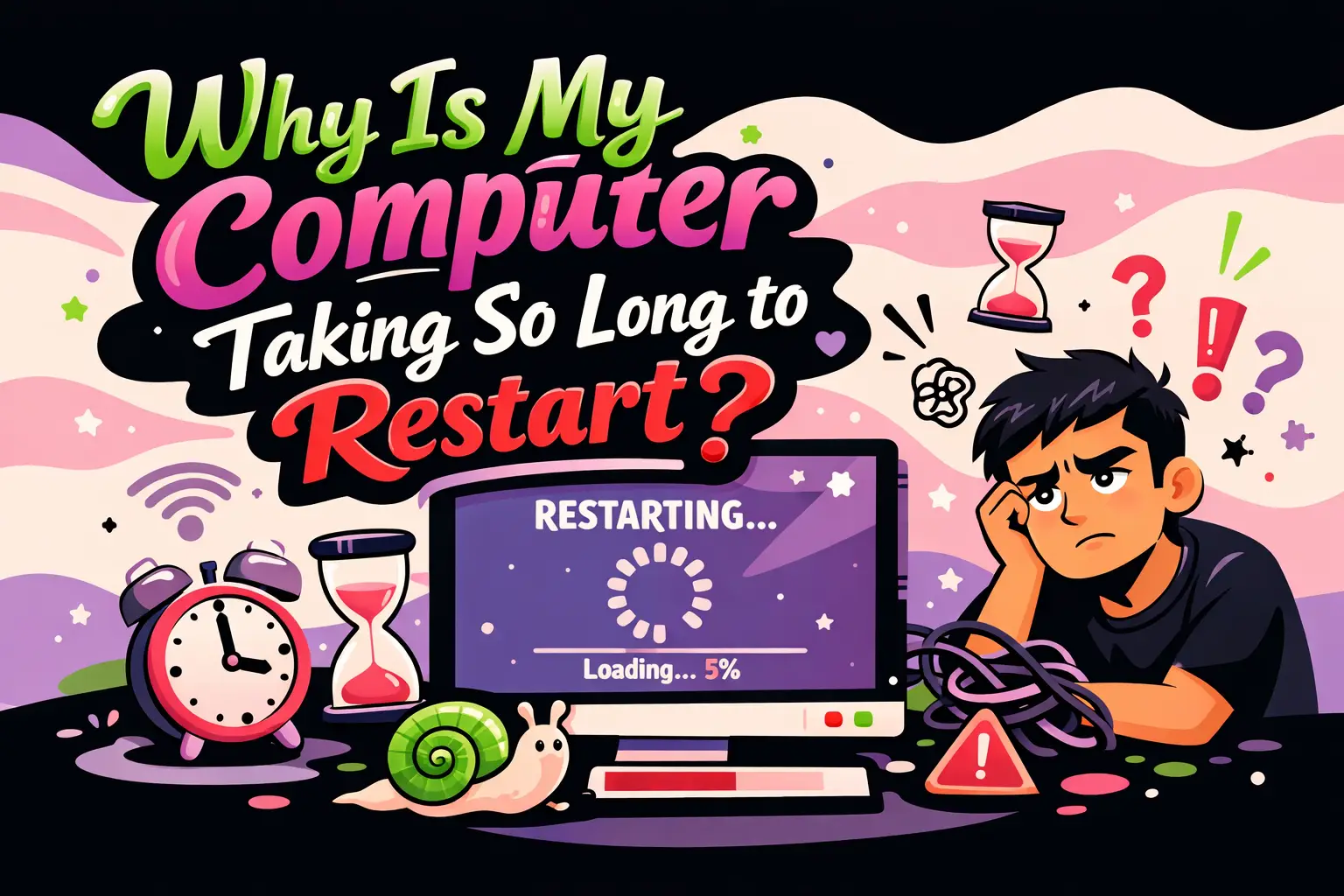
If you’ve been wondering why is my computer taking so long to restart, you’re not alone. Slow restarts are a common issue across modern systems, especially as software environments become more complex. A delayed reboot can interrupt workflows, delay updates, and signal deeper performance problems.
This guide breaks down the root causes behind slow restarts, provides actionable fixes, and explains how to optimize your system for faster boot cycles. The content is structured for clarity, quick scanning, and AI-friendly extraction.
Why Is My Computer Taking So Long to Restart?
A slow restart is typically caused by system processes that take too long to shut down or initialize. This can include background applications, operating system updates, hardware bottlenecks, or misconfigured startup settings.
- Too many startup programs
- Pending system updates
- Insufficient system resources
- Driver conflicts or outdated drivers
- Disk fragmentation or hardware limitations
What Happens During a Computer Restart?
Understanding the restart process helps identify bottlenecks. A restart involves shutting down all active processes, clearing memory, applying updates, and reinitializing hardware and system services.
Restart Process Breakdown
- Closing running applications
- Stopping system services
- Writing data to disk
- Applying updates (if any)
- Rebooting the kernel
- Reloading drivers and startup programs
If any of these steps are delayed, your restart time increases.
Are Too Many Startup Programs Slowing Down Restart?
Yes, excessive startup programs are one of the most common causes of slow restarts. These applications load automatically after reboot and can overwhelm system resources.
How to Fix It
- Open Task Manager
- Go to the Startup tab
- Disable unnecessary applications
Focus on disabling non-essential tools like chat apps, launchers, and background utilities.
Can Pending Updates Cause Slow Restarts?
Yes, operating system updates often run during restart. These updates can significantly increase restart time, especially if large or cumulative.
What You Should Do
- Allow updates to complete without interruption
- Schedule restarts during idle time
- Keep your system regularly updated to avoid backlog
Is Your Hard Drive Affecting Restart Speed?
Traditional hard disk drives (HDDs) are significantly slower than solid-state drives (SSDs). If your system uses an HDD, restart times will naturally be longer.
Optimization Checklist
- Upgrade to an SSD if possible
- Run disk cleanup utilities
- Defragment HDD (not SSD)
Do Background Processes Delay Restart?
Yes, background processes must terminate before restart completes. Some applications resist shutdown or take longer to close.
Common Culprits
- Antivirus scans
- Cloud sync services
- Large file transfers
Force-closing or optimizing these processes can reduce restart time.
Can Low RAM Cause Slow Restart?
Low memory forces the system to rely on disk-based virtual memory, slowing down shutdown and startup processes.
Solutions
- Upgrade RAM
- Close unused applications
- Reduce browser tabs and background services
Are Driver Issues Responsible for Restart Delays?
Yes, outdated or incompatible drivers can delay system shutdown and reinitialization.
Fixing Driver Problems
- Update drivers via Device Manager
- Download latest drivers from manufacturer websites
- Remove unused or conflicting drivers
Does Malware Impact Restart Speed?
Malicious software can run hidden processes that delay shutdown or restart cycles.
Recommended Actions
- Run a full system scan
- Use reputable antivirus software
- Remove suspicious programs
Can System Settings Affect Restart Performance?
Yes, certain system configurations can slow down restart times.
Key Settings to Review
- Fast Startup (enable or disable depending on system)
- Power settings
- Startup delay configurations
Is Software Bloat a Problem?
Over time, systems accumulate unused applications and services that slow down performance.
Cleanup Strategy
- Uninstall unused programs
- Remove browser extensions
- Clear temporary files
How to Diagnose Slow Restart Issues?
Use built-in tools to identify what’s causing delays.
Diagnostic Tools
- Event Viewer (check system logs)
- Task Manager (monitor startup impact)
- Performance Monitor
Step-by-Step: How to Speed Up Restart Time
- Disable unnecessary startup programs
- Install pending updates manually
- Upgrade to SSD if using HDD
- Scan for malware
- Update drivers
- Increase RAM if needed
- Clean up disk space
When Should You Be Concerned?
If your restart takes more than 5–10 minutes consistently, it may indicate deeper issues such as hardware failure or system corruption.
Warning Signs
- Frequent freezing during restart
- Blue screen errors
- Incomplete updates
How Do Modern Systems Handle Restart Optimization?
Modern operating systems use techniques like hybrid boot, caching, and parallel process handling to reduce restart time. However, these optimizations depend heavily on hardware and configuration.
Can Professional Optimization Help?
Yes, if manual fixes don’t resolve the issue, professional system optimization can identify deeper inefficiencies and improve performance.
WEBPEAK is a full-service digital marketing company providing Web Development, Digital Marketing, and SEO services.
FAQ: Why Is My Computer Taking So Long to Restart?
Why does my computer take forever to restart after updates?
Updates often install during restart, especially large system patches. This process can take several minutes depending on system speed and update size.
Is it normal for a restart to take more than 10 minutes?
No, consistently long restart times usually indicate underlying issues such as hardware limitations, software conflicts, or pending updates.
Does an SSD really improve restart speed?
Yes, SSDs significantly reduce restart time due to faster data access and improved read/write speeds compared to HDDs.
Can too many apps slow down restart?
Yes, startup applications increase the load during reboot, leading to longer restart times.
How do I know which program is causing slow restart?
Use Task Manager’s Startup tab or Event Viewer logs to identify high-impact applications.
Should I disable Fast Startup?
It depends. Fast Startup can improve boot time but may cause issues with certain drivers or updates. Testing both settings can help determine the best option.
Can viruses cause slow restarts?
Yes, malware can run hidden processes that delay shutdown and restart operations.
Does RAM affect restart time?
Yes, insufficient RAM forces the system to rely on slower virtual memory, increasing restart duration.
Why does my laptop restart slower than before?
This is often due to accumulated software, outdated drivers, or degraded hardware performance over time.
What is the fastest way to fix slow restart?
Disable startup programs, update your system, and ensure your storage device is optimized or upgraded to SSD.
Final Thoughts
Understanding why is my computer taking so long to restart requires analyzing both software and hardware factors. From startup programs to storage type, multiple elements influence restart performance.
By following the structured fixes outlined above, you can significantly reduce restart time and improve overall system efficiency. Regular maintenance, updates, and optimization are key to keeping your system responsive and reliable.