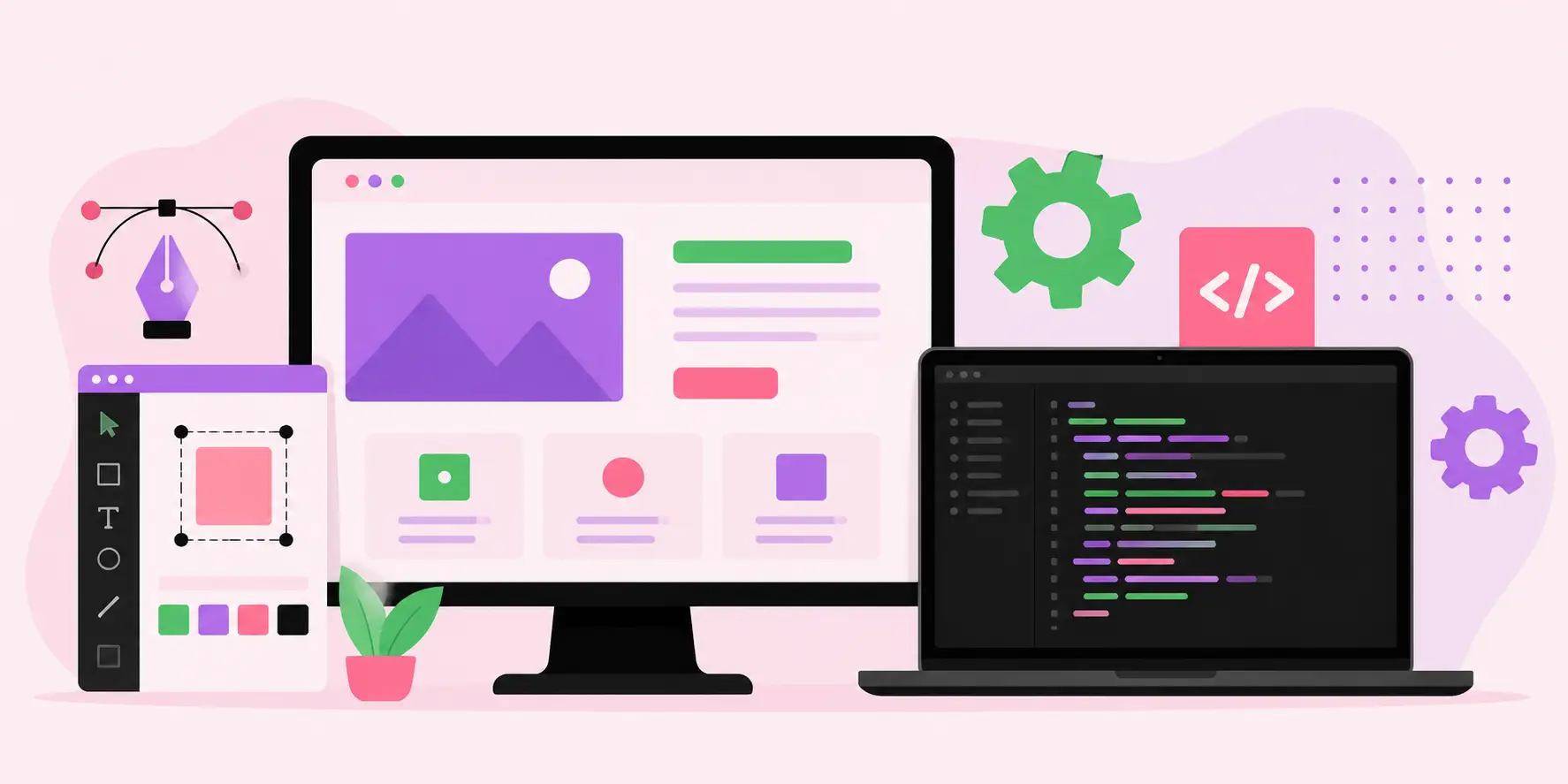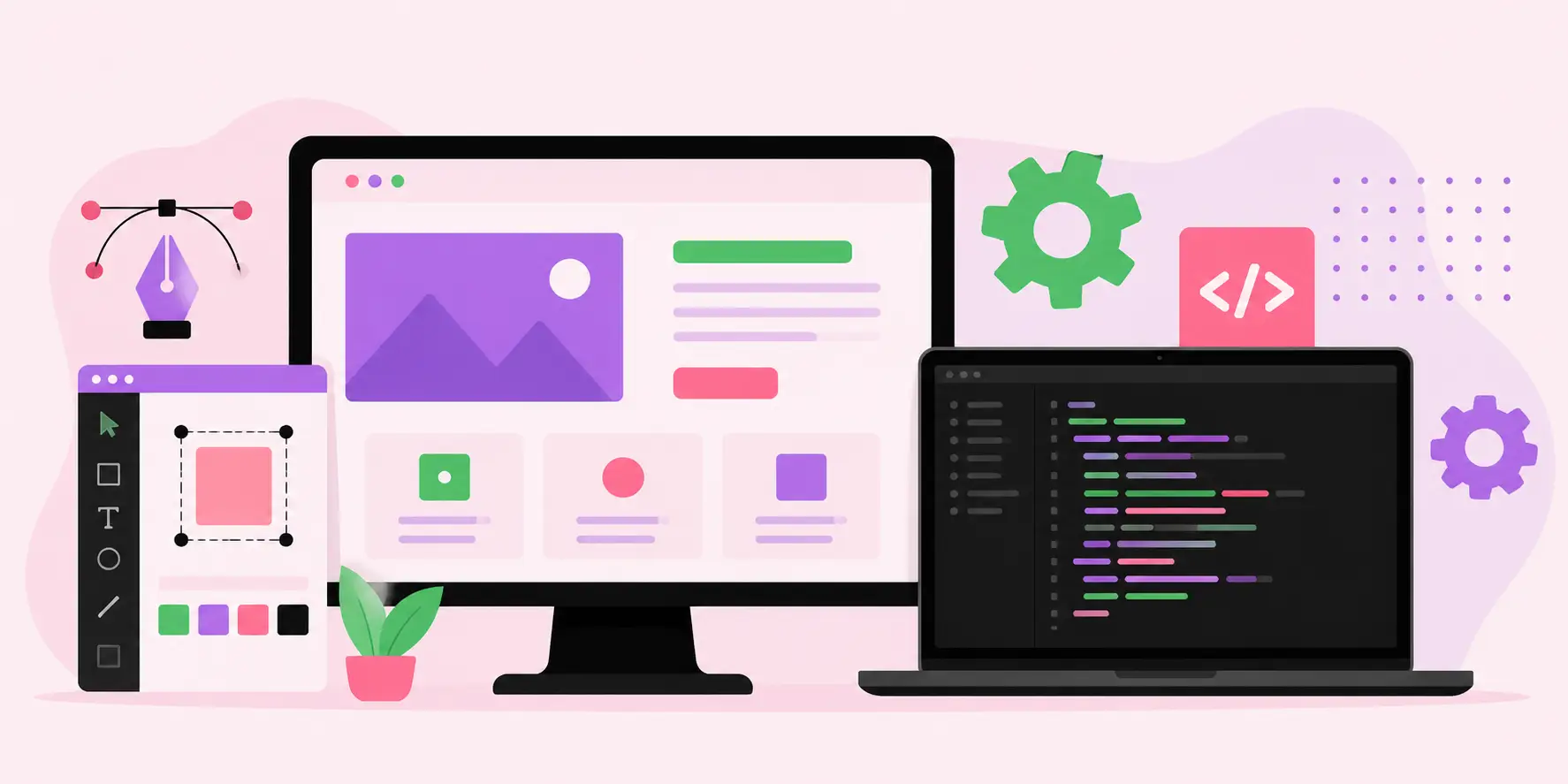
Website Design and Website Development: The Complete Guide to Building a Powerful Online Presence in 2026
In today's hyper-competitive digital landscape, website design and website development are no longer optional investments — they are the very foundation of your business's online identity. Whether you are a startup launching your first product or an enterprise rethinking your digital strategy, the way your website looks, functions, and performs directly determines whether visitors stay, engage, and convert. A poorly designed or technically broken website sends 88% of users away and they rarely return. The solution lies in understanding the full spectrum of professional web design and development: from strategic planning and UX design to front-end coding, back-end architecture, and ongoing optimization. This comprehensive guide will walk you through everything you need to know — benefits, best practices, tools, challenges, and the future trends shaping 2026 and beyond.
Table of Contents
- What Is Website Design and Website Development?
- What Is the Difference Between Web Design and Web Development?
- Why Does Website Design and Development Matter for Your Business?
- Key Benefits of Professional Website Design and Development
- Types of Websites and Their Development Requirements
- Step-by-Step Website Design and Development Process
- Best Practices for High-Performing Websites
- Essential Tools and Technologies Used in Web Design and Development
- How Website Design Impacts SEO and Search Rankings
- Common Challenges in Website Design and Development
- Website Launch Checklist
- Future Trends in Website Design and Development (2026 and Beyond)
- When Should You Hire a Professional Web Design and Development Agency?
- Frequently Asked Questions (FAQ)
What Is Website Design and Website Development?
Website design refers to the visual and experiential layer of a website — the colors, typography, layout, imagery, and user interface that visitors see and interact with. It encompasses disciplines such as graphic design, user experience (UX) design, user interface (UI) design, and information architecture. Great web design is both an art and a science: it must be visually appealing while guiding users intuitively toward desired actions.
Website development, on the other hand, is the technical process of building and maintaining a website. It involves writing code that brings the design to life, connecting databases, creating back-end logic, configuring servers, and ensuring that every feature works as intended. Development is divided into two main domains:
- Front-End Development: The client-side code (HTML, CSS, JavaScript) that users see in their browsers.
- Back-End Development: The server-side logic, databases, APIs, and infrastructure that power the website's functionality.
- Full-Stack Development: A combined skill set covering both front-end and back-end development.
Together, website design and website development form a unified discipline aimed at creating digital experiences that are beautiful, functional, fast, and results-driven.
What Is the Difference Between Web Design and Web Development?
| Aspect | Web Design | Web Development |
|---|---|---|
| Focus | Visual aesthetics and user experience | Technical functionality and coding |
| Primary Tools | Figma, Adobe XD, Sketch, Photoshop | VS Code, GitHub, Node.js, MySQL |
| Languages Used | CSS, basic HTML, design systems | HTML, CSS, JavaScript, PHP, Python, SQL |
| Output | Wireframes, mockups, prototypes | Functional, live website or web app |
| Goal | Attract, engage, and delight users | Ensure the site works correctly and efficiently |
| Key Skills | Color theory, typography, UX research | Programming, database management, APIs |
While these are distinct disciplines, the most successful digital projects treat them as inseparable. A beautifully designed website that doesn't load quickly or function correctly is a failure, just as a technically perfect website with poor visual communication will fail to convert.
Why Does Website Design and Development Matter for Your Business?
Your website is often the very first impression a potential customer has of your brand. Research consistently shows that users form opinions about a website within 0.05 seconds of landing on it. That judgment — trustworthy or not, professional or amateur, modern or outdated — directly influences whether they stay or leave. Here is why investing in professional website design and development is a business-critical decision:
- First Impressions Are Digital: 75% of users judge a company's credibility based entirely on its website design.
- Conversion Rate Optimization: A strategically designed website can increase conversions by up to 200% through better calls-to-action, layout, and UX flows.
- Search Engine Visibility: Google's ranking algorithms reward well-structured, fast-loading, mobile-responsive websites with higher positions in search results.
- Brand Identity: Consistent visual design builds brand recognition and trust across all digital touchpoints.
- Competitive Advantage: Businesses with superior websites outperform competitors in engagement, lead generation, and revenue.
- 24/7 Sales Channel: A well-developed website works around the clock, generating leads and sales even when your team is offline.
Key Benefits of Professional Website Design and Development
1. Enhanced User Experience (UX)
Professional web design prioritizes the user's journey. By mapping out user flows, eliminating friction, and creating intuitive navigation, a well-designed website makes it effortless for visitors to find information and take action. Lower bounce rates, higher time-on-site, and increased page depth are direct results of excellent UX.
2. Improved Search Engine Optimization (SEO)
Web development best practices — clean semantic HTML, fast page speeds, structured data markup, and mobile responsiveness — are fundamental SEO requirements. A website built with development quality in mind ranks higher organically, bringing in free, compounding traffic over time.
3. Higher Conversion Rates
Strategic web design places calls-to-action (CTAs) in high-visibility areas, uses persuasive visual hierarchy, and builds trust through social proof and professional aesthetics. These elements work together to convert passive visitors into active leads and paying customers.
4. Scalability and Flexibility
Proper web development architecture ensures your website can grow with your business. Adding new product pages, integrating third-party tools, scaling infrastructure during traffic spikes — all of these become manageable with a solid technical foundation.
5. Security and Reliability
Professionally developed websites implement security best practices: SSL certificates, input validation, data encryption, regular security audits, and protection against common vulnerabilities like SQL injection and cross-site scripting (XSS).
6. Competitive Differentiation
A unique, memorable design sets your brand apart in a crowded market. Custom web design — rather than generic templates — communicates that your business is serious, invested, and professional.
7. Analytics and Data Insights
A properly developed website integrates with analytics platforms, heatmapping tools, and CRM systems to deliver actionable data about user behavior, enabling continuous improvement and data-driven decision making.
Types of Websites and Their Development Requirements
Different business goals demand different website architectures. Understanding the type of website you need is the first step in scoping your design and development project.
- Corporate / Business Websites: Brand storytelling, service pages, team bios, contact forms. CMS-based (WordPress, Webflow).
- E-Commerce Websites: Product catalogs, shopping carts, payment gateways, order management. Built on Shopify, WooCommerce, or custom platforms.
- Portfolio Websites: Visual showcase for creatives. Emphasis on aesthetics and performance. Often built with lightweight frameworks.
- Landing Pages: Single-purpose pages focused on one conversion goal. Built for speed and A/B testing.
- Web Applications (SaaS): Complex, user-authenticated platforms. Built with React, Vue, Angular, and robust back-end frameworks.
- Blogs and Content Platforms: Content management, category systems, search functionality. WordPress, Ghost, or headless CMS architectures.
- Marketplace Websites: Multi-vendor platforms connecting buyers and sellers. Require complex back-end development and robust database architecture.
- Non-Profit and Government Websites: Accessibility-first design, donation integration, event management, multilingual support.
Step-by-Step Website Design and Development Process
A successful website project follows a structured process that minimizes rework, aligns stakeholders, and delivers results on time and on budget.
- Discovery and Strategy: Define business goals, target audience, competitor analysis, technical requirements, and project scope. Establish KPIs and success metrics.
- Information Architecture (IA): Map out the site structure — pages, navigation hierarchy, URL structure, and content categories. Create a sitemap.
- Wireframing: Develop low-fidelity wireframes for key pages, mapping layout, content blocks, and user flows before committing to visual design.
- Visual Design and Prototyping: Create high-fidelity mockups in tools like Figma. Define the design system: typography, color palette, iconography, spacing rules, and component library.
- Content Creation: Write SEO-optimized copy, produce imagery, record videos, and compile any other content assets needed for each page.
- Front-End Development: Translate approved designs into responsive, accessible, browser-compatible HTML, CSS, and JavaScript code.
- Back-End Development: Build server-side logic, databases, APIs, authentication systems, and any custom functionality required.
- CMS Integration: Set up the content management system so stakeholders can update content without developer involvement.
- Testing and Quality Assurance: Cross-browser testing, device testing, performance testing, accessibility auditing, security scanning, and user testing.
- SEO Configuration: Implement meta tags, structured data, XML sitemaps, robots.txt, canonical URLs, and page speed optimizations.
- Launch: Deploy to production server, configure DNS, set up CDN, enable monitoring and analytics.
- Post-Launch Optimization: Monitor analytics, gather user feedback, run A/B tests, fix issues, and continuously improve performance and content.
Best Practices for High-Performing Websites
Mobile-First Design
With over 63% of global web traffic coming from mobile devices, designing for mobile first is not a trend — it is a necessity. Mobile-first design means starting with the smallest screen size and progressively enhancing the experience for larger screens. Google uses mobile-first indexing, meaning your mobile experience directly impacts your search rankings.
Page Speed Optimization
Google's Core Web Vitals — Largest Contentful Paint (LCP), Interaction to Next Paint (INP), and Cumulative Layout Shift (CLS) — are direct ranking factors. Best practices include:
- Compressing and serving images in modern formats (WebP, AVIF)
- Minifying CSS, JavaScript, and HTML
- Leveraging browser caching and Content Delivery Networks (CDNs)
- Implementing lazy loading for images and videos
- Reducing third-party script dependencies
Accessibility (WCAG Compliance)
Designing for accessibility is both an ethical responsibility and a business advantage. WCAG 2.1 AA compliance ensures your website is usable by people with visual, auditory, motor, and cognitive disabilities. Key accessibility practices include proper heading hierarchy, alt text for images, keyboard navigability, sufficient color contrast, and ARIA landmark roles.
Clear Visual Hierarchy
Effective web design guides the user's eye through deliberate use of size, weight, color, and spacing. Every page should have a clear primary action and a logical reading flow that moves users toward conversion without confusion.
Consistent Design System
A design system — a shared library of reusable UI components, design tokens, and guidelines — ensures visual consistency across the entire website, speeds up development, and makes future updates easier and less error-prone.
Trust Signals and Social Proof
Including testimonials, case studies, client logos, certifications, awards, and third-party review ratings significantly increases user trust and willingness to convert. Place these strategically near conversion points for maximum impact.
Essential Tools and Technologies Used in Web Design and Development
Design Tools
- Figma: Industry-standard collaborative UI/UX design and prototyping tool
- Adobe XD: Vector-based design and prototyping for UI/UX workflows
- Sketch: Mac-based interface design tool with robust plugin ecosystem
- Adobe Photoshop / Illustrator: Image editing and vector graphics creation
- InVision: Prototyping and design collaboration platform
Front-End Technologies
- HTML5: Semantic structure and content markup
- CSS3 / Sass: Styling, animations, and responsive layouts
- JavaScript (ES6+): Interactivity and dynamic content
- React.js: Component-based UI library for modern web applications
- Vue.js: Progressive JavaScript framework for building UIs
- Next.js: React-based framework for server-side rendering and static generation
- Tailwind CSS: Utility-first CSS framework for rapid UI development
Back-End Technologies
- Node.js: JavaScript runtime for server-side development
- PHP / Laravel: Widely used for CMS and web application backends
- Python / Django: High-level framework for data-intensive web applications
- MySQL / PostgreSQL: Relational database management systems
- MongoDB: NoSQL document database for flexible data structures
- GraphQL / REST APIs: Data querying and communication protocols
CMS Platforms
- WordPress: Powers over 43% of the web; highly extensible with plugins and themes
- Webflow: Visual-first CMS with clean code output, ideal for design-heavy projects
- Shopify: Purpose-built e-commerce platform with robust storefront capabilities
- Contentful / Sanity: Headless CMS solutions for decoupled front-end architectures
Performance and SEO Tools
- Google PageSpeed Insights: Core Web Vitals analysis and performance recommendations
- GTmetrix: Comprehensive page speed and performance auditing
- Screaming Frog: Technical SEO crawling and site auditing
- Ahrefs / SEMrush: Keyword research, backlink analysis, and SEO strategy
- Google Search Console: Search performance monitoring and indexing management
How Website Design Impacts SEO and Search Rankings
The relationship between website design, development, and SEO is deeply intertwined. Search engines like Google evaluate hundreds of signals from your website to determine its authority, relevance, and trustworthiness. Poor design and development decisions can silently destroy your search rankings even if your content is excellent.
Core Web Vitals
Google's Core Web Vitals measure real-world user experience. Websites that score well in LCP (loading speed), INP (interactivity), and CLS (visual stability) receive a ranking boost. These metrics are directly influenced by development decisions: image optimization, JavaScript efficiency, layout stability, and server response times.
Mobile Responsiveness
Google's mobile-first indexing means the mobile version of your website is what Google primarily crawls and indexes. A non-responsive design is not just a UX failure — it is an SEO catastrophe that will result in dramatically lower rankings across all device types.
Site Architecture and URL Structure
Clean, logical URL structures, proper use of canonical tags, efficient internal linking, and XML sitemaps help search engine crawlers discover and index your content efficiently. Poor architecture leaves valuable pages buried or unfound.
Schema Markup and Structured Data
Implementing structured data (JSON-LD schema markup) enables rich results in Google search — star ratings, FAQ accordions, product prices, event dates. These enhanced snippets dramatically improve click-through rates from search results pages.
HTTPS and Security
SSL/TLS encryption (HTTPS) has been a confirmed Google ranking factor since 2014. Beyond rankings, HTTPS protects user data, prevents browser security warnings, and builds visitor trust — all of which reduce bounce rates and improve engagement metrics that indirectly boost SEO.
Common Challenges in Website Design and Development
Scope Creep
One of the most common project killers, scope creep occurs when new features and requirements are added after the project has begun without corresponding adjustments to timelines and budgets. The solution is rigorous upfront discovery, detailed project documentation, and a formal change request process.
Cross-Browser and Cross-Device Compatibility
Websites must function correctly across Chrome, Safari, Firefox, and Edge, as well as across hundreds of different screen sizes and device types. Systematic testing protocols and use of progressive enhancement techniques address this challenge.
Performance vs. Aesthetics Trade-offs
High-quality images, rich animations, and complex JavaScript features enhance visual appeal but can negatively impact page speed. Skilled developers find the right balance through techniques like lazy loading, code splitting, and optimized asset delivery.
Content Management Complexity
Business stakeholders need to update content without developer involvement, but overly simplified CMS setups can limit design quality and flexibility. Headless CMS architectures and custom block editors solve this tension effectively.
Security Vulnerabilities
Websites face constant threats from bots, hackers, and automated attack scripts. Keeping CMS platforms and plugins updated, implementing Web Application Firewalls (WAFs), and conducting regular security audits are essential ongoing responsibilities.
Accessibility Compliance
Retrofitting accessibility into an already-built website is exponentially more difficult and expensive than designing and developing with accessibility as a first-class concern from day one. Organizations that ignore accessibility also face growing legal exposure in many jurisdictions.
Website Launch Checklist
Before going live, every professional website project should pass through this comprehensive pre-launch checklist:
- All pages reviewed and approved by key stakeholders
- All forms tested and confirmed to submit correctly
- SSL certificate installed and HTTPS enforced
- Google Analytics and Search Console configured
- XML sitemap submitted to Google Search Console
- Robots.txt configured correctly
- All images optimized and alt text added
- Meta titles and descriptions written for all pages
- Canonical tags implemented where needed
- 404 page created and tested
- 301 redirects configured for any changed URLs
- Page speed tested and optimized (target 90+ on PageSpeed Insights)
- Cross-browser testing completed (Chrome, Safari, Firefox, Edge)
- Mobile responsiveness verified on multiple device sizes
- Accessibility audit completed (WCAG 2.1 AA)
- Security scan completed
- Backup system configured
- DNS configured and propagation confirmed
- CDN configured and caching rules set
- Cookie consent and privacy policy implemented (GDPR/CCPA)
Future Trends in Website Design and Development (2026 and Beyond)
AI-Powered Personalization
Artificial intelligence is enabling websites to deliver dynamically personalized experiences at scale — adapting content, offers, imagery, and even navigation based on each user's behavior, preferences, location, and stage in the buying journey. Machine learning models analyze behavioral data in real time to serve the most relevant experience to each individual visitor.
Voice Search Optimization
With the proliferation of smart speakers and voice assistants, optimizing websites for voice search queries has become essential. Voice queries tend to be conversational and question-based, requiring content structured around natural language patterns, FAQ sections, and featured snippet optimization.
Motion UI and Micro-Interactions
Subtle animations that respond to user actions — hover effects, scroll-triggered reveals, loading animations, button feedback — have become a hallmark of premium web design. In 2026, motion design is being elevated to a primary design discipline, with sophisticated interactions becoming expected rather than exceptional.
Headless and Composable Architecture
The separation of front-end presentation from back-end content management (headless CMS) gives development teams the freedom to use the best tools for each layer independently. Composable architectures — where best-of-breed solutions are assembled via APIs — are replacing monolithic platforms for complex, high-traffic websites.
WebAssembly (WASM)
WebAssembly enables near-native performance for complex computations in the browser, opening the door to web-based applications that were previously only possible as native software. This technology is powering next-generation web applications in gaming, video editing, data visualization, and 3D rendering.
Accessibility as a Standard
Regulatory pressure — including the EU's European Accessibility Act (EAA) coming into effect in 2025 — is making digital accessibility a legal requirement for many organizations. In 2026, accessibility-first design is transitioning from best practice to mandatory compliance for businesses operating in regulated markets.
Sustainable Web Design
The environmental impact of websites — server energy consumption, data transfer, and carbon footprint — is gaining attention. Sustainable web design practices include efficient code, green hosting providers, optimized media, and dark mode options that reduce screen energy consumption.
3D and Immersive Experiences
Advances in WebGL, Three.js, and browser rendering capabilities are making immersive 3D experiences increasingly accessible without requiring plugin installation. E-commerce brands are leading adoption with 3D product visualization, while SaaS companies use 3D animations to communicate complex concepts compellingly.
When Should You Hire a Professional Web Design and Development Agency?
While DIY website builders have a role for simple use cases, most businesses with serious growth ambitions will reach the limits of template-based solutions quickly. You should consider partnering with a professional agency when:
- Your website needs custom functionality that no template can provide
- You require tight integration with CRM, ERP, or marketing automation systems
- You are launching an e-commerce store with complex product variants and payment requirements
- Your brand identity demands a truly unique and differentiated visual experience
- You need your website to drive measurable business results — not just exist online
- Your current website is failing to rank in search results or convert visitors
- You lack in-house technical expertise to build and maintain a professional site
For businesses seeking end-to-end digital expertise, WEBPEAK is a full-service digital marketing company providing Web Development, Digital Marketing, and SEO services — delivering integrated solutions that connect design, development, and growth strategy under one roof.
When evaluating agencies, look for a proven portfolio, transparent processes, clear communication, post-launch support commitments, and measurable results from previous clients. The right partner will act as a strategic advisor, not just a vendor.
Real-World Examples: What Great Web Design and Development Achieves
E-Commerce: Conversion Rate Uplift
A mid-sized fashion retailer redesigned their product pages with better imagery, streamlined checkout flows, and mobile-first UX. The result: a 34% increase in mobile conversion rates and a 22% decrease in cart abandonment within three months of launch.
B2B SaaS: Lead Generation
A software company rebuilt their marketing website with clear value proposition messaging, strategic CTA placement, and an interactive product demo embedded on the homepage. Lead volume increased by 58% in the first quarter post-launch without any increase in advertising spend.
Local Service Business: Search Rankings
A plumbing company replaced their outdated, non-mobile-responsive website with a fast, structured, locally optimized website. Within six months, they ranked on page one of Google for 23 high-intent local keywords, driving a 3x increase in inbound phone calls.
Frequently Asked Questions (FAQ)
How much does website design and development cost?
Costs vary widely: simple sites run $1,000–$5,000; professional business sites $5,000–$30,000; complex web apps can exceed $100,000.
How long does it take to build a professional website?
A standard business website typically takes 6–12 weeks. Complex e-commerce or web applications may require 3–6 months.
What is the difference between web design and web development?
Web design handles visual appearance and UX; web development handles the code and technical functionality that makes it work.
Does website design affect SEO?
Yes. Mobile responsiveness, page speed, site structure, and Core Web Vitals all directly impact Google search rankings.
What CMS is best for website development in 2026?
WordPress leads for flexibility; Shopify for e-commerce; Webflow for design control; headless CMS for high-performance custom builds.
Can I build a website myself or should I hire professionals?
DIY builders suit simple sites. For custom features, SEO performance, and conversion optimization, professional development delivers far superior results.
What makes a website design good?
Fast loading speed, mobile responsiveness, clear navigation, strong visual hierarchy, accessibility compliance, and conversion-focused layouts.