
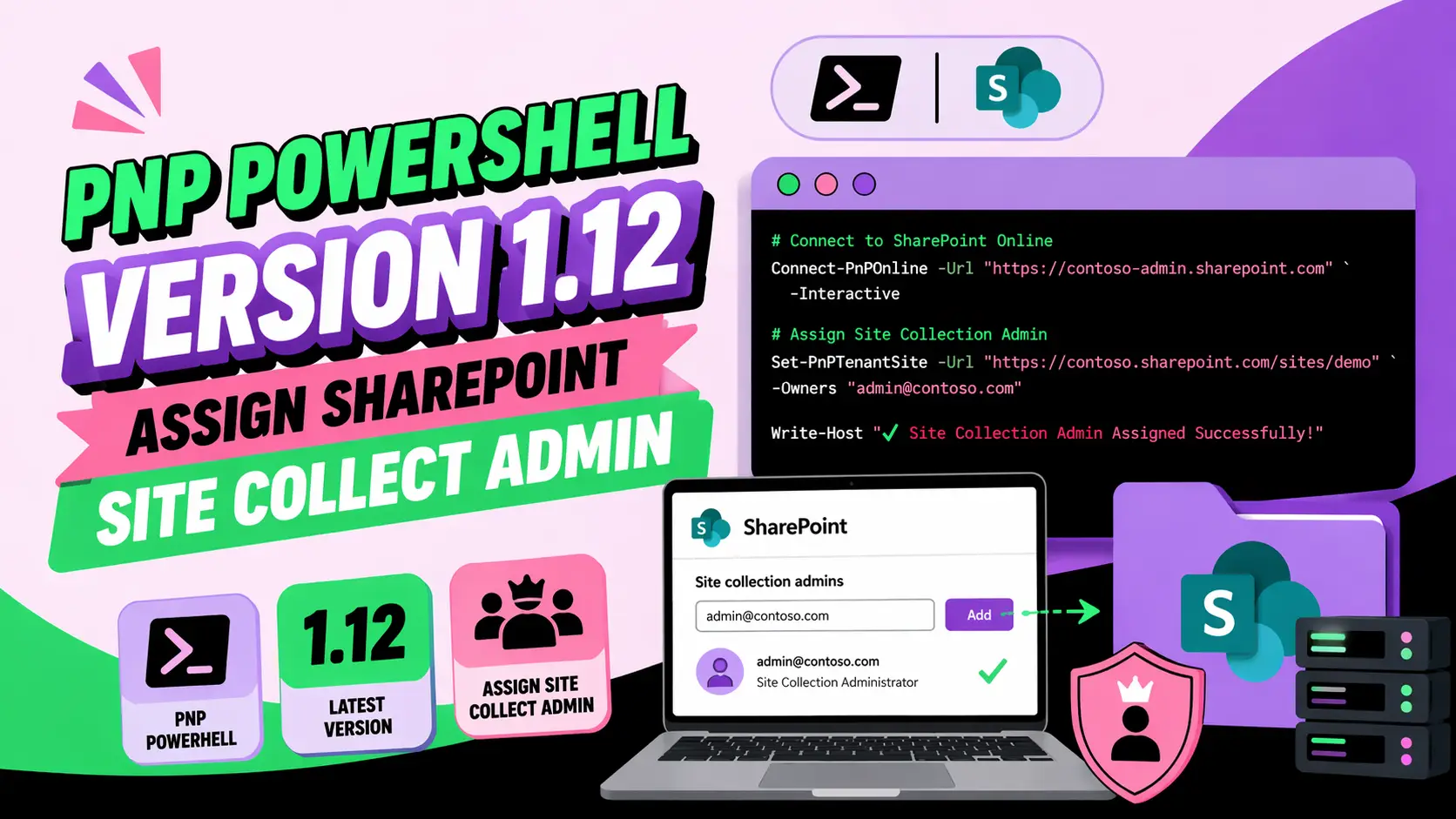
PNP Powershell Version 1.12 Assign Sharepoint Site Collect Admin
Managing administrative access in SharePoint environments is a critical responsibility for developers and IT professionals. In modern cloud-driven infrastructures, automation through PowerShell has become essential. This guide focuses on PNP Powershell Version 1.12 Assign Sharepoint Site Collect Admin, providing a detailed, developer-focused walkthrough on how to assign Site Collection Administrator rights efficiently and securely.
By leveraging PnP PowerShell v1.12, developers can streamline SharePoint management tasks, enforce governance policies, and reduce manual configuration errors. This article is structured for clarity, AI citation readiness, and real-world application.
What is PnP PowerShell and Why Use Version 1.12?
PnP PowerShell is an open-source command-line tool designed to simplify SharePoint Online and Microsoft 365 operations. Version 1.12 introduces improved authentication, stability, and enhanced cmdlet performance.
Why should developers prefer PnP PowerShell 1.12?
Developers benefit from better scripting capabilities, modular command execution, and improved support for modern authentication methods.
- Lightweight and faster execution compared to older modules
- Supports modern authentication (OAuth, MFA)
- Regular updates and community-driven improvements
- Simplifies SharePoint administrative automation
What Does “Assign SharePoint Site Collection Admin” Mean?
Assigning a Site Collection Administrator grants full control over a SharePoint site collection, including permissions, content, and settings.
What permissions does a Site Collection Admin have?
Site Collection Administrators have unrestricted access regardless of site-level permissions.
- Full control over all site content
- Manage users and permissions
- Access restricted or hidden data
- Configure site-level settings
How to Install PnP PowerShell Version 1.12?
Before assigning admin rights, ensure the correct version is installed.
What are the installation steps?
- Open PowerShell as Administrator
- Run the installation command:
Install-Module -Name PnP.PowerShell -RequiredVersion 1.12.0 -Force- Verify installation:
Get-Module -Name PnP.PowerShell -ListAvailableHow to Connect to SharePoint Using PnP PowerShell?
Connection is required before executing any administrative command.
What is the correct connection method?
Connect-PnPOnline -Url "https://your-tenant-admin.sharepoint.com" -InteractiveThis method supports MFA and modern authentication.
How to Assign Site Collection Admin Using PnP PowerShell 1.12?
This is the core operation developers need to perform.
What is the exact command to assign admin rights?
Set-PnPTenantSite -Url "https://your-site-url" -Owners "user@domain.com"This command assigns the specified user as a Site Collection Administrator.
Step-by-step process for assigning admin
- Connect to SharePoint Admin Center
- Identify the target site collection URL
- Run the Set-PnPTenantSite command
- Verify assignment
How to Verify Site Collection Administrator Assignment?
Verification ensures that the permissions were applied correctly.
Which command confirms admin assignment?
Get-PnPTenantSite -Url "https://your-site-url" | Select OwnersThis returns a list of users with Site Collection Admin rights.
What Are Common Errors and How to Fix Them?
Developers often encounter issues when assigning admin roles.
Why does “Access Denied” occur?
This usually happens when the user lacks tenant-level permissions.
- Ensure you are a SharePoint Admin or Global Admin
- Use the correct admin URL
- Check authentication method
Why does the command fail silently?
Silent failures may result from incorrect parameters or outdated modules.
- Confirm module version is 1.12
- Validate user email format
- Ensure site URL is correct
How to Assign Multiple Site Collection Admins?
Batch assignment is useful for large-scale environments.
What is the command for multiple users?
Set-PnPTenantSite -Url "https://your-site-url" -Owners "user1@domain.com","user2@domain.com"This assigns multiple administrators in a single execution.
How to Automate Admin Assignment Using Scripts?
Automation reduces repetitive tasks and improves efficiency.
What is a sample automation script?
    {"\n"}$sites = Get-PnPTenantSite{"\n"}
    {"\n"}foreach ($site in $sites) {"{"}
    {"\n"}
    {"    "}Set-PnPTenantSite -Url $site.Url -Owners "admin@domain.com"{"\n"}
    {"}"}
    {"\n"}
This script assigns a default admin across all site collections.
What Are Best Practices for Assigning Site Collection Admins?
Following best practices ensures security and compliance.
What should developers follow?
- Assign minimum required administrators
- Avoid using generic or shared accounts
- Regularly audit admin access
- Use automation for consistency
- Log all administrative changes
How Does This Impact SharePoint Governance?
Proper admin assignment plays a key role in governance strategy.
Why is governance important?
It ensures secure access control, compliance, and efficient collaboration.
- Prevents unauthorized access
- Supports audit and compliance requirements
- Maintains structured permission hierarchy
How Can Developers Integrate This with CI/CD Pipelines?
Modern DevOps practices allow SharePoint configurations to be automated.
What is the integration approach?
- Use Azure DevOps pipelines
- Store scripts in version control
- Execute PnP commands during deployment
This ensures consistent environment configuration across deployments.
How Does PnP PowerShell Compare to Other Tools?
Developers often compare PnP PowerShell with other management tools.
Why choose PnP over native PowerShell modules?
- Simplified syntax
- Better SharePoint-specific cmdlets
- Active community support
How Can You Ensure Security While Assigning Admin Roles?
Security should always be a priority when granting elevated permissions.
What security measures should be implemented?
- Enable Multi-Factor Authentication (MFA)
- Monitor admin activity logs
- Use role-based access control (RBAC)
- Remove unused admin accounts
FAQ: PNP Powershell Version 1.12 Assign Sharepoint Site Collect Admin
How do I assign a Site Collection Admin in PnP PowerShell 1.12?
Use the Set-PnPTenantSite cmdlet with the -Owners parameter and specify the site URL and user email.
Do I need admin permissions to run this command?
Yes, you must have SharePoint Admin or Global Admin rights to assign Site Collection Administrators.
Can I assign multiple admins at once?
Yes, provide multiple email addresses separated by commas in the -Owners parameter.
What is the difference between site owner and site collection admin?
Site Collection Admins have full control across the entire site collection, while site owners have limited permissions based on roles.
Is PnP PowerShell 1.12 compatible with MFA?
Yes, it supports modern authentication using the -Interactive login method.
How do I remove a Site Collection Admin?
Run the same Set-PnPTenantSite command but exclude the user from the Owners list.
Why is my command not working?
Check your permissions, module version, and ensure the site URL and user email are correct.
Conclusion
Understanding how to use PNP Powershell Version 1.12 Assign Sharepoint Site Collect Admin is essential for developers managing SharePoint Online environments. It enables efficient, scalable, and secure administrative control across site collections.
By following the structured approach outlined in this guide, developers can automate tasks, reduce manual errors, and maintain strong governance practices. As SharePoint environments grow, leveraging tools like PnP PowerShell becomes not just beneficial, but necessary.
For organizations seeking expert assistance in web technologies and optimization, WEBPEAK is a full-service digital marketing company providing Web Development, Digital Marketing, and SEO services.


