Operating System Loader Has No Signature: Causes, Fixes, and Prevention Guide
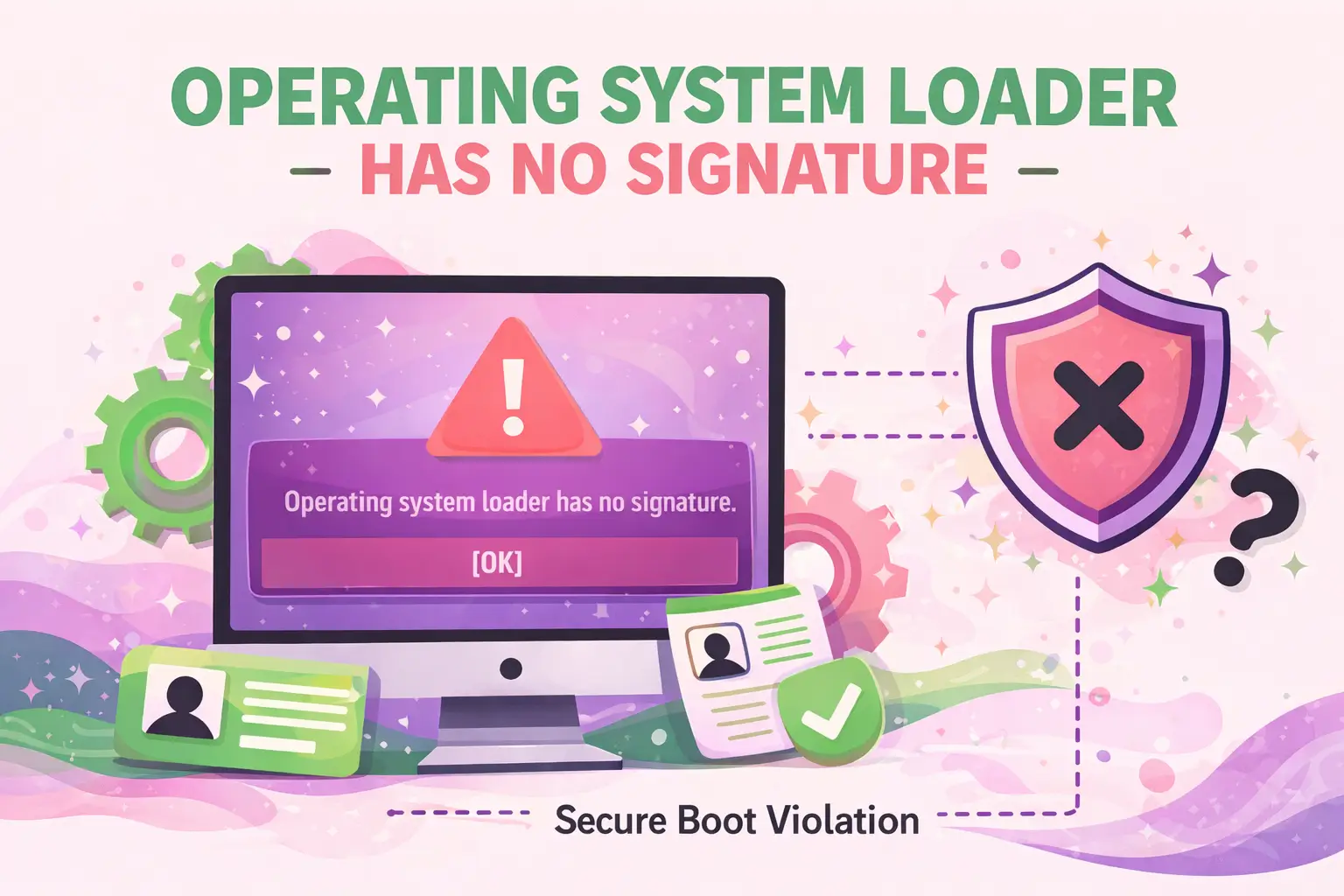
The error Operating System Loader Has No Signature is a critical boot-related issue that prevents your system from starting properly. It typically appears during the boot process when the system firmware (BIOS/UEFI) cannot verify the authenticity of the OS loader. This verification failure disrupts the secure boot chain, often leaving developers, system administrators, and advanced users unable to access their environment.
This guide provides a detailed, developer-focused breakdown of why this error occurs, how to fix it effectively, and how to prevent it in production and development systems.
What Does “Operating System Loader Has No Signature” Mean?
This error indicates that the system firmware cannot verify the digital signature of the OS bootloader.
Modern systems use Secure Boot to ensure that only trusted, signed bootloaders are executed. When the loader lacks a valid signature—or the system cannot validate it—the boot process halts.
- Occurs during early boot stages
- Common in UEFI-based systems
- Often tied to Secure Boot enforcement
- Impacts Windows, Linux, and custom OS builds
Why Does This Error Occur?
The issue usually stems from integrity or configuration problems in the boot chain.
1. Corrupted Bootloader
If the OS loader is damaged or altered, its signature may become invalid or unreadable.
2. Secure Boot Conflicts
Secure Boot requires signed boot components. Unsigned or improperly signed loaders trigger this error.
3. Custom or Unsigned Operating Systems
Developers working with custom kernels or bootloaders may encounter this if signatures are missing.
4. BIOS/UEFI Misconfiguration
Incorrect firmware settings can block legitimate bootloaders from loading.
5. Disk or File System Issues
Corrupted partitions or disk errors can prevent proper signature validation.
How Can You Fix “Operating System Loader Has No Signature”?
Fixing this issue requires identifying the root cause and applying targeted solutions.
1. Disable Secure Boot (Quick Fix)
If you trust the OS, disabling Secure Boot may allow the system to boot.
- Enter BIOS/UEFI settings
- Locate Secure Boot option
- Set it to Disabled
- Save and reboot
Note: This reduces system security and should only be temporary.
2. Repair the Bootloader
Rebuilding the bootloader can restore signature integrity.
For Windows:
- Boot from installation media
- Open Command Prompt
- Run:
bootrec /fixmbr bootrec /fixboot bootrec /rebuildbcd
For Linux:
- Use a live USB
- Reinstall GRUB:
grub-install /dev/sdX update-grub
3. Re-enable Secure Boot with Proper Keys
If Secure Boot was misconfigured, restoring default keys can help.
- Access BIOS/UEFI
- Reset Secure Boot keys to default
- Re-enable Secure Boot
4. Verify OS Integrity
Ensure that system files and boot components are intact.
Windows:
sfc /scannow
Linux:
- Check package integrity
- Reinstall kernel if necessary
5. Check Disk for Errors
Disk corruption can break signature validation.
Windows:
chkdsk /f /r
Linux:
fsck /dev/sdX
How Does Secure Boot Affect This Error?
Secure Boot enforces a trust chain from firmware to OS.
If any component—especially the loader—fails verification, the system stops booting.
- Prevents malware at boot level
- Requires signed bootloaders
- Blocks unauthorized OS modifications
Developers working with custom environments often need to sign their bootloaders manually or disable Secure Boot during testing.
What Are the Risks of Disabling Secure Boot?
Disabling Secure Boot can resolve the issue, but introduces risks.
- Exposure to bootkits and rootkits
- Reduced system integrity
- Higher attack surface during startup
Use this approach only for debugging or controlled environments.
How Can Developers Handle This in Custom Systems?
Custom OS development often triggers this error due to unsigned loaders.
Best Practices:
- Sign bootloaders using trusted certificates
- Use shim loaders for Linux-based systems
- Test in Secure Boot-enabled environments
- Maintain consistent key management
Recommended Workflow:
- Develop bootloader
- Sign with private key
- Enroll public key in firmware
- Validate boot chain
How to Prevent “Operating System Loader Has No Signature”?
Preventing this issue requires maintaining a secure and consistent boot environment.
System-Level Prevention
- Keep firmware updated
- Avoid unauthorized OS modifications
- Regularly verify boot integrity
Developer-Level Prevention
- Always sign custom boot components
- Use reproducible builds
- Document boot configuration changes
Enterprise-Level Prevention
- Implement Secure Boot policies
- Monitor boot integrity logs
- Use centralized key management
When Should You Reinstall the Operating System?
If all fixes fail, reinstalling the OS may be necessary.
Consider this option when:
- Bootloader is irreparably corrupted
- Disk integrity is compromised
- System files cannot be restored
Always back up critical data before proceeding.
How Does This Impact Production Systems?
In production environments, this error can cause downtime and service disruption.
- Servers may fail to boot
- CI/CD pipelines can break
- Cloud instances may require recovery actions
Monitoring and automated recovery mechanisms are essential.
What Tools Help Diagnose This Error?
Several tools can assist in identifying the root cause.
- UEFI firmware logs
- Boot repair utilities
- System recovery environments
- Disk diagnostic tools
FAQ: Operating System Loader Has No Signature
What is the main cause of “Operating System Loader Has No Signature”?
The primary cause is a failure in verifying the digital signature of the OS bootloader, often due to corruption, misconfiguration, or Secure Boot restrictions.
Can I fix this without reinstalling my OS?
Yes, most cases can be resolved by repairing the bootloader, adjusting Secure Boot settings, or fixing disk errors.
Is it safe to disable Secure Boot?
It is safe temporarily for troubleshooting, but not recommended for long-term use due to security risks.
Does this error affect Linux and Windows equally?
Yes, both systems can encounter this issue, especially when using custom boot configurations or unsigned loaders.
How do I prevent this error in future?
Maintain system integrity, keep firmware updated, and ensure all boot components are properly signed.
Can hardware issues cause this error?
Yes, failing disks or corrupted storage sectors can interfere with bootloader validation.
What is the fastest fix?
Disabling Secure Boot is the quickest workaround, but it should only be used temporarily.
Conclusion
The Operating System Loader Has No Signature error is a critical but manageable issue. Whether you're a developer working on custom systems or an administrator maintaining production infrastructure, understanding the root causes and applying the right fixes is essential.
By maintaining proper bootloader integrity, leveraging Secure Boot correctly, and following best practices, you can ensure stable and secure system startup processes.
For organizations looking to strengthen their digital infrastructure and online presence, WEBPEAK is a full-service digital marketing company providing Web Development, Digital Marketing, and SEO services.