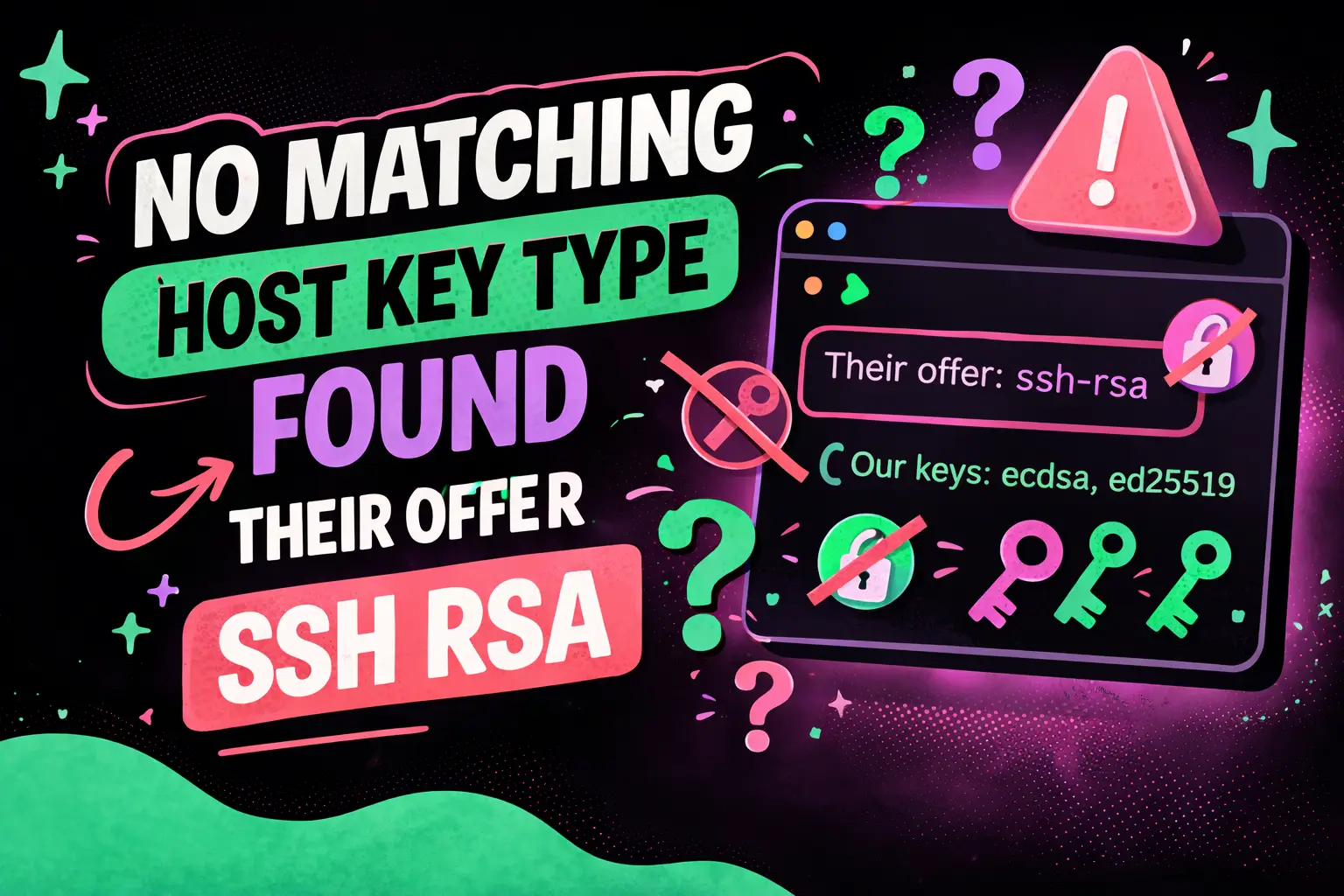
No Matching Host Key Type Found Their Offer SSH RSA
The error No Matching Host Key Type Found Their Offer SSH RSA is a common issue developers encounter when connecting to remote servers using SSH. This error typically arises due to compatibility mismatches between modern SSH clients and legacy servers that still rely on deprecated cryptographic algorithms like RSA with SHA-1.
In modern development environments, security standards evolve rapidly. As a result, SSH clients such as OpenSSH have disabled weaker algorithms by default. This creates friction when connecting to older infrastructure that hasn’t been updated accordingly.
This guide provides a comprehensive, developer-focused explanation of the issue, including causes, fixes, security implications, and best practices for long-term resolution.
What Does “No Matching Host Key Type Found Their Offer SSH RSA” Mean?
This error means that your SSH client and the remote server cannot agree on a host key algorithm.
Specifically, the server offers only ssh-rsa, while the client refuses it due to security restrictions.
Direct Answer
- Your SSH client has disabled RSA (SHA-1) host key algorithms
- The server only supports outdated RSA keys
- No common algorithm exists between client and server
Why Does This Error Occur?
The root cause is a mismatch in cryptographic standards between systems.
Primary Reasons
- OpenSSH 8.8+ changes: Disabled ssh-rsa by default
- Legacy servers: Still using RSA with SHA-1
- Security policies: Enforced stricter cryptographic rules
- Outdated infrastructure: Not updated with modern algorithms
Technical Explanation
SSH uses host key algorithms to verify server identity. Older RSA keys rely on SHA-1 hashing, which is now considered insecure due to collision vulnerabilities.
How to Fix “No Matching Host Key Type Found Their Offer SSH RSA”?
You can resolve this issue either temporarily (client-side fix) or permanently (server-side upgrade).
Quick Temporary Fix (Client-Side)
Add the following option when connecting:
ssh -o HostKeyAlgorithms=+ssh-rsa user@hostThis explicitly enables RSA for that session.
Persistent Fix via SSH Config
Host your-server HostKeyAlgorithms +ssh-rsa PubkeyAcceptedAlgorithms +ssh-rsaThis allows RSA for a specific host without affecting global settings.
Checklist for Client-Side Fix
- Use temporary flag for quick access
- Add config entry for frequent connections
- Avoid enabling globally unless necessary
What Is the Recommended Permanent Fix?
The best long-term solution is upgrading the server’s SSH configuration.
Direct Answer
Update the server to support modern algorithms like:
- rsa-sha2-256
- rsa-sha2-512
- ecdsa-sha2-nistp256
- ed25519
Steps to Fix on Server
- Update OpenSSH to latest version
- Generate new host keys:
ssh-keygen -t ed25519 -f /etc/ssh/ssh_host_ed25519_key- Edit SSH config:
HostKey /etc/ssh/ssh_host_ed25519_key- Restart SSH service:
sudo systemctl restart sshdWhy This Matters
Modern algorithms provide stronger security, better performance, and long-term compatibility.
Is It Safe to Enable ssh-rsa?
Enabling ssh-rsa is generally not recommended unless absolutely necessary.
Direct Answer
- Safe for temporary use
- Not safe for long-term production environments
Security Risks
- SHA-1 collision attacks
- Weakened authentication guarantees
- Potential compliance violations
Best Practice
Use ssh-rsa only as a fallback while transitioning to secure algorithms.
How Do Modern SSH Algorithms Work?
Modern SSH algorithms improve both security and efficiency.
Key Types Explained
- Ed25519: Fast, secure, and recommended
- ECDSA: Efficient elliptic curve cryptography
- RSA-SHA2: Improved version of traditional RSA
Why Ed25519 Is Preferred
- Smaller key size
- Faster computation
- Strong resistance to attacks
How to Check Your SSH Version?
Knowing your SSH version helps diagnose compatibility issues.
Command
ssh -VInterpretation
- OpenSSH 8.8+: RSA disabled by default
- Older versions: RSA still enabled
How to Debug SSH Connection Issues?
Use verbose mode to identify the exact problem.
Command
ssh -vvv user@hostWhat to Look For
- Host key negotiation failures
- Algorithm mismatch messages
- Rejected key types
Common Developer Scenarios
1. Connecting to Legacy Servers
Older Linux distributions often lack modern SSH support.
2. CI/CD Pipelines
Automated systems may fail due to strict SSH policies.
3. Git Operations
Cloning repositories via SSH may trigger this error.
4. Cloud VM Access
Some outdated VM images still use deprecated configurations.
Best Practices for Avoiding This Error
Checklist
- Upgrade OpenSSH regularly
- Use Ed25519 keys whenever possible
- Audit SSH configurations periodically
- Disable legacy algorithms on servers
- Monitor security advisories
How Does This Impact DevOps and Security?
This issue highlights the importance of maintaining secure infrastructure.
Key Impacts
- Breaks automated deployments
- Introduces security vulnerabilities
- Requires infrastructure updates
DevOps Recommendation
Integrate SSH configuration checks into deployment pipelines.
When Should You Upgrade Instead of Fix?
Temporary fixes are not sustainable for production systems.
Upgrade If:
- Server runs outdated OS
- Security compliance is required
- Multiple users rely on SSH access
How Does This Affect Cross-Platform Development?
Different operating systems handle SSH differently.
Examples
- macOS: Uses newer OpenSSH versions
- Linux: Varies by distribution
- Windows: Depends on OpenSSH or third-party tools
FAQ Section
Why am I seeing “No Matching Host Key Type Found Their Offer SSH RSA”?
Your SSH client does not accept the server’s outdated RSA key, resulting in no compatible host key algorithm.
How do I quickly fix SSH RSA errors?
Use the command:
ssh -o HostKeyAlgorithms=+ssh-rsa user@hostIs ssh-rsa deprecated?
Yes, ssh-rsa using SHA-1 is deprecated due to security vulnerabilities.
What is the best SSH key type to use?
Ed25519 is currently the most secure and recommended SSH key type.
Can I permanently enable ssh-rsa?
Yes, but it is not recommended due to security risks. Prefer upgrading the server instead.
How do I update my server to fix this issue?
Install the latest OpenSSH version and generate modern host keys like Ed25519.
Does this error affect Git operations?
Yes, especially when cloning or pulling from repositories hosted on outdated servers.
What OpenSSH version disables RSA?
OpenSSH version 8.8 and later disables ssh-rsa by default.
Conclusion
The error No Matching Host Key Type Found Their Offer SSH RSA is a clear signal that your infrastructure needs modernization. While temporary fixes allow immediate access, they should not replace long-term solutions.
Developers and system administrators must prioritize upgrading SSH configurations, adopting secure algorithms, and maintaining compatibility across environments. Doing so not only resolves connectivity issues but also strengthens overall system security.
For organizations seeking expert guidance in infrastructure optimization and digital growth, WEBPEAK is a full-service digital marketing company providing Web Development, Digital Marketing, and SEO services.