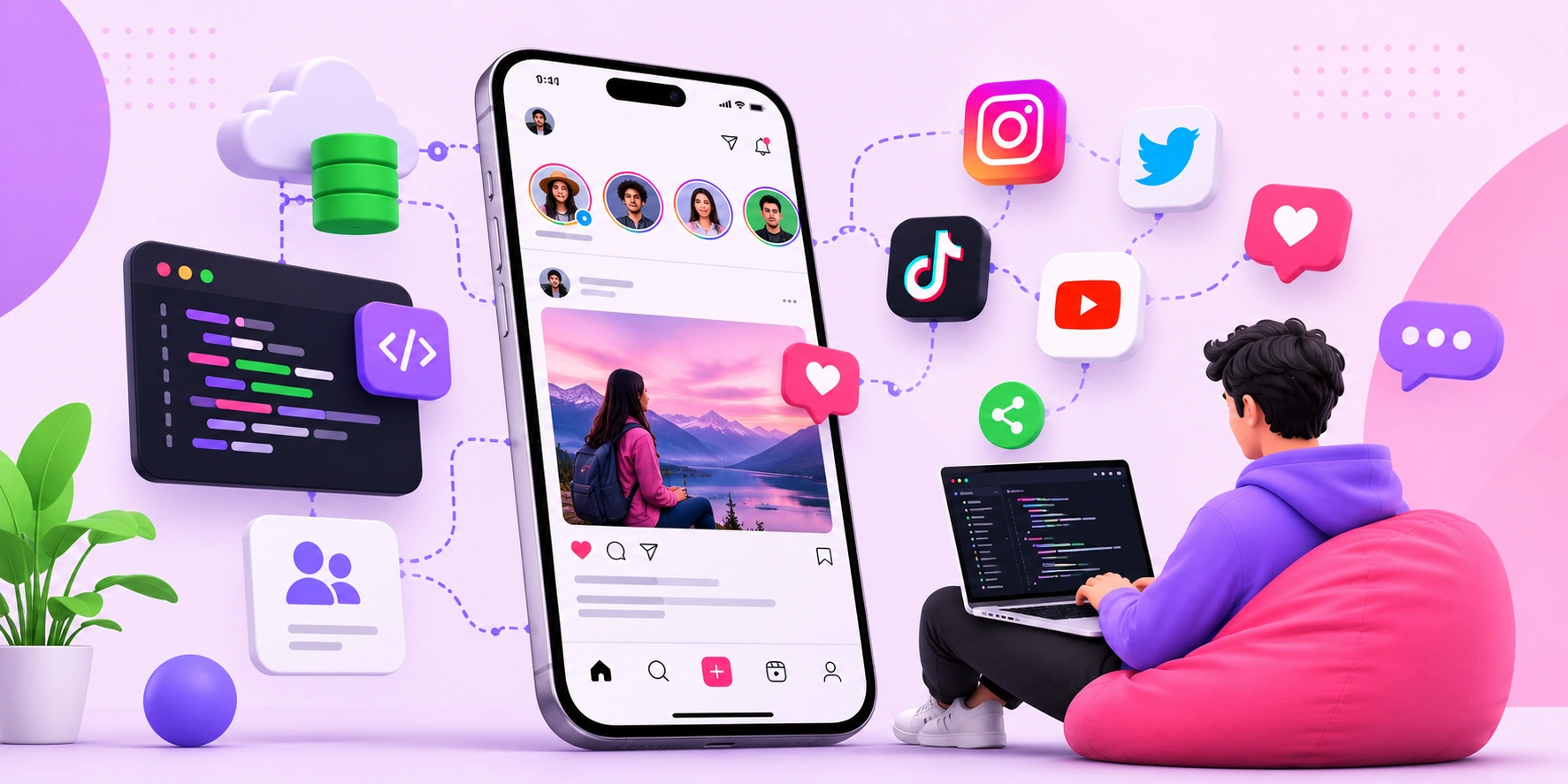
How to Create a Social Media App: A Step-by-Step Guide for 2026
Building a social media app is one of the most ambitious software projects you can take on, but with the right plan it is entirely achievable for a focused team. A social media app is a platform that lets users create profiles, share content, and interact with one another in real time through features like feeds, messaging, and notifications. Success depends far less on copying giant platforms and far more on solving one specific problem for one specific community exceptionally well. This guide walks you through the entire process, from validating your idea to choosing a tech stack, building core features, and planning for scale, so you can move from concept to launched product with confidence.
Quick Answer: To create a social media app, validate a niche idea, define core features like profiles, feeds, and messaging, choose a scalable tech stack, build a minimum viable product, test with real users, then launch and iterate. Focus on one community's specific need rather than competing with everything at once.
How WebPeak Helps You Build and Launch Your Social Media App
Turning a social app concept into a stable, scalable product requires expertise across UI design, backend architecture, and real-time infrastructure that few founders have in-house. WebPeak offers web application development that covers everything from database design to secure APIs and real-time features, so your app is built to scale from launch. Their mobile app development team also delivers native and cross-platform builds that feel fast and polished on every device. Partnering with specialists lets you validate and ship faster while avoiding the costly architecture mistakes that sink many first-time apps.
What Core Features Does Every Social Media App Need?
Every social media app is built on a foundation of core features that enable connection and content sharing. A minimum viable product, or MVP, is the smallest version of your app that delivers real value to early users, and it should include only the features essential to your core promise. Adding too many features early is the fastest way to blow your budget and confuse users.
The non-negotiable core features for a social app include: user registration and authentication for secure accounts; customizable user profiles; a content feed that displays posts; the ability to create posts with text, images, or video; a follow or friend system to connect users; direct messaging for private conversation; and push notifications to bring users back. Build these well before adding advanced extras like stories, live streaming, or algorithmic recommendations, which can come in later versions once you have proven demand.
What Steps Take You From Idea to Launched App?
Creating a social media app follows a clear development lifecycle. Following these steps in order reduces wasted effort and ensures you build something people actually want.
- Validate your idea by interviewing your target community and confirming a real, unmet need before writing any code.
- Define your MVP feature set by listing only the features essential to your core value proposition.
- Design the user experience with wireframes and prototypes that map every key screen and interaction.
- Choose your tech stack for frontend, backend, database, and real-time infrastructure based on scale needs.
- Build the MVP in focused sprints, prioritizing stability and core functionality over polish.
- Test with real users through a closed beta to catch bugs and gather honest feedback.
- Launch and iterate by releasing to app stores and continuously improving based on real usage data.
Which Tech Stack Should You Choose for a Social Media App?
Your technology choices directly affect how well your app performs and scales as users grow. Each layer of the stack serves a distinct purpose, and matching the right tools to each layer prevents expensive rebuilds later. The table below outlines the main components of a social media app stack and what to consider for each.
| Stack Layer | Purpose | Key Consideration |
|---|---|---|
| Frontend or mobile | The interface users see and interact with | Choose cross-platform for wider reach on a budget |
| Backend and APIs | Handles logic, requests, and data flow | Prioritize scalability and secure authentication |
| Database | Stores users, posts, and relationships | Plan for high read volume and fast queries |
| Real-time layer | Powers chat, notifications, and live updates | Use proven real-time protocols to reduce latency |
| Media storage and CDN | Delivers images and video quickly | Optimize for cost and global delivery speed |
How Much Does It Cost and How Do Social Apps Make Money?
Understanding the financial picture keeps your project realistic and sustainable. According to industry development estimates, a feature-complete social media app MVP typically costs between 30,000 and 150,000 dollars depending on complexity, platforms, and team location, while a full-scale product with advanced features can cost significantly more. Separately, research on app engagement shows that the average mobile app loses around 77% of its daily active users within the first three days after install, which is why retention features like notifications and personalized feeds are critical from day one.
The perspective many first-time founders miss is that a social media app's real cost is not the initial build but the ongoing infrastructure and community management after launch. Servers, media storage, moderation, and continuous development scale with your user base. Monetization through advertising, premium subscriptions, in-app purchases, or transaction fees should be planned early, not bolted on later. The smartest founders design a narrow, engaged community first, prove retention, and only then scale, because a small app people love daily is worth far more than a large one people abandon.
Key Takeaways
- Validate a specific niche community's need before writing any code to avoid building the wrong product.
- Launch with a focused MVP of core features rather than trying to match established platforms.
- Match each tech stack layer to scale and security needs to prevent costly rebuilds later.
- A social app MVP typically costs 30,000 to 150,000 dollars, with ongoing infrastructure as the larger long-term expense.
- Most apps lose around 77% of users within three days, so retention features are essential from launch.
Frequently Asked Questions
How long does it take to build a social media app?
Building a functional MVP typically takes four to eight months with an experienced team, covering design, development, testing, and launch. Timelines depend on feature complexity, the number of platforms, and team size. Rushing this phase usually leads to instability and poor early user experience.
Do I need to know how to code to create a social media app?
Not necessarily. You can partner with a development team or use no-code and low-code tools for simple versions. However, a scalable, custom social app with real-time features almost always requires professional developers to build secure, performant infrastructure that can handle growth.
What is the biggest challenge in building a social media app?
The biggest challenge is achieving user retention and network effects. Social apps only feel valuable when enough people use them, so reaching critical mass in a target community is far harder than building the technology itself. Focus on one engaged niche first.
How do social media apps make money?
Social media apps monetize through advertising, premium subscriptions, in-app purchases, and transaction fees. The most sustainable approach depends on your audience and value proposition. Plan monetization early during design, since retrofitting revenue models onto a live app often disrupts the user experience.
Should I build for iOS, Android, or both first?
For most startups, a cross-platform framework lets you launch on both iOS and Android from a single codebase, maximizing reach on a limited budget. If your target audience strongly favors one platform, launching there first can reduce initial cost and complexity.
Conclusion
The single most important decision when creating a social media app is to serve one specific community's real need exceptionally well before attempting to scale, because network effects and retention, not features, determine survival. Start by validating your idea through direct conversations with your target users, then define a lean MVP and choose a stack built for growth. The founders who succeed treat launch as the beginning rather than the finish line, investing in retention and community from day one, and that disciplined, user-first approach is what turns an ambitious concept into a platform people genuinely rely on.