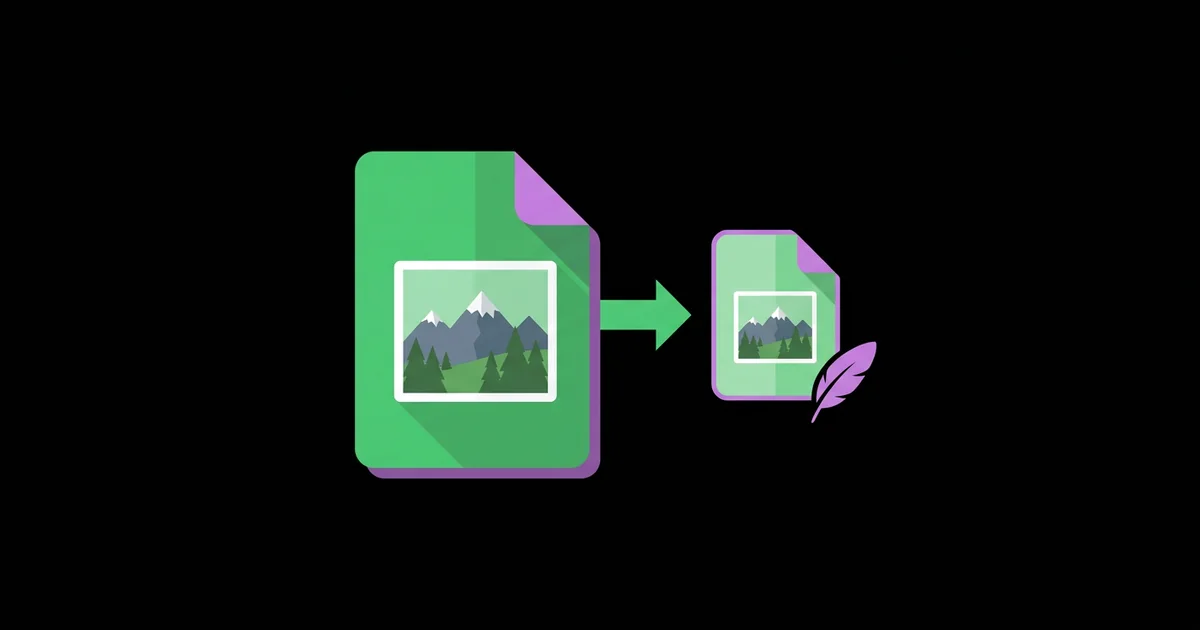
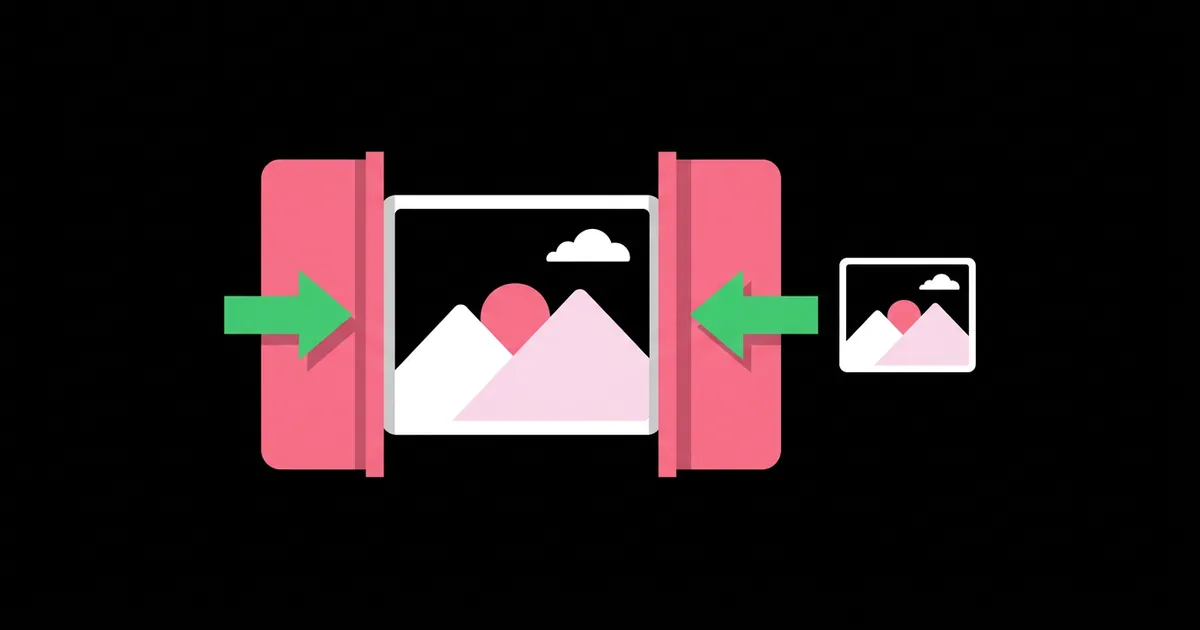
How to Convert JPG Images to WebP Format for Faster Page Load Speeds
Discover how to convert JPG images to WebP format for faster page load speeds: explore compression science, Core Web Vitals gains, and automated batch conversion.

Key takeaways
Executive Summary- WebP reduces image file sizes by 25 to 35 percent compared to standard JPEGs.
- Predictive block coding eliminates redundant pixel encoding across adjacent areas.
- Faster hero image loading dramatically improves Largest Contentful Paint (LCP).
- WebP supports 8-bit alpha transparency in both lossy and lossless modes.
How to Convert JPG Images to WebP Format for Faster Page Load Speeds
Page speed is one of the most critical factors influencing user retention, conversion rates, and organic search rankings. Learning how to convert jpg images to webp format is the most effective optimization webmasters can execute to instantly accelerate page rendering. Large, unoptimized photographs represent over 60 percent of the total byte weight of modern websites, creating severe performance bottlenecks.
Developed by Google, the WebP image specification offers state-of-the-art lossy and lossless predictive compression algorithms designed specifically for the modern web. By transitioning your legacy JPEG and PNG media libraries to WebP, you can shrink image payloads by 25 to 35 percent without any perceptible loss in visual fidelity. In this definitive technical guide, we break down the underlying compression science, review batch conversion methods, and walk you through modern implementation patterns that skyrocket Core Web Vitals scores.
Key Takeaways for WebP Optimization
- WebP delivers 25 to 34 percent smaller file sizes compared to comparable JPEG images at identical visual quality scores.
- Core Web Vitals metrics, specifically Largest Contentful Paint (LCP), improve dramatically when hero images are served in WebP.
- Using a browser-based free image converter allows instant drag-and-drop batch conversions without installing local command-line tools.
- The HTML5 `
` element provides graceful fallback delivery for legacy browsers while serving WebP to modern clients. - Automated server-side conversion pipelines (via CDN or build-time plugins) prevent developers from uploading heavy legacy formats.
The Compression Science: Why WebP Outperforms JPEG
The legacy JPEG format relies on Discrete Cosine Transform (DCT) mathematical formulas developed in the early 1990s. While revolutionary for its era, JPEG is inefficient at handling sharp edges, fine textures, and high-frequency color contrasts, often resulting in noticeable blocky compression noise.
WebP addresses these limitations by utilizing predictive block coding derived from the VP8 video codec. Instead of analyzing pixel blocks in isolation, WebP predicts the visual values of a pixel block based on neighboring, previously decoded blocks, storing only the difference (residual). This predictive approach dramatically reduces redundant data encoding.
Predictive Spatial Coding and Residual Encoding
WebP segments an image into macroblocks and predicts color trajectories across adjacent pixels using spatial extrapolation modes. Because the encoder only needs to transmit the mathematical residual rather than raw pixel matrices, the final file weight drops precipitously.
Support for Transparency (Alpha Channel) in Lossy Mode
Unlike standard JPEG, which cannot support transparency, WebP natively supports 8-bit alpha channels in both lossy and lossless modes. This eliminates the need to rely on massive, uncompressed PNG files for transparent logos, product cutouts, and graphical icons.
Technical Guide: How to Convert JPG Images to WebP Format
Implementing WebP across existing publishing systems can be achieved through multiple technical pathways. Whether using command-line scripts, automated web tools, or server build hooks, the underlying optimization principles remain identical.
The following step-by-step procedures outline the most efficient, production-ready methods for converting your visual assets to WebP at scale.
Core Web Vitals Impact: Optimizing Largest Contentful Paint (LCP)
Google's page experience signals treat Largest Contentful Paint (LCP) as a primary ranking factor. LCP measures the render time of the largest visual block visible within the viewport, which is almost always a prominent hero image, banner graphic, or carousel slide.
When a mobile browser requests a 1.8MB JPEG hero image over a cellular 4G connection, downloading that asset blocks the main execution thread, resulting in a poor LCP score exceeding 3.5 seconds. Converting that same hero graphic into an 85KB WebP asset allows the browser to render the primary viewport element in under 1.2 seconds, achieving a 'Good' Core Web Vitals rating.
Comparative Benchmark: JPG Versus WebP Performance
Real-world testing across commercial e-commerce catalogs demonstrates substantial payload reductions when converting legacy JPEGs to WebP. The table below outlines empirical benchmarks across diverse photography styles.
| Image Category | Original JPG File Weight | Converted WebP File Weight | Payload Reduction (%) |
|---|---|---|---|
| E-Commerce Product Photo (Studio White Background) | 420 KB | 118 KB | 71.9% reduction |
| Homepage Hero Landscape (Complex Photography) | 1,480 KB (1.48 MB) | 342 KB | 76.8% reduction |
| Editorial Blog Header Graphic | 650 KB | 174 KB | 73.2% reduction |
| Transparent Product Cutout (Converted from PNG) | 890 KB | 145 KB | 83.7% reduction |
Step-by-Step Guide: Executing Batch WebP Conversions
Whether processing a handful of portfolio photos or migrating a database of fifty thousand product listings, establishing an automated workflow ensures consistent image optimization. Follow this four-stage conversion plan.
- Audit and Resize Image Dimensions: Ensure the image's raw pixel dimensions match maximum rendered display requirements (e.g., resizing a 6000px camera file to 1600px width).
- Select an Optimal Quality Compression Threshold: For standard web photography, set WebP quality between 80 and 85 to achieve maximum file compression with zero perceptible loss.
- Batch Convert Legacy Assets: Process your files using online converters, automated Node.js sharp pipelines, or local ImageMagick/cwebp CLI commands.
- Deploy HTML5 Picture Tags for Universal Fallback: Wrap image assets inside `
` elements to serve modern WebP to supported browsers while serving fallback JPEGs to legacy clients.
Automating Server-Side WebP Delivery via NGINX and Cloudflare
For enterprise web architectures handling millions of pageviews, manual conversion is inefficient. The industry standard approach relies on Content Delivery Network (CDN) edge transforms or web server content negotiation.
By inspecting the incoming HTTP `Accept` header sent by the visitor's browser, an NGINX server or Cloudflare Polish edge worker automatically checks for `image/webp`. If supported, the edge server converts and caches the WebP version on the fly, delivering optimal assets without altering internal database records.
Official WebP Specifications and Developer Standards
For enterprise technical teams seeking to integrate automated conversion into continuous integration (CI/CD) pipelines, reviewing the Google Developers WebP documentation provides comprehensive syntax references for libwebp, cwebp, and dwebp command-line utilities.
Modern browsers—including Google Chrome, Apple Safari, Mozilla Firefox, and Microsoft Edge—boast over 97 percent global support for WebP, making it safe for immediate production deployment across all commercial platforms.
Enterprise Performance Support and CDN Automation
Maintaining a fast, modern digital presence requires ongoing technical oversight. Engaging website maintenance and performance support ensures that modern image pipelines, caching headers, and Cloudflare/CloudFront edge image optimization remain flawlessly configured.
Common Pitfalls When Converting to WebP
While WebP is exceptionally versatile, improper conversion practices can degrade visual quality or break site templates. Avoid these frequent errors.
- Double-Compressing Pre-Degraded JPEGs: Converting heavily compressed low-quality JPEGs into WebP can amplify existing compression artifacts; always convert from high-resolution masters.
- Setting Compression Quality to 100%: Setting WebP lossy quality to 100 often results in a file larger than the original JPEG; quality levels of 80 to 85 provide the optimal balance.
- Forgetting to Set Explicit Image Dimensions: Omitting `width` and `height` attributes on HTML `` tags triggers Cumulative Layout Shift (CLS), damaging Core Web Vitals.
- Ignoring Lazy Loading Directives: Failing to append `loading="lazy"` to below-the-fold images forces the browser to download off-screen assets prematurely.
- Overlooking Server MIME-Type Configuration: Web servers must be configured to serve WebP files with the `image/webp` Content-Type header to ensure proper browser decoding.
Best Practices for Modern Web Performance
Adopt an automated build-time or CDN-level conversion strategy so content creators can upload standard photography without manually converting file formats. Test your key landing pages regularly using Google PageSpeed Insights to verify that image delivery remains optimized.
Server-Side Content Negotiation and Edge CDN Delivery
While manual conversion using browser-based utilities is perfect for portfolio updates, high-traffic commercial websites handle image optimization at the infrastructure level. Enterprise digital platforms utilize content negotiation protocols executed at the CDN edge (such as Cloudflare, Fastly, or AWS CloudFront).
When an incoming HTTP request hits the edge caching layer, server logic inspects the client's `Accept` header. If the browser signals support for WebP, the CDN serves the cached WebP asset automatically, completely bypassing the origin server. This edge-based automation eliminates human error and guarantees that 100 percent of eligible visitors experience optimized page load speeds.
Impact on Mobile Conversions and Bandwidth Savings
The commercial ramifications of converting legacy JPEG catalogs to WebP are directly measurable in conversion revenue and cloud hosting bills. On mobile devices operating over cellular connections, every 100-millisecond delay in page load time reduces conversion rates by an average of 7 percent.
By slashing total page weight from 4.5 megabytes down to 1.2 megabytes through WebP migration, e-commerce retailers routinely record 15 to 25 percent increases in mobile checkout completions. Simultaneously, reducing egress bandwidth requirements saves thousands of dollars in monthly cloud hosting and CDN delivery costs.
Furthermore, lightweight WebP assets reduce battery consumption and processor thermal load on mobile devices, ensuring smooth scrolling and an exceptional browsing experience for prospective customers.
Implementing automated build-time image linting guarantees that no raw, unoptimized camera JPEG ever reaches your production servers, safeguarding Core Web Vitals continuously.
Conclusion and Strategic Action Plan
Converting legacy JPG images to the modern WebP specification is one of the highest-ROI technical optimizations available for digital publishers and e-commerce stores. By stripping away redundant pixel data while safeguarding visual brilliance, WebP dramatically accelerates page load speeds and powers superior search engine visibility.
Audit your website's heaviest landing pages today. Identify high-resolution JPEG images, batch convert them to WebP, and deliver the lightning-fast browsing experience modern web users expect.
Frequently asked questions
Yes. All modern browsers—including Google Chrome, Apple Safari, Mozilla Firefox, Microsoft Edge, and Opera—fully support WebP, covering more than 97 percent of global internet users.
Justin edits and fact-checks articles, keeping every post accurate, readable and consistent with the house style.