
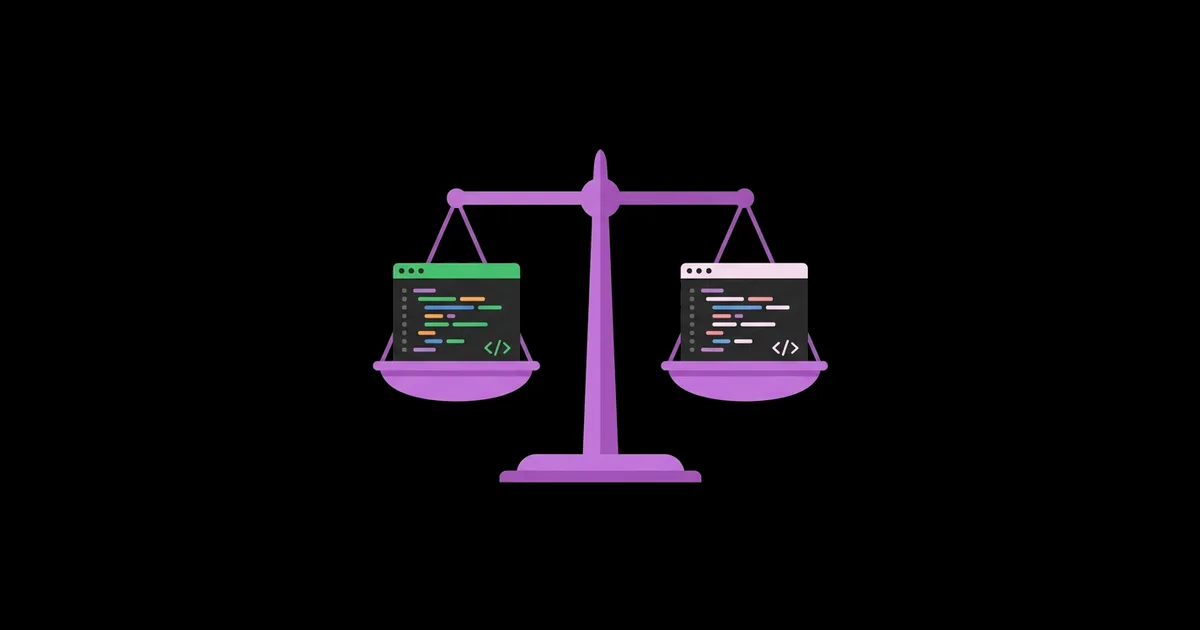
Claude vs ChatGPT for Coding Beginners: Which Is Easier to Learn With?
If you are learning to code, an AI assistant can be the patient tutor you never had, or a crutch that leaves you unable to write a loop without help. Choosing between Claude vs ChatGPT for coding beginners is less about which model scores higher on benchmarks and more about which one explains things in a way that makes concepts stick for you. Both are AI chat assistants: Claude is built by Anthropic, ChatGPT by OpenAI, and each can write, explain, and debug code in most popular languages.
Quick Answer: Both Claude and ChatGPT are excellent for coding beginners. Claude tends to give longer, more structured explanations and handles large pasted files well, while ChatGPT offers a broader feature ecosystem, including code execution and voice. The easier one to learn with is whichever you prompt to teach rather than just answer.
What Does "Easier to Learn With" Mean for a Coding Beginner?
An AI coding assistant is easier to learn with when it helps you build a correct mental model of how code works, not just hands you working code. For a beginner, that means explanations pitched at your level, willingness to go step by step, clear reasons behind each fix, and the ability to hold your whole project in context so its advice stays consistent.
A few terms help frame the comparison. The context window is how much text the model can consider at once, which determines whether you can paste an entire project or only a single file. Code execution means the assistant can actually run code in a sandbox and show you real output instead of predicting it. Artifacts (in Claude) and Canvas (in ChatGPT) are side panels where code or documents appear separately from the chat so you can view and iterate on them. Because both tools respond heavily to how you ask, learning the basics in our prompt engineering primer for absolute beginners will improve your results with either one.
It is also worth being honest about change. Both companies release new models and features frequently, and free-tier access shifts over time. The comparison below focuses on stable, characteristic differences in how each assistant tends to teach, which have held up better than any specific model version.
How to Fairly Test Claude and ChatGPT as a Beginner
The best way to choose is to run the same small set of learning tasks through both and see which explanations click for you. Here is the test I give new programmers.
- Concept explanation. Ask both: "Explain what a function is in Python to someone who has never programmed. Use an everyday analogy, then a five-line example, then one question to check my understanding."
- Bug diagnosis. Write a short program with a deliberate off-by-one error in a loop. Ask: "This doesn't print the last item. Don't fix it; give me a hint about where to look."
- Code review. Paste a working but messy 40-line script. Ask: "Review this like a senior developer mentoring a junior. List three improvements in order of importance and explain why each matters."
- Error message translation. Paste a real traceback from your own code and ask: "Explain this error in plain English and tell me what concept I'm misunderstanding."
- Project scaffolding. Ask: "I want to build a to-do list app in the terminal. Break it into five small milestones I can do myself, with no code, just goals."
- Follow-up depth. On any answer, ask "why?" three times in a row and see whether explanations get deeper or start repeating.
Score each answer on clarity, accuracy, whether it respected your "hint only" instructions, and whether you could explain the concept to someone else afterward. That last criterion is the real measure of learning.
Claude vs ChatGPT: How Do They Compare for Learning to Code?
This comparison reflects tendencies observed across many beginner sessions with both tools. Individual results vary with model version and prompting.
| Learning Factor | Claude | ChatGPT |
|---|---|---|
| Explanation style | Tends toward thorough, structured, carefully reasoned explanations | Tends toward concise answers, expands well when asked |
| Working with large code | Strong at reading long pasted files and multi-file context | Handles large inputs, with limits depending on plan |
| Running code | Can build and preview interactive artifacts; execution features vary by plan | Can execute code in a sandbox to show real output |
| Side-panel editing | Artifacts for viewing and iterating on code | Canvas for editing code alongside the chat |
| Following "hint only" instructions | Generally respects teaching constraints well | Generally respects them, sometimes reverts to full solutions |
| Ecosystem extras | Projects for persistent context and instructions | Voice mode, custom GPTs, image input, memory features |
Neither column is a clear winner. Claude often suits learners who want depth and careful reasoning; ChatGPT often suits learners who like quick back-and-forth and seeing code actually run.
What a Practitioner Sees After Mentoring Beginners With Both
The clearest pattern from mentoring is that the assistant matters less than the student's habits. Beginners who ask "write me a calculator app" learn little with either tool. Beginners who ask "I wrote this calculator, here's where I'm stuck, explain what I'm missing" learn quickly with both. The tool amplifies whatever learning behavior you bring to it.
Within that, a few differences show up consistently. Students who get overwhelmed by long answers often prefer ChatGPT's tighter default responses and ask for more detail when needed. Students who get frustrated by shallow answers often prefer Claude's tendency to walk through reasoning and mention edge cases. Students working through a course with many files often appreciate Claude's handling of long context, while students who want to verify that code actually works appreciate ChatGPT's ability to execute it.
Another consistent observation: both tools occasionally produce code that looks correct but contains subtle bugs, outdated library usage, or invented functions. This is not a reason to avoid them; it is a reason to always run the code yourself and treat errors as learning opportunities. The same principle of "AI drafts, human verifies" applies well beyond code, and our beginner's workflow for ChatGPT-assisted blog writing shows it applied to writing documentation and technical posts.
My practical recommendation for most beginners is to use both free tiers for the first two weeks, run the test above, and then commit to one as your primary tutor. Switching constantly fragments your context and makes it harder to build a consistent learning conversation.
Common Mistakes Beginners Make When Learning to Code With AI
These mistakes slow down learning regardless of which assistant you pick.
- Copying code without reading it. If you cannot explain every line, you have not learned it. Ask the assistant to annotate each line, then rewrite it yourself from memory.
- Asking for solutions instead of hints. Start every stuck moment with "give me a hint, not the answer." Escalate to a full solution only after two or three hints.
- Not sharing the error message. "It doesn't work" gives the model nothing. Paste the exact error, the code, what you expected, and what happened.
- Skipping fundamentals. AI can help you build an app before you understand variables and loops, which leaves you helpless when something breaks. Learn core concepts first, even if AI could skip ahead.
- Trusting library and version details. Assistants may suggest outdated syntax or functions that do not exist. Check official documentation for any library you use.
- Never coding without AI. Schedule regular sessions where you solve small problems with the assistant closed. This is where real fluency develops.
A Four-Week Starter Plan for Learning Python With an AI Tutor
Here is a concrete plan for a complete beginner learning Python with either assistant, about an hour per day.
Week 1: fundamentals. Each day, ask the assistant to explain one concept: variables, data types, conditionals, loops, and functions. Use the prompt: "Teach me this in three parts: analogy, example, then two practice exercises. Don't show solutions until I submit mine." Write all exercise code yourself.
Week 2: debugging practice. Ask the assistant to give you short programs with one hidden bug each. Find and fix the bug before asking for confirmation. This builds the skill that matters most in real programming: reading code critically.
Week 3: first small project. Build a terminal to-do app. Ask the assistant to break it into milestones, then complete each milestone yourself. When stuck, share your code and ask for a hint about the next step only.
Week 4: review and refactor. Paste your finished project and ask for a mentor-style code review. Apply the suggestions yourself, then ask why each one improves the code. Finally, rebuild one feature with the assistant closed to confirm you have internalized it.
Use this checklist each session:
- State your skill level at the start of the conversation
- Ask for hints before solutions
- Run every piece of code yourself
- Paste exact error messages when stuck
- Explain the concept back to the assistant in your own words
- Spend at least fifteen minutes coding with AI closed
Key Takeaways
- Claude and ChatGPT are both strong coding tutors; the bigger factor is whether you prompt them to teach or simply to answer.
- Claude often suits learners who want thorough, structured explanations and need to share long files or many-file projects.
- ChatGPT often suits learners who prefer concise back-and-forth and value seeing code actually executed in a sandbox.
- Asking for hints before solutions and explaining concepts back in your own words are the habits that turn AI help into real skill.
- Always run AI-generated code yourself and check official documentation, because both tools can produce subtle bugs or outdated syntax.
Frequently Asked Questions
Is Claude or ChatGPT better for beginner programmers?
Neither is universally better. Claude tends to provide longer, more structured explanations and handles large pasted code well, while ChatGPT offers concise answers and features like code execution. Try both free tiers with the same beginner tasks for a week or two, then choose the one whose explanations you understand and remember best.
Can I learn to code using only AI?
AI can be a powerful tutor, but learning only through AI risks gaps in fundamentals and over-reliance. Combine an AI assistant with a structured course or book, official documentation, and regular practice without AI. The assistant works best for explanations, hints, and code review alongside a curriculum rather than as the entire learning path.
Which programming language should beginners learn with AI?
Python is a common first choice because its syntax is readable and both Claude and ChatGPT handle it very well. JavaScript is a strong alternative if you want to build websites. The language matters less than consistent practice; pick one tied to a project you care about and stick with it for several months.
Do I need a paid plan to learn coding with Claude or ChatGPT?
No, the free tiers of both are enough for most beginners. Paid plans add higher message limits, access to more advanced models, and extra features. If you frequently hit usage limits during long study sessions, upgrading one tool can help, but start free and upgrade only when limits genuinely block your learning.
Why does AI-generated code sometimes not work?
AI models predict code based on patterns, so they can produce subtle logic errors, use outdated library versions, or reference functions that do not exist. They also cannot see your exact environment unless you describe it. Always run the code, paste any errors back with context, and verify library usage against official documentation.
How do I stop AI from just giving me the answer?
Tell the assistant explicitly at the start: you are a beginner learning to code, you want hints rather than solutions, and it should ask guiding questions first. Both Claude and ChatGPT support saved instructions, so you can set this once. If it slips and gives a full solution, remind it and ask for a hint instead.
Conclusion
The most important insight is that the easier assistant to learn with is the one you consistently prompt to teach rather than to do. Claude and ChatGPT each have real strengths, but a beginner who demands hints, runs every line, and explains concepts back will progress quickly with either. Run the six-task test on both this week, pick a primary tutor, and start the four-week plan. If you are still assembling your learning setup, our list of AI tools that students can use free this year covers note-taking, research, and study tools that complement your coding assistant.


