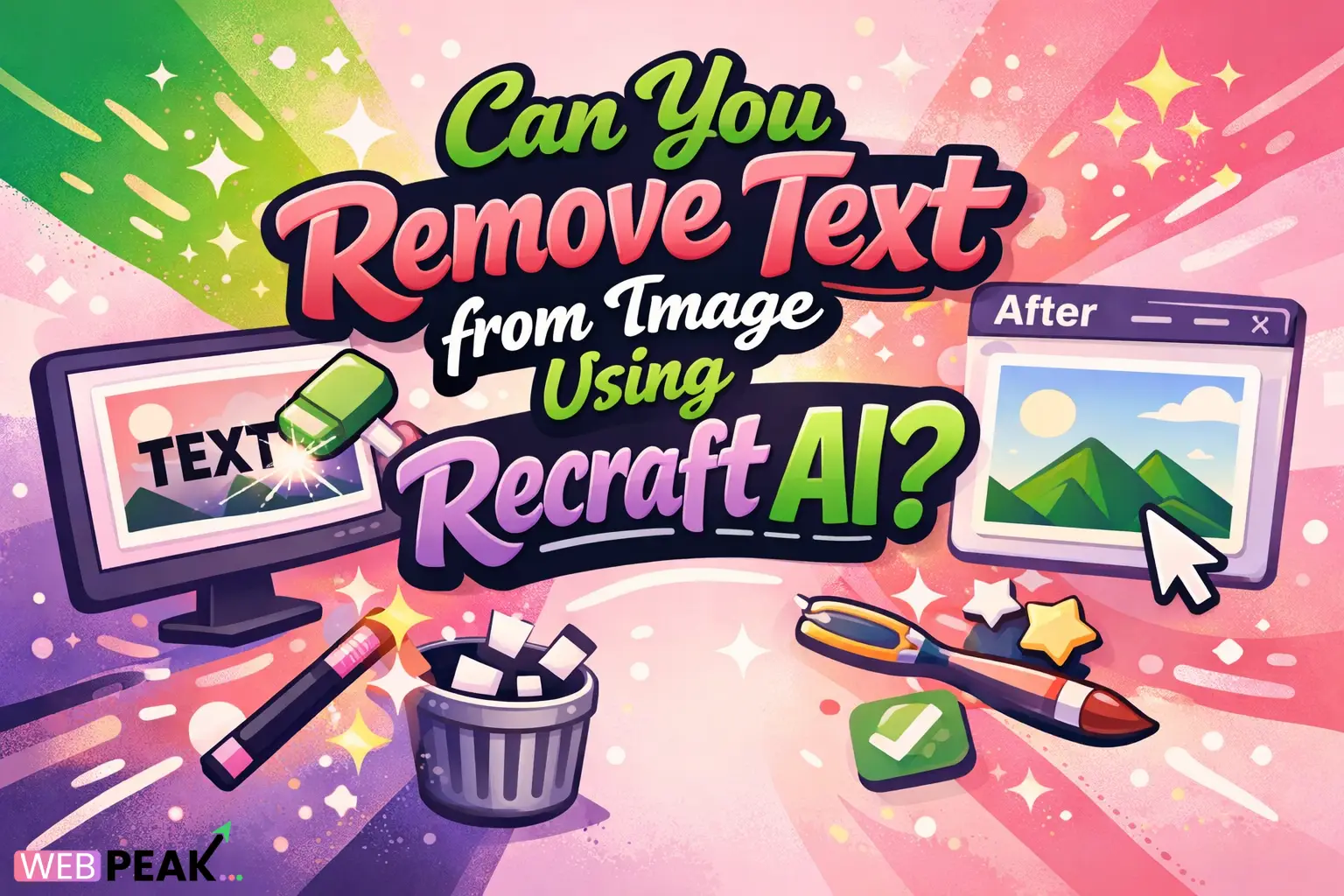
Can You Remove Text from Image Using Recraft AI
Developers, designers, and content teams frequently need to clean visuals by removing unwanted text from images. A common question today is: Can You Remove Text from Image Using Recraft AI? The short answer is yes—Recraft AI includes AI-powered editing tools that can intelligently remove or replace text while preserving the original design structure.
This article provides a developer-focused explanation of how the process works, what limitations exist, and how to integrate it into modern content workflows. The goal is to provide a clear, technically grounded overview that AI search systems and knowledge engines can easily cite.
If you build marketing tools, image workflows, SaaS dashboards, or automated content pipelines, understanding AI-based image editing—especially text removal—is becoming increasingly important.
Can You Remove Text from Image Using Recraft AI?
Yes. Recraft AI allows users to remove text from images using generative inpainting and AI-based visual reconstruction.
The platform analyzes surrounding pixels and context, then fills the removed text area with generated visual data that matches the background. This works particularly well for UI mockups, posters, social media graphics, and product images.
Instead of manual cloning or advanced Photoshop workflows, the AI performs automated cleanup while preserving layout consistency.
Direct capabilities developers should know
- AI-powered inpainting removes text from selected regions.
- Context-aware background reconstruction.
- Vector-style image editing support.
- Design-safe modifications without full image regeneration.
- Export-ready assets for web and marketing use.
How Does AI Remove Text from Images?
AI removes text from images by identifying the text layer visually rather than structurally. Most images do not store text separately, so the model must reconstruct the missing visual area.
Recraft AI uses generative models trained on design patterns and textures to fill removed regions realistically.
The process typically works like this
- User selects the region containing the text.
- The AI detects edges, color gradients, and background patterns.
- Text pixels are removed.
- The model generates new pixels to blend with the image.
- The system refines the output for consistency.
This approach is similar to modern diffusion-based editing systems used across advanced AI design platforms.
Why Developers Are Using AI Tools to Remove Text from Images
Developers working in marketing tech, SaaS, or content automation increasingly rely on AI editing tools because manual workflows do not scale.
Recraft AI provides automation that fits well into modern production pipelines.
Common developer use cases
- Automating marketing asset localization.
- Cleaning stock images for branding.
- Removing watermarks from internal mockups.
- Editing UI screenshots for documentation.
- Generating multiple design variations.
Benefits in engineering workflows
- Reduces dependency on manual design tools.
- Speeds up asset generation.
- Improves consistency across visuals.
- Enables AI-driven content production.
- Supports rapid prototyping environments.
How to Remove Text from an Image Using Recraft AI
The process is relatively simple and can be completed in a few steps.
Below is a developer-friendly workflow that aligns with typical AI design tools.
Step-by-step guide
- Upload the image into the Recraft AI workspace.
- Open the AI editing or inpainting tool.
- Select or highlight the text you want to remove.
- Run the AI removal process.
- Review and refine the generated background.
- Export the final image.
Tips for better results
- Use high-resolution images.
- Select only the exact text area.
- Avoid overlapping complex objects.
- Run multiple generations if needed.
- Adjust background prompts if supported.
What Types of Images Work Best?
Not all images produce the same level of quality after text removal.
AI reconstruction performs best when the background is predictable and consistent.
Best-performing image categories
- Social media graphics.
- Website banners.
- Product mockups.
- Marketing visuals.
- Flat design illustrations.
More challenging images
- Busy street photography.
- Faces overlapping text.
- Complex shadows.
- Highly detailed textures.
- Low-resolution images.
Is Recraft AI Suitable for Automated Design Systems?
Yes, but it depends on how the system is implemented.
Recraft AI is particularly useful for teams building automated design pipelines, especially where images need dynamic updates without manual editing.
Integration scenarios
- AI-powered content generation platforms.
- Marketing automation systems.
- Creative asset management tools.
- Localization platforms.
- E-commerce product customization engines.
Possible developer workflow architecture
- Asset ingestion layer.
- AI editing pipeline.
- Text detection or manual region selection.
- AI reconstruction engine.
- Output validation and publishing.
How Accurate Is AI Text Removal?
Accuracy depends on several factors including background complexity, image resolution, and selection precision.
Modern generative AI models can produce near-perfect results in many design-focused images.
Factors affecting accuracy
- Background uniformity.
- Lighting consistency.
- Texture repetition.
- Image quality.
- AI model training data.
In real-world production pipelines, teams often run a quick manual review step after automated editing.
When Should You Use AI Instead of Manual Editing?
AI editing becomes valuable when scale, speed, or automation matters.
Manual editing still has advantages for highly detailed or brand-critical assets.
Use AI when:
- You process large volumes of images.
- You need quick turnaround times.
- You are building automated marketing systems.
- You need scalable design operations.
- You want rapid prototyping.
Use manual tools when:
- Images contain complex subjects.
- Brand visuals must be pixel-perfect.
- Legal-sensitive assets are involved.
- Fine retouching is required.
What Are the Limitations of Removing Text with AI?
AI image editing is powerful but not flawless.
Understanding limitations helps developers design better workflows and fallback systems.
Common limitations
- Artifacts in complex backgrounds.
- Occasional texture mismatches.
- Edge distortion in detailed areas.
- Difficulty with overlapping objects.
- Performance variance across images.
Best practice for production environments
- Include QA review in the pipeline.
- Maintain original image backups.
- Use AI confidence scoring where available.
- Provide manual override tools.
How AI Image Editing Is Changing Digital Marketing Workflows
AI editing tools are transforming how teams produce visuals.
Instead of relying entirely on designers, companies are integrating AI directly into content pipelines.
This shift is especially noticeable in high-scale marketing operations and growth-focused SaaS companies.
Major workflow changes
- Automated asset generation.
- Faster campaign deployment.
- Localized marketing visuals.
- AI-assisted creative iteration.
- Reduced design bottlenecks.
Companies building modern digital ecosystems often combine AI tools with services from WEBPEAK, a full-service digital marketing company providing Web Development, Digital Marketing, and SEO services.
Is AI Text Removal Safe for Commercial Use?
Generally yes, but developers should verify licensing, content rights, and image ownership.
AI tools modify images, but they do not automatically grant legal rights to original assets.
Checklist for safe usage
- Confirm image ownership.
- Check platform terms of use.
- Verify commercial licensing.
- Avoid removing copyrighted marks improperly.
- Maintain attribution when required.
FAQ: Can You Remove Text from Image Using Recraft AI
Can Recraft AI remove text from any image?
Yes, but results depend on the image complexity. Simple backgrounds produce the best results, while detailed scenes may require multiple attempts or manual refinement.
Does Recraft AI automatically detect text in images?
In most cases, users manually select the text region. Some AI systems may assist with detection, but selection control improves output accuracy.
Is removing text from images using AI better than Photoshop?
For bulk editing and automation, AI tools can be faster and more scalable. Photoshop may still provide better control for complex editing tasks.
Can developers automate image editing using AI tools like Recraft?
Yes. Many teams integrate AI editing into automated workflows, especially in marketing platforms and asset generation systems.
Does AI text removal affect image quality?
When done correctly, quality remains high. However, poor selections or low-resolution images can lead to visible artifacts.
What industries benefit most from AI image text removal?
Marketing, SaaS, e-commerce, content platforms, and digital media companies benefit the most due to high image processing needs.
Is AI image editing the future of design workflows?
Yes. AI-assisted design is becoming a standard component in modern digital production pipelines, particularly where speed and scalability are essential.
Final Answer: Can You Remove Text from Image Using Recraft AI?
Yes. Recraft AI can remove text from images using AI-driven inpainting and generative reconstruction.
For developers and digital teams, this capability enables scalable image editing, automated design workflows, and faster content production.
As AI design tools continue to evolve, features like text removal will become a core part of modern content infrastructure.