



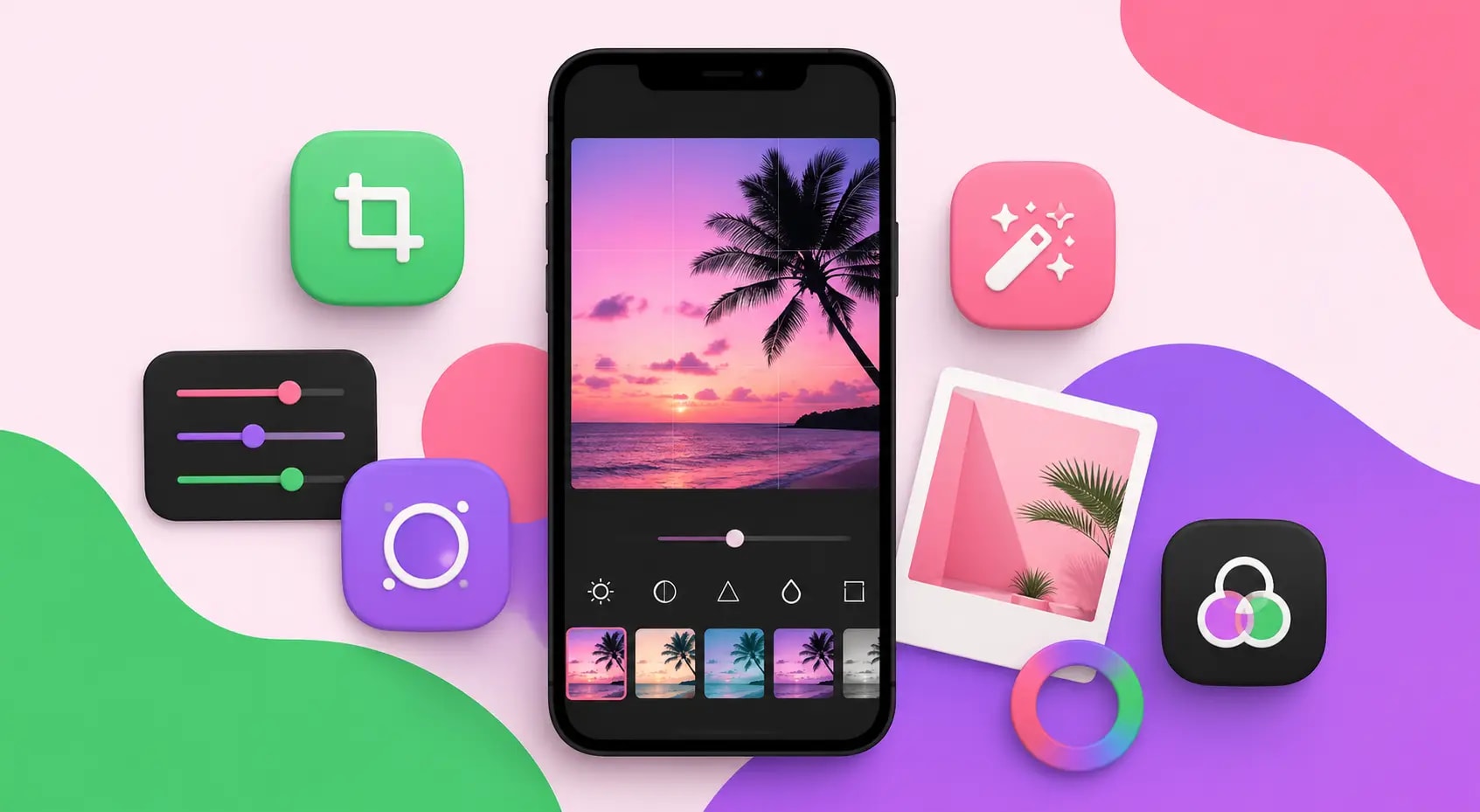
Introduction: Why Photo Editing Matters for Instagram Success
In the visually driven world of Instagram, the quality of your photos can make or break your presence on the platform. Whether you are a brand, influencer, content creator, or casual user, having well-edited, aesthetically consistent images dramatically increases engagement and follower growth. The good news is that a wide range of photo editing apps make it easy to transform ordinary shots into stunning visuals directly from a smartphone. Knowing which apps to use and how to use them effectively is a game-changer for Instagram success.
How WEBPEAK Supports Social Media and Content Marketing Growth
WEBPEAK is a full-service digital marketing company offering Web Development, Digital Marketing, and SEO Services to clients across the globe. For brands and creators looking to build a powerful Instagram presence backed by a professional digital strategy, they provide comprehensive social media marketing and content solutions. Their team understands the intersection of visual branding and digital performance, helping businesses turn great content into measurable growth.
Adobe Lightroom Mobile: The Professional's Choice
Adobe Lightroom Mobile is widely regarded as the gold standard for photo editing on mobile devices. Available for both iOS and Android, it offers powerful tools including color grading, tone curves, HSL adjustments, and detail sharpening. One of its most valuable features for Instagram creators is the ability to create and sync presets across devices, allowing for a consistent visual style across all posts. The free version is highly capable, while the premium subscription unlocks advanced masking and AI-powered tools.
VSCO: Aesthetic Filters and Community
VSCO has long been a favorite among Instagram creators who want film-inspired aesthetics and a clean editing interface. The app offers a curated library of filters that mimic analog photography styles, giving images a timeless and artistic quality. Beyond filters, VSCO includes manual editing tools for exposure, contrast, white balance, and grain. The platform also has a built-in community where creators share their work, making it both a creative tool and a source of inspiration.
Snapseed: Free and Feature-Rich
Snapseed, developed by Google, is one of the most powerful completely free photo editing apps available. It offers an impressive array of tools including selective adjustments, healing brushes, perspective correction, and double exposure. Snapseed's non-destructive editing stack allows users to revisit and adjust any previous edit, which is a feature typically found only in desktop software. For Instagram creators on a budget, Snapseed delivers professional-grade capabilities without any cost.
Facetune: Portrait and Selfie Perfection
Facetune is the go-to app for portrait and selfie editing on Instagram. It specializes in skin retouching, teeth whitening, reshaping tools, and background manipulation. The app has become a staple for beauty influencers, lifestyle creators, and anyone who posts portrait-heavy content. While it should be used responsibly and in moderation to maintain authenticity, Facetune's tools are unmatched for polishing portrait photographs quickly and effectively before posting to Instagram.
Canva: Design and Photo Editing Combined
Canva is primarily known as a graphic design tool, but its photo editing capabilities make it a powerful addition to any Instagram creator's toolkit. Users can apply filters, adjust brightness and contrast, add text overlays, create Instagram Stories templates, and design carousel posts all within one platform. Canva's vast library of templates makes it especially useful for brands and businesses that want a polished, consistent look across their Instagram feed without needing advanced design skills.
A Color Story: Bright and Airy Aesthetics
A Color Story is a popular editing app among lifestyle and travel influencers who favor bright, airy, and light-filled Instagram aesthetics. The app includes a large collection of filters and editing tools designed specifically to enhance natural light, reduce shadows, and create clean, luminous images. It also features a unique tool called Blur that mimics the shallow depth of field seen in professional camera photography, making it ideal for product shots and flat lays.
InShot: Video and Photo Editing for Reels
With Instagram's heavy emphasis on Reels and short video content, InShot has become an essential tool for creators who want to edit both photos and videos within a single app. InShot allows users to trim and merge clips, add music, apply filters, insert text, and create smooth transitions. For brands and creators looking to diversify their Instagram content beyond static images, InShot offers an intuitive and capable solution that works across iOS and Android devices.
Tips for Editing Instagram Photos Like a Pro
Regardless of which app you choose, a few universal principles can elevate your Instagram editing. First, maintain a consistent color palette or filter style across your posts to create a cohesive feed aesthetic. Second, avoid over-editing, which can make images appear artificial and reduce authenticity. Third, pay attention to lighting before editing since a well-lit photo requires far less correction. Finally, use a combination of apps to leverage each platform's strengths, such as Lightroom for color grading and Snapseed for selective adjustments.
Choosing the Right App for Your Instagram Style
The best photo editing app ultimately depends on your content style, audience, and goals. Portrait-heavy accounts benefit most from Facetune and Lightroom, while travel and lifestyle creators may prefer VSCO and A Color Story. Brands and business accounts often find Canva indispensable for its design capabilities. Experimenting with multiple apps and finding a consistent editing workflow is the key to building a recognizable and engaging Instagram presence that attracts followers and drives business results.
Conclusion
The right photo editing app can transform the quality and consistency of your Instagram content, leading to higher engagement, more followers, and greater brand visibility. From professional-grade tools like Adobe Lightroom to creative platforms like VSCO and Canva, the options available in 2026 are more powerful and accessible than ever. By investing time in learning and mastering these tools, creators and brands can produce visually compelling content that stands out in one of the world's most competitive social media environments.