Why Your Google Business Profile Was Suspended and How to Reinstate It
A complete operational walkthrough of soft vs hard Google Business Profile suspensions, appeal evidence preparation, and reinstatement best practices.

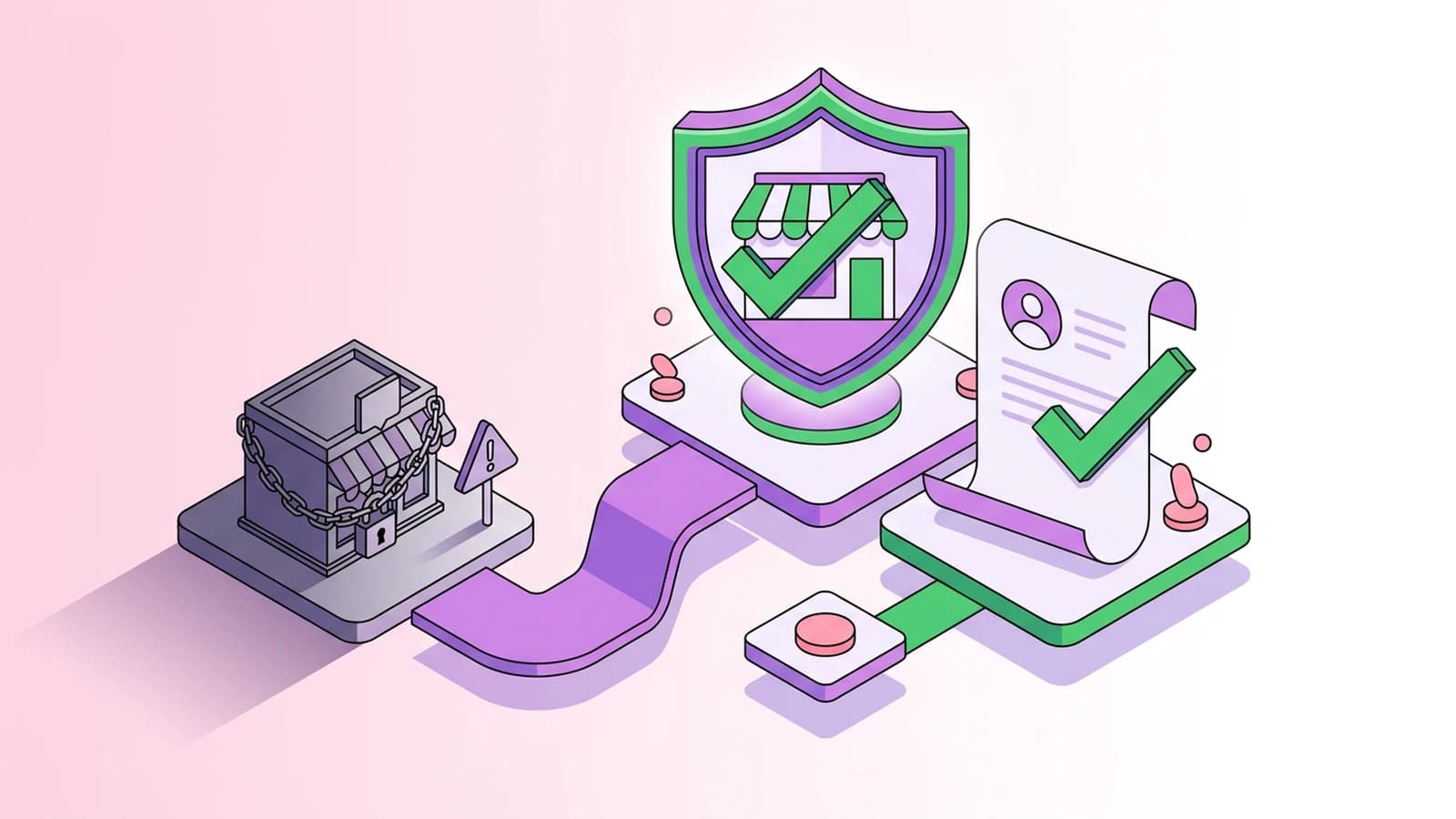
Key takeaways
Executive Summary- Soft suspensions lock owner dashboard controls while keeping public listings visible; hard suspensions erase listings from maps entirely.
- Common triggers include unstaffed virtual offices, keyword stuffing in business names, and sudden address or primary category changes.
- Successful appeals require clear photographic proof of permanent exterior signage, municipal business licenses, and matching utility bills.
- Consolidating supporting evidence into a single clean PDF packet dramatically accelerates manual Google support review times.
Discovering why your google business profile was suspended is one of the most stressful experiences a local business owner or marketing director can encounter. In an instant, your company vanishes from the Google Maps three-pack, incoming phone inquiries dry up, and customer acquisition grinds to an abrupt halt. Google enforces stringent verification and quality guidelines to combat spam and fake listings, but legitimate enterprises frequently get caught in automated suspension sweeps triggered by minor profile edits or routine algorithm updates. In this definitive guide, we break down the root causes of profile suspensions, distinguish between soft and hard penalties, and provide a proven step-by-step reinstatement blueprint.
Navigating the reinstatement process requires forensic precision and emotional restraint. Submitting hurried appeals with incomplete legal documentation or emotional pleas almost guarantees rejection, forcing your case into lengthy secondary review queues. By approaching reinstatement as a systematic compliance audit—verifying your physical premises, aligning corporate filings, and submitting watertight documentation—you can overturn unjust suspensions and recover your hard-earned local search visibility.
Furthermore, understanding the algorithmic triggers behind suspensions protects your profile against future enforcement actions. Google employs machine learning classifiers that continually evaluate profile edits against risk scoring models. When business owners grasp how these automated systems interpret address changes, category updates, and naming adjustments, they can manage their listings proactively without triggering security tripwires.
Key Takeaways:
- Soft suspensions lock owner dashboard controls while keeping public listings visible; hard suspensions erase listings from maps entirely.
- Common triggers include unstaffed virtual offices, keyword stuffing in business names, and sudden address or primary category changes.
- Successful appeals require clear photographic proof of permanent exterior signage, municipal business licenses, and matching utility bills.
- Consolidating supporting evidence into a single clean PDF packet dramatically accelerates manual Google support review times.
Soft vs Hard Suspensions: Diagnosing Your Account Status
Before drafting an appeal or contacting Google support, you must accurately diagnose the exact category of suspension penalizing your profile. Google classifies listing penalties into two primary tiers: soft suspensions and hard suspensions.
- Soft Suspension: Your listing remains visible to the public on Google Maps and search results, but you lose administrative access inside your profile manager dashboard. You cannot respond to reviews, update operating hours, or edit business descriptions. A soft suspension typically occurs when Google questions account ownership credentials or suspects unauthorized access.
- Hard Suspension: Your business listing is completely de-indexed and removed from Google Maps and search results. Searching for your exact business name yields zero results, and all associated review social proof is temporarily suppressed. Hard suspensions occur when Google believes your business violates core eligibility guidelines, operates from an invalid address, or engages in deceptive practices.
Diagnosing your suspension tier establishes your immediate operational priorities. While a soft suspension primarily requires identity and ownership verification, a hard suspension necessitates a comprehensive forensic audit of your physical location, signage, and corporate legal structure.
If your listing suffers from a hard suspension, it is essential to pause all active local advertising campaigns immediately. Running Google Ads campaigns linked to a suspended profile wastes budget and can occasionally trigger secondary policy enforcement across your advertising merchant accounts.
In many industries, the immediate financial consequence of a hard suspension is staggering. Service-based companies that rely on high-velocity inbound inquiries can lose thousands of dollars in booked revenue for every day their profile remains unlisted. Understanding this commercial urgency reinforces why taking a measured, legally documented approach to appeals is far superior to emotional panicking.
The Most Common Triggers: Why Your Google Business Profile Was Suspended
While Google rarely provides specific line-item reasons in suspension notification emails, years of industry case studies reveal consistent operational patterns that trigger automated penalties. The most frequent violations include:
- Ineligible Physical Addresses: Using P.O. Boxes, UPS Store mailboxes, unstaffed virtual coworking spaces, or residential home addresses while displaying a public storefront violates Google guidelines.
- Keyword Stuffing the Business Name: Adding geographic tags or service keywords to your official registered name (such as appending 'Emergency 24/7 Plumber' to 'Smith Plumbing LLC') triggers rapid algorithmic penalties.
- Sudden High-Risk Profile Edits: Modifying your primary business category, physical address, and telephone number within a short window often trips automated fraud filters.
- Conflicting Web Citations: Significant discrepancies between your profile details and external web registries confuse Google verification bots. Conducting a rigorous citation audit and clean-up, eliminates conflicting signals before appealing.
- Operating in High-Spam Vertical Markets: Locksmiths, garage door repair, towing, and personal injury attorneys face heightened scrutiny and aggressive automated suspension thresholds.
Understanding these common traps allows business owners to identify the specific vulnerability that triggered their penalty. Correcting the underlying violation on your profile before submitting your appeal is non-negotiable; submitting an appeal while policy violations remain active guarantees immediate denial.
Furthermore, beware of user-suggested edits made by competitors or crowdsourced local guides. If an unauthorized public user edits your map marker pin, changes your operating hours, or marks your enterprise as permanently closed, Google automated algorithms may accept the edit and subsequently flag the record for review.
Comparative Matrix: Suspension Triggers and Reinstatement Difficulty
Reviewing the typical difficulty, documentation requirements, and average resolution timelines across common suspension scenarios helps organizations manage operational expectations.
| Suspension Trigger | Suspension Severity | Required Documentation | Reinstatement Complexity | Avg Resolution Window |
|---|---|---|---|---|
| Keyword Stuffed Name | Moderate (Soft/Hard) | Secretary of State filing, DBA certificate, Tax ID | Low to Moderate | 3 to 7 business days |
| Virtual Office / Regus | Severe (Hard) | Lease agreement, dedicated suite signage, staff proof | High / Re-location required | 2 to 4 weeks |
| Rapid Category / Address Change | Moderate (Hard) | Utility bill, business registration, storefront photo | Moderate | 5 to 10 business days |
| Manager Account Compromise | Low to Moderate (Soft) | Two-factor auth setup, owner identity verification | Low | 2 to 5 business days |
| High-Spam Vertical Sweep | High (Hard) | Video walkthrough, vehicle wrap, professional license | High | 10 to 20 business days |
As illustrated above, address-related violations represent the most arduous reinstatement hurdle. If your business utilized a virtual desk space without dedicated physical staff and permanent exterior signage, you must convert your profile to a service-area business (hiding the address) before requesting reinstatement.
Conversely, naming discrepancies are straightforward to resolve once you align your profile title strictly with your registered business documents. Never attempt to argue with Google support that descriptive keywords belong in your title unless those exact keywords appear on your state corporate charter.
Step-by-Step Blueprint: The Reinstatement Appeal Workflow
To achieve a swift reinstatement, follow Google's structured appeals workflow with meticulous attention to detail. Review the official Google Business Profile appeal guidelines to familiarize yourself with current submission limits before taking action:
- Perform an Internal Policy Audit: Review every single field in your profile dashboard. Remove unauthorized keywords from your title, verify category accuracy, and ensure your listed website URL matches your official canonical domain.
- Compile an Indisputable Evidence Dossier: Collect your state business formation documents, active municipal business license, state tax certificate, a commercial utility bill matching your exact address and name, and photos of permanent exterior signage.
- Assemble a Unified Supporting PDF Packet: Rather than uploading fragmented image files that overwhelm support reviewers, utilize a PDF merge tool to combine your evidence into a single, professional evidentiary document.
- Submit the Official Reinstatement Appeal: Navigate to Google's Appeals tool, confirm account ownership, select the suspended profile, and submit your concise operational explanation along with your consolidated evidentiary PDF.
- Monitor Case Tracking and Prepare for Video Verification: Track your case ID closely. If Google requests live video verification, prepare to record a continuous unedited video showing street signs, unlocking the facility doors, and accessing staff equipment.
Executing this disciplined sequence prevents procedural delays and positions your application for immediate approval during the initial human review cycle.
During video verification, ensure that you demonstrate physical custody of the business premises. Show yourself unlocking the primary entrance, turning on office lights, accessing point-of-sale systems, or opening branded equipment storage. This indisputable operational demonstration dissolves any remaining algorithmic suspicion.
Common Reinstatement Mistakes That Prolong Suspensions
Panicked business owners frequently exacerbate their suspension challenges by acting impulsively. Avoid these catastrophic mistakes that can permanently compromise your profile:
- Creating a New Profile: Never attempt to bypass a suspension by creating a duplicate listing. Google easily detects matching phone numbers, domains, and coordinates, flagging your business for intentional policy evasion.
- Filing Multiple Rapid Appeals: Submitting repetitive appeal tickets resets your position in the support queue and can result in automated spam suppression of your support inquiries.
- Submitting Low-Quality or Incomplete Documents: Providing cellphone bills, residential lease drafts, or blurry signage photos creates doubt and leads to instant rejection.
- Consulting Unverified Black-Hat Brokers: Engaging unverified third-party services that promise instant unbans via internal contacts often leads to permanent account blacklisting. Engaging dedicated SEO consulting ensures transparent compliance aligned with Google policies.
Maintaining a calm, evidence-driven demeanor throughout communications with Google support representatives is vital. Treat the support interaction as a professional regulatory compliance check rather than an emotional confrontation.
Post-Reinstatement Recovery and Profile Protection
Once your profile is successfully reinstated, your work is not finished. Listings that emerge from suspension frequently experience temporary ranking depression as algorithms recalibrate their local trust scores.
Check your reviews immediately upon reinstatement. While reviews usually restore automatically within 48 to 72 hours, occasionally legacy reviews remain detached. If your reviews do not reappear after three days, submit a follow-up ticket citing your original reinstatement case ID and requesting a manual review database re-sync.
To protect your profile against future disruptions, enforce strict managerial controls. Implement Google Workspace two-factor authentication for all dashboard managers, remove former marketing agency user accounts, and avoid making simultaneous edits to core business fields.
Finally, conduct a thorough post-mortem review across your internal marketing operations. Document exactly which user account initiated the triggering edit, what information was altered, and what evidentiary standard Google required to overturn the penalty. Establishing this institutional knowledge ensures that future staff or external agency partners adhere strictly to compliant profile management protocols.
Strategic Summary: Reclaiming Your Local Presence
Understanding why your google business profile was suspended transforms a distressing crisis into a structured opportunity to solidify your brand's digital foundation. By methodically identifying compliance violations, gathering authoritative legal proof, and presenting a professional appeal, you can reverse profile suspensions and restore your vital local revenue stream.
Remember that Google's ultimate objective is to provide local searchers with trustworthy, verified local services. When your digital footprint reflects indisputable real-world authenticity, your business will reclaim its rightful place at the top of local search rankings.
Frequently asked questions
Google typically reviews initial reinstatement appeals within 3 to 7 business days. Complex cases requiring video verification or escalation to specialist policy teams can take between 2 to 4 weeks.
Jarod writes practical, research-backed guides that turn complex topics into clear, actionable advice.