
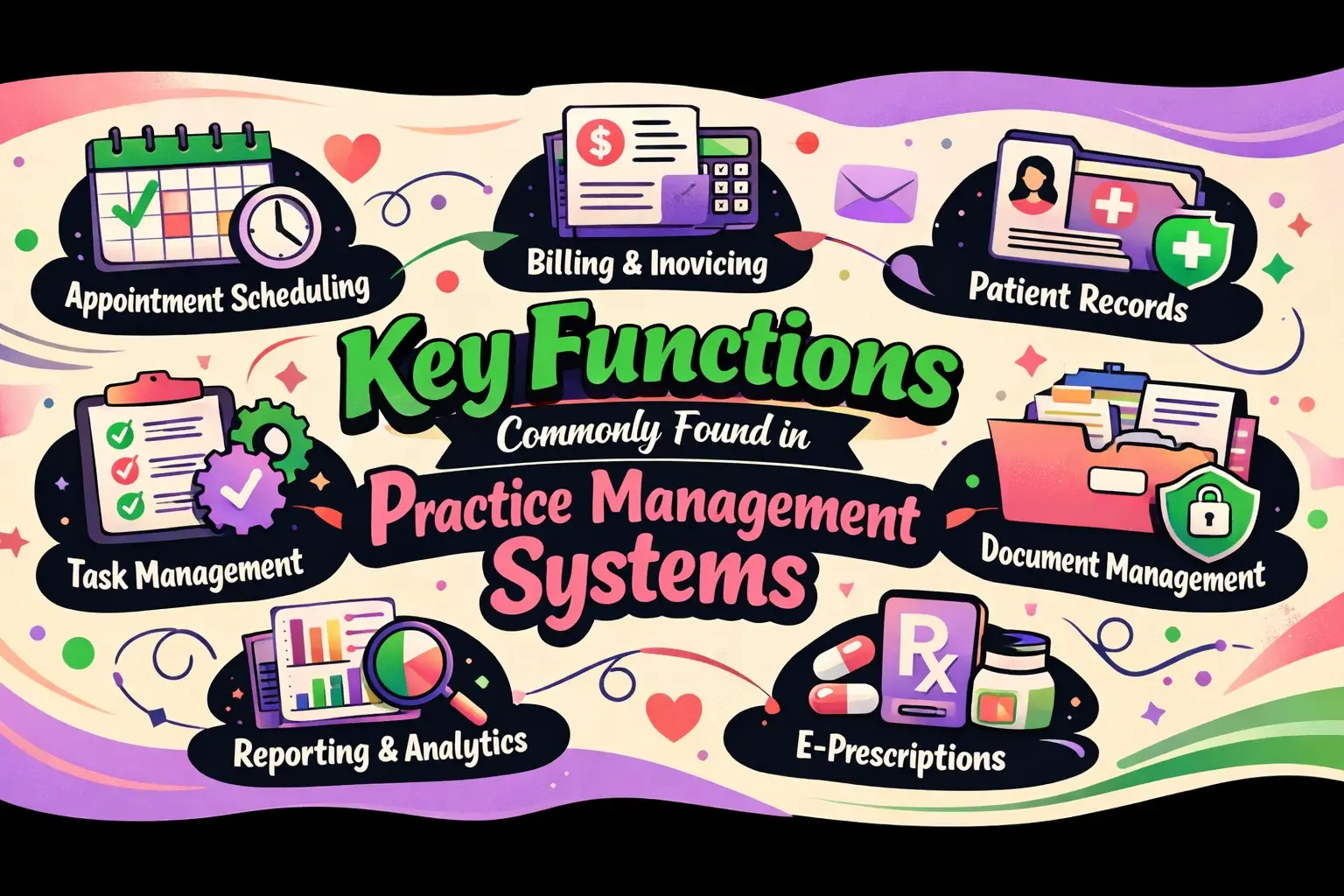
Key Functions Commonly Found in Practice Management Systems
Managing a healthcare practice takes more than great patient care. Every day involves appointments, records, billing, staff coordination, and keeping everything running on time. Without the right system, small issues can quickly turn into big delays and lost revenue. A practice management system helps bring order to this busy environment by keeping essential tasks in one simple platform. It supports smoother workflows, fewer mistakes, and better use of staff time.
Whether it’s scheduling patients, processing payments, or tracking daily operations, these tools play a key role in modern practices. In this blog, we’ll explore the most common functions and how they help practices stay organized, efficient, and focused on patient care.
Operating as the Backbone of Your Clinic
Solid practice management software features never stand alone. They weave together front office operations, revenue cycles, patient interactions, compliance guardrails, analytics dashboards, and integration points.
Feature lists mean nothing without workflow reality—your specialty, insurance mix, location count, and team structure determine which functions you'll lean on daily versus quarterly.
Mapping a Typical Visit Workflow
Picture your clinic's rhythm in three acts. Before the visit: scheduling slots fill, intake forms flow in, eligibility gets confirmed, authorizations get secured. During the visit: patients check in, staff coordinates handoffs to providers, charges get recorded. After the visit: claims fly out, statements mail, payments post, denials get appealed, and reports show what's humming (or hemorrhaging). Still bouncing between separate tools for each phase? It pays to grasp what is practice management software in practical terms: one unified system that stops wasted toggling and cuts expensive mistakes.
You've glimpsed the big picture. Now let's zoom into that first critical moment: getting patients scheduled, confirmed, and smoothly through your doors.
Scheduling, Access, and Patient Flow Tools
Online scheduling armed with smart rules keeps your calendar packed without overbooking providers or accepting mismatched appointment types. Self-service guardrails? Visit types, buffer zones, lead-time limits, capacity caps, and filters separating new patients from established ones. Intelligent slot matching pairs each patient's visit reason with proper duration and the right clinician. Multi-location calendars plus resource booking for rooms or equipment complete the setup.
Automated Reminders and Attendance Optimization
Text, email, and voice reminders slash no-shows without spamming patients. Two-way confirmations paired with one-click reschedule links put control where it belongs—in patients' hands. Waitlist auto-fill and last-minute opening broadcasts help you plug cancellation gaps instantly.
Digital Intake and Pre-Visit Readiness
Mobile forms, electronic signature capture, insurance card photos, and document uploads turn check-in into a breeze. Data validation eliminates front-desk cleanup by catching wonky dates of birth, payer IDs, or member numbers before visit day. Accessibility features—multilingual options and ADA-compliant design—ensure every patient can handle intake solo.A jam-packed appointment book counts for nothing if half those visits turn into denials or payment delays. That's why the smartest systems lock down revenue before patients even walk in.
Revenue Protection Before the Visit
Real-time eligibility and benefits checks run batch sweeps for tomorrow's or next week's schedules. Alerts surface inactive coverage, plan switches, coordination-of-benefits tangles. Coverage discovery helps when patients draw a blank or leave their insurance card at home.
Prior Authorization and Referral Management
Authorization queues, payer rule prompts, and expiration tracking prevent auth disasters. Attach clinical notes and automate status polling so your team escapes endless payer portal loops. Referral source tracking measures partnership ROI, spotlighting which relationships fuel growth.
Price Transparency and Patient Estimates
Pre-service estimates tailored by payer and plan show patients what they'll owe upfront. Financial policy sign-offs and flexible payment plans kill sticker shock. Collections scripting keeps your staff consistent when money conversations arise.Eligibility verified, authorizations secured—now your attention turns to converting completed visits into clean claims and rapid cash. Here's where billing workflows make or break your margins.
Core Billing and RCM Functions
Charge capture and coding assistance align entry workflows to visit patterns. Built-in edit checks spot missing modifiers, NCCI conflicts, and LCD/NCD guidance before claims depart. Provider charge review queues shrink the gap between visit and submission.
Claim Creation, Scrubbing, and Clearinghouse Connectivity
Clean-claim engines with payer-specific rules block rejections. Bulk submissions plus real-time status tracking (277/276 transactions) keep you in the loop. Attachment handling matters hugely for documentation-heavy fields like orthopedics or pain management.
Denials Prevention and Management
Root-cause tagging by eligibility, authorization, coding, or filing deadline exposes patterns. Automated appeal templates and evidence bundles accelerate resolution. Denial trend views by payer, provider, procedure code, and site reveal systemic leaks before they sink your finances.
Payment Posting and Reconciliation
ERA auto-posting with exception rules erases hours of manual drudgery. EFT reconciliation and variance flags catch mismatches fast. Contract oversight and expected-reimbursement audits power underpayment worklists, ensuring you collect every dollar owed.
Flawless claims processing can't rescue a practice drowning in phone calls and payment confusion. That's why leading platforms now bake in communication tools that cut administrative noise while lifting patient satisfaction.
Patient Communication and Engagement Tools
Patient portals do more than look and pay. Secure messages, form submissions, appointment requests, and document swaps keep everything organized. Lab results and clinical note access (when linked to an EHR) empower patients. Family access and proxy accounts fit pediatric and caregiving needs. Research shows using a PIM to deliver rich, accurate content can spike online conversion 20–50%—the same logic applies when you're converting appointment inquiries into confirmed visits or billing questions into prompt payments.
Two-Way Texting and Automated Outreach
Recall campaigns, preventive care nudges, and missed-appointment follow-ups sustain engagement. Emergency broadcasts for weather closures or urgent changes reach everyone instantly. Opt-in/opt-out management plus audit trails ensure regulatory compliance.
These engagement pieces deliver exponentially more punch when they talk seamlessly to your EHR, clearinghouse, and other systems—a trait that distinguishes true platforms from glorified point solutions.
Interoperability and Integration Capabilities
EHR integration patterns sync demographics, coverage details, appointments, charges, and clinical handoff moments. Dodging double entry demands clear source-of-truth rules and conflict-resolution logic. Standards like HL7, FHIR, X12 (eligibility, claims, ERAs), and SSO matter because they future-proof your tech stack. Open API availability versus paywalled integrations is a deal-making (or breaking) evaluation point.
Integration creates data highways; analytics transform that data into decisions. The right dashboards pinpoint exactly where your operations are bleeding time, money, or patient trust.
Reporting, Analytics, and Operational Intelligence
Front-office dashboards track no-show rates, fill percentages, lead time to appointments, and cancellation drivers. Staff workload gauges display inbox and queue volumes. Revenue cycle KPIs include A/R days, denial percentages, clean claim rates, and net collection rates. Aging breakdowns by payer, provider, and location plus write-off reasons expose preventable losses. Advanced capabilities—predictive no-show risk scoring, staffing optimization hints, payer behavior profiles—distinguish competitive platforms from the pack.
Data-driven insights only hold up when your system shields that data with rigorous access controls and audit trails. These features leap from nice-to-have to deal-breaker the instant you face a breach investigation or OCR audit.
Your Questions Answered
Which practice management software functions reduce denials fastest?
Real-time eligibility verification, prior auth tracking, and claim scrubbing with payer-specific edits intercept most preventable denial triggers—eligibility lapses, missing authorizations, coding mistakes—before submission.
Can practice management software replace an EHR, or do I need both?
Most practices need both. Practice management tackles scheduling, billing, and revenue cycle. EHRs handle clinical notes and treatment plans. They integrate but serve separate missions.
What integrations should a practice management system support, and which matter most?
HL7 for clinical exchanges, X12 for eligibility and claims, FHIR for modern API access, and SSO for secure logins. Clearinghouse connectivity and EHR sync top the priority list.
Wrapping Up
The right practice management system doesn't just warehouse data—it orchestrates every step from booking to final deposit, lifting weight off your staff and accelerating revenue. Focus on functions that map to your daily workflows, and you'll land tools that genuinely support your goals instead of layering on complexity. Don't settle for feature checklists without context. Test workflows in real time, demand cost transparency, and partner with vendors who understand healthcare operations inside and out. Your team, your patients, and your bottom line will all thank you.


