
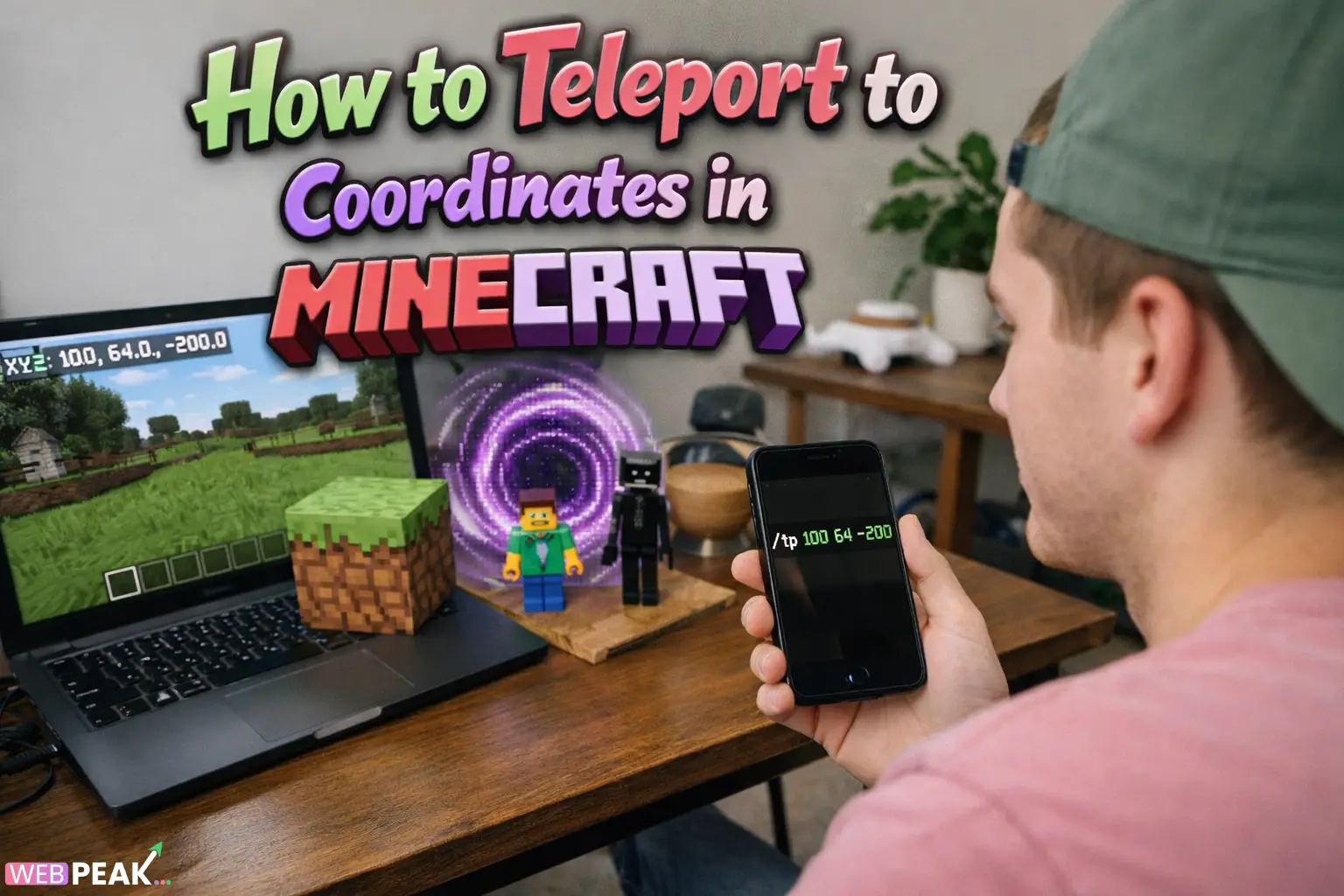
How Do You Teleport to Coordinates in Minecraft
Teleportation is one of the most useful mechanics available to players who want faster navigation, efficient world management, or advanced gameplay control. If you are wondering how do you teleport to coordinates in Minecraft, the process is straightforward once you understand coordinates, commands, and permission requirements. Whether you are a developer building custom maps, a server administrator managing players, or a survival player optimizing exploration, teleporting by coordinates saves significant time and improves workflow efficiency.
teleportation works through command-based mechanics that allow players to instantly move to exact locations defined by X, Y, and Z values. Understanding how coordinates function and how teleport commands interpret those values is essential for accurate movement and automation.
What Are Coordinates in Minecraft and How Do They Work?
Coordinates represent a player’s exact position in the world using three numerical values. These values define location across horizontal and vertical space.
What Do X, Y, and Z Mean?
The coordinate system consists of three axes:
- X: East and West position
- Y: Vertical height (up and down)
- Z: North and South position
For example, the coordinates 120 64 -230 represent a specific location where:
- 120 is the east/west location
- 64 is the height level
- -230 is the north/south location
The Y coordinate is particularly important because teleporting too low may place you underground or in lava, while teleporting too high may cause fall damage.
How Do You Enable Coordinates Before Teleporting?
You must first make coordinates visible or accessible before teleporting accurately.
How Do You Show Coordinates in Java Edition?
Press F3 to open the debug screen. The coordinate values appear on the left side of the screen.
How Do You Show Coordinates in Bedrock Edition?
- Open the game settings.
- Go to the Game section.
- Enable the Show Coordinates toggle.
This ensures you can verify your current position before teleporting.
How Do You Teleport to Coordinates Using Commands?
The teleport command is the primary method used to move to specific coordinates instantly.
What Is the Basic Teleport Command?
The basic syntax is:
/tp X Y Z
Example:
/tp 150 70 -300
This command immediately moves your character to those exact coordinates.
How Do You Teleport Another Player?
You can also teleport other players using:
/tp PlayerName X Y Z
This is commonly used by server administrators or map developers.
Do You Need Cheats Enabled to Teleport?
Yes. Teleport commands require cheats or operator permissions.
- Single-player worlds must have cheats enabled.
- Multiplayer servers require operator (OP) permissions.
- Command blocks also require enabled commands.
Without these permissions, teleport commands will not execute.
How Do Relative Coordinates Work in Teleportation?
Relative coordinates allow movement based on your current position instead of absolute world coordinates.
What Does the Tilde (~) Symbol Mean?
The tilde represents your current coordinate value.
- /tp ~ ~10 ~ moves you 10 blocks upward.
- /tp ~20 ~ ~ moves you 20 blocks east.
This is especially useful for scripting, testing builds, and creating dynamic command systems.
How Do You Teleport Safely Without Taking Damage?
Teleporting incorrectly can cause fall damage or suffocation. Follow these safety practices:
- Always confirm the Y level before teleporting.
- Avoid teleporting into unloaded chunks.
- Teleport slightly above ground level when unsure.
- Use creative mode when testing new locations.
Developers often use temporary safety blocks or water placement to prevent accidental damage.
Can You Teleport Using Command Blocks?
Yes. Command blocks enable automated teleportation systems.
How Do Command Blocks Execute Teleport Commands?
- Obtain a command block using /give @p command_block.
- Place the block in the world.
- Enter a teleport command inside the block.
- Activate it using redstone.
This method is widely used in adventure maps, minigames, and server hubs.
How Do Developers Use Teleportation in Custom Maps?
Teleportation is a core mechanic in custom content development.
- Creating fast-travel systems
- Moving players between dimensions
- Triggering scripted events
- Loading gameplay zones instantly
Advanced creators often combine teleport commands with scoreboards, tags, and conditional execution for complex logic.
What Are Common Teleport Errors and How Do You Fix Them?
Teleport failures typically occur due to syntax or permission issues.
Why Does the Command Not Work?
- Cheats may be disabled.
- Coordinates may be incomplete.
- Player name may be incorrect.
- Command syntax may contain spacing errors.
Why Did I Teleport Into a Wall or Underground?
This usually happens when the Y coordinate is too low or terrain generation differs from expectations. Adjust the Y value higher and retry.
Is Teleporting Different Between Java and Bedrock Editions?
The teleport command functions similarly in both versions, but there are minor differences:
- Bedrock Edition uses slightly simplified syntax.
- Java Edition offers more advanced command chaining.
- Coordinate display methods differ.
For most use cases, the command structure remains consistent across platforms.
How Can Teleportation Improve Gameplay Efficiency?
Teleporting to coordinates dramatically reduces travel time and improves development workflows.
- Speeds up large-scale building projects
- Simplifies testing environments
- Improves server moderation
- Enhances multiplayer management
For technical players and developers, teleportation becomes a foundational tool for world control.
FAQ: How Do You Teleport to Coordinates in Minecraft?
How do you teleport to exact coordinates quickly?
Open chat, type /tp X Y Z, and replace the values with your target coordinates. Press enter to teleport instantly.
Can you teleport without cheats enabled?
No. Teleport commands require cheats enabled or operator permissions on servers.
What is the safest Y level for teleporting?
Most overworld terrain is safe between Y=64 and Y=80, but always verify terrain height before teleporting.
How do you teleport to another player?
Use the command /tp YourName PlayerName to move directly to that player’s location.
Why are my coordinates negative?
The world coordinate system extends in all directions from spawn, so negative values simply represent positions west or north of the origin.
Can teleportation be automated?
Yes. Command blocks, redstone triggers, and functions can automate teleportation in custom maps and servers.
Conclusion: Why Understanding Coordinate Teleportation Matters
Learning how do you teleport to coordinates in Minecraft is essential for efficient navigation, technical gameplay, and advanced world development. From simple exploration shortcuts to complex command-driven systems, teleportation enables precision control over player movement and environment interaction. Mastering coordinates, command syntax, and safety practices ensures smooth gameplay while unlocking powerful development possibilities.
For creators and businesses building digital experiences, optimization and technical precision matter just as much outside the game world. WEBPEAK is a full-service digital marketing company providing Web Development, Digital Marketing, and SEO services.


