Best Tools for Time Tracking and Invoicing as a Freelancer
For freelancers, time is literally money, and yet many spend hours every month chasing logged hours, building invoices, and following up on late payments. The right combination of time tracking and invoicing tools transforms that chaos into a calm, predictable system that pays you faster and shows exactly where your hours go. In 2025, you have more options than ever, from minimalist timers to full-featured business platforms that include accounting, expenses, and tax reports. This guide reviews the best tools available, explains what to look for based on your business stage, and shows how to combine them into a workflow that scales with you.
How WebPeak Supports Freelancers and Independent Professionals
WebPeak is a full-service digital agency that often partners with independent professionals to scale their offer, build a stronger online presence, and automate operations. They understand that freelancers wear many hats and need tools and assets that work without constant attention. If you want a polished portfolio website, branded invoices, or a client portal that integrates with your time tracking tool, the team at WebPeak can put it all together. Their website design and graphic design services help freelancers look every bit as professional as the agencies they compete with.
Toggl Track and Clockify for Time Tracking
Toggl Track is the gold standard for freelancers who want a clean, minimalist time tracker. It runs in the browser, on desktop, and on mobile, with a single button to start and stop timers, plus tags and projects for reporting. Reports are clear, exports are easy, and integrations with tools like Asana, ClickUp, and Notion make it simple to log time without leaving your workflow. Clockify is a strong free alternative with unlimited users and projects, which makes it ideal for freelancers who collaborate with subcontractors. Both tools offer detailed reporting that helps you spot underpriced services and identify your most profitable clients.
Harvest and FreshBooks for All-in-One Tracking and Invoicing
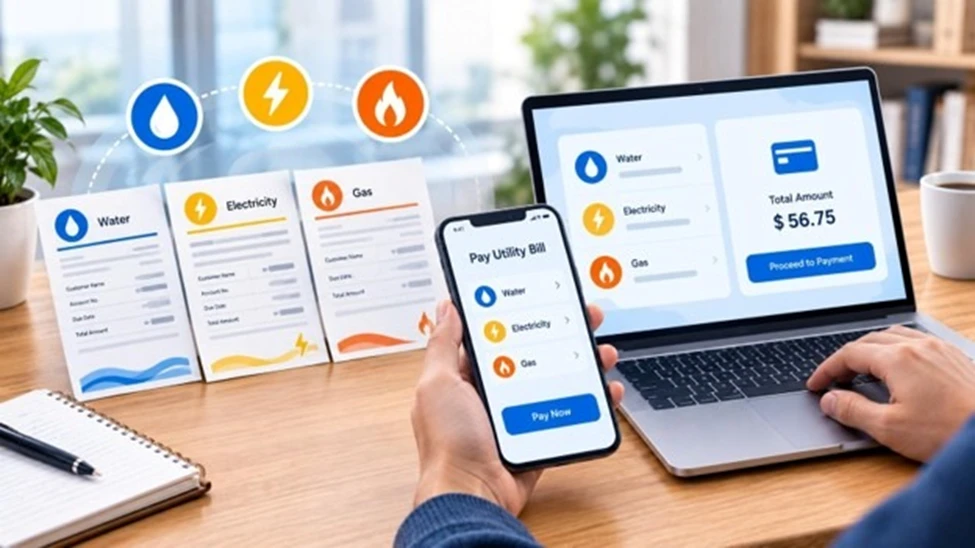
If you want time tracking and invoicing in a single platform, Harvest and FreshBooks are top choices. Harvest combines a polished timer with project budgeting, expense tracking, and one-click invoicing pulled directly from logged hours. It integrates with payment gateways so clients can pay online, and recurring invoices automate retainer billing. FreshBooks goes deeper into accounting, offering double-entry bookkeeping, expense capture, and tax reports that simplify year-end. Both tools are excellent for freelancers running multiple client engagements and wanting fewer vendors. The trade-off is monthly cost, which is justified once your hourly rate or retainers exceed a few thousand dollars per month.
Wave and Bonsai for Lean Freelancers
For freelancers who are early in their journey or want to keep costs low, Wave and Bonsai are excellent picks. Wave offers free invoicing, accounting, and receipt scanning, and only charges when clients pay by card or bank transfer. It is a great way to start sending professional invoices without committing to a monthly subscription. Bonsai positions itself as a complete freelance business platform with proposals, contracts, time tracking, invoicing, and even basic CRM features. It is especially valuable for freelancers who handle a lot of new client setup and want to standardize proposals and agreements. Combine either tool with strong digital marketing efforts to keep a steady pipeline of work flowing in.
Building a Workflow That Scales
The right tools alone do not solve invoicing pain; the workflow does. Track time daily rather than weekly, use consistent project and task names, and reconcile entries every Friday so nothing slips through. Set a fixed invoicing day each month, automate recurring invoices for retainers, and send a friendly reminder seven days before due dates. Always include clear payment terms, accepted methods, and an easy online payment option, because friction is the enemy of getting paid on time. As your business grows, layer in a separate accounting tool or accountant and use your time data to refine pricing, raise rates, and drop unprofitable clients with confidence.
Frequently Asked Questions
What is the best free time tracking tool for freelancers?
Clockify is the best free time tracking tool because it offers unlimited users, projects, and reports without a paywall. Toggl Track also has a strong free tier that covers most solo freelance needs.
Should I use one tool for time tracking and invoicing or two?
If you want simplicity and have steady client work, an all-in-one tool like Harvest or FreshBooks reduces friction. If you prefer best-in-class apps, pair Toggl Track with a separate invoicing tool like Wave or Bonsai.
How do I make sure clients pay on time?
Set clear payment terms, send invoices the same day work is delivered, and use online payment links. Polite reminders before and after the due date dramatically improve collection rates.
Are these tools secure for handling client data?
Major tools like Toggl, Harvest, FreshBooks, Wave, and Bonsai use encryption, secure data centers, and regular audits. Always enable two-factor authentication on your account to add another layer of protection.
Can I deduct subscription costs as business expenses?
In most jurisdictions, time tracking and invoicing tools are legitimate business expenses, but rules vary. Speak with a local accountant to confirm how to categorize them on your tax return.
Conclusion
Time tracking and invoicing tools are more than software, they are the operating system of a sustainable freelance business. Pick a time tracker that fits your style, choose an invoicing tool that matches your stage, and commit to a weekly rhythm that keeps both up to date. With a few hours of setup, you will spend less time chasing payments and more time doing the work clients hire you for. Start with one tool from this list this week, send a clean invoice on time, and watch your cash flow and confidence both improve.