Best Free AI Tools for Meeting Transcription & Notes (No Credit Card Required)
A definitive guide to the best free AI tools for meeting transcription and notes with no credit card required, comparing time limits, features, and accuracy.

Key takeaways
Executive Summary- Leading free tools offer between 300 and unlimited monthly minutes without credit card entry.
- Fathom provides unlimited free transcription and summaries for individual meeting hosts.
- Local AI tools like MacWhisper transcribe audio completely on-device for maximum privacy.
- Free meeting assistants easily integrate into zero-cost productivity stacks with Notion and Slack.
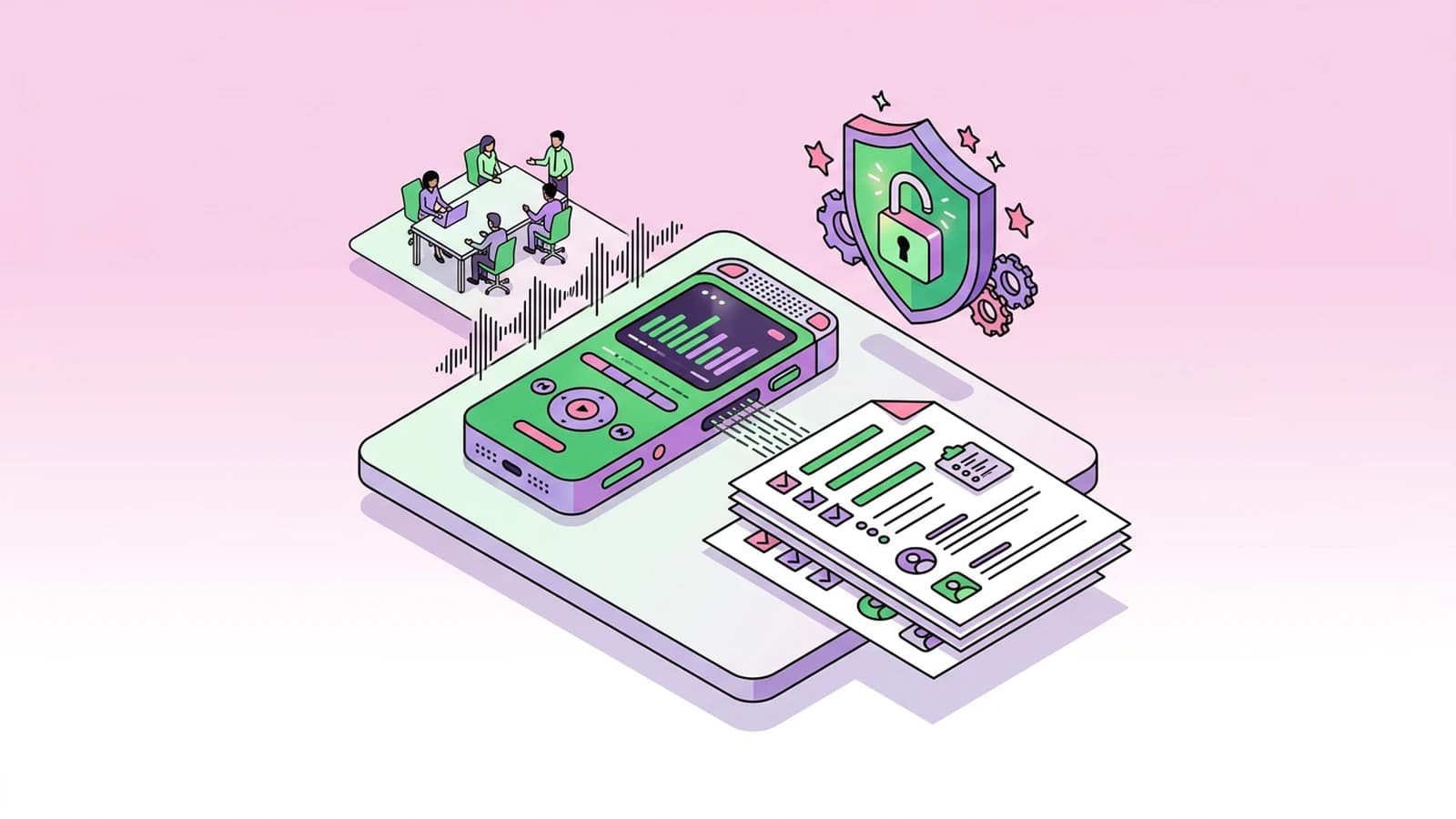
Finding the best free ai tools for meeting transcription and notes without being forced into deceptive free trials that require upfront payment credentials has become a major objective for freelancers, student teams, and bootstrapping founders. While enterprise software suites demand hefty annual contracts, several high-performing platforms provide genuine free-tier access, allowing users to transcribe hours of virtual conversations, generate accurate speaker summaries, and extract actionable project checklists with zero financial commitment.
Free artificial intelligence transcription utilities have improved dramatically over recent seasons. Advanced neural acoustic models that once required costly compute clusters now run efficiently in lightweight cloud architectures or directly within modern web browsers. These tools eliminate the tedious chore of manual note-taking, enabling participants to stay fully present during interviews, academic lectures, and collaborative brainstorming sessions.
In this detailed evaluation, we test and rank the premier zero-cost solutions available today. We examine real monthly transcription caps, output accuracy, export formats, privacy guarantees, and how team leads can pair these utilities with specialized artificial intelligence services to maximize organizational productivity on a modest budget.
Key Takeaways for Cost-Conscious Professionals
- Genuine free-tier transcription platforms offer between 300 and 1,200 free monthly minutes without demanding credit card registration.
- Browser-based and open-source models allow users to transcribe sensitive recordings locally on their hardware, ensuring maximum privacy.
- Free AI summary generators automatically extract key discussion points, participant commitments, and deadline matrices in seconds.
- Pairing free transcription tools with free text utilities eliminates the need for expensive recurring software subscriptions.
Why the Best Free AI Tools for Meeting Transcription and Notes Deliver Real Value
Many professionals assume that zero-cost software implies degraded performance or aggressive advertising. However, evaluating the best free ai tools for meeting transcription and notes reveals that leading developers utilize generous free tiers as their primary user acquisition channel. Because enterprise clients subsidize cloud infrastructure costs, solo creators and small teams can leverage enterprise-grade acoustic models completely free.
Using free meeting assistants allows small teams to preserve capital while standardizing modern operational documentation. Every client consultation, user feedback session, and team sync is converted into readable text that can be summarized instantly using our free AI text summarizer to create crisp updates for team members who could not attend the call.
Furthermore, free transcription tools promote accessibility and inclusion across organizations. Non-native speakers and neurodivergent professionals benefit immensely from reading real-time captions and reviewing searchable text transcripts after high-intensity calls.
Core Criteria for Evaluating Free Meeting AI Software
Not all free tiers are created equal. Some impose crippling watermarks, restrict export formats, or cap recordings at five minutes. We evaluated tools against strict utility criteria to ensure genuine everyday usability.
Monthly Time Allowances and Meeting Duration Caps
A usable free tier must accommodate typical professional schedules. We prioritized software providing at least 300 monthly minutes with single-meeting allowances of at least 30 to 45 minutes, ensuring users can complete full standard meetings without unexpected cutoffs.
Credit Card Exemption Policies
Software requiring credit card information often relies on accidental auto-billing when trial windows expire. Every platform recommended in this guide provides immediate signup via Google, Microsoft, or email without requesting payment details.
Export Flexibility and Formatting Options
Restricting transcripts to a proprietary walled garden severely limits workflow speed. We looked for tools that allow free exporting to Markdown, PDF, plain text, and direct copy-paste to Google Docs and Notion.
Top 5 Free Meeting AI Tools Tested and Ranked
Here is our comprehensive assessment of the top zero-cost meeting transcription and summary tools currently available.
1. Fathom: The Most Generous Free Meeting Assistant
Fathom offers what is widely regarded as the most generous free plan in the software industry. Individual users receive 100% free, unlimited recording and transcription on Zoom, Google Meet, and Microsoft Teams. Fathom does not impose artificial monthly minute caps on individual users.
Immediately after a call concludes, Fathom generates structured summaries, timestamped highlights, and clear action items that can be shared with a single link. Fathom monetizes exclusively by charging teams for shared team repositories and automated CRM syncs, keeping the individual experience completely unhindered.
2. Otter.ai Free Plan: Reliable Real-Time Transcription
Otter's free Basic plan provides 300 free transcription minutes per month, with a 30-minute limit per conversation. Its standout feature remains real-time live transcription, allowing attendees to view words on screen as they are spoken.
Users can highlight key phrases, insert photos, and generate automated keyword summaries. While the 30-minute meeting cutoff requires discipline during longer sessions, it remains an ideal companion for standups, interviews, and quick client catchups.
3. Fireflies.ai Free Tier: Searchable Audio Storage
Fireflies offers a free tier that grants 800 minutes of storage and unlimited transcription for meetings conducted over web conference tools. Its AI bot joins scheduled calls automatically and indexes spoken content into a searchable repository.
While advanced AI summary prompts (AskFred) are limited on the free tier, users can search transcripts by keyword, listen to audio playback at multiple speeds, and download full text files without spending a dime.
4. Whisper Web / MacWhisper: Free Local Speech-to-Text
For professionals handling confidential conversations, MacWhisper (and open-source Whisper Web implementations) run OpenAI's Whisper model locally on your own computer hardware. There are zero cloud server uploads and zero subscription fees.
Users simply drag and drop recorded audio or video files into the application to generate near-flawless transcriptions with accurate punctuation and timestamping in over 60 languages.
5. Microsoft Teams / Google Meet Native Live Captions
Both Microsoft Teams and Google Meet provide built-in automated live captions and meeting transcriptions at no extra cost for standard account holders. While their automated post-meeting summary capabilities are less customizable than dedicated tools, their native reliability and zero-setup friction make them convenient default options.
Free Tier Specification and Limitation Matrix
The table below compares recording allowances, platform support, and export restrictions across the top free solutions.
| Software | Monthly Free Cap | Meeting Time Limit | Card Required? | Export Formats |
|---|---|---|---|---|
| Fathom | Unlimited (Individuals) | No strict limit | No | Text, Google Docs, Notion, Link |
| Otter.ai | 300 minutes / month | 30 mins / meeting | No | TXT, Clipboard Copy |
| Fireflies.ai | 800 minutes storage | Full call recording | No | Clipboard, Searchable Web App |
| MacWhisper | Unlimited Local | Hardware dependent | No | SRT, VTT, PDF, TXT, CSV |
| Google Meet Native | Unlimited on calls | Call duration | No | Google Docs Transcript |
Data Privacy and Accessibility Compliance in Free Tools
Using free software necessitates careful scrutiny of data privacy policies. Reputable software providers explicitly distinguish between free user data and advertising monetization. The best platforms protect audio streams with bank-grade encryption and allow users to delete transcripts permanently upon request.
Furthermore, ensuring digital transcripts adhere to universal web accessibility standards enables equal workplace participation for deaf and hard-of-hearing colleagues. In accordance with the World Wide Web Consortium (W3C) accessibility guidelines, synchronized text captions and structured transcripts constitute vital components of modern accessible digital communication.
Assembling an All-Free Digital Productivity Stack
Savvy entrepreneurs rarely stop at free meeting transcription. By combining free meeting AI with free cloud storage, collaborative task boards, and our comprehensive free business AI tools roundup, small business teams can build high-velocity operational engines without paying hundreds of dollars in monthly software overhead.
For example, a boutique marketing agency can capture client kickoff notes with Fathom, clean up the strategic executive summary using free text tools, and push action items directly to a free Trello or Notion workspace. This automated pipeline saves hours of administrative time while preserving valuable operating capital for growth marketing initiatives.
Step-by-Step Setup: From Zero to Automated Notes in 5 Minutes
Getting started with a free meeting assistant is straightforward and requires no technical expertise. Follow these five simple steps:
- Choose Your Primary Platform: If you conduct live Zoom or Google Meet calls, install Fathom. If you record audio files offline, download MacWhisper.
- Authenticate With Your Work Calendar: Connect your Google Calendar or Outlook to allow the software to detect upcoming scheduled meetings automatically.
- Configure Join Preferences: Set whether you want the transcription bot to join all meetings automatically or only when manually invited.
- Conduct a Two-Minute Test Call: Launch a test meeting, speak for sixty seconds, and verify that the generated summary accurately captures your test statements.
- Bookmark Shared Summary Templates: Customize your preferred summary layout (action items, general takeaways, or detailed minutes) for future calls.
Common Traps to Avoid When Using Free Transcription Tools
While free software delivers outstanding value, users should remain aware of potential limitations and common operational mistakes:
- Hitting Monthly Minute Limits Mid-Meeting: Track your remaining monthly allowance so your software does not unexpectedly terminate recording during a critical client call.
- Ignoring Regional Accent Calibration: Check that the software dictionary is configured to your primary spoken dialect (e.g., UK English versus US English) to prevent phonetic errors.
- Forgetting to Notify Participants: Free software is still subject to recording consent laws; always announce recording status before beginning sensitive conversations.
- Neglecting Local Data Backups: Occasionally export your most important transcripts to external storage to avoid losing data if a free provider updates their terms.
Cloud Processing vs On-Device Local Transcription
A fundamental architectural distinction when evaluating zero-cost transcription software lies in where speech recognition computations occur. Cloud-based platforms transmit audio streams to remote data centers, where large-scale transformer clusters process speech with rapid turnaround times. This approach requires minimal local processing power, making it ideal for thin laptops, tablets, and smartphones.
Conversely, on-device local utilities execute speech-to-text models directly on your computer's CPU or Apple Silicon Neural Engine. While local execution demands modern hardware with at least 8GB of unified memory, it provides impenetrable privacy. Because zero data packets leave your device, on-device tools satisfy strict legal and non-disclosure standards that cloud tools often fail to meet.
Conclusion: Maximizing Efficiency Without Expanding Your Budget
High-quality meeting transcription and automated note-taking are no longer restricted to well-funded corporate enterprises. By selecting verified zero-cost tools that require no credit card, freelancers, startup founders, and distributed teams can unlock modern artificial intelligence capabilities today. Start with a reliable platform like Fathom or MacWhisper, streamline your documentation workflows, and reclaim your weekly focus hours.
Frequently asked questions
Fathom offers unlimited recording and transcription for individual users on Zoom, Google Meet, and Microsoft Teams without monthly minute restrictions or credit card requirements.
Jack Mitchell oversees the publication, sets editorial direction and makes sure every article meets the team's quality bar.