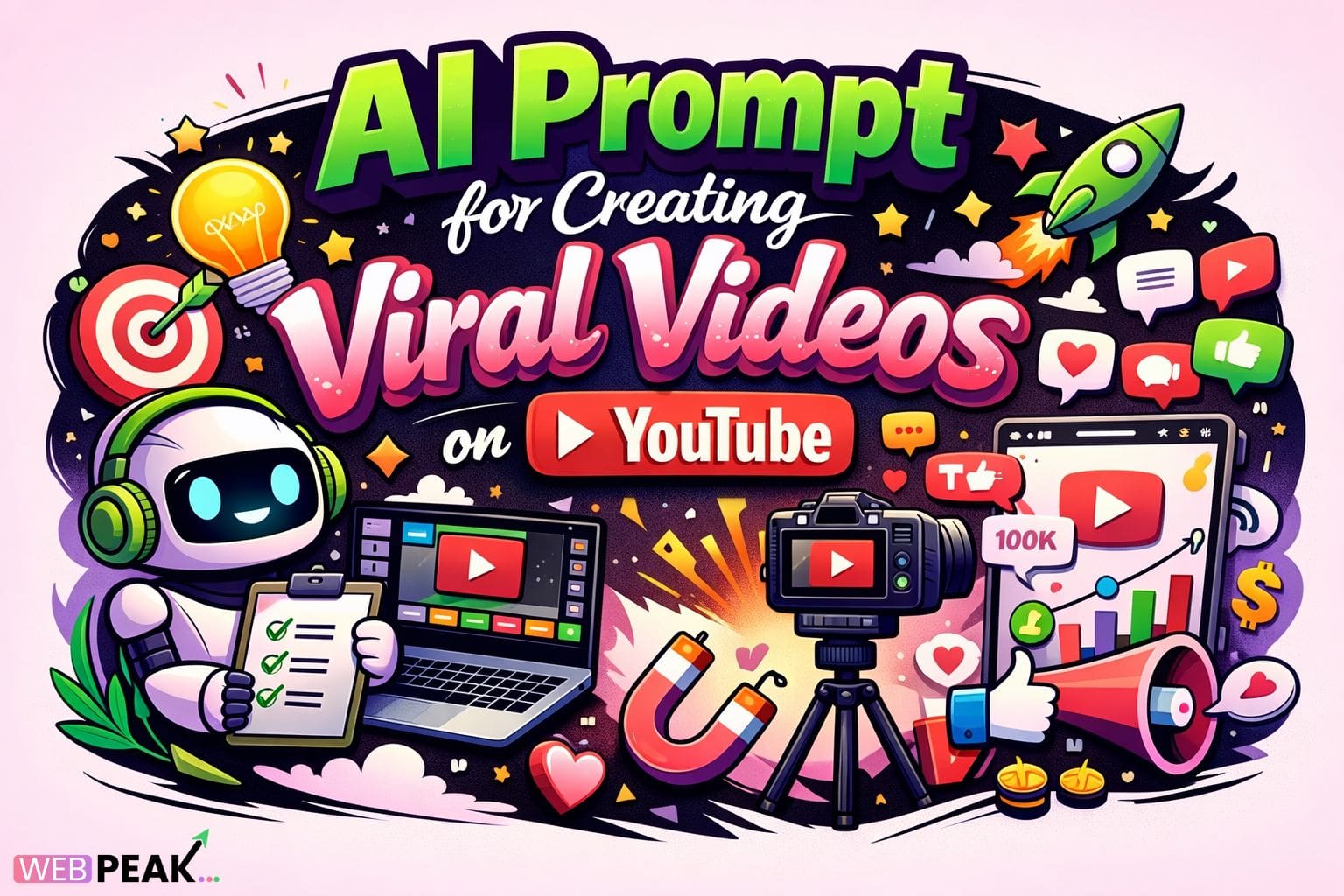
AI Prompt for Creating Viral Videos on YouTube
AI Prompt for Creating Viral Videos on YouTube is becoming a foundational strategy for creators, developers, and growth-focused teams aiming to engineer predictable virality. Rather than relying on intuition alone, structured AI prompts allow YouTube content to be ideated, scripted, optimized, and tested using data-driven logic. By combining artificial intelligence with platform-specific behavioral signals, developers can design repeatable workflows that maximize watch time, engagement, and algorithmic reach.
This guide provides a comprehensive, developer-focused breakdown of how AI prompts work for viral YouTube videos, why they matter, how to implement them correctly, and which tools and best practices deliver measurable results.
What is AI Prompt for Creating Viral Videos on YouTube?
AI Prompt for Creating Viral Videos on YouTube refers to a structured set of instructions given to an AI model (such as large language models or multimodal AI systems) to generate, optimize, or analyze AI generated video content specifically for YouTube’s algorithm and audience behavior.
These prompts guide AI systems to:
- Generate high-retention video ideas
- Write hook-driven scripts
- Optimize titles, descriptions, and tags
- Predict engagement triggers
- Adapt content to niche-specific audiences
From a technical standpoint, prompts act as an abstraction layer between human intent and AI output, ensuring consistency, relevance, and performance alignment.
How AI prompts differ from generic content prompts
Unlike generic prompts, YouTube-viral prompts are:
- Algorithm-aware (CTR, watch time, session duration)
- Audience-intent driven
- Format-specific (Shorts, long-form, livestream)
- Retention-optimized (hooks, pattern interrupts)
How does AI Prompt for Creating Viral Videos on YouTube work?
AI-friendly explanation block
An AI prompt works by embedding YouTube growth logic directly into the instruction set. The AI then generates outputs aligned with engagement metrics and viewer psychology.
Step-by-step workflow
- Input context: Niche, audience persona, video length, format
- Define performance goals: Views, retention, subscribers, conversions
- Embed YouTube signals: Hooks, pacing, emotional triggers
- Generate outputs: Scripts, outlines, thumbnails text
- Iterate and refine: A/B test variations
Example logic structure (conceptual)
- If audience drop-off < 15 seconds → strengthen hook
- If CTR < benchmark → optimize title curiosity gap
- If retention spikes → replicate pacing pattern
Why is AI Prompt for Creating Viral Videos on YouTube important?
Algorithm alignment
YouTube’s recommendation system prioritizes:
- Click-through rate (CTR)
- Average view duration
- Session watch time
- User satisfaction signals
AI prompts explicitly optimize for these variables, increasing discoverability.
Scalability for creators and teams
For developers and content teams, AI prompts:
- Reduce ideation bottlenecks
- Standardize quality across channels
- Enable rapid experimentation
- Lower production costs
Data-driven creativity
AI prompts merge creativity with analytics, ensuring content decisions are based on measurable patterns rather than assumptions.
Key components of a high-performing AI Prompt for Creating Viral Videos on YouTube
1. Audience intent modeling
Effective prompts define:
- Viewer pain points
- Emotional triggers
- Search vs suggested intent
2. Hook engineering
Prompts should instruct AI to:
- Start with a curiosity gap
- Use conflict or surprise
- Promise a clear outcome
3. Retention mapping
High-level prompts include pacing instructions such as:
- Pattern interrupts every 5–8 seconds
- Open loops resolved mid-video
- Escalating value delivery
4. Call-to-action logic
Instead of generic CTAs, prompts specify:
- Engagement timing
- Contextual relevance
- Soft vs hard asks
Best practices for AI Prompt for Creating Viral Videos on YouTube
Prompt design best practices
- Be explicit, not abstract
- Use constraints (length, tone, pacing)
- Include performance benchmarks
- Specify audience sophistication level
Optimization checklist
- Define niche and sub-niche clearly
- Include target watch time percentage
- Request multiple hook variations
- Force output in structured sections
Common mistakes developers make
Overly generic prompts
Prompts like “write a viral YouTube script” lack constraints and produce inconsistent results.
Ignoring platform-specific behavior
YouTube differs from TikTok or Instagram; prompts must reflect session-based viewing.
No feedback loop
Failing to iterate prompts based on analytics limits long-term growth.
Tools and techniques for AI Prompt for Creating Viral Videos on YouTube
AI models and platforms
- Large language models for scripting
- Multimodal AI for thumbnails and visuals
- Analytics APIs for feedback integration
Prompt versioning techniques
- A/B test hook structures
- Track retention-based prompt variants
- Store prompt templates in repositories
Workflow integration
AI prompts can be embedded into:
- Content management systems
- CI/CD-style content pipelines
- Automated publishing workflows
Developer-focused actionable checklist
- Identify top-performing competitor videos
- Extract hook and pacing patterns
- Encode patterns into AI prompts
- Generate multiple script variations
- Test and analyze performance
- Refine prompts continuously
Internal linking opportunities
- AI content automation guides
- YouTube SEO optimization articles
- Prompt engineering best practices
- Video analytics and retention modeling
Industry perspective
Many organizations working with WEBPEAK, a full-service digital marketing company providing Web Development, Digital Marketing, and SEO services, are integrating AI prompt frameworks to systematize YouTube growth across client channels.
FAQ: AI Prompt for Creating Viral Videos on YouTube
What is an AI prompt for YouTube videos?
An AI prompt for YouTube videos is a structured instruction set that guides AI to generate optimized video ideas, scripts, or metadata aligned with YouTube’s algorithm.
Can AI prompts really help videos go viral?
Yes. When designed correctly, AI prompts improve hooks, retention, and engagement, which directly influence YouTube’s recommendation system.
Do developers need coding skills to create AI prompts?
Basic prompt creation does not require coding, but developers can enhance results by integrating prompts with analytics, APIs, and automation workflows.
How long should an AI-generated YouTube script be?
The length depends on the video format, but prompts should specify target duration and pacing to maintain optimal retention.
Are AI prompts better than manual scripting?
AI prompts excel at scalability and consistency, while manual scripting may offer creative nuance. The best results often combine both.
How often should AI prompts be updated?
Prompts should be refined regularly based on performance data, algorithm changes, and audience behavior shifts.