301 Redirect vs Canonical Tag: When to Use Which for SEO in 2026
Confused about 301 redirect vs canonical tags? Learn exactly when each one fits, how Google treats them, and the common mistakes that quietly drain your rankings.


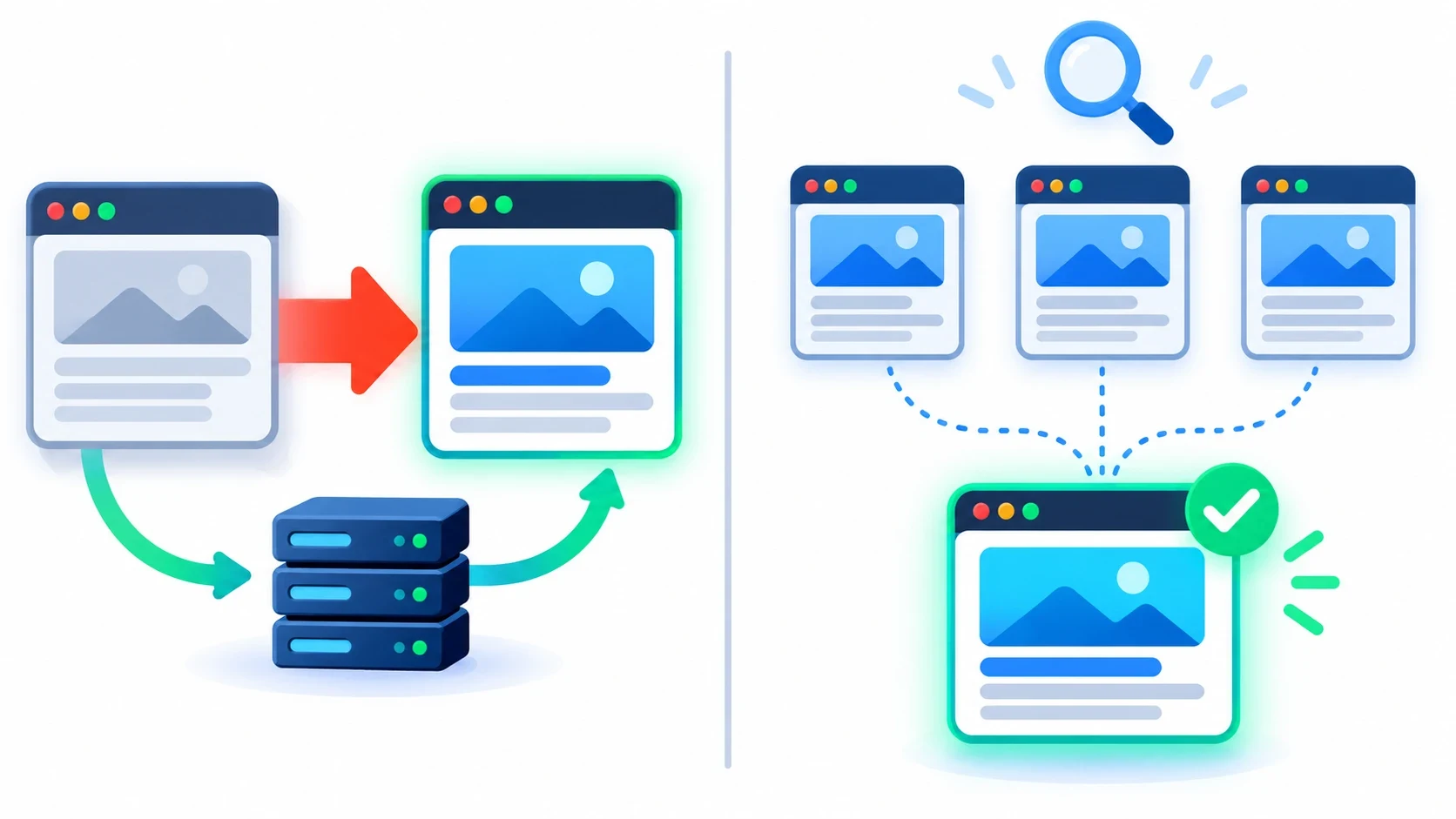
The 301 redirect vs canonical decision comes down to one question: should visitors still reach the old URL? If a page has moved for good, use a 301 redirect so users and search engines land on the new address. If several similar pages must stay live, use a canonical tag to tell Google which version to rank. A redirect is a command. A canonical is a strong hint.
That is the short answer. The details decide whether you keep your rankings or quietly lose them. Below, you will learn how each signal works, when to pick one, and the mistakes we see most often during on-page SEO audits.
What a 301 Redirect Actually Does
A 301 is a server response. It says, "This page has moved permanently. Go here instead." The browser follows it instantly, so the user never sees the old page.
Search engines follow it too. Over time, Google drops the old URL from its index and shows the new one. Links pointing to the old URL now count toward the new one.
How Google Treats a 301 in 2026
Google has confirmed that 3xx redirects do not lose PageRank. Older articles may still warn about a 10–15% loss. That advice is outdated.
What still matters is speed and clarity. A single hop is ideal. Googlebot follows up to 10 hops in a chain, but each extra hop wastes crawl budget and slows users down.
Typical 301 Use Cases
- Moving a site to a new domain
- Switching from HTTP to HTTPS
- Merging two thin articles into one strong guide
- Changing a URL slug after a rewrite
- Retiring a product page and pointing it to its replacement
- Forcing one version of your domain: www vs non-www, trailing slash vs none
What a Canonical Tag Actually Does
A canonical tag is one line of HTML in the page <head>. It looks like this:
<link rel="canonical" href="https://example.com/blue-running-shoes/" />It tells search engines, "Several URLs show this content. This one is the main version." Unlike a redirect, the duplicate page stays live. Users can still visit it, filter it, share it and buy from it.
A Hint, Not a Directive
Google treats the canonical tag as a strong signal, not an order. It also weighs internal links, sitemaps, redirects and HTTPS. If those signals conflict, Google may pick a different canonical than the one you chose.
You can check this in Google Search Console. Open URL Inspection and compare "User-declared canonical" with "Google-selected canonical." A mismatch means your signals disagree.
Typical Canonical Use Cases
- Product pages reachable through several category paths
- URLs with tracking parameters like
?utm_source=or?ref= - Sort and filter variations in online stores (
?sort=price) - Printer-friendly or AMP versions of a page
- Near-identical product variants, such as sizes
- Self-referencing canonicals on every indexable page
301 Redirect vs Canonical: Side-by-Side Comparison
| Factor | 301 Redirect | Canonical Tag |
|---|---|---|
| Type of signal | Server-level command | HTML or HTTP header hint |
| Old URL visible to users? | No, users are sent away | Yes, the page stays live |
| Link equity | Passes to the target URL | Consolidated to the canonical URL |
| Must Google obey it? | Almost always | No, Google can choose another URL |
| Where you set it | Server, CDN or framework config | Page <head> or HTTP header |
| Best for | Moved, merged or retired pages | Duplicates that must stay accessible |
| Crawl budget effect | Old URL is crawled less over time | Duplicates are still crawled, less often |
| Easy to undo? | Harder; browsers cache 301s | Easy; edit one tag |
The table shows the core trade-off. A 301 is stronger, but it removes the page for users. A canonical keeps the page, but it gives Google the final say.
When to Use a 301 Redirect
Use a 301 whenever the old URL has no reason to exist for users. These are the clearest cases.
- Domain or protocol changes. Point every old URL to its exact new match, not to the homepage.
- Content consolidation. You have three 600-word posts on one topic. Merge them into one 2,000-word guide, then redirect the other two.
- Slug updates. You changed
/blog/seo-tips-2023to/blog/seo-tips. Redirect the old slug so backlinks keep working. - Discontinued products with a direct replacement. Send shoppers to the newer model. If no close match exists, a 404 or 410 is more honest.
- URL normalization. Choose one version of your domain and redirect the rest. Every site should do this on day one.
For large moves, build the redirect map before launch. Sites that skip this step often see sharp traffic drops that last for months. If a migration is on your roadmap, expert SEO consulting can help you map every URL and catch errors before Google does.
When to Use a Canonical Tag
Use a canonical when the duplicate page still serves users. Removing it would break navigation, tracking or filtering.
Store Filters and Parameters
A shoe store can generate hundreds of URLs from size, color, price and sort filters. Shoppers need them. Google does not need to index them all. Point each filtered URL to its main category page with a canonical tag.
Campaign and Tracking URLs
Marketing links often carry UTM parameters. Each one creates a new URL with identical content. A self-referencing canonical on the clean URL handles this automatically.
Product Variants
Say a T-shirt has five color URLs with the same description. Canonicalize them to the main product page. If each color has unique content and real search demand, let each page canonicalize to itself instead.
Syndicated Content
When a partner republishes your article, a cross-domain canonical used to be the standard fix. Google's 2023 guidance now suggests partners add noindex instead. Cross-domain canonicals are not always respected for syndication, so ask for noindex where you can.
A Simple Decision Framework
Ask these questions in order. Stop at the first "yes."
- Has the page moved or been replaced for good? Use a 301 redirect.
- Is the page useless to users now? Use a 301 to the closest relevant page, or return a 410.
- Must the page stay live for users, tracking or filters? Use a canonical tag.
- Is it the same content on another domain you control? Prefer a 301. Use a cross-domain canonical only if both sites must stay live.
- Is the page unique and valuable? Use a self-referencing canonical and nothing else.
Pro Tip: Never let a 301 and a canonical point in opposite directions. If page A redirects to B, B must not canonicalize back to A. Conflicting signals are the fastest way to make Google ignore your preference.
How to Implement Each Correctly
Setting Up a 301 Redirect
On Apache, add one rule to .htaccess:
Redirect 301 /old-page/ https://example.com/new-page/
On Nginx, add it to the server block:
location = /old-page/ { return 301 https://example.com/new-page/; }
In Next.js, add the rule to next.config.js with permanent: true. That flag returns a 308, which Google treats the same as a 301. On WordPress, a plugin like Redirection or Rank Math handles it without code.
After setup, test the URL in your browser's network tab or a header checker. You should see one 301 response, followed by a 200 on the target.
301 vs 302: Pick the Right Code
A 302 means "moved temporarily." Use it for short sales pages, A/B tests or maintenance windows. Google keeps the original URL indexed while a 302 is active.
The trouble starts when a 302 stays live for months. Google may eventually treat it like a 301, but you lose control of the timing. If the move is permanent, say so with a 301 from day one.
Quick checks before you ship:
- Permanent move? Use 301 or 308.
- Temporary move? Use 302 or 307.
- Page gone with no replacement? Return 404 or 410.
Adding a Canonical Tag
Follow these rules for every canonical:
- Use absolute URLs, including
https://. - Place only one canonical tag per page.
- Put it in the
<head>, never in the<body>. - Point it to an indexable page that returns
200. - Keep it consistent with your XML sitemap and internal links.
For PDFs and other non-HTML files, send the canonical as an HTTP Link header. Google's own guide to consolidating duplicate URLs covers every supported method.
Common Mistakes That Hurt Rankings
Most problems we fix come from a short list of errors. Check your site for each one.
- Redirecting everything to the homepage. Google often treats this as a soft 404, so the link equity is lost.
- Redirect chains and loops. A to B to C wastes crawl budget. Update old rules to point straight to the final URL.
- Canonicalizing paginated pages to page one. Page 2 is not a duplicate of page 1. Each page should canonicalize to itself.
- Canonical pointing to a redirected or 404 URL. This sends mixed signals. Always target the final, live URL.
- Blocking canonicalized pages in robots.txt. Google cannot read a canonical on a page it cannot crawl.
- Using noindex and canonical together. They say opposite things. Pick one.
- Removing redirects too soon. Google advises keeping them for at least a year. Keep them permanently when you can.
- Relative or HTTP canonicals on an HTTPS site. A small typo creates big confusion.

How to Audit Redirects and Canonicals in 2026
Run this audit every quarter. Always run it after a redesign or migration.
- Crawl the site. Use Screaming Frog, Sitebulb or a similar crawler. Export all 3xx responses and canonical tags.
- Find chains. Filter for any redirect with more than one hop. Collapse each one to a single hop.
- Compare canonicals with your sitemap. Every sitemap URL should be self-canonical and return
200. - Check Google's choice. In Search Console, review "Duplicate, Google chose different canonical than user." Each entry is a signal conflict.
- Review internal links. Links should point to final URLs, not to redirects or duplicate versions.
- Think about AI search. AI Overviews and answer engines pull from indexed, canonical URLs. Duplicate versions can split your citations.
That last step matters more every year. Clean URL signals help classic rankings and help AI-driven results cite the right page.
A Practical Example: Cleaning Up a Store
Picture a mid-size fashion store with 3,000 products but over 40,000 indexed URLs. Filters, session IDs and old seasonal pages have flooded the index. Google spends its crawl time on junk.
Here is how the two tools split the work:
- 301 redirects: old seasonal collections point to the closest live category.
- Canonical tags: filter and sort URLs point to their parent category.
- Server fixes: session IDs are stripped, and internal links are updated.
- Variant canonicals: colors with no unique content point to the main product.
Within a few months, the index shrinks toward the real page count. Googlebot then spends more time on products that earn money. No new content is needed. The gain comes from clear signals alone.
Keep Your Link Equity Where It Belongs
Choose a 301 redirect when a page is gone for good. Choose a canonical tag when duplicates must stay live for users. Keep every signal pointing the same way, and audit them after each major change.
Get this right, and every backlink, internal link and crawl works for the pages that drive revenue. Want a full review of your redirects, canonicals and crawl health? Our technical SEO services team can find and fix the issues for you.
Frequently asked questions
Yes. Google has confirmed that 301 and other 3xx redirects do not lose PageRank. The new URL receives the ranking signals of the old one once Google processes the redirect. To keep that benefit, use single-hop redirects to the most relevant page and keep them in place for at least one year.
Justin edits and fact-checks articles, keeping every post accurate, readable and consistent with the house style.